AI Course Creator. Topic In, Course Out.
Type a topic or upload a document. Get a structured training course with modules, lessons, and assessments. Ready for your LMS.



Your Team Writes Documents. Your Learners Need Courses.
L&D teams sit on piles of SOPs, policy docs, and onboarding guides. Turning those into structured training courses takes weeks with traditional authoring tools. Most of the time, the documents just stay as documents.
- • Upload a document, slide deck, or script and get a structured course with modules, lessons, and assessments
- • AI structures the content into a logical learning path. You edit, rearrange, and add interactivity.
- • Publish to your LMS as SCORM or share via link. Update any lesson without rebuilding the course.
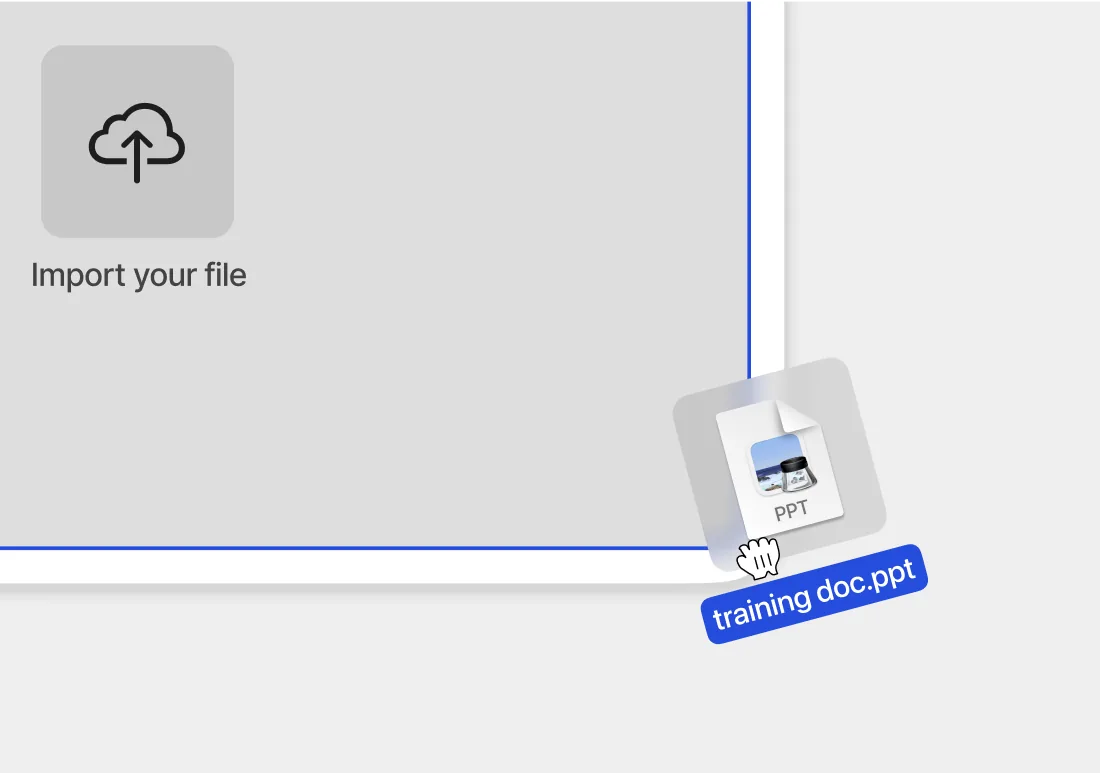
From topic to structured course outline
Video production cost reduction (Sonesta Hotels)
Auto-translated languages supported
What the AI Course Creator Builds
Modules and Lessons
Every course has a logical structure with modules, lessons, and sections. The AI builds this from your content. You rearrange as needed.
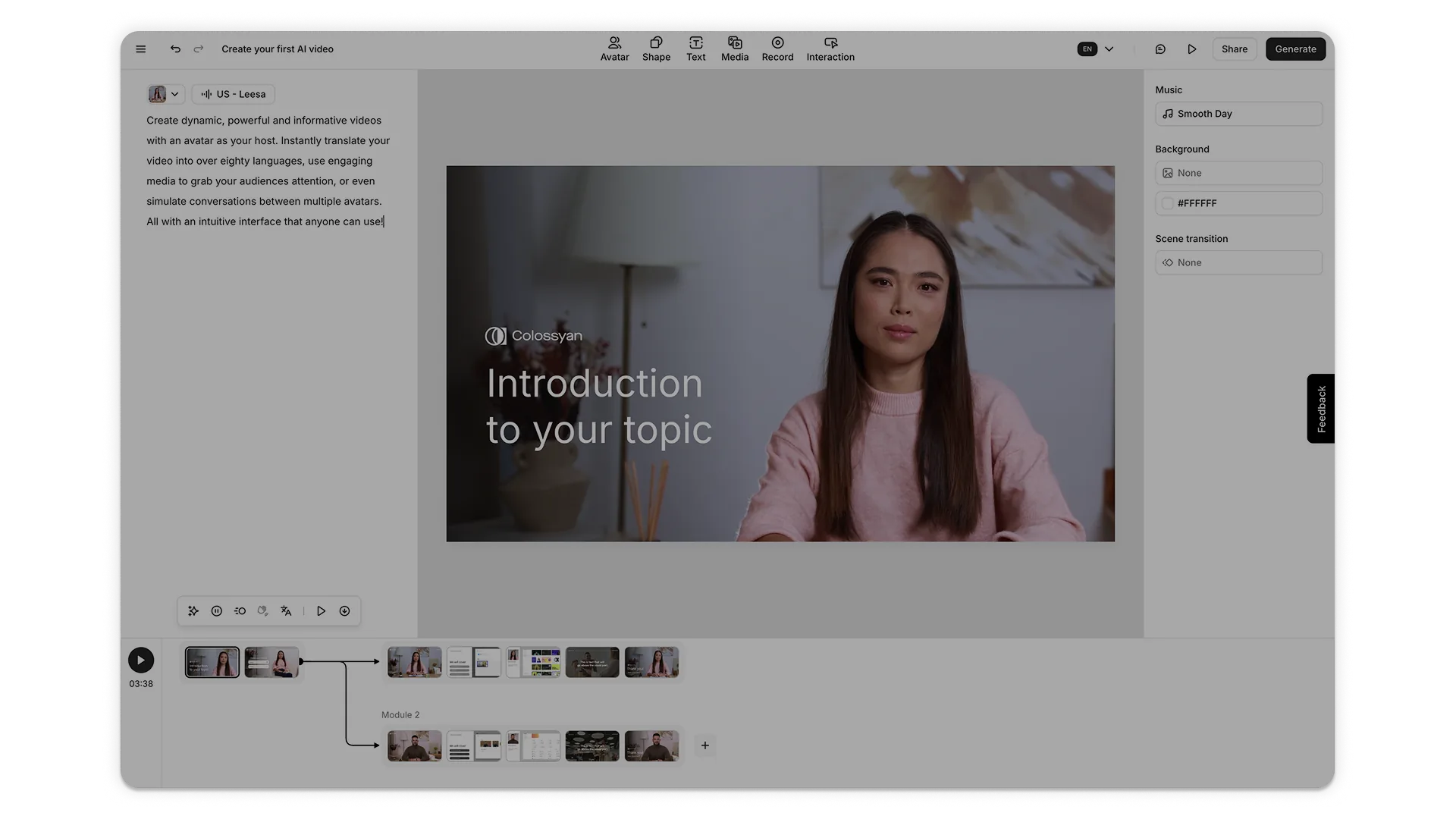
AI Video in Every Lesson
Each lesson includes avatar-led video generated from the course content. Choose from 300+ presenters.
Quizzes and Knowledge Checks
Add in-video quizzes and end-of-module assessments. Scores feed into your LMS via SCORM.
Branching Scenarios
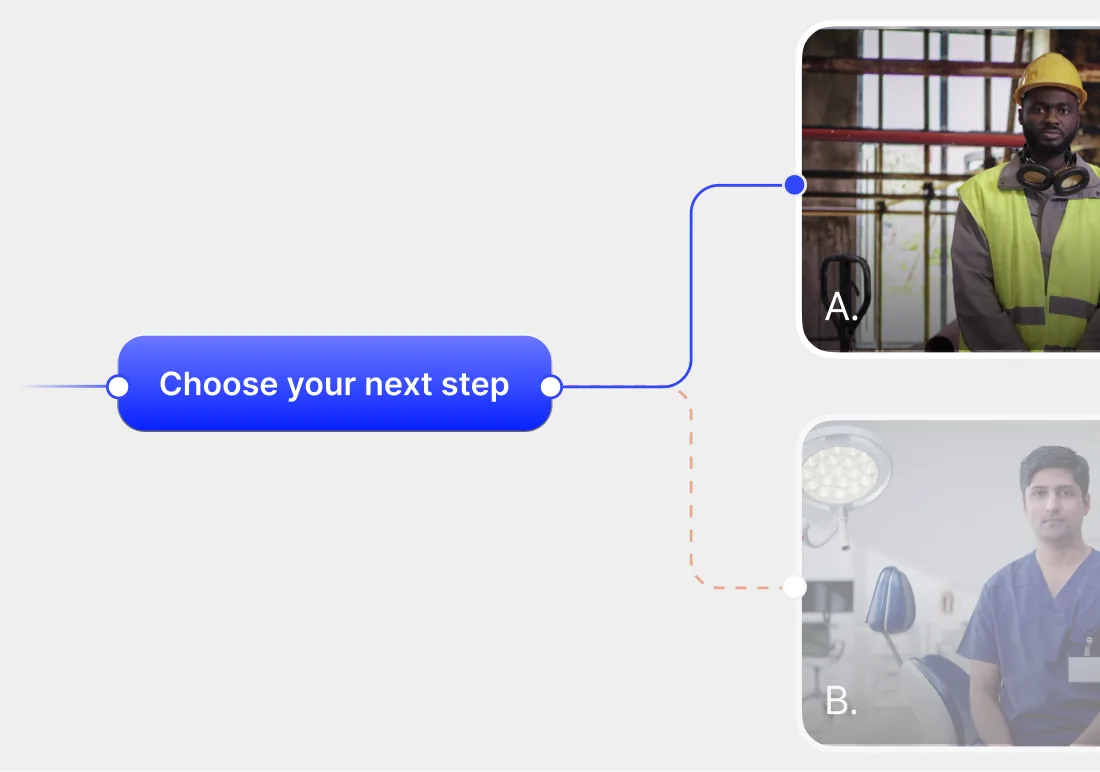
Build training where learners choose their path. Each choice leads to a different outcome, building judgment through practice.
Auto-Translation
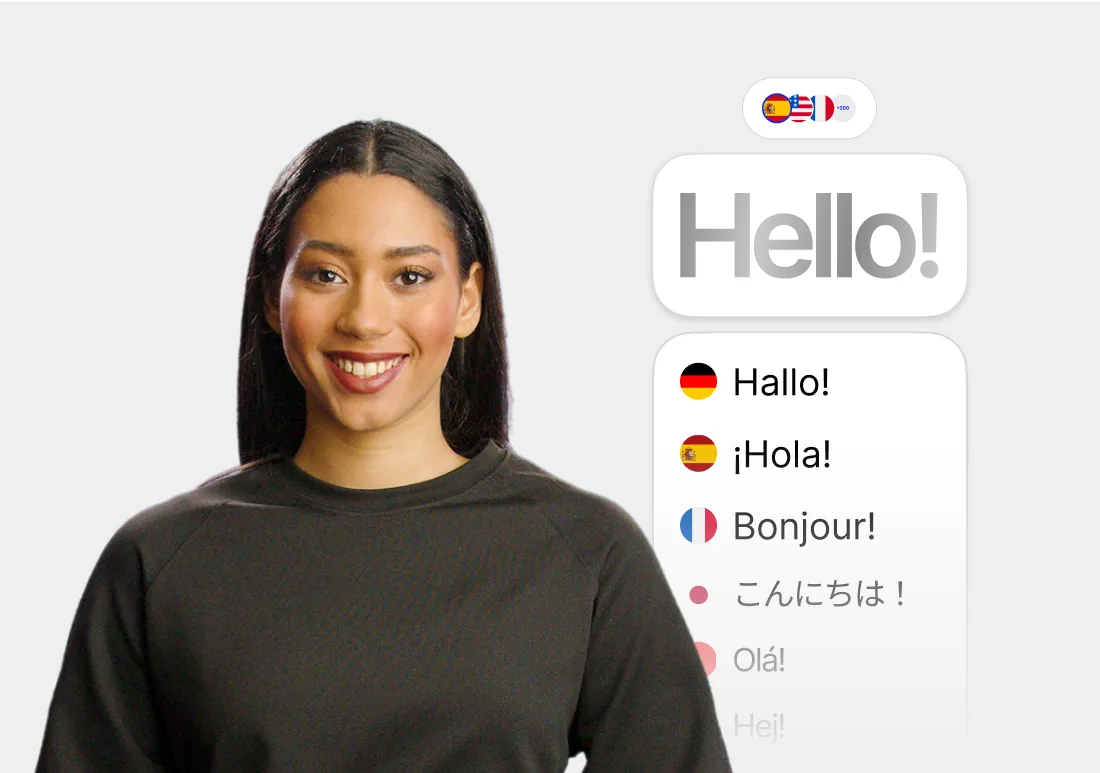
Translate the entire course (video narration, on-screen text, quizzes) into 100+ languages in one workflow.
SCORM Export
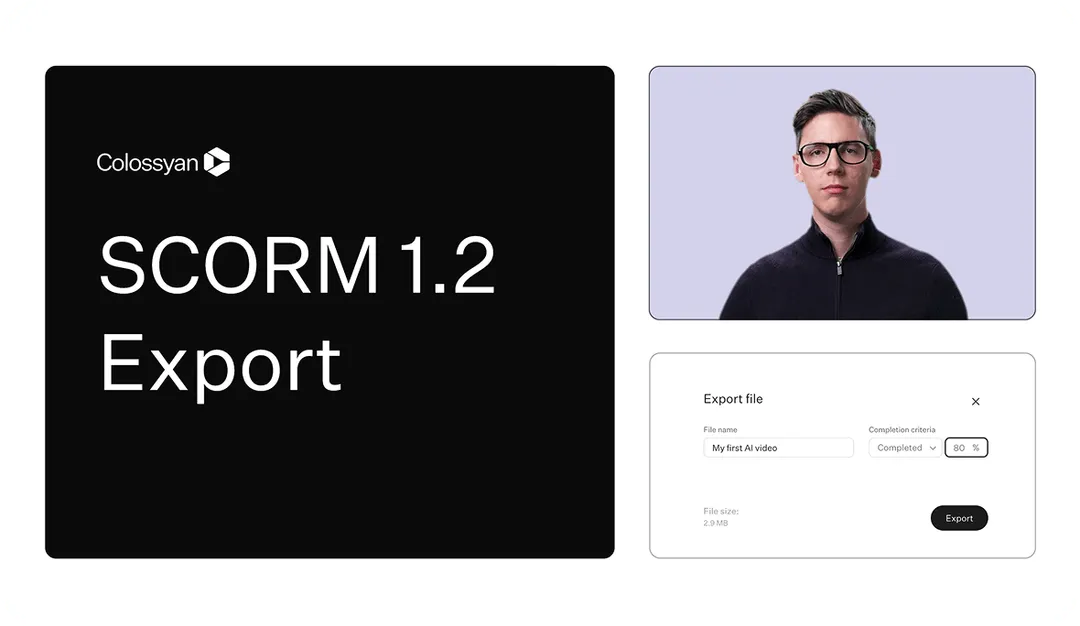
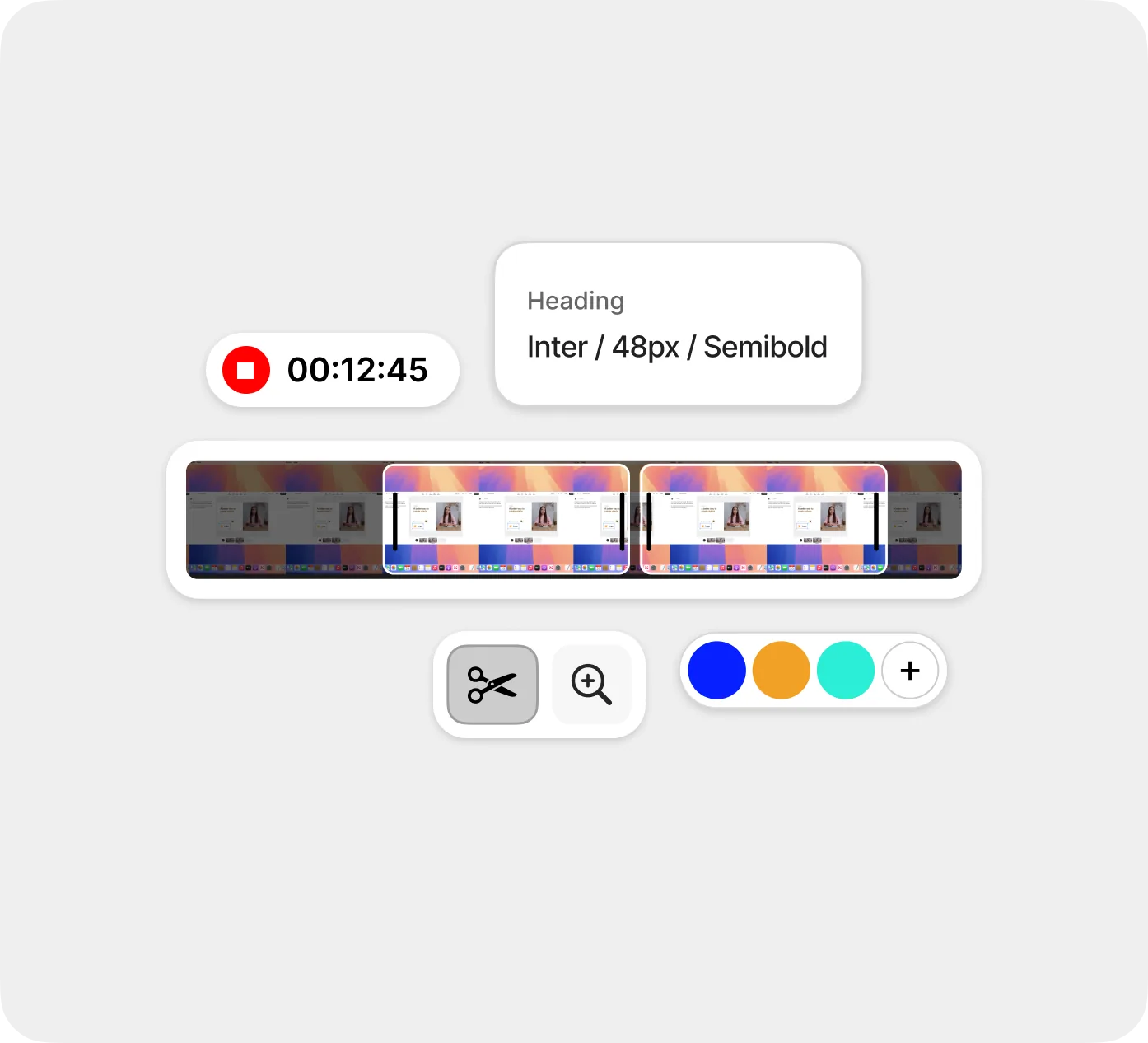
Export the complete course as a SCORM package. Drop it into any LMS and track completion, quiz scores, and time spent.
How the AI Course Creator Works in Three Steps


Traditional Course Authoring vs. Colossyan
See what changes when course authoring and AI video live in one platform.
If your team currently uses separate tools for course structure, video, and translation, Colossyan handles all three in one platform.
Why Teams Choose Colossyan
“The biggest benefit of Colossyan is being able to have training material that never goes obsolete.” Read AmeriSave Mortgage case study


“We’ve been able to replace an average of 10 hours of walkthrough meetings every month by generating a Colossyan video.” Read Paramount Pictures case study


“Colossyan’s technology and its translation capabilities have revolutionized our training processes, especially in a multi-lingual environment like ours.” Read Sonesta case study


Independent security audit passed
EU data protection compliant
G2 rating from 480+ reviews
Frequently Asked Questions
An AI course creator is a tool that generates structured training courses from your existing content. You provide a topic, document, or script, and the AI builds a course with modules, lessons, and assessments. Colossyan adds AI video with 300+ avatars, interactive elements like quizzes and branching scenarios, and auto-translation across 100+ languages.
AI video tools like Synthesia and HeyGen create individual videos. An AI course creator builds complete training programs with structure: modules, lessons, assessments, and learning paths. Colossyan combines both. You get AI-generated video inside a full course authoring environment, with SCORM export for LMS delivery.
Colossyan accepts plain text, Word documents, PowerPoint presentations, PDFs, URLs, and AI prompts. You can also type a topic and let the AI generate a course outline from scratch. The course outline generator is free to use without signup.
Yes. Colossyan courses include interactive video with branching scenarios, quizzes, agents, and scored assessments. Quiz results and completion data pass through to your LMS via SCORM. You can also use the free AI assessment generator to create questionnaires and knowledge checks from your training materials.
Yes. Colossyan exports courses as SCORM 1.2 and SCORM 2004 packages that work with Cornerstone, Docebo, Moodle, TalentLMS, SAP Litmos, and any other SCORM-compatible LMS. SCORM export is available on all plans.
Colossyan supports over 100 languages and accents. You can create a course in English and translate the entire thing (video narration, on-screen text, quizzes, and interactive elements) into any supported language in a single workflow.
Yes. Edit any lesson, swap an avatar, update a script line, or add new content. Changes push live to your LMS without re-exporting or re-uploading the SCORM package. Existing completion data and assessment tracking stay intact.
Colossyan is SOC 2 Type II certified and GDPR compliant, with SAML SSO and enterprise access controls. Customer content is never used to train AI models. Full security documentation is available through our Trust Center.

Build Your First Training Course in Minutes
Type a topic or upload a document. Colossyan generates a structured course with AI video, quizzes, and translations. Free to start.