Create publish-ready training courses.
In days, not months.
Add interactive elements that guide viewers, check understanding, and turn content into action, all inside Colossyan.







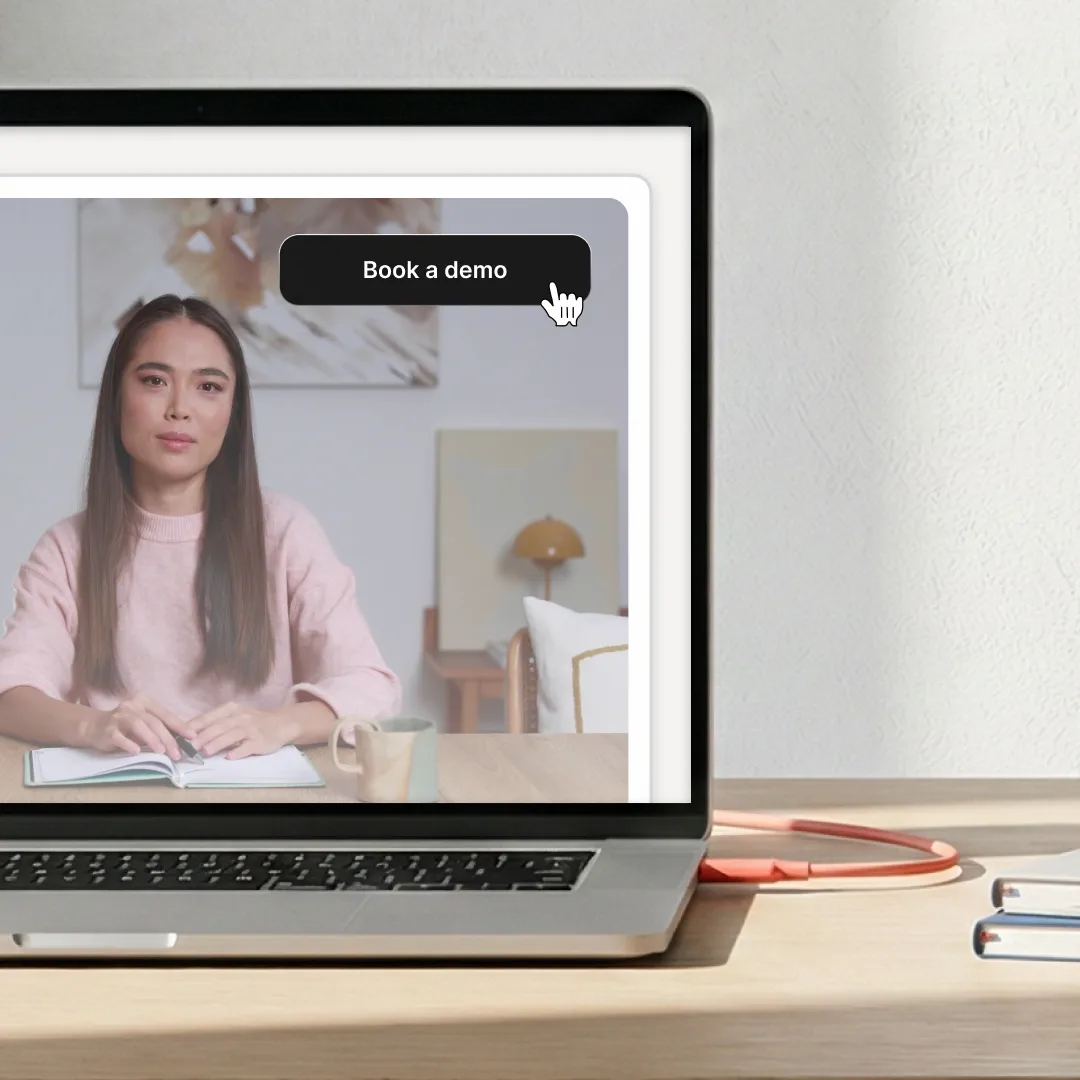
Turn passive viewers into active participants
Stop losing viewers to static content. Add interactive buttons and clickable CTAs that guide users exactly where you want them to go - whether that's booking a demo, exploring your product, or navigating through your training content.
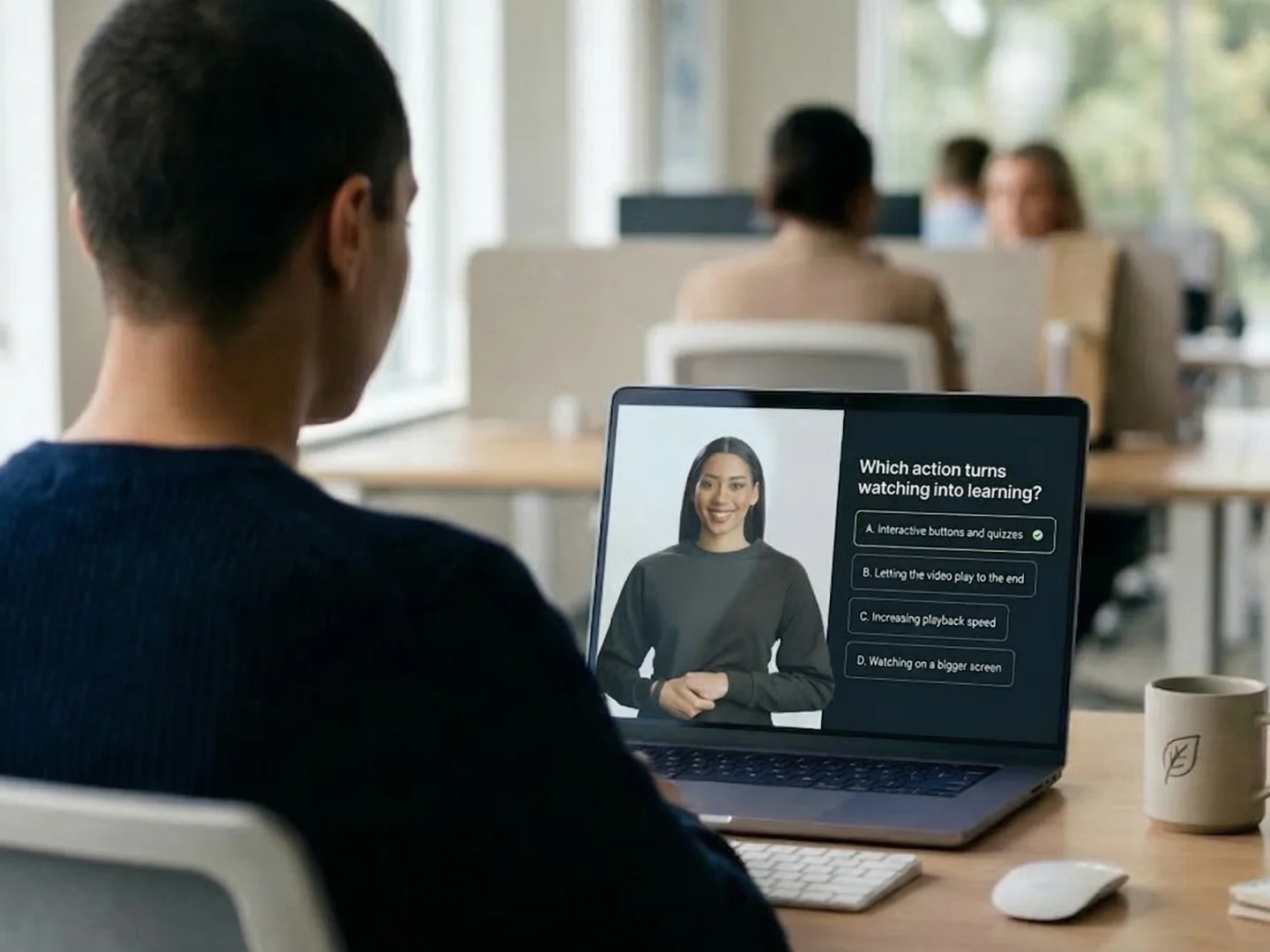
Measure understanding, not just views
Add in-video quizzes to check understanding and use analytics to see how viewers engage, respond, and progress through your content.
Let viewers control their experience
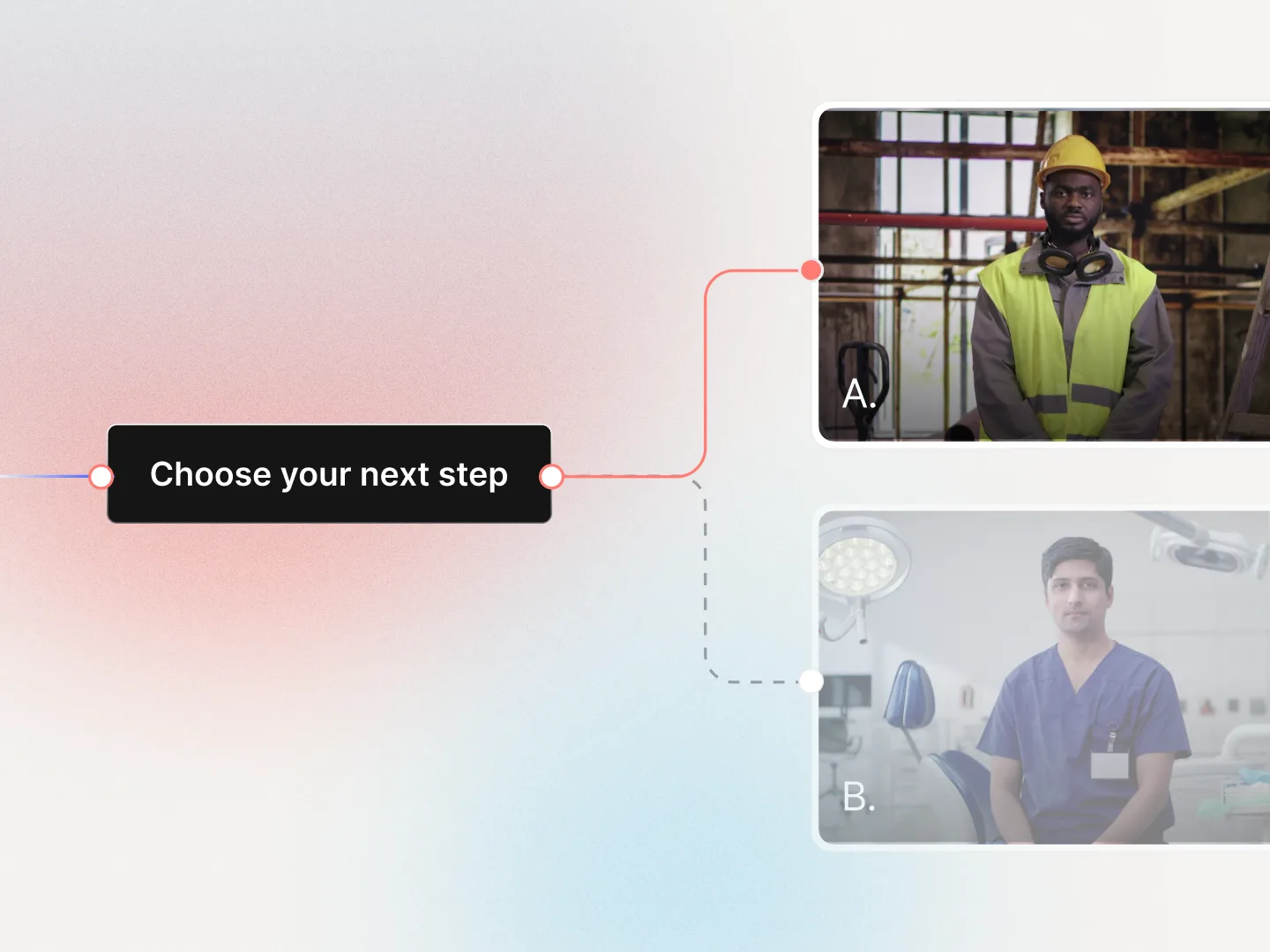
Add jump-to-scene buttons that let viewers skip sections, revisit content, or choose their own learning path. Create non-linear experiences where users navigate based on their needs - not a rigid timeline.
Create fully interactive screen captures and simulations
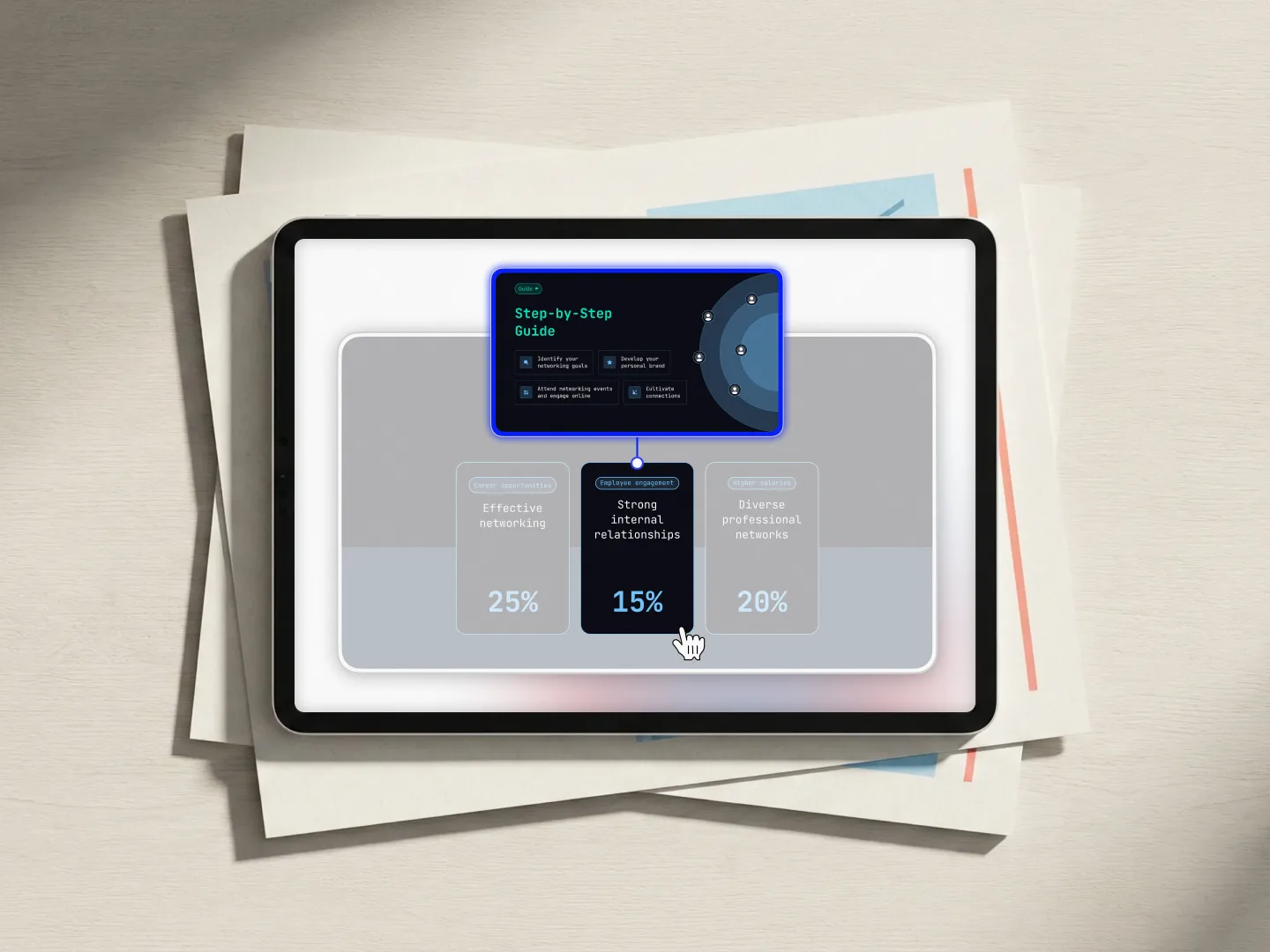
Place invisible buttons over screenshots or screen recordings to build click-through demos and interactive tutorials. Show users the information most important to them by letting them click through each step - no static screenshots required.
Build engaging, interactive videos in minutes

Add buttons anywhere
Place clickable buttons across any scene to guide viewers and prompt timely action.

Open external URLs
Direct viewers to pages, docs, booking links, or next steps outside the video experience.

Navigate between scenes
Let viewers jump between scenes, choose learning paths, and control their viewing flow.

Add quizzes
Check understanding with in-video questions that reinforce learning and active participation.

Video analytics
Track clicks, completions, and quiz results to better understand viewer engagement patterns.

SCORM export
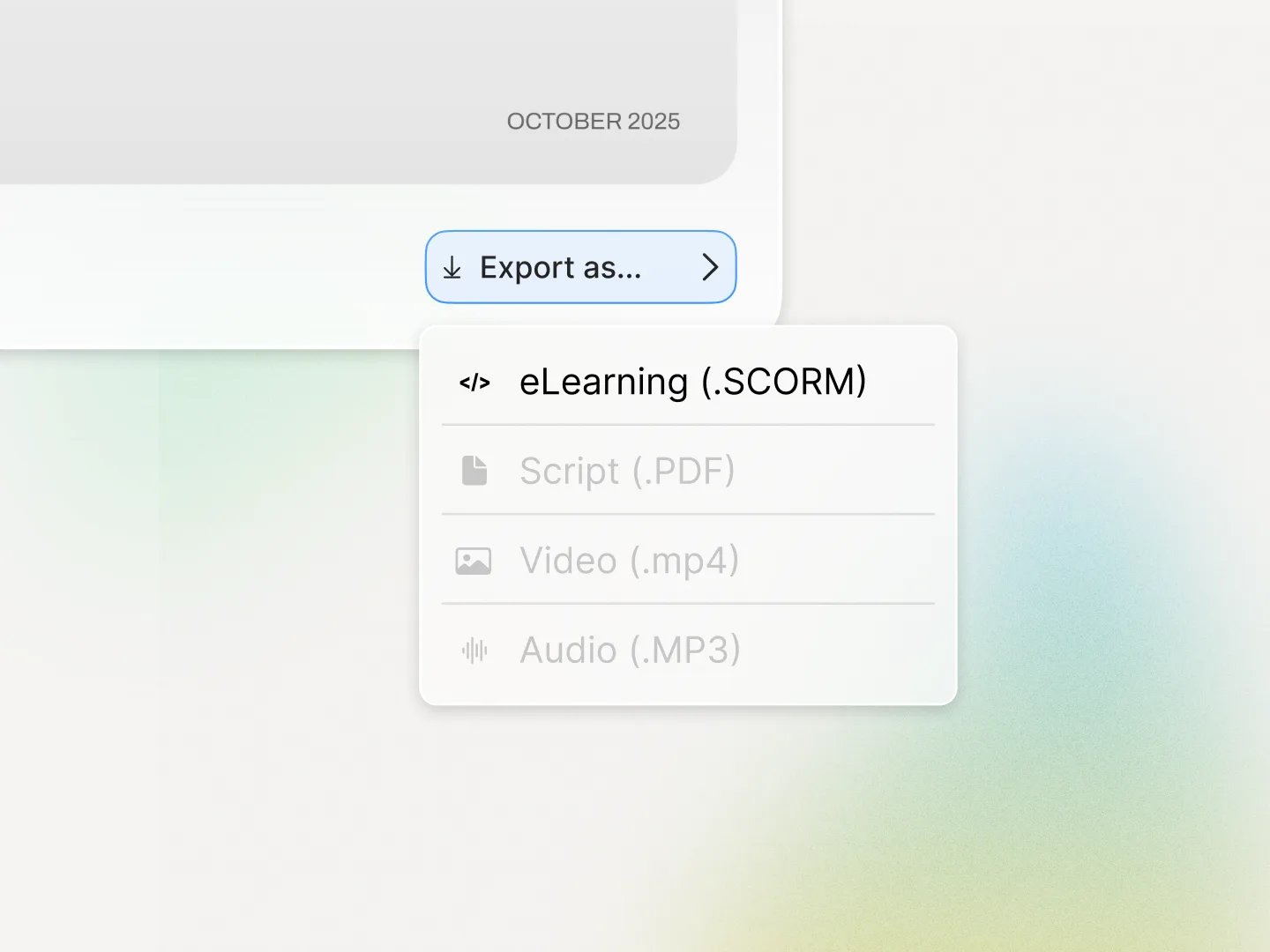
Export interactive videos to your LMS to track progress, completion, and learner outcomes.
Easily add interactive videos to your LMS
Use Colossyan with any SCORM-compliant learning platform. Export AI videos as SCORM 1.2 or SCORM 2004 (4th edition), and save learner progress with SCORM bookmarking so viewers can pick up where they left off.
See what you can create
Sales enablement
Turn product videos into conversion machines. Add "Request Demo," "Get Pricing," or "Contact Sales" buttons directly in your pitch videos - guide prospects from interest to action instantly.
Interactive training
Create choose-your-own-path learning experiences. Let employees navigate the sections they need, skip content they've mastered, check understanding with quizzes, or revisit complex topics.
Product demos
Build interactive product walkthroughs where viewers click through each feature step-by-step. Show exactly how your product works with click-through screen captures that feel like the real thing.
Customer education
Guide customers to support resources, documentation, or next steps with strategically placed buttons. Turn every help video into a navigation hub for your knowledge base.
Rated #1 on G2 for AI Video Generation




Training content that never goes obsolete
The ease of content update and cost savings are remarkable. Colossyan's AI technology and its translation capabilities have revolutionized our training processes, especially in a multi-lingual environment like ours.

Cutting-edge AI for new hire training
The AI technology they've built into their software is truly cutting-edge and has significantly improved our new hire training program productivity.

Like extending our team
Working with Colossyan feels like we have extended our team. The ease of using Colossyan Creator to create engaging learning materials has been a game changer.

90% video production cost reduction
With Colossyan, we were able to cut around 90% of our video production costs. We chose Colossyan because we liked their company culture and the quality of their product.

We Have Partnered With Colossyan!
Colossyan Creator is a cost-effective, user-friendly tool that allows our global team to produce interactive, multilingual training videos in just minutes. While there is a minor initial learning curve, the platform's ability to scale professional content across 80+ languages has made it an essential partner for our enterprise.

Frequently asked questions
Simply open the Interaction menu in our editor, select "Action Button," and drop it anywhere in your video. Customize the appearance, set your action (URL or scene jump), and you're done - no technical skills required.
Yes. Add as many action buttons as you need throughout your video. Use them for navigation, multiple CTAs, or building complex interactive experiences.
Action buttons can open any URL in a new tab (perfect for CTAs and external links) or jump to different scenes within your video (great for navigation and non-linear content).
Absolutely. Customize colors, fonts, button size, rounded corners, shadows, stroke, opacity, and more. You can also apply your brand kit for consistent styling across all videos.
Invisible buttons are perfect for creating interactive screen captures and click-through demos. Place them over screenshots or recordings to build realistic product walkthroughs where users click through each step.
Yes. When you export with SCORM or use our analytics features, you can track viewer interactions including button clicks, helping you understand engagement and optimize your content.
Yes. Action buttons maintain their functionality across all translated versions of your videos, making it easy to create interactive experiences in multiple languages.

Get started today for free
No credit card required: simply go into the editor, and try out AI video completely free for 14 days. Start creating effective video content now.