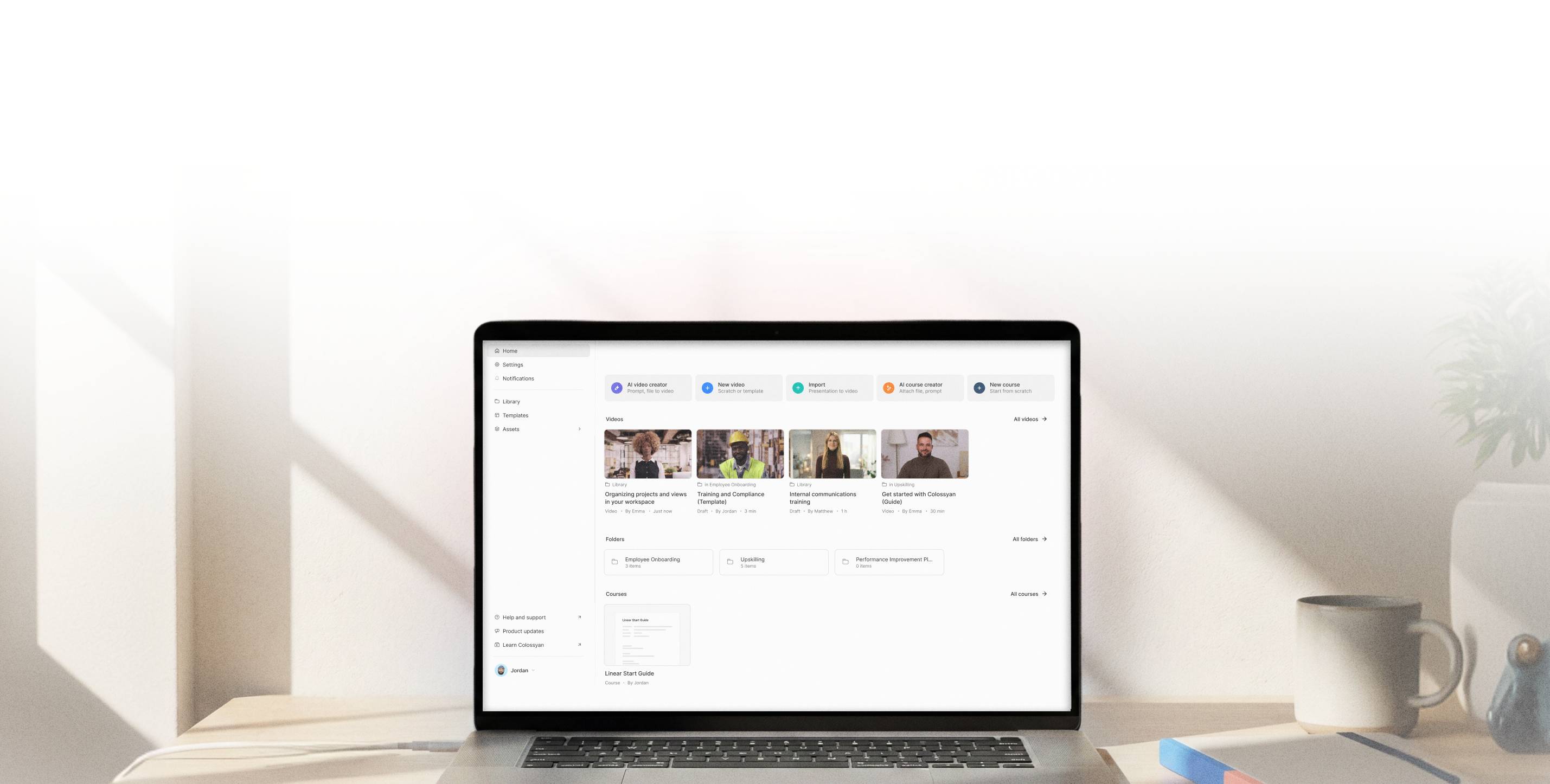
Create publish-ready training courses. In days, not months.
Start from a document, a brief, or a blank canvas. Generate structured lessons with AI video, text, and assessments, then export to your LMS in one flow.





Training is built with tools that were never meant to work together.


Scattered sources
Training content lives in documents, slides, and SME expertise that must be manually turned into courses.
Too many tools
Video, authoring, and publishing happen across different systems and workflows.
Impossible maintenance
When something changes, teams must reopen files, adjust modules, and republish training.
From idea or document to structured course in 4 steps
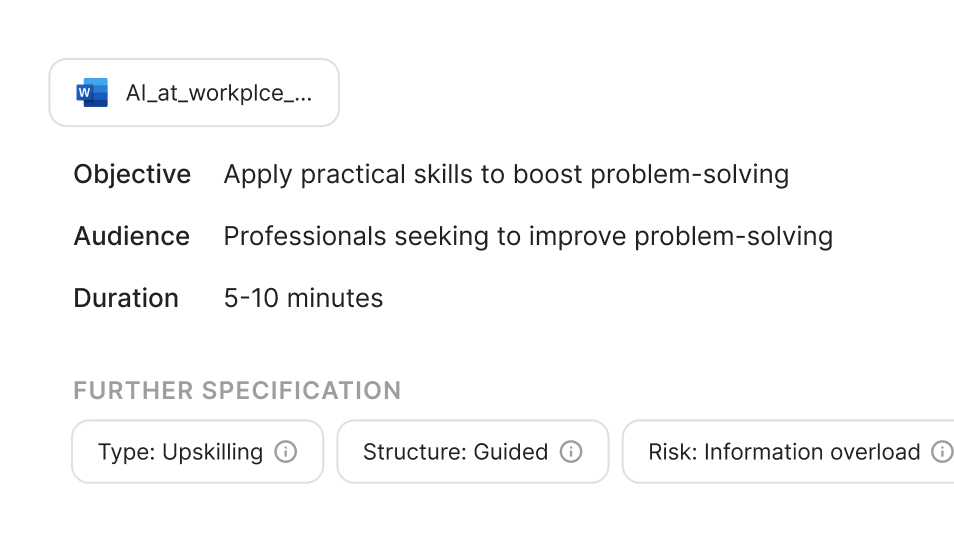
Start from what you have
Begin with a topic, a short brief, or upload an existing document. Colossyan Learn generates a structured course outline with lessons and modules you can refine before building the full course.

Build your course structure
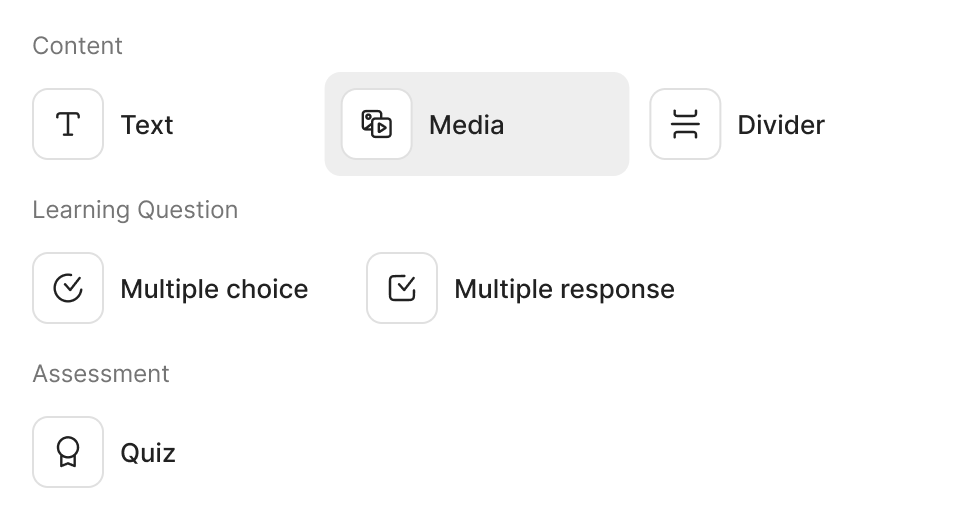
Turn your outline into a complete course with pages and lessons. Colossyan automatically adds supporting content such as visuals, media, and assessments. Edit, replace, or refine anything to match your goals.
Add AI video to your lessons
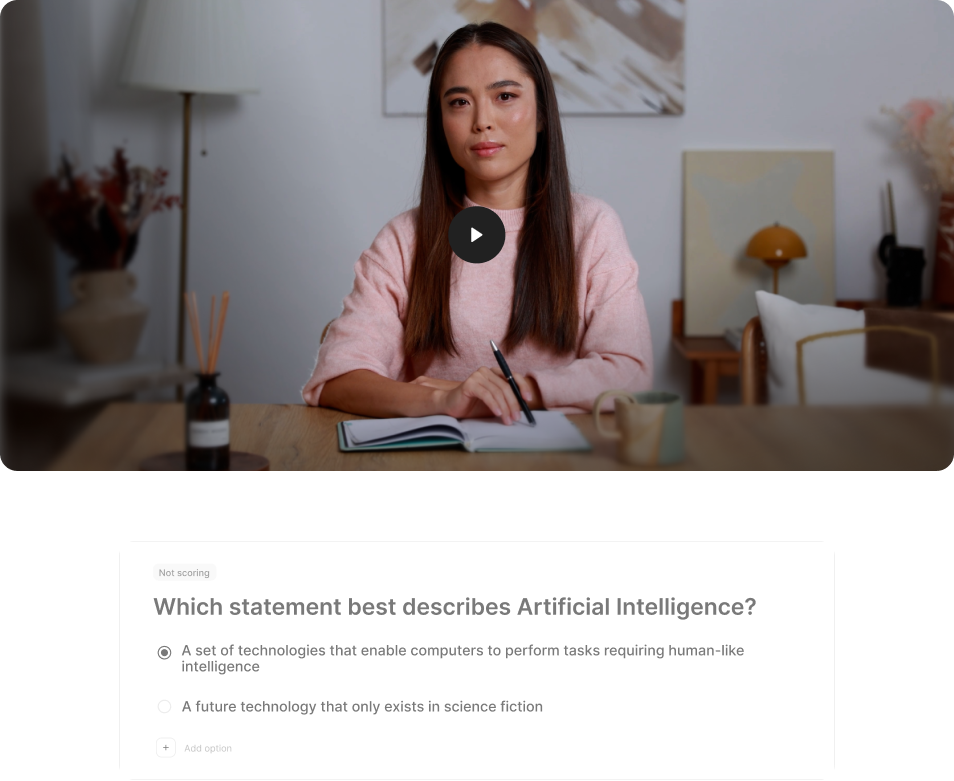
Generate realistic video narration directly inside your course. Create multiple videos across lessons without switching tools or managing production workflows.
Export and launch in your LMS
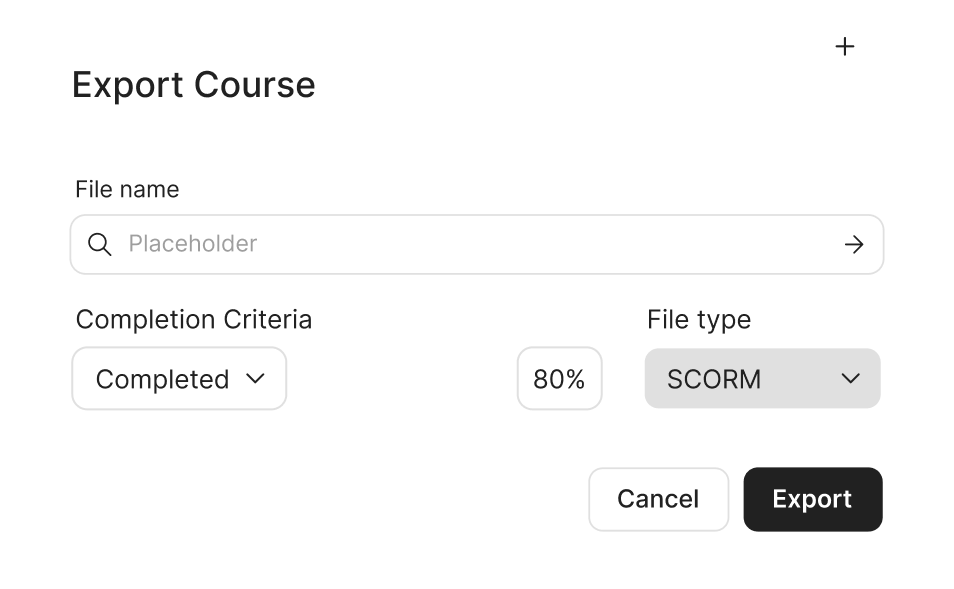
Publish your course as a SCORM package compatible with all major LMS platforms. Your training is ready to launch and easy to update when things change.
Build video-led courses inside one system
Creating and scaling knowledge experiences should not trigger months of security reviews, extra vendors, or blocked rollouts. Colossyan is designed to meet enterprise standards without adding friction to how teams work.

Structured micro-courses
Turn a document, brief, or topic into a structured multi-lesson course.

Built-in AI video production
Create and manage multiple AI video scenes directly inside your course workflow.

Visuals, media, and assessments
Add supporting visuals, rich text, media, and assessments to build engaging lessons.

Apply your branding
Use brand kits to apply your organisation's visual identity across your courses.

SCORM export to your LMS
Publish courses as SCORM packages compatible with all major LMS platforms.

Reusable course generation (Coming soon)
Generate new courses from existing materials across your library.

Intelligent course maintenance (Coming soon)
Detect changes in source knowledge and keep training up to date without rebuilding.

Collaboration and localisation at scale (Coming soon)
Enable review workflows, multi-author collaboration, and consistent localisation.
Realistic and customizable AI voices

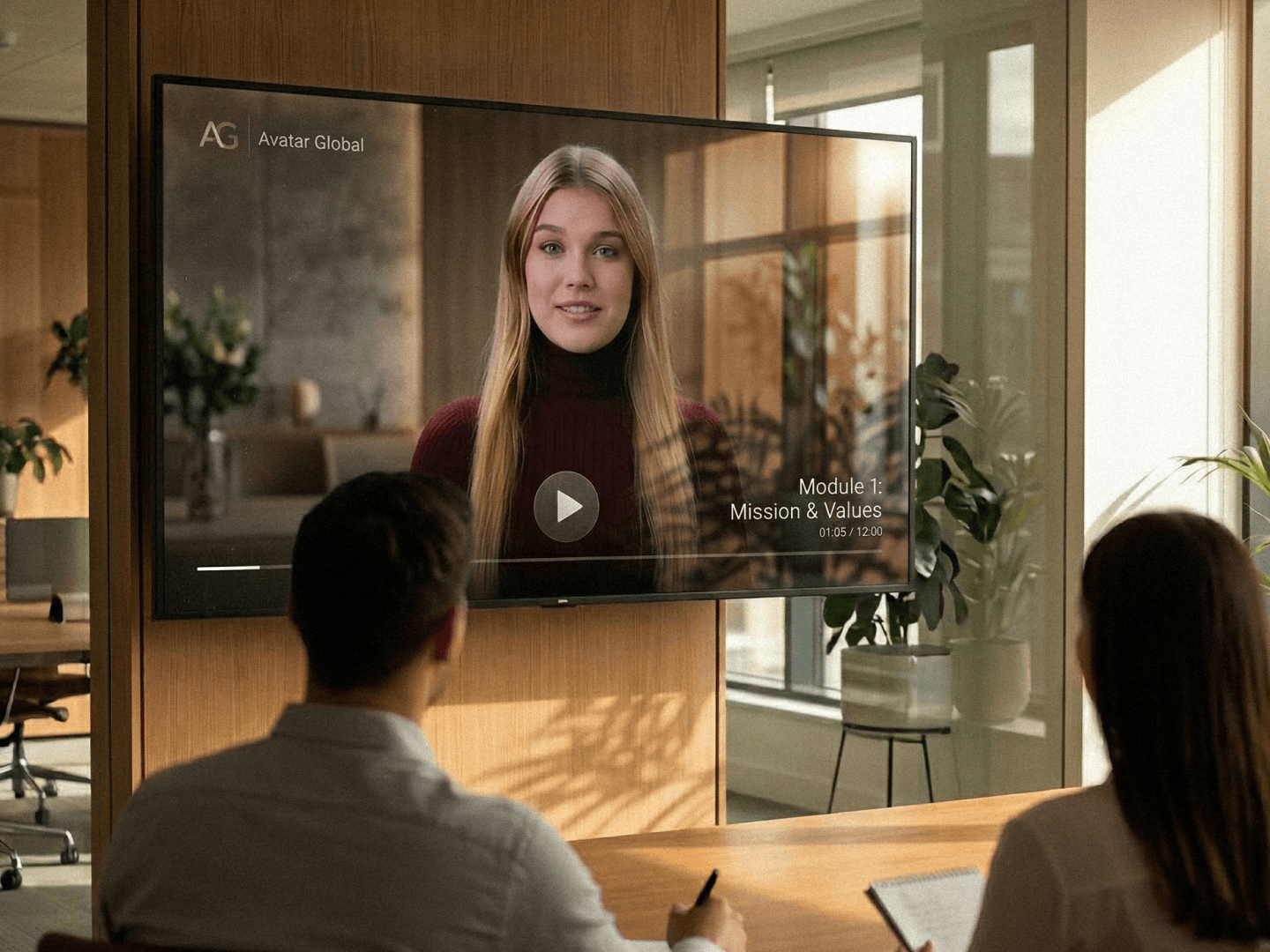
Structured onboarding programs
Transform internal materials into structured, video-led onboarding pathways with clear lessons and assessments. Create consistent learning experiences across regions and teams, while keeping content easy to update as roles and processes evolve.
Product and capability enablement
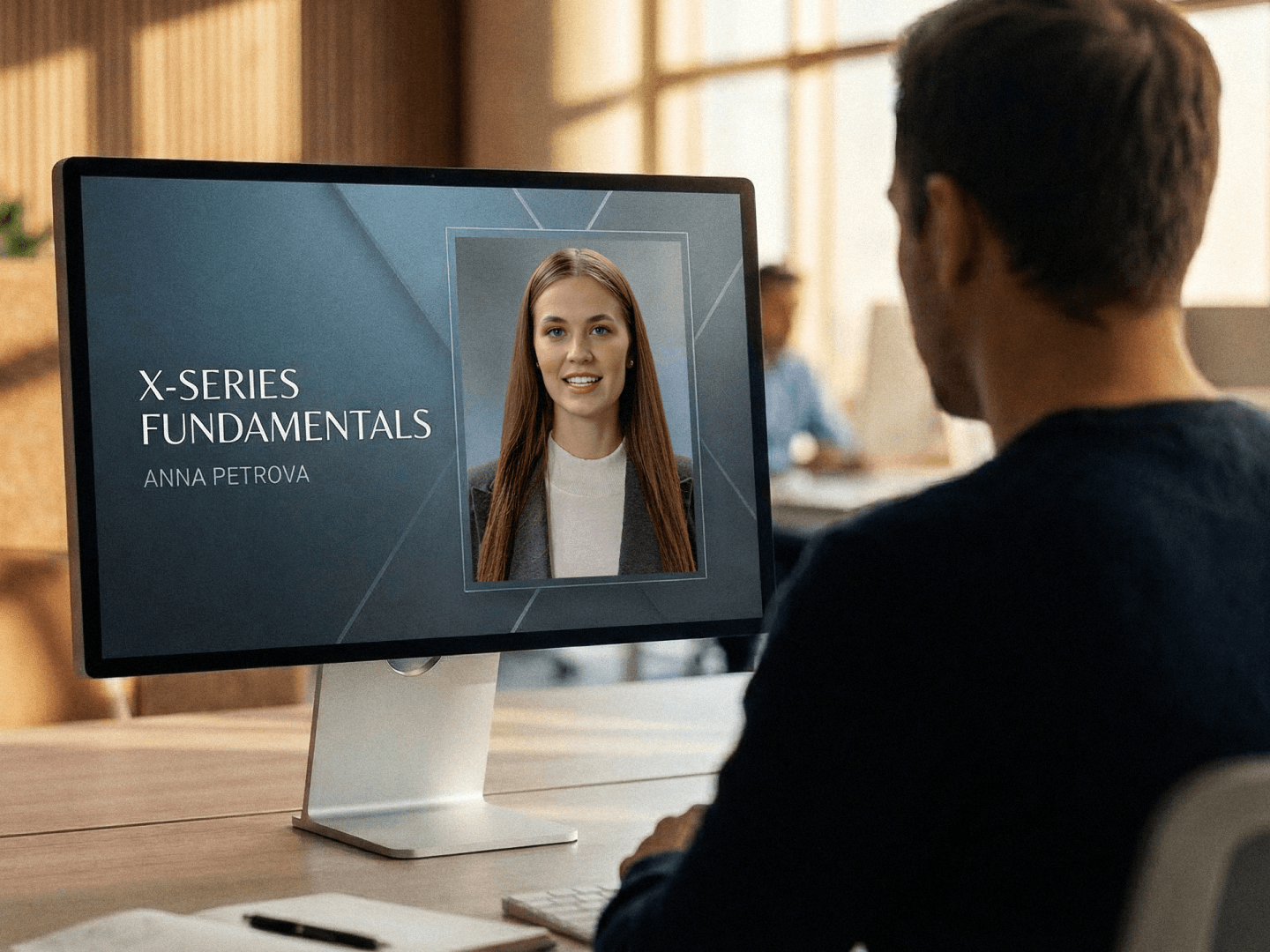
Convert product documentation and subject-matter expertise into structured learning modules that combine video, text, and quizzes. Help employees build confidence in systems and tools without relying on repeated live sessions or manual walkthroughs.
Compliance and continuous training
Turn policies and regulatory content into structured micro-courses designed for clarity and accountability. Publish to your LMS, update when requirements change, and maintain consistency across your organisation.

Sales enablement
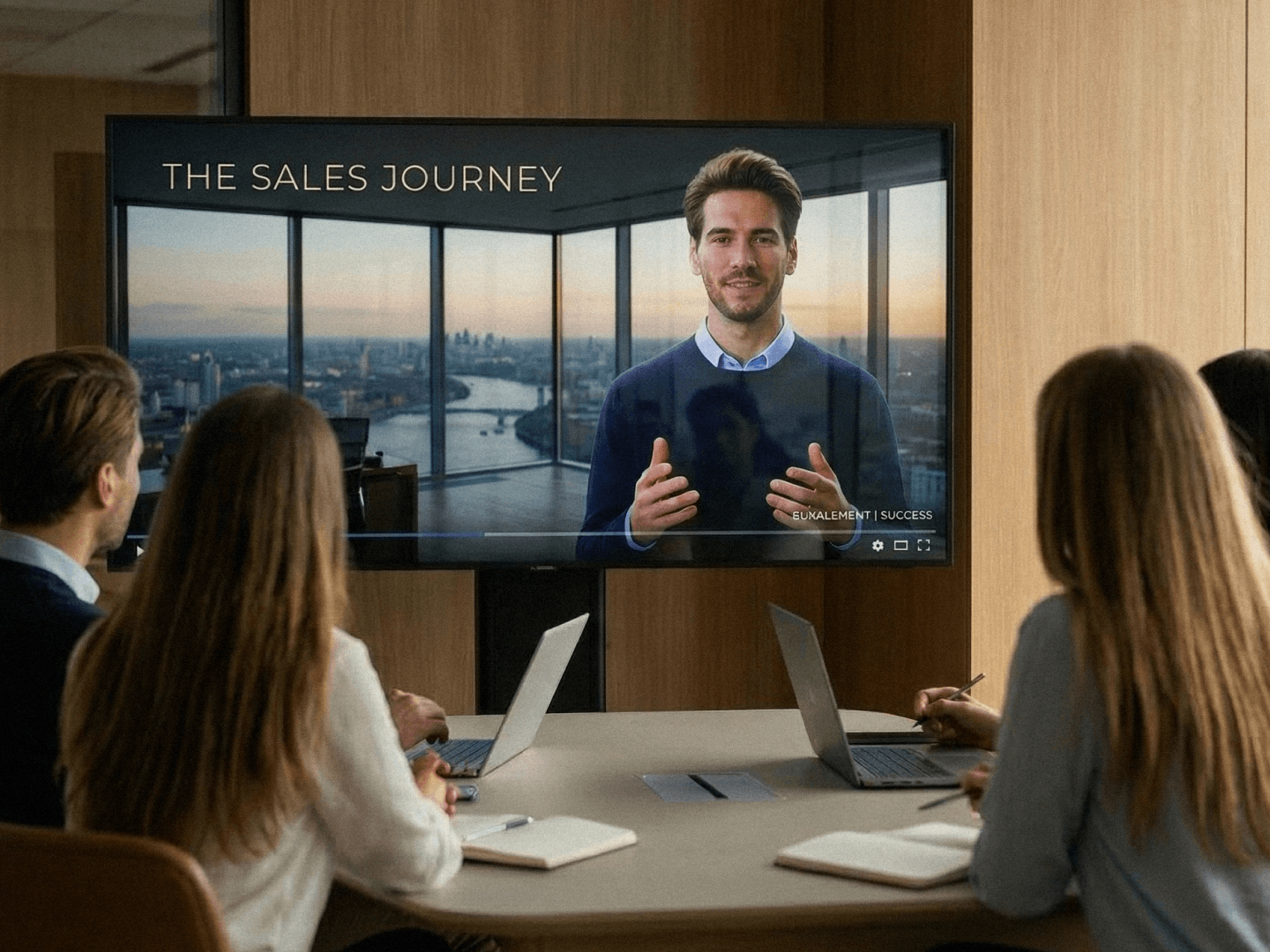
With Colossyan Learn, enablement teams can turn product briefs, battlecards, and launch materials into structured, video-led training. Update messaging quickly and keep every rep aligned without restarting production every quarter.
Before you ask
No. Learn creates courses and exports them as SCORM packages that plug into your existing LMS. It replaces your authoring and video production tools, not your delivery system. Teams use it alongside platforms like Cornerstone, SAP SuccessFactors, or any LMS that accepts SCORM to build onboarding and compliance content.
Articulate is built for manual course authoring where you design each slide by hand. Colossyan Learn starts from your existing content, whether that is a document, brief, or topic description, and generates structured courses with AI video, text, and assessments. The difference is speed: what takes days in Articulate takes hours in Learn, and updates are just as fast because you edit the source, not individual slides.
The video editor creates standalone AI videos. Learn creates structured training courses where video is one element alongside text, assessments, and learning paths. Think of it this way: the video editor produces a single video, Learn produces a complete course with multiple lessons, each with its own video, supporting content, and knowledge checks.
Upload a document (PDF, Word, PowerPoint), paste text from a brief or knowledge base article, or describe your topic and let Learn generate the outline. You can also start from existing templates built for compliance training and onboarding.
Yes. Each lesson in a course can include its own AI video featuring any of our 300+ AI avatars. A typical micro-course might have 3-7 lessons, each with a video presenter, supporting text, and a knowledge check. You can also add interactive elements like branching scenarios within individual lessons.
Collaboration and approval workflows are on the roadmap. Today, courses are created by individual authors. Teams working together typically assign different courses to different authors, then review each other's output before publishing.
100+ languages and accents. You create a course once and localize the narration, on-screen text, and assessments in a single workflow. The AI avatars lip-sync to each language, so the output looks native rather than dubbed.
Yes. The free plan includes all creation features with up to 6 active courses. No credit card required. SCORM export and additional course capacity require a paid plan. You can also book a demo if you want a guided walkthrough before starting.
Open the course, edit the lesson that needs updating. Change the text, update the script, swap an avatar, or adjust the assessment questions. The AI video regenerates for that lesson only, so you don't have to rebuild the entire course. This is one of the main advantages over traditional authoring tools where updates often mean starting from scratch.
Colossyan is SOC 2 Type II certified. Enterprise plans include data residency options and SSO/SAML. All content is encrypted in transit and at rest. For teams in regulated industries, we also support custom data processing agreements.
Course import from other authoring tools is on the roadmap. Today, you can upload the source documents that your existing courses were based on and use them as starting points for new courses in Learn. Most teams find rebuilding from source documents takes a few hours per course, which is faster than manually migrating slide-by-slide.
Time to replace your training stack with one platform.