Drop a link. Get a video your team can edit.
Paste any URL from a blog post, a handbook page, or an internal wiki. Approve every scene before anything renders.







- Respect
- Honesty
- Inclusion

 wiki.acme.com/code-of-conduct
What training leads tell us after trying URL-to-video tools.
The page's actual visuals, charts, and brand never make it to the video. Generic stock takes over.
Pages are live documents. Once rendered, the video stops tracking the source. No signal shows what drifted.
Render is the first reviewable output. There is no plan to review before render, so every edit means starting over.
Cut on video production costs (Mentor Group, on G2)
Languages supported with lip-synced delivery
AI avatars to deliver your URL content
Locked render vs editable scene plan.
Same URL in. Different relationship with the output.
URLs other teams turned into shipped video.
Onboarding, security, healthcare, compliance. Four real outputs.
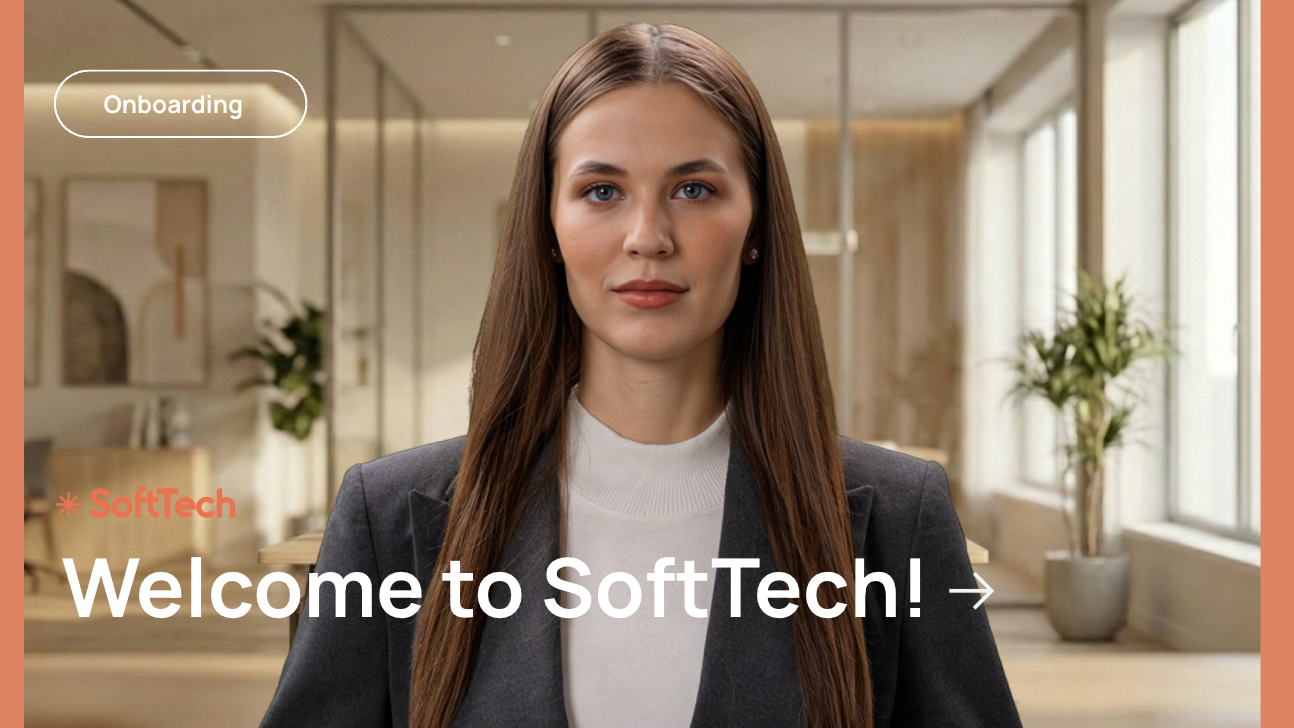
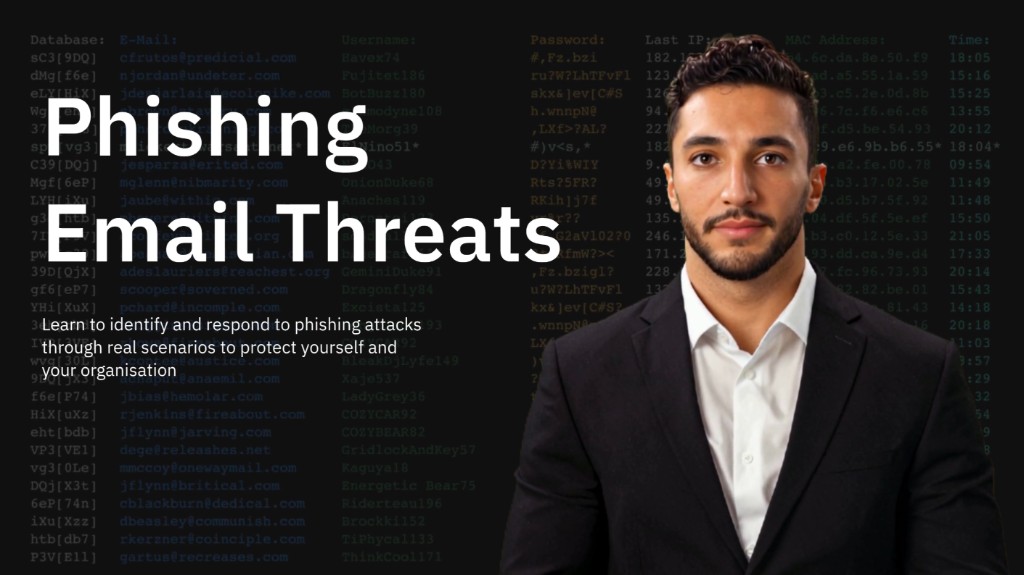


From a URL to an editable video plan in minutes.
Four capabilities, built around your URL.
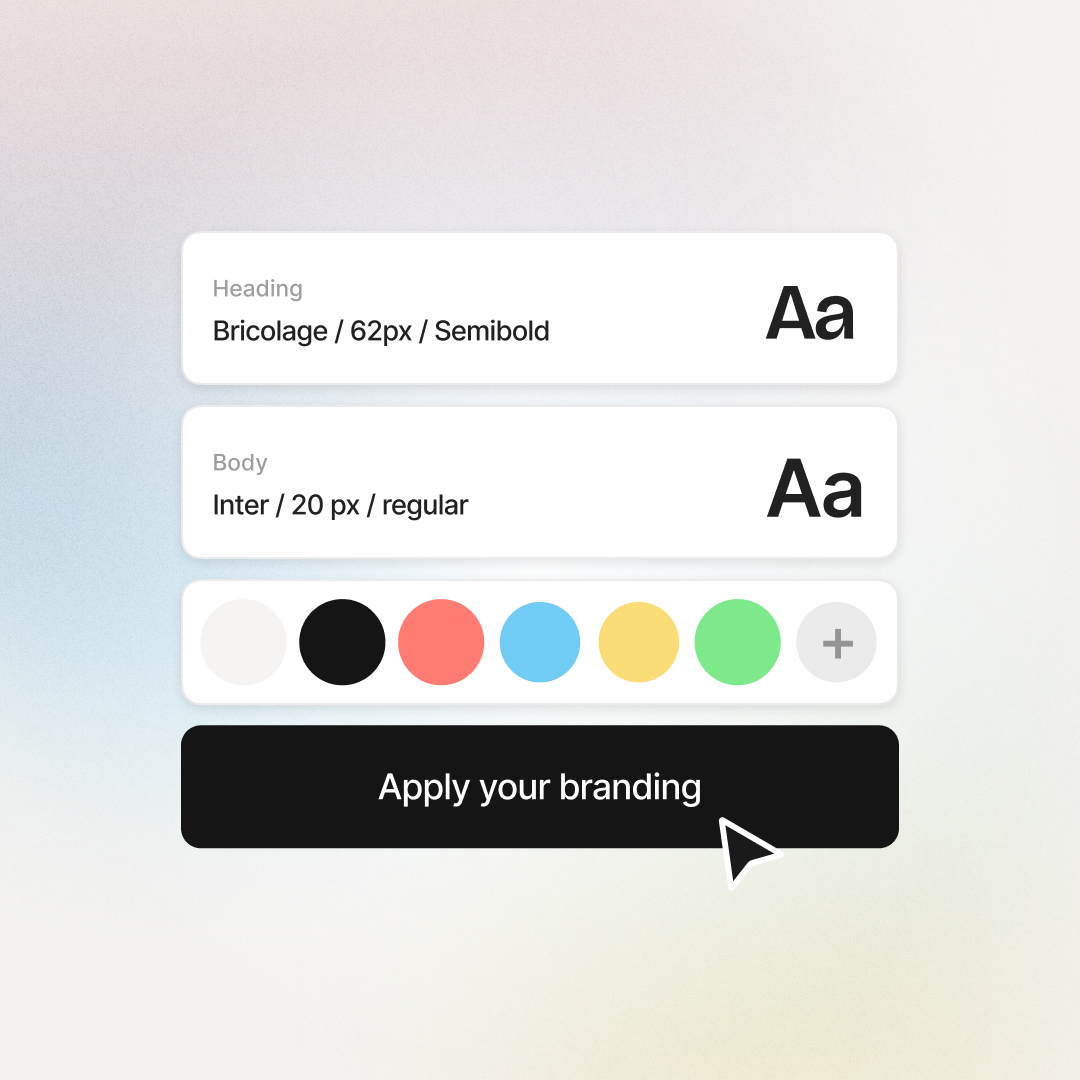
Structure-aware extraction. Brand kit applied. Languages and avatars at the scene level.
Structure-aware extraction
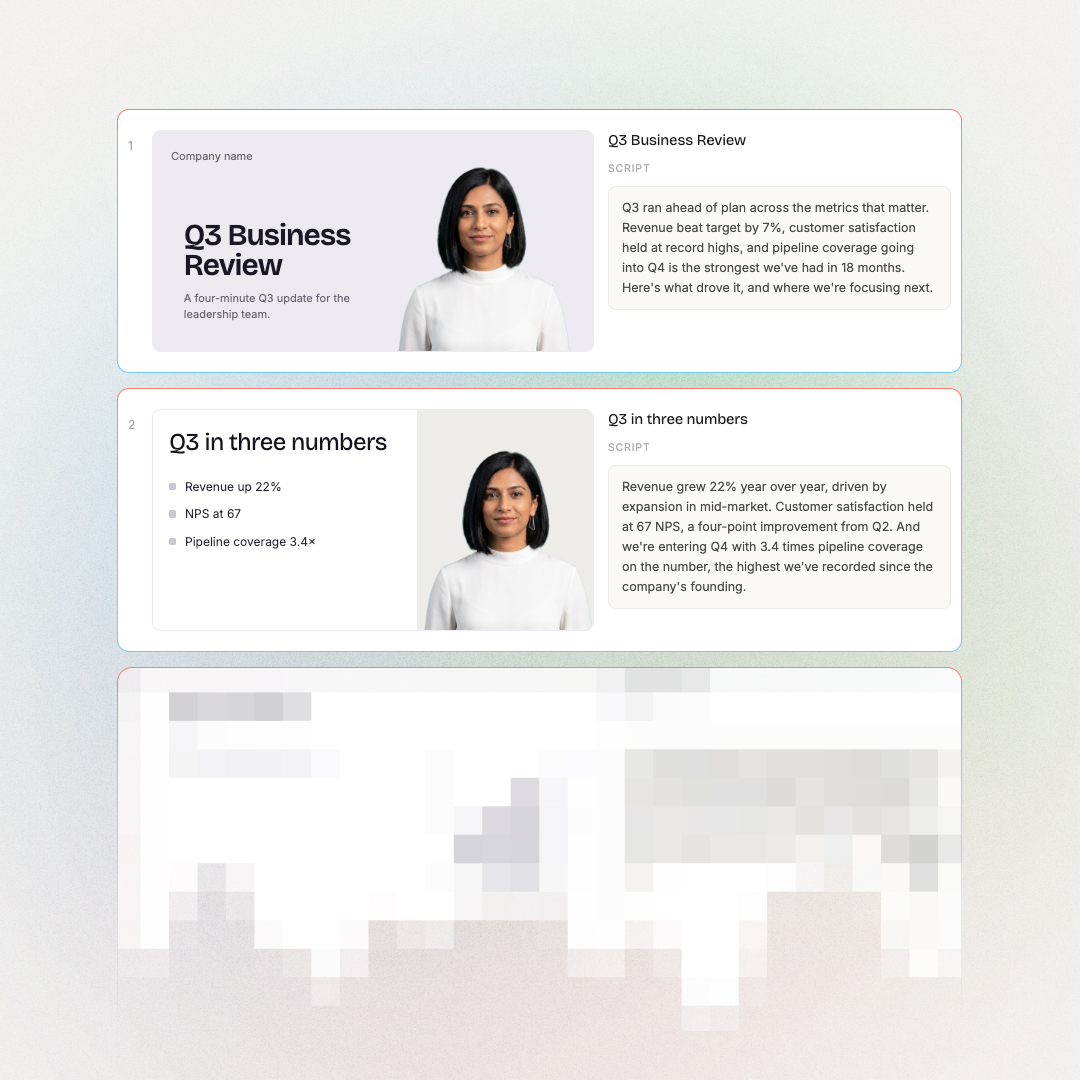
Headings become scene titles. Lists become bullets. Embedded charts and screenshots land in the scene that references them. Not stock approximations.
240+ avatars or your own voice
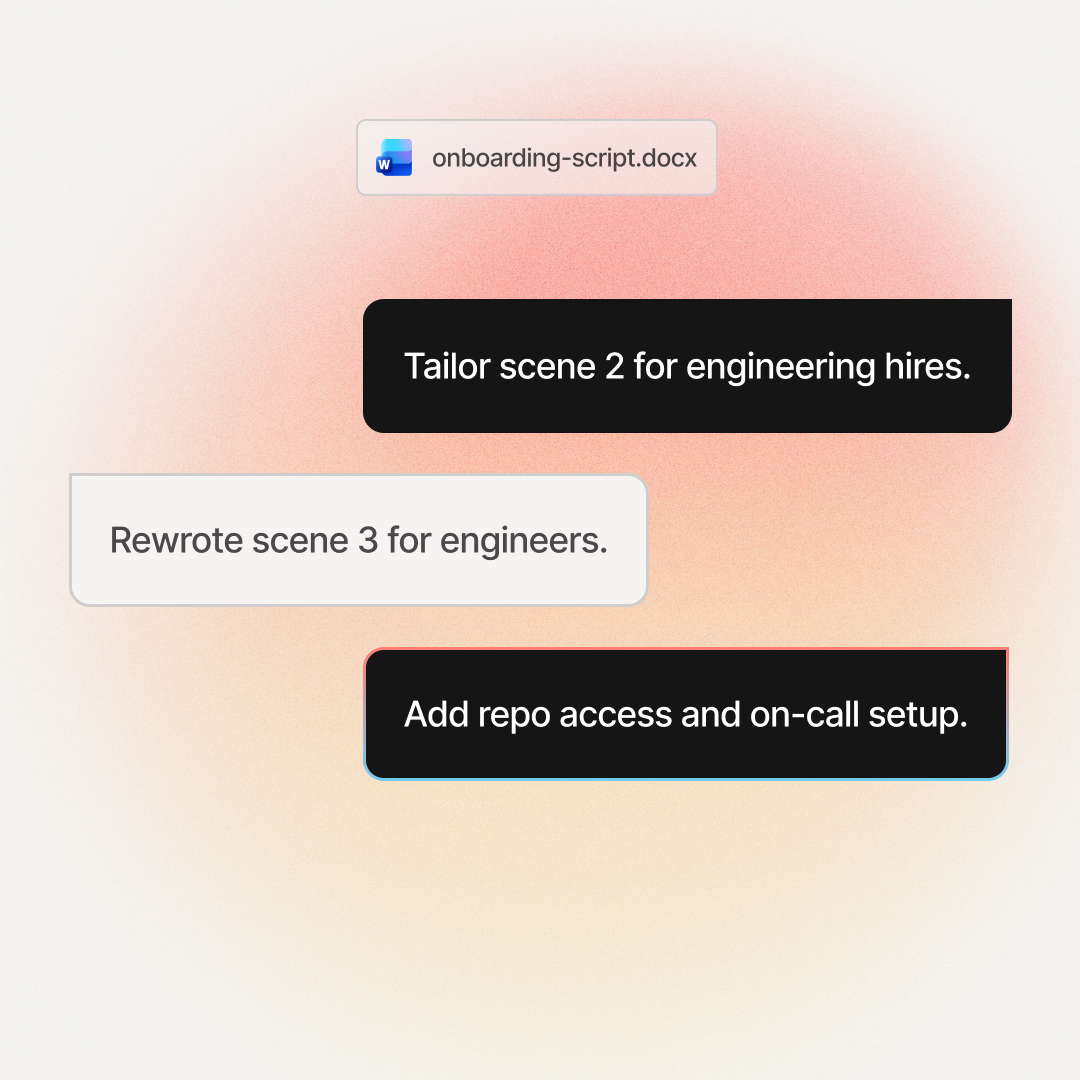
Pick from a library of presenters or clone your own voice. Swap presenters at the scene level so different scenes can feature different faces.
100+ languages, lip-synced
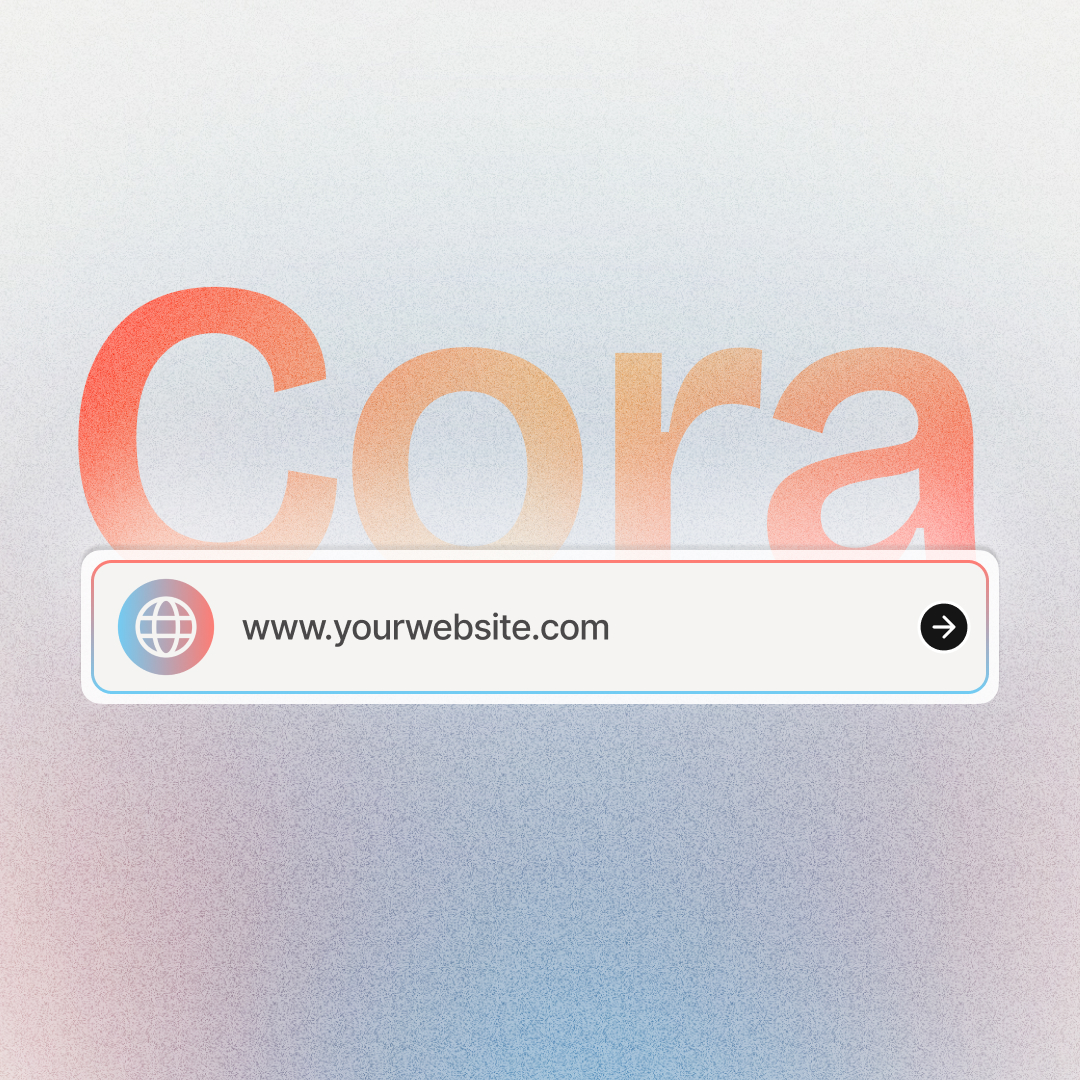
Translate the plan before render, no double work. Source URLs in any language work. The agent reads the page in its original language and translates the plan.
Ship to your LMS
Render as MP4 up to 1080p, export to SCORM or xAPI for LMS upload, download captions as SRT or VTT, or share via a hosted link.
When the URL changes, the plan changes with it.
Soon the agent will re-read any URL after rendering, flag what changed, and let you decide which scenes to regenerate.
The training teams already shipping AI videos rate us 4.8 on G2.



Training content that never goes obsolete
The ease of content update and cost savings are remarkable. Colossyan's AI technology and its translation capabilities have revolutionized our training processes, especially in a multi-lingual environment like ours.

Cutting-edge AI for new hire training
The AI technology they've built into their software is truly cutting-edge and has significantly improved our new hire training program productivity.

Like extending our team
Working with Colossyan feels like we have extended our team. The ease of using Colossyan Creator to create engaging learning materials has been a game changer.

90% video production cost reduction
With Colossyan, we were able to cut around 90% of our video production costs. We chose Colossyan because we liked their company culture and the quality of their product.

We Have Partnered With Colossyan!
Colossyan Creator is a cost-effective, user-friendly tool that allows our global team to produce interactive, multilingual training videos in just minutes. While there is a minor initial learning curve, the platform's ability to scale professional content across 80+ languages has made it an essential partner for our enterprise.

Frequently asked questions
Everything you need to know about turning a URL into a video.
A URL to video AI tool reads a webpage and generates a narrated video from its content. The Colossyan AI Video Generator turns any URL, blog post, handbook page, or internal wiki into an editable scene plan with citations back to the URL section, then renders with AI avatars and your brand kit.
No. The Colossyan AI Video Generator generates AI video from a webpage URL. It does not download existing videos from links. For downloading YouTube or Facebook videos to MP4, you need a different tool. This is about turning a webpage into a new video with AI narration and avatars.
Paste a URL into the Colossyan AI Video Generator. The agent fetches the page, reads structure, drafts a scene-by-scene plan with citations back to the URL, and waits for approval. Edit at the scene level, then render as MP4 with AI avatars, voiceovers, and your brand kit.
Blog posts, handbook pages, knowledge-base articles, product pages, and SOP wikis convert best because they have clear structure. Image-heavy pages or dynamic apps may need more script editing. The agent flags extraction risks before generation, so you do not burn credits on a scrambled output.
Yes. Sign up for Colossyan free and you can paste a URL, see the draft plan with citations, and edit scenes before rendering. See pricing for what comes with each plan, including brand kit, SCORM export, and team collaboration. No watermark on the output.
The plan stores the URL version it was drafted from. A live re-read capability is coming soon. The agent will show you what changed since the last draft and which scenes need updating. Until it ships, you can rerun the draft from the same URL anytime to get a fresh plan.
Yes. Every scene in the plan carries a citation chip showing the URL section (heading, paragraph, list) it came from. Click any scene to highlight the source on the page. Audit-friendly for compliance review.
The plan is a scene-by-scene draft of your video before anything renders. Each scene shows the narration, visual, citation back to the URL section it came from, and edit controls. You review every scene, edit at the scene level, and regenerate one scene without re-rendering the whole video.
Yes. Choose from 240+ AI presenters or clone your own voice. The agent narrates your script using the avatar and voice you pick. You can swap presenters at the scene level, so different scenes can feature different presenters in the same video.
Yes. The plan translates into 100+ languages with lip-synced narration. The plan structure carries across languages, so you do not re-script for each market. Source URLs in any language work; the agent reads the page in its original language and translates the plan.
Yes. Approved plans render as MP4 files up to 1080p. You can also export to SCORM or xAPI for LMS upload, download captions as SRT or VTT, or share via a hosted link. The plan itself supports collaboration and version control.
Cora is the agentic engine inside Colossyan. The AI Video Generator is the feature you interact with; Cora is what fetches your URL, drafts the scenes, and assembles the plan. You direct the work and approve each step. See the full Cora launch page for more.
Start from a different source.
The same agent works across the source types you already have.



Want the bigger picture? See the full AI Video Generator.

Drop your URL. Approve every scene. Render the version you approved.
The agent fetches the page, drafts scenes with citations back to the URL section, and lets you edit before render. For anyone turning a webpage into a video.