Papercup is a powerful AI dubbing platform that helps businesses translate and localize video content using realistic synthetic voices. It’s a favorite among companies repurposing content for global audiences - such as YouTube creators, news organizations, and enterprises managing large video libraries.
While its dubbing accuracy and natural-sounding AI voices are impressive, Papercup isn’t built for video creation. That means teams looking to create new content from scratch - not just translate existing footage - often find themselves limited.
If your team needs end-to-end video generation, interactivity, or AI avatars, there are more versatile options out there. Here are the 5 best Papercup alternatives worth exploring in 2025.
Why look for a Papercup alternative?
Papercup’s strength lies in AI-powered voice dubbing and translation - but that’s also its main limitation. It’s not a full video production suite.
Here’s where many teams start looking elsewhere:
❌ No document-to-video or text-to-video generation
❌ No avatars, templates, or on-screen presenters
❌ No interactivity or SCORM export for eLearning
⚙️ Collaboration and content library tools are minimal
✅ Strong dubbing and translation, but limited creative control
So, if your goal is to create training content, explainers, or internal communications - not just dubbed versions of existing videos - you’ll likely want a more robust platform.
Papercup pros
Excellent AI voice dubbing quality
Supports accurate translations and lip-sync
Advanced analytics and speaker management
Ideal for multilingual media and YouTube content
Papercup cons
No video creation tools
No avatars, templates, or editing interface
Limited collaboration features
Not suitable for eLearning or training teams
5 best Papercup alternatives
If you’re ready to move beyond dubbing and into full AI video creation, these five tools deliver more flexibility, interactivity, and scale.
1. Colossyan
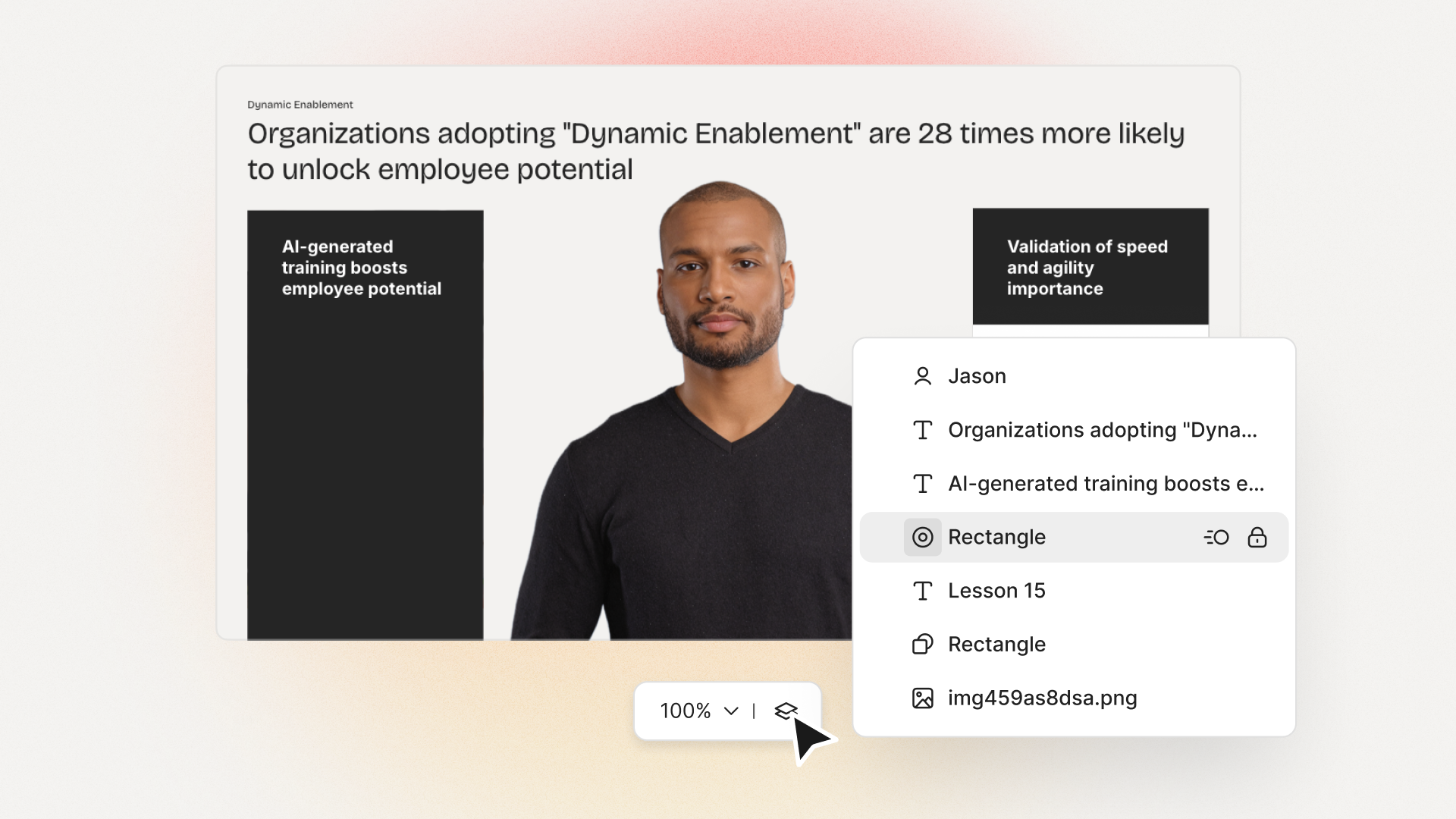
Colossyan enables teams to turn text or documents directly into AI-powered videos - complete with lifelike avatars, instant translation, and interactive elements.
Unlike Papercup, which only works with existing footage, Colossyan allows you to generate new videos entirely from text. It’s ideal for eLearning, onboarding, and internal communications.
Key features
Document-to-video: Upload a script, Word file, or presentation and turn it into a video in seconds
AI avatars: Choose from 200+ presenters, or create your own custom avatar
Ideal for: Learning and development, HR training, global communications.
Pricing: Starts at $19/month, with enterprise plans offering 4K quality, SCORM, and collaboration tools.
2. Runway
Runway is a creative AI video suite focused on generative visuals rather than avatars or dubbing.
Strengths
AI video editing and image-to-video tools
Creative visual effects and background removal
Good for designers and filmmakers
Limitations
No avatars or dubbing
No SCORM or interactivity
Pricing: From $15/month.
3. Descript
Descript is an all-in-one video and audio editing platform used by podcasters and creators.
Strengths
AI voice cloning (Overdub)
Collaboration and editing tools
Great for podcasts and screen recordings
Limitations
No avatars or templates
No SCORM or branching content
Pricing: From $15/month (Creator).
4. Hour One
Hour One transforms text into avatar-led videos - a closer fit for teams currently using Papercup for localization but wanting video creation too.
Strengths
Script-to-video with avatars
Custom avatar options for enterprise users
Simple, fast editor
Limitations
No interactivity or SCORM export
Limited collaboration tools
Pricing: From $30/month.
5. Lumen5
Lumen5 converts blog posts and URLs into video summaries, making it ideal for marketers and communicators.
Strengths
Blog-to-video generation
Strong branding tools and templates
Team collaboration features
Limitations
No avatars or dubbing
Manual translation workflow
Pricing: From $19/month.
Final thoughts
Papercup is excellent for localizing and dubbing existing video content, but it’s not built for video creation from the ground up.
For teams wanting to generate new, multilingual, and interactive videos without filming or editing - Colossyan is the best Papercup alternative. It combines AI avatars, voice cloning, instant translation, and SCORM export into one powerful workflow.
👉 Try Colossyan for free today and see how easily you can create high-quality videos directly from text or documents - no cameras, no editing, no limits.
Matt is a performance marketer obsessed with spreadsheets, retro technology and getting hopelessly lost in the great outdoors. When not writing and launching paid ads, he'll usually be running, hiking, coding or watching the same four Netflix shows on repeat.
Networking and Relationship Building
Use this template to produce videos on best practices for relationship building at work.
Oops! Something went wrong while submitting the form.
example
Thank you - your video is on its way!
If you’d like to try out Colossyan and create a video yourself, just visit our website on your desktop and sign up for a free account in seconds. Until then, feel free to check out our examples.











.avif)


%20(1).avif)




.webp)
.webp)





