Understanding AI Person Talking Generators
AI person talking generators create videos that show a digital avatar speaking words you type or upload. These tools use AI to sync voice and mouth movements, making it seem as if a real person is delivering the message. You can make training, marketing, or communication videos without filming anyone or using a studio. The technology is changing how companies create content, especially where speed and scale matter.
What Industry Data Shows
Companies are using these tools for real business needs. For example, some platforms report that customers cut production time from four hours to thirty minutes and can translate 100 hours of content in ten minutes [source]. Another provider claims a tenfold increase in video creation speed, while others focus on instant language localization and simple controls for non-technical users.
The feature sets vary, but the core promise is faster video production with less manual work. Many vendors promote thousands of avatars, hundreds of languages, and quick customization. They highlight numbers like “50,000+ companies,” “millions of users,” or figures such as $56,000 saved on one customer project [source]. The message is clear: AI video generators can save money, time, and effort.
How AI Person Talking Generators Work
What You Do
The workflow is straightforward. You pick or create an avatar, type or paste your script, and choose a voice. Some tools let you upload your own photo or recording to use as the avatar, or clone a real voice. Others let you upload PowerPoint slides, enter prompts, or drop in full documents, and the system converts them into script-ready scenes automatically.
How the Output Looks
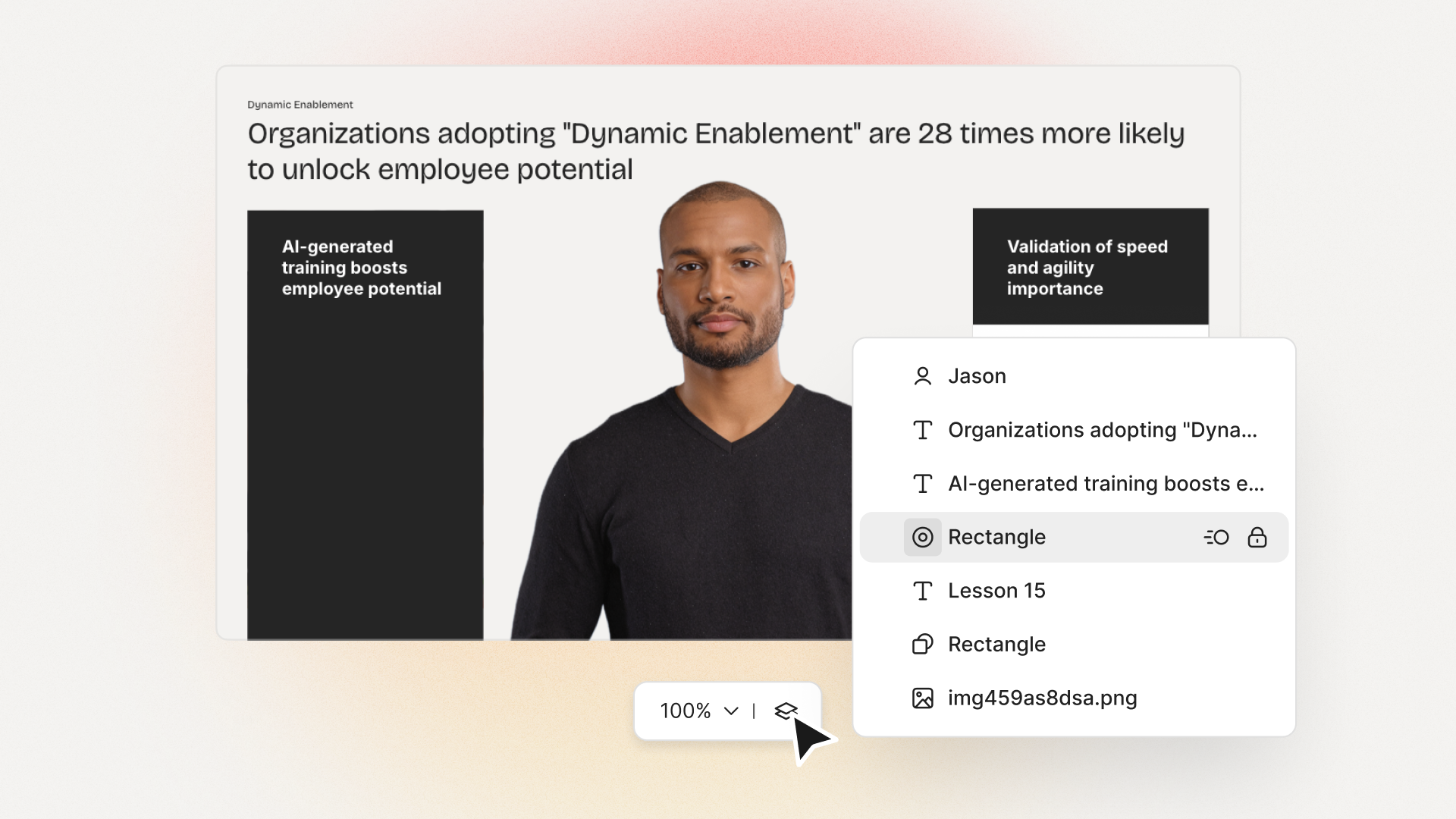
The finished result is a video with a person (realistic or stylized) on screen, syncing their lips to your chosen voice and language. Options exist to add backgrounds, subtitles, branded visuals, and even interactive features such as quizzes. Some platforms allow instant translation, so you can generate localized versions for different global audiences.
Real Examples and Use Cases
Most customers use talking avatar videos for learning and training because they can update scripts often and translate into many languages fast. For example, an L&D manager at a multinational firm can turn a new policy document into an explainer video with voiceovers in English, Spanish, and Mandarin with just a few clicks. No need to coordinate with multiple teams, book studios, or rely on expensive freelancers.
Other use cases include corporate onboarding, compliance, knowledge sharing, marketing explainers, and customer communication. Fast translation and ease of updating scripts means consistent messaging, no matter the branch or market.
Opinions on What Actually Matters
Vendor stats show dramatic time and cost savings, but features alone don’t guarantee success. What really matters is how quickly you or your team can turn your source files into finished, understandable content, and whether the result is clear and engaging for your viewers.
The number of avatars or voices may sound impressive, but you rarely need hundreds. Support for brand kits, proper pronunciation, and team management are more important for business users. If your videos end up looking generic, learners tune out. If it takes you just as long to translate or edit, you don’t really gain much.
I think that for most organizations, priorities should be clear workflows, repeatable output, real measurement of engagement, and the flexibility to adapt content quickly. Ease of use for non-designers and direct integration with existing training or communication systems are practical needs-not just flashy features.
Compliance and privacy also matter, especially for big companies. Certifications like SOC 2 and GDPR aren’t just “nice to have.” They mean you won’t hit roadblocks with legal or IT when rolling out new tools.
How Colossyan Addresses These Needs
At Colossyan, our goal is to help teams create effective training videos without added complexity. Here’s how I see our platform fit into the real-world needs discussed above.
Transform Existing Materials, Fast
I can upload a Word document, PDF, or PowerPoint and let our AI turn it into a draft video with avatars, narration, and relevant visuals. This means L&D teams don’t start from scratch every time. Instead, they focus on key training goals while our system handles the routine conversion. For regular updates or policy changes, anyone can reuse a previous draft and tweak it as needed.
Keep Everything Organized and Collaborative
Our workspace management lets me add or remove users, assign roles, and keep all content organized in folders. This is crucial for large teams. Everyone can collaborate, leave feedback, or track changes without confusion or version nightmares.
Real Measurement, Not Guesswork
Colossyan gives me analytics for each finished video-number of plays, watch time, quiz results. I can export this data or share it with leadership. If a video isn’t performing, I get the signal and can update or improve it right inside the platform.
Brand and Language Consistency
I can lock in fonts, colors, and logos using Brand Kits. For proper pronunciation (like your brand name, or niche technical terms), I define custom pronunciations so our AI voices always get it right. Videos can be instantly translated and adjusted for text length-so nothing breaks or looks unprofessional.
Interactive and SCORM-Compatible Training
If your organization relies on an LMS, I export our videos as SCORM modules. This tracks completion and quiz scores-vital for compliance or required courses. Adding quizzes or branching scenarios in the editor makes training more engaging and lets me test for real understanding, not just passive watching.
Personal Avatars and Voices
With Colossyan, I can create instant avatars from real people in our team. This keeps training personal and credible, compared to the generic look of stock avatars. Voice cloning adds another layer of authenticity. I don’t need to re-record if someone leaves or needs to update a message-just revise the script and regenerate.
Final Thoughts
AI person talking generators offer real productivity gains, but success depends on more than feature count or avatar variety. For Learning & Development, and any organization with strict requirements for consistency, branding, or privacy, the details matter. Colossyan focuses on supporting real business workflows-rather than novelty-while letting teams scale their video output, maintain quality, and actually measure results.








.avif)


%20(1).avif)




.webp)
.webp)





