Open-source video generation is changing fast. New text-to-video (T2V) and image-to-video (I2V) models are closing the gap with closed models like Sora or Runway, but picking the right tool depends on your hardware, your workflow, and your willingness to stitch things together. Here’s what’s actually available - free, open, or otherwise - and how you can use these tools alongside Colossyan to achieve efficient, on-brand training videos with minimal budget.
What “open-source” and “free” really mean for video AI
When someone says “free AI video generator,” it’s almost always more complicated than it sounds. There are three main categories here:
Fully open-source models you can run on your own GPU or in the cloud - think Wan 2.x, Mochi, HunyuanVideo variants, or Open-Sora.
Free web playgrounds - sites like slop.club, Higgsfield AI, MotionAmber, Yorespot, or AnimateForever.com, many with daily limits or token systems.
“Unlimited” tools by user reports - examples are Meta.ai, which users on Reddit say offers up to 21 seconds of no-watermark, extendable video, and Grok Imagine, which offers more generations before hitting the reset according to users.
If you want a long-form, polished video (say, 20 minutes), you’ll need to stitch together lots of short clips, because almost all T2V tools cap single-generation length. Running open models locally skips credits or watermarks, but you’ll need a high-end GPU and some time to render and assemble clips.
Quick picks for different budgets and needs
One model doesn’t fit all. Here’s a quick match for common situations:
If you want top realism and motion: HunyuanVideo. But you’ll need something like an A100 or H100 with 80GB of memory.
For open licensing and customization: Mochi 1 (Apache-2.0) is flexible and easy to fine-tune - works well if you want control and can handle some cloud compute costs.
For stylized output and readable text on consumer GPUs: Wan 2.2 is your friend. It’s optimized for 720p/24fps, handles Chinese and English, and runs on high-end cards (e.g., RTX 4090 or L40).
For ultra-low VRAM (12GB): LTXVideo gives you 768x512 output and ComfyUI integration, which is decent for pre-viz or simple explainer shots.
For pure research-grade open progress: Open-Sora 2.0. Very close to Sora on benchmarks, growing fast, but hardware demand is still high.
For free SFW web generation: slop.club, Higgsfield AI, and Meta.ai are good starting points, as is MotionAmber for facial animation.
Deep dives: today’s strongest open-source video models
HunyuanVideo (Tencent)
13B+ parameters, sequence parallelism, FP8 weights for efficiency.
Best for realism and motion: think corporate b-roll, scenario videos, onboarding content.
Needs a datacenter GPU (A100/H100, usually 80GB).
Community fine-tune SkyReels V1 offers 33 facial expressions and 400+ motions - great for people-centric scenes.
Outputs up to 15 seconds at 720p, 24fps.
Mochi 1 (Genmo)
- 10B parameters, Apache-2.0, fine-tuning via LoRA, strong photorealism.
- Up to 5.4 seconds at 480p, 30fps.
- Price estimate: ~$0.33 per short clip on H100-class cloud hardware per Modal’s estimate.
- Lagging a bit in stylized/animated scenes versus Wan.
Wan 2.2 (Alibaba)
- Open (Apache-2.0), runs well on high-end consumer hardware - not just in the cloud.
- 720p/24fps natively; up to 12 seconds at 24fps on the large model, ~5s 480p in 4 minutes on a 4090 for the small version per Monica’s data.
- Handles readable Chinese/English text, good stylization controls for lighting, composition, and mood.
Open-Sora 2.0
- 11B parameters, open-source, supports both T2V and I2V.
- Nearly matches Sora: on VBench, gap is down to 0.69%; human preference tests at parity with HunyuanVideo 11B.
- Produces 256x256 in about 60 seconds on a single H100 GPU for 50 steps see Open-Sora repo.
LTXVideo (Lightricks)
- Runs on 12GB VRAM, 768x512 output, ComfyUI support.
- Great for quick b-roll or animated backgrounds without breaking the bank.
Free and “almost free” web options worth testing
- Free for real? Sometimes. Meta.ai is one standout - users report up to 21s, extendable, watermark-free video generations. Grok Imagine offers more daily generations before you hit a cap. Other sites like slop.club (using Wan2.2), Higgsfield, MotionAmber, Yorespot, and AnimateForever.com offer varying levels of generosity, but you’ll often need to rely on tokens, daily resets, or SFW content only.
- Realistically, you’ll storyboard scenes (e.g., 8–10 clips per minute of video), generate short shots, and assemble them in a separate editor.
Budget scenarios and cost math (with examples)
- No GPU, zero spend: Use free sites - slop.club, Higgsfield, or Meta.ai as reported - for up to a few minutes of final video per day, mixing sources as needed. Accept that you’ll do quite a bit of stitching and post-editing.
- Single 4090 or L40 workstation: Wan 2.x becomes practical for 5–12s shots, especially for stylized or b-roll scenes. LTXVideo is flexible at 12GB VRAM, good for 768x512 output.
- Cloud with H100/H200: Hunyuan and Mochi both run well here; expect ~$2/hour for on-demand H100 via services like Hyperstack per Hyperstack’s pricing. Mochi’s cost is ~$0.33 per short clip if you batch effectively.
Common failure modes (and how to mitigate on a budget)
- Flicker/jitter: Favor Hunyuan for stability. If not, use fixed camera angles and add post overlays or cutaways.
- Style drift: Wan 2.x’s cinematic controls help. Keeping prompts consistent between shots is essential. Consider LoRA fine-tunes for Mochi if you need a show-specific style.
- Short clip limits: Plan scenes in 3–12 second beats, then edit together. Don’t expect a single model to create all your footage.
- Text on screen: Wan 2.x is noticeably better. Otherwise, add titles and captions in post (or in Colossyan).
Workflows that combine open-source video with Colossyan to finish faster
- Open-source models excel at generating b-roll, custom scenes, and motion content, but rarely cover script, voice, branding, or assessment needs for training or L&D. This is where Colossyan comes in. Here’s how i combine both:
Workflow 1: Turn slides into a branded training video
Workflow 2: Scenario-based role play
Workflow 3: Global localization
Model-by-model quick reference (high signal bullets)
- HunyuanVideo: Best realism if you have an 80GB GPU. Outputs up to ~15s at 720p. Diffusers, ComfyUI integration.
- Mochi 1: Permissive open license, easy fine-tuning, strong photorealism. ~5.4s at 480p. ~$.33/clip cloud cost.
- Wan 2.2: Best for stylized, text-heavy scenes and up to 720p/24fps on consumer GPUs. Use for training subtitles, stylized branding.
- Open-Sora 2.0: Research open-source, catching up with Sora. One checkpoint for T2V/I2V, rapid progress.
- LTXVideo: 12GB VRAM support, 768x512 output - great for those with modest hardware.
How Colossyan helps budget creators ship complete, on-brand training videos
- Even if you generate all your video clips with free or open tools, you still need a way to turn them into coherent training modules. This is where Colossyan helps:
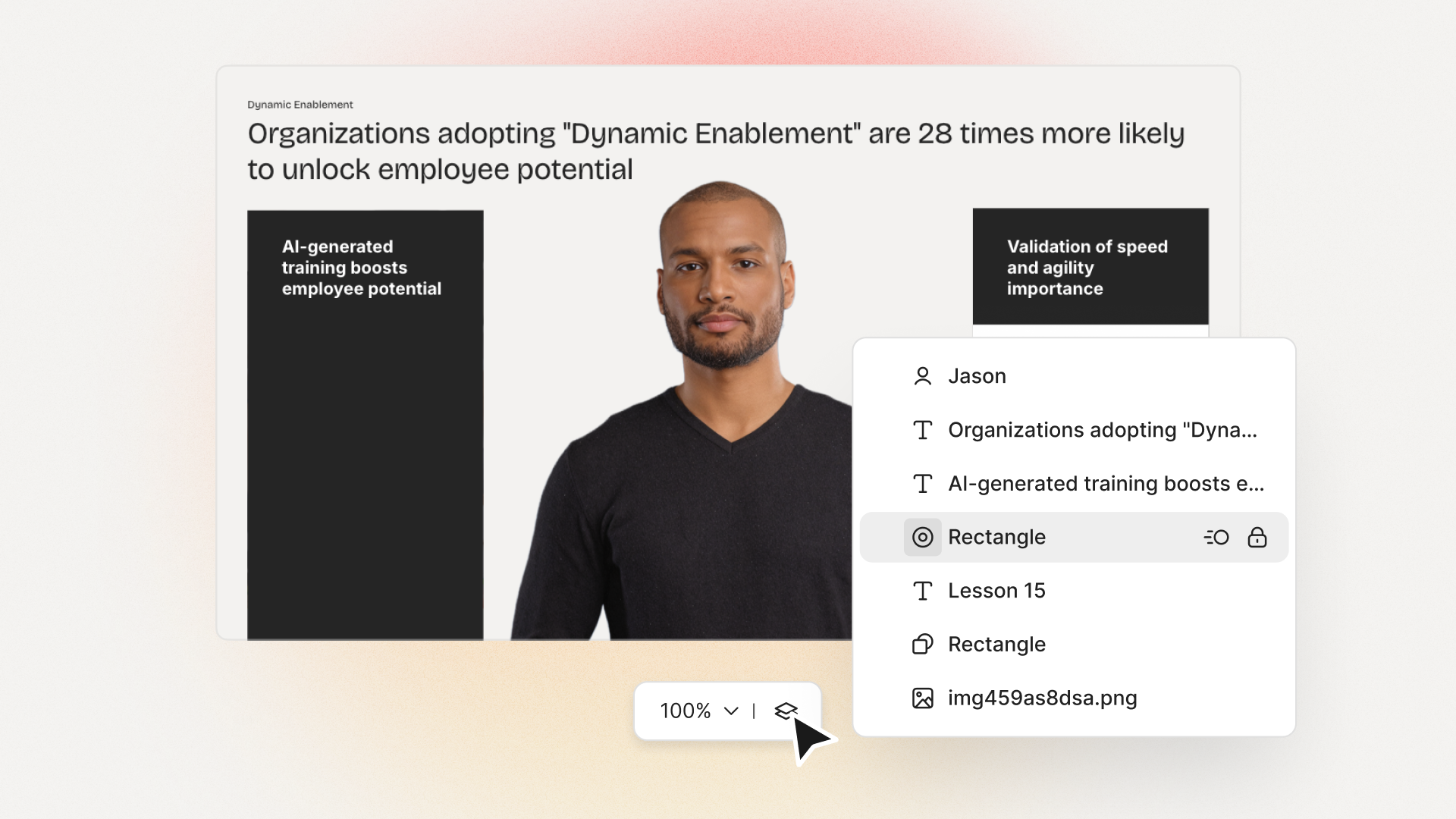
- You can use Doc to Video to turn a Word/PDF into scenes and narration instantly.
- Templates and Brand Kits let you keep every project on-brand without manual work.
- Avatars and cloned Voices give you consistent narration, even when you need different languages or branded pronunciations.
- The Media tool lets you insert your open-source generated shots as b-roll, with Animation Markers for correct timing.
- Interactivity tools (MCQ, Branching) transform static videos into actual e-learning modules.
- Export as SCORM lets you track completions in your LMS, and Analytics tells you exactly how your team is progressing.
- Instant Translation and multilingual voices make global rollouts much faster.
- Foldering, Workspace Management, and commenting keep large teams and lots of versions organized.
Glossary
- T2V/I2V/V2V: text-to-video, image-to-video, video-to-video generation.
- VRAM: memory your GPU needs for rendering.
- LoRA: a quick way to fine-tune large models on small tasks.
- SCORM: a standard for tracking training in LMS platforms.
- In summary, open-source video generation and free T2V options are more accessible than ever, but getting professional, on-brand results still takes workflow planning. I find the smartest route is to use the powerful open models for visual assets, then handle narration, branding, interactivity, and measurement in Colossyan. This way, you can ship complete, compliant training videos while keeping costs as close to zero as possible.








.avif)


%20(1).avif)




.webp)
.webp)





