Understanding the AI Avatar Creator Landscape
Brands today have dozens of AI avatar tools to choose from. If you’re researching for your company, sorting through feature lists and pricing tiers can be overwhelming. While some platforms focus on entertainment or social content, others are clearly aimed at business especially training, e-learning, and internal communication. The differences matter. Brands need more than flashy avatars. They need a creator that aligns with their workflows, compliance needs, and scale.
Key Capabilities to Consider
1. Multilingual and Localization Support
Most teams operate globally or aspire to. Localization both in language and culture should be simple. Many vendors advertise multilingual support, but not all deliver the same ease of use or breadth. Some platforms boast extreme numbers (such as HeyGen’s 175+ languages and dialects), but what's critical is simple switch-over, natural-sounding voices, and editing tools that don’t break video layouts when a translation runs longer than the original.
At Colossyan, we offer support for 80+ languages and instant translation. I can duplicate a draft, localize it, and tweak the design to fit target audiences without redoing everything from scratch. Every translated version remains editable, so if something sounds off or a phrase doesn't fit, I can tweak just that scene. This saves hours and ensures consistency, especially when your L&D team is serving many countries.
2. Avatar Variety and Customization
Some industries need a large library of stock avatars and diverse voices. Others want recognizable presenters executives, subject experts, or brand ambassadors. Platforms like HeyGen, Deepbrain, and Fotor tout impressive numbers: dozens to thousands of avatar styles, 3D customization, or instant digital twins. The more choice, the easier it is to be on-brand.
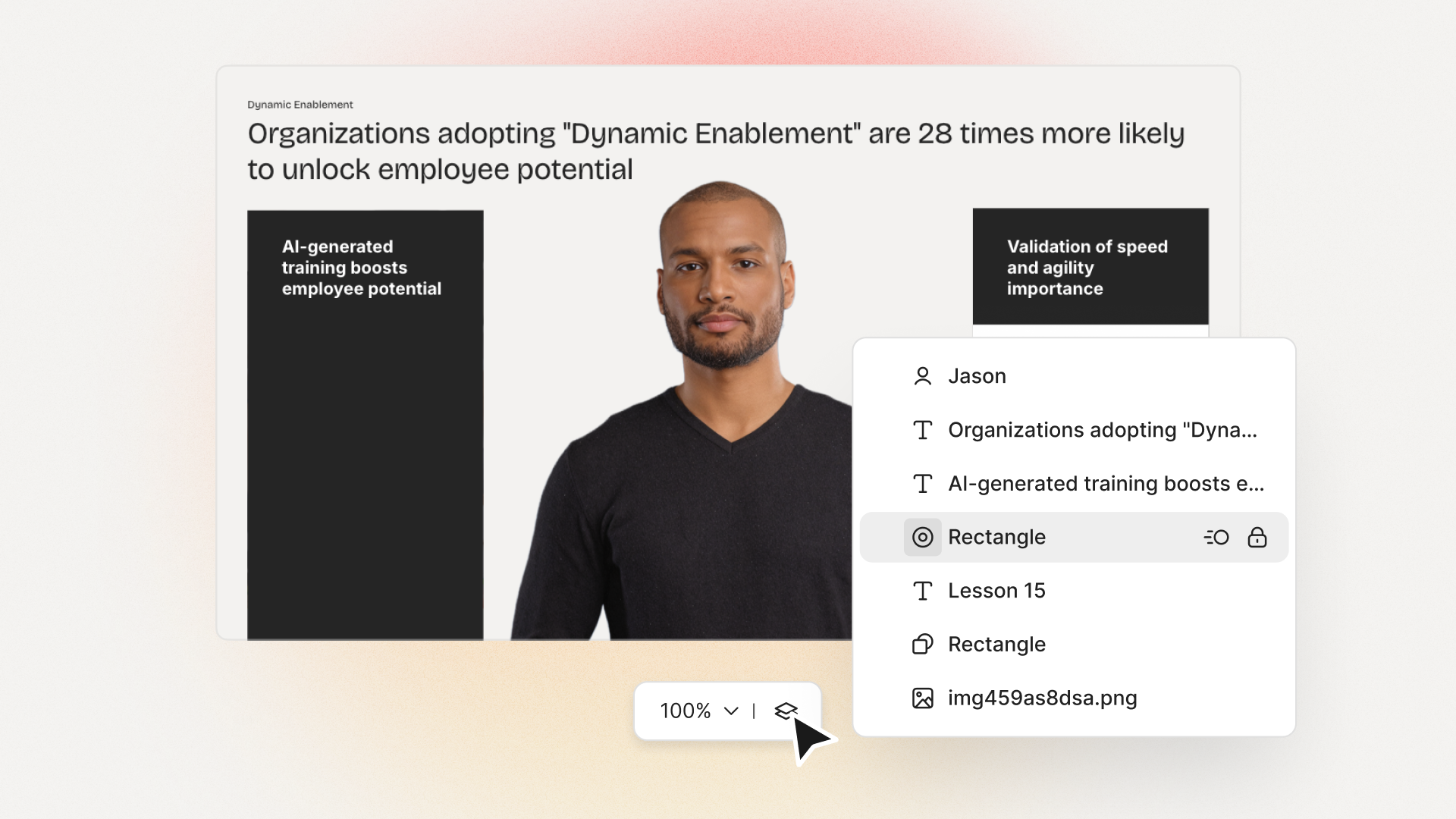
Colossyan has 150+ avatars, which works well for business scenarios. If I want something unique, I use instant avatars. I can film a quick video and instantly create a lifelike talking avatar of myself or a colleague. Since I can also clone voices, our training can feature real managers without extra recording sessions every time the script changes. This flexibility isn’t just convenient; it keeps our content authentic and relatable.
3. Ease of Use and Workflow
Fast generation is one thing; simple workflows are another. Many tools let you turn a document or PowerPoint into video, but few streamline the process from draft, to feedback, to export. Some, like Fotor and VEED, cover basic talking video needs, but can be clunky for larger projects or collaboration. Others, such as Adobe Firefly, focus on creative studios and come with a learning curve.
Colossyan is set up for enterprise. Workspace management, drafts, folders, and team roles are all built in. I can invite anyone in my organization, assign roles, and keep everything structured by team or project. Built-in commenting helps us avoid endless email loops. Our analytics show exactly who’s watching which videos, for how long, and how learners are scoring on quizzes so improvement isn’t guesswork.
4. Integration and Compliance
If your content goes into a Learning Management System, you need SCORM export or easy LMS integration. Many AI avatar tools skip this entirely. Some support download only as standard MP4. That’s fine for marketing, but not for measuring employee learning.
I can export to SCORM, and track completion rates, quiz results, and learner progression with Colossyan. This matters when we have to show compliance for mandatory training, or when we want to see if people are actually improving after a course refresh.
Performance and Business Impact
Faster, Cheaper, More Measurable
Research shows that AI video solutions can cut video production time and cost by as much as 80%. For organizations doing frequent updates or high-volume localization, manual video production can’t compete. Brands also report a clear real-world impact from avatar videos: Gan.AI customers saw a 30% jump in engagement, massive increases in email click rates, and even major uplifts in product sales from personalized video campaigns. These are not small differences they speak to how easily video scales versus in-person or traditional video shoots.
Using Colossyan, I notice the difference. I can adapt compliance materials in a single day. Our interactive and localizable videos get more engagement than any PDF or static PowerPoint we ever used. And the analytics make it clear who’s watching, passing quizzes, and engaging with each module.
Practical Considerations Beyond Feature Lists
Actor Ethics, Privacy, and Commercial Use
A handful of providers talk about "ethical" avatar creation and compensation for actors (example: HeyGen). Others let you create avatars locally, so private images never leave your device. If your organization handles sensitive data, know where your images and voices are processed and stored. It’s worth asking about data retention, usage rights, and whether avatars can be reused across projects without extra fees.
I value Colossyan’s options for custom avatars and voice, and our controls on sharing or exporting drafts. For highly regulated industries, it helps to know we’re not locked into public social use terms.
My Opinion: What Actually Matters for Brands
There’s no magic "best" AI avatar creator. Some tools are built for one-off social content; others target agencies or internal comms. I’ve found that what actually matters for brands is the ability to control brand identity, scale up production, measure real training outcomes, and adapt quickly to changing needs.
If your goal is to modernize training or internal communication, you need a platform that’s more than just a fun avatar generator. It should slot into how your teams work, support your brand guidelines, and let you keep pace with constant updates without waiting on expensive videographers. Customizable avatars, instant translation, SCORM compliance, and team workflows are not "nice to haves" they’re requirements.
Colossyan gives me those things. And I don’t have to jump through hoops to get started. It’s easy for people who have never touched video production. That’s what makes the difference between a tool your company experiments with, and one that becomes part of your daily workflow.








.avif)


%20(1).avif)




.webp)
.webp)





