Why AI explainers convert in 2026
Explainer videos hold people’s attention longer than most formats - about 70% of their total length, especially if they’re short and focused. The sweet spot is 60–90 seconds [source]. That staying power is what makes AI-generated explainer videos so effective for both marketing and training.
AI tools have changed the process. Instead of days editing or filming, you can now turn a prompt or a document into a finished video in minutes. These videos support multiple languages, have natural-sounding AI presenters, and even include interactive questions. You can see exactly who watched, how long they stayed, and whether they learned anything.
When people talk about “conversion” with explainers, the meaning shifts by context:
- If it’s marketing, conversion is whether viewers sign up, request a demo, or understand what your product does.
- In L&D and training, it’s about who finishes the video, how they score on questions, and whether learning sticks. Did people pass the compliance test? Did they remember the new process change?
You don’t need to hire a studio. Platforms like Invideo AI now generate full explainer videos with voiceover, background music, product screencasts, and subtitles from a single prompt - no cameras, no actors, just a few clicks.
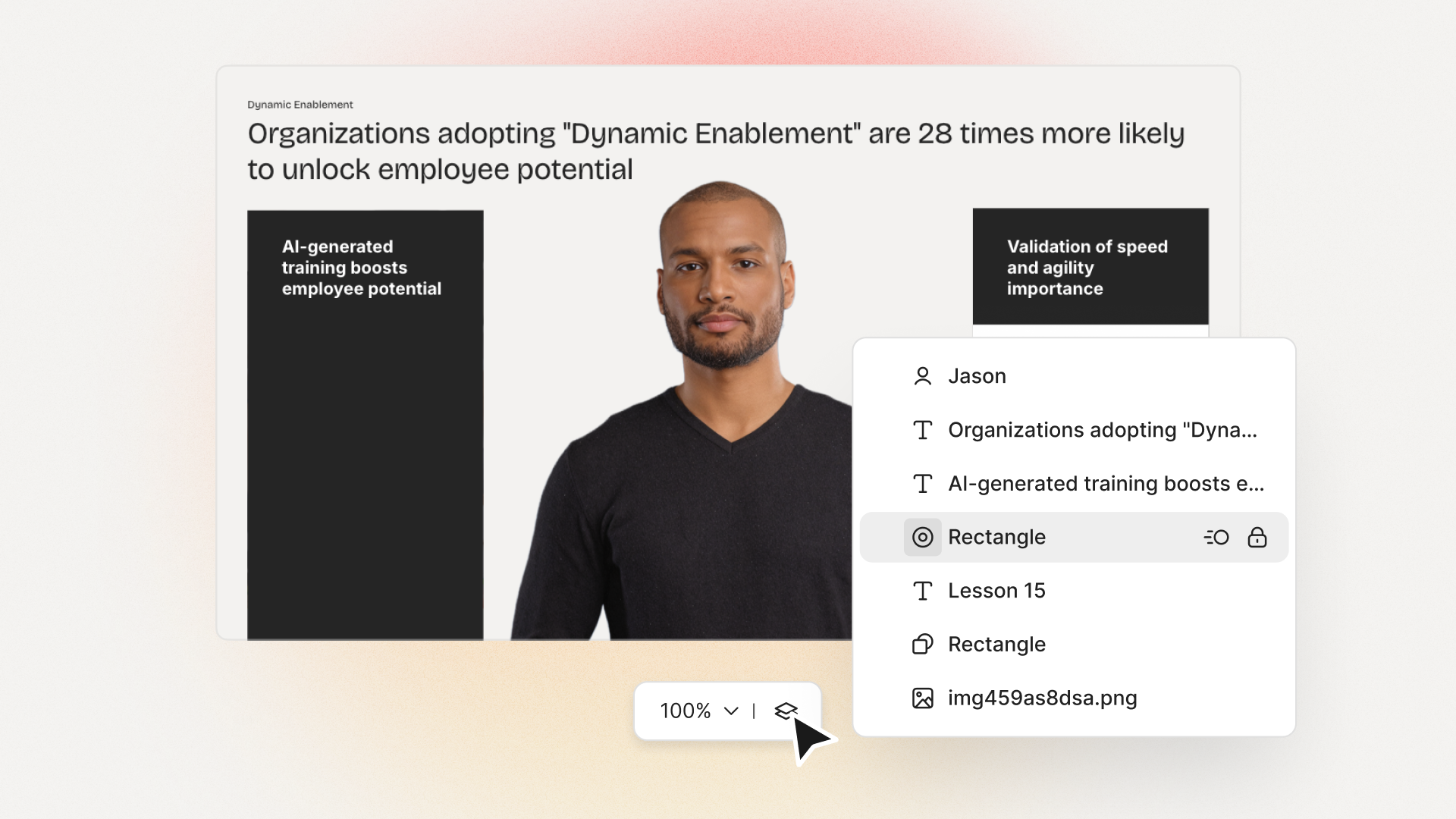
At Colossyan, I see L&D teams take slide decks or long SOPs and convert them straight into branded, interactive videos. With Doc to video, Templates, and Brand Kits, it’s easy to keep every video on-message. And because we track plays, watch time, quiz scores, and SCORM pass/fail data, you know exactly what’s working - and what needs a rewrite.
What makes a high-converting AI explainer
If you want explainer videos that don’t just get watched, but actually change behavior, here’s what matters.
- Keep it short: 60–90 seconds works best. Hook viewers in the first 3–5 seconds. Focus on one problem and its solution.
- Structure is key: Set up a problem, show your solution, offer proof, and end with a clear next step. Leave the hard sales pitch for another time, especially with internal training.
- Accessibility widens your reach: Add captions and create separate versions for each language. Don’t mix languages in one video; split them for clarity.
- High-quality visuals help: Natural audio, real or realistic avatars (not uncanny valley robots), clear graphics. Use stock footage and animation markers to match the voiceover with visuals.
- Make it interactive: Training videos with a quiz or branching scenario get more engagement. Good analytics let you fix weak spots fast.
A simple checklist:
- 60–90s total
- Problem/outcome in first line (the hook)
- Captions always on
- One language per version
- Clean, matched visuals
- Conclude with one clear outcome
With Colossyan, I can script out pauses and add animation cues so visuals match up with the narration exactly. If there’s a tricky product name, the Pronunciations tool gets it right every time. Voice cloning keeps the delivery consistent. And Instant Translation spins out a new language variant - script, captions, interactions - in minutes.
Interactive MCQs and branching scenarios turn passive viewers into active learners. Our Analytics panel tells you exactly how long people watched, what quiz scores they got, and which scenes you might need to tighten up.
Best AI explainer video tools (and who they’re best for)
There’s a tool for every use case. Here’s a rundown:
Invideo AI: best for quick, stock-heavy explainers with AI actors. Trusted by 25M+ users, supports 50+ languages, loads of studio-quality footage, and even lets you make your own digital twin. It’s ideal for rapid 60–90s marketing videos with real human avatars, b-roll, and subtitles. Free plan is limited but fine for light use.
simpleshow: best for turning dense topics into short, clear explainers. Their Explainer Engine generates scripts, chooses simple visuals, and adds timed narration and music. One-click translation to 20 languages. Made for anyone, no production skills needed.
Steve.AI: best for fast story-driven shorts. With over 1,000 templates and cross-device collaboration, it’s built to keep videos at the high-retention 60–90 second range. Great for social explainers with punchy hooks.
NoteGPT: best for one-click document-to-animation. Converts PDFs or Word files into animated explainers - auto voiceover, subtitles, editable scripts. Complete a training or lesson video in under 10 minutes. Used widely in education.
Synthesia: best for enterprise avatars, languages, and compliance. Has over 230 avatars, 140 languages, and top-tier compliance. Screen recording, AI dubbing, and closed captions included. If you need consistent presenters and solid security, this is it.
Imagine Explainers: best for instant, social-first explainers. You can tag @createexplainer in a tweet, and it’ll auto-generate a video from that thread. Perfect for trend-reactive marketing.
Pictory.ai: best for boiling long content into snappy explainers. Turn webinars or articles into concise, subtitled highlight videos. Huge stock library and compliance focus.
Colossyan: best for interactive, SCORM-compliant training explainers at scale. Designed for L&D to turn docs and slides into interactive, on-brand videos - quizzes, branching, analytics, full SCORM compliance, and quick brand customization. Instant Avatars and voice cloning make it easy to personalize content across large, global teams.
Real examples that convert (scripts you can adapt)
Example 1: 60-second SaaS feature explainer
Hook: “Teams lose hours each week on [problem].”
Problem: Show the frustrating workflow (screen recording helps).
Solution: Demo the streamlined steps.
Proof: Drop a client quote or key metric.
Close: Restate the outcome (“Now your team saves 5 hours a week.”).
In Colossyan, I’d import the feature’s PPT, use the built-in screen recording for the demo, then pick a template and sync animation markers to highlight UI clicks. Captions on by default, and after launch, I’d check Analytics to see where viewers dropped off or replayed.
Example 2: 90-second compliance microlearning
Hook: “Three decisions determine whether this action is compliant.”
Walk viewers through a branching scenario: each choice links to an outcome, a quick explanation, then a final quiz.
Recap the single rule at the end.
At Colossyan, I’d use Doc to video for the policy PDF, add a branching interaction for decision points, set a pass mark on the quiz, and export as SCORM to track completions in the LMS. Analytics would show which choices or wording confuse most learners.
Example 3: 75-second onboarding explainer
Hook: “New hires finish setup in under 5 minutes.”
Steps 1–3 with over-the-shoulder narration from a recognizable avatar.
Captions and translated variants for different regions.
I’d import speaker notes from the HR deck, build an Instant Avatar from the HR lead, fix system names with Pronunciations, clone the HR’s voice, and spin out Spanish/German variants for each region.
Example 4: Social explainer from a thread
Hook: “You’re doing X in 10 steps; do it in 2.”
30–45 seconds, bold text overlays, jumpy transitions.
In Colossyan, I’d start from scratch, heavy on text and shapes for emphasis, then tweak music and pacing for a vertical mobile feed.
The storyboard-to-animation gap (and practical workarounds)
A lot of creators want true “script or storyboard in, Pixar-like animated video out.” Reality: most tools still don’t hit that. Synthesia has the best avatars, but doesn’t do complex animation. Steve.AI gets closer for animation but you lose some visual polish and control.
Right now, the fastest and cleanest results come by sticking to templates, using animation markers to time scene changes, and prioritizing clear visuals over complex motion. Stock, AI-generated images, bold text, and light motion go a long way.
At Colossyan, we can tighten scenes with animation cues, use gestures (where avatars support it), and role-play conversations using Conversation Mode (two avatars, simple back-and-forth) for more dynamic scenarios - without a full animation crew.
Buyer’s checklist: pick the right AI explainer tool for your team
Languages: Need broad coverage? Synthesia, Invideo, and Colossyan all offer 20–140+ languages; Colossyan translates script, on-screen text, and interactive elements in one workflow.
Avatars/voices: Want custom avatars and consistent voices? Invideo, Synthesia, and Colossyan have depth. Instant Avatars and easy voice cloning are strengths in Colossyan.
Compliance/training: If SCORM and LMS tracking matter, Colossyan stands out: direct SCORM 1.2/2004 export with pass marks, play/quiz Analytics, CSV exports.
Speed from docs: For one-click doc-to-video, NoteGPT and Colossyan’s Doc/PPT/PDF Import take in almost any source.
Stock/assets: If you need a massive media library, Invideo and Pictory lead, but Colossyan’s Content Library keeps assets on-brand and organized for the whole team.
Collaboration/scale: Enterprise workspaces, roles, and approval are easier in Invideo’s Enterprise and Colossyan’s Workspace Management.
Free plans: Invideo free tier has limits on minutes and watermarks; Synthesia allows 36 minutes/year; NoteGPT is free to start and edit at the script/voice/subtitle level.
Step-by-step: build a high-converting explainer in Colossyan
Step 1: Start with your source material. Upload a manual, deck, or brief through Doc to video or PPT/PDF Import - Colossyan breaks it into scenes and drafts a first script.
Step 2: Apply Brand Kit - fonts, colors, logos - so even the first draft looks on-brand.
Step 3: Pick an Avatar or record an Instant Avatar from your team. Clone your presenter’s voice, and set custom Pronunciations for product or policy names.
Step 4: Don’t just tell - show. Screen record tricky software steps, then add animation markers to sync highlights with the narration.
Step 5: Insert a quiz (MCQ) or Branching scenario to make viewers think. Preview scene by scene, set pass marks, export as SCORM for the LMS, and check Analytics for engagement.
Step 6: Ready for multiple markets? Instant Translation turns a finished video into over 80 languages - script, captions, interactions - while keeping the look and structure.
Optimization tips from real-world learnings
One outcome per video works best. If you can’t compress the story to 60–90s, you’re trying to cover too much. Start with a punchy problem - don’t ease in. Use text overlays to hammer the point.
Always turn on captions - for both accessibility and higher completion. Most platforms, Colossyan included, generate these automatically.
Translate for your biggest markets. Colossyan translates everything at once and keeps the scenes clean, saving hours of reformatting.
Use analytics for continuous improvement:
- For courses: if scores are low or people drop out, rethink those scenes.
- For product demos: test new hooks or visuals and see what holds attention.
AI-generated explainers make it possible to move fast without cutting corners - whether for marketing, onboarding, or compliance. With the right approach and the right tool, you get measurable engagement and training outcomes, even as needs or languages scale. If you want on-brand, interactive L&D videos that deliver real results, I’ve seen Colossyan do it at speed and at scale.








.avif)


%20(1).avif)




.webp)
.webp)





