AI SOP Generator
Upload your notes or answer a few questions, and get a clear standard operating procedure that keeps the owner, deadline, and any exception on the step it belongs to. Edit it, export it, and turn it into training your team actually completes. Free, no signup.



Your SOP Is Just the Start
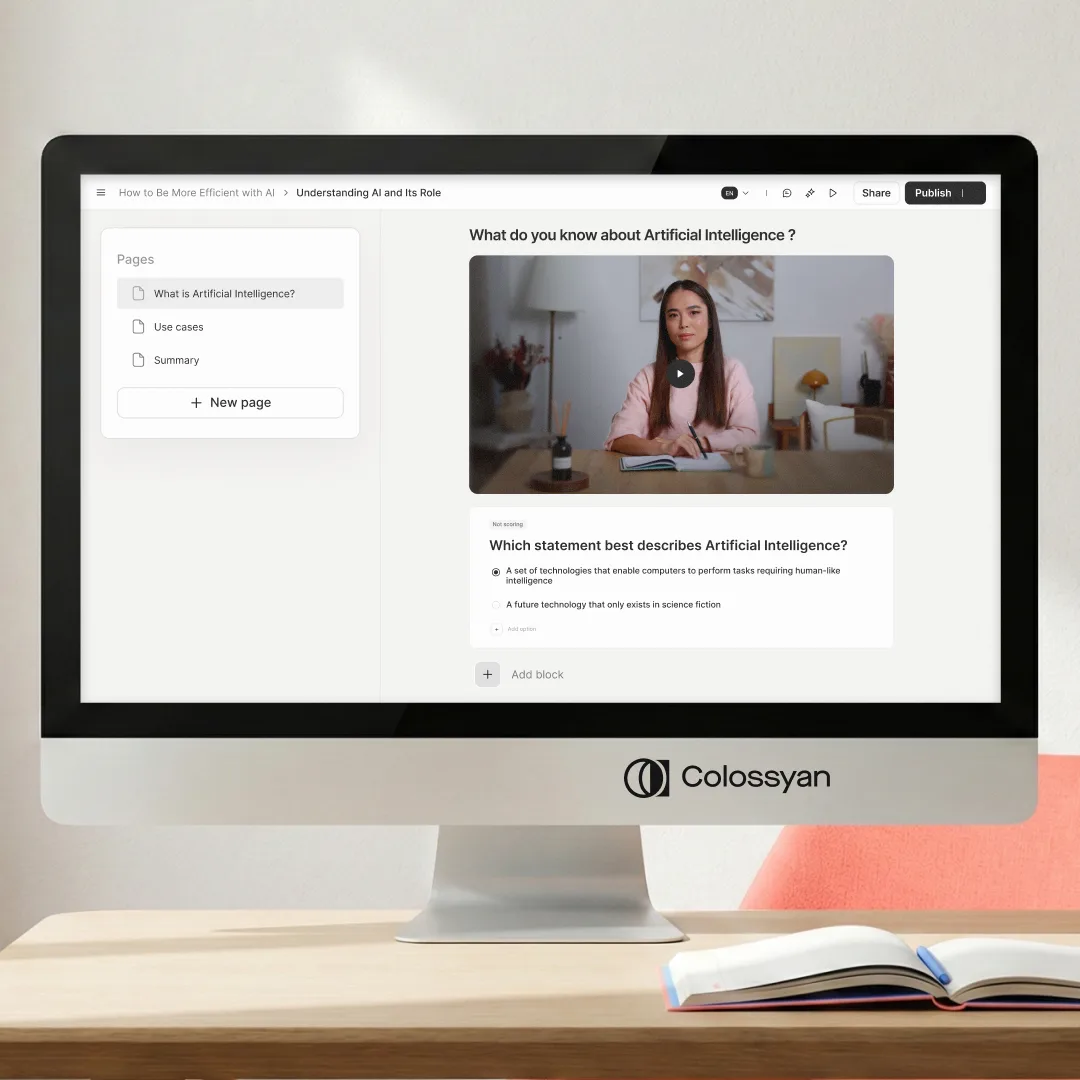
A written SOP tells people what to do. Colossyan turns the same steps into a short video course with knowledge checks and completion tracking, so the procedure gets followed instead of filed. For software tasks, record your screen once and it becomes a walkthrough you can keep current without reshooting.
- • Turn each step into a narrated video lesson with realistic AI avatars, no camera or crew
- • Add knowledge checks so you can confirm the procedure landed
- • Record your screen once for software SOPs, then update it without starting over
- • Translate the whole course into 100+ languages in one workflow
Core sections every solid SOP includes
From your notes to a full SOP draft
Languages the finished training supports
What is a standard operating procedure?
A standard operating procedure (SOP) is a step-by-step document that explains how to carry out a routine task the same way every time. A good SOP names the task, sets its scope, says who does what, and walks through the exact steps in order. The goal is consistency: anyone who follows it should get the same result, whether it is their first day or their five hundredth.
- • Consistency: the same task done the same way, whoever does it
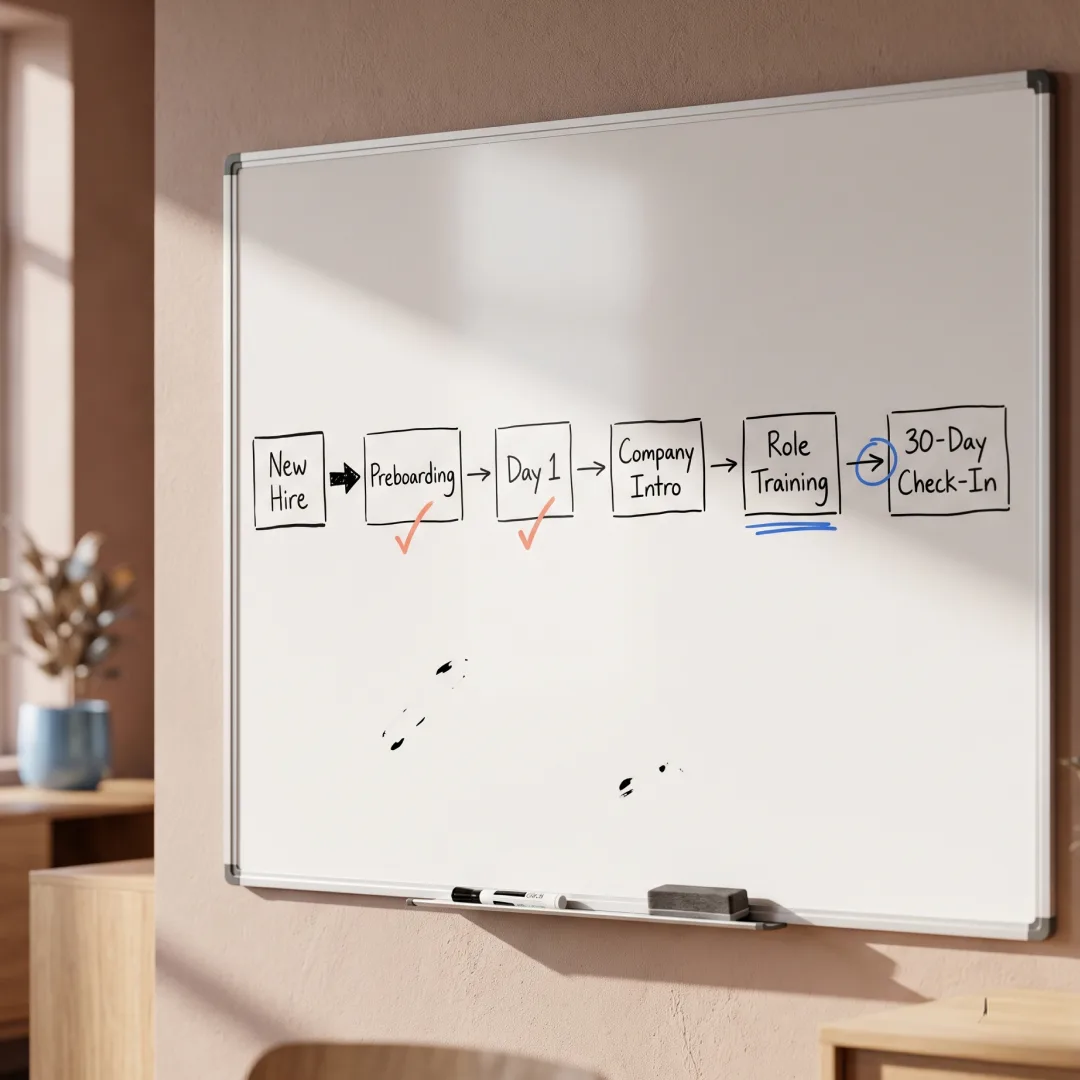
- • Faster onboarding: new hires follow the procedure instead of shadowing someone
- • Fewer errors: the risky and easy-to-skip steps are written down, not remembered
What to include in an SOP
The nine sections that make a procedure clear enough to follow. The generator builds this structure for you and flags anything you leave out.
| Section | What it covers | Example: refund SOP |
|---|---|---|
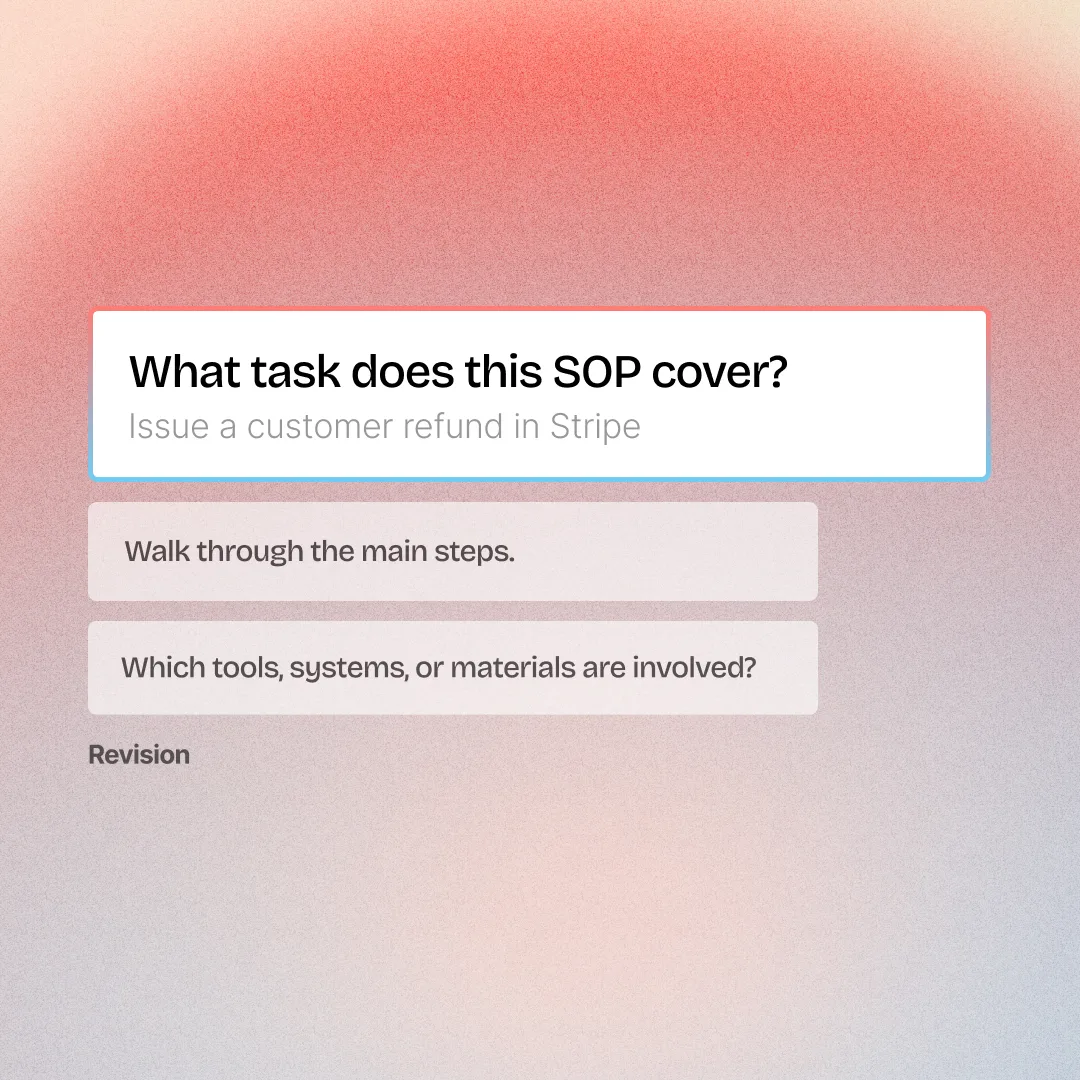
| Title | The task, named as an action | Issue a customer refund in Stripe |
| Purpose | Why the SOP exists and the outcome it should produce | Refunds are processed accurately and logged within 24 hours |
| Scope | When it applies and what it covers | Card payments approved by a team lead |
| Roles and responsibilities | Who performs, approves, and owns the task | Support agent initiates; Finance approves refunds over $500 |
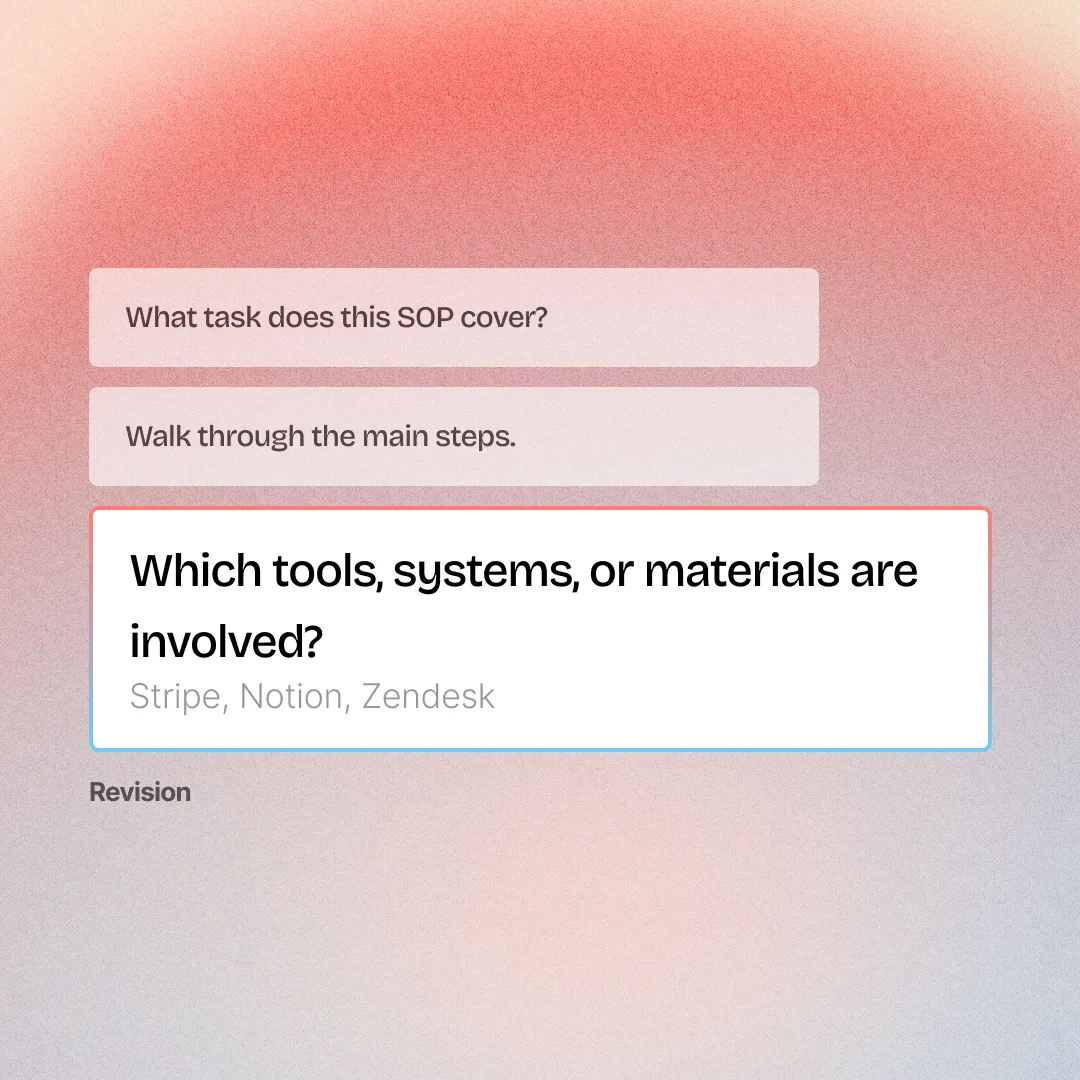
| Materials and prerequisites | Access, tools, or conditions needed first | Stripe access with refund permission, plus an approved request |
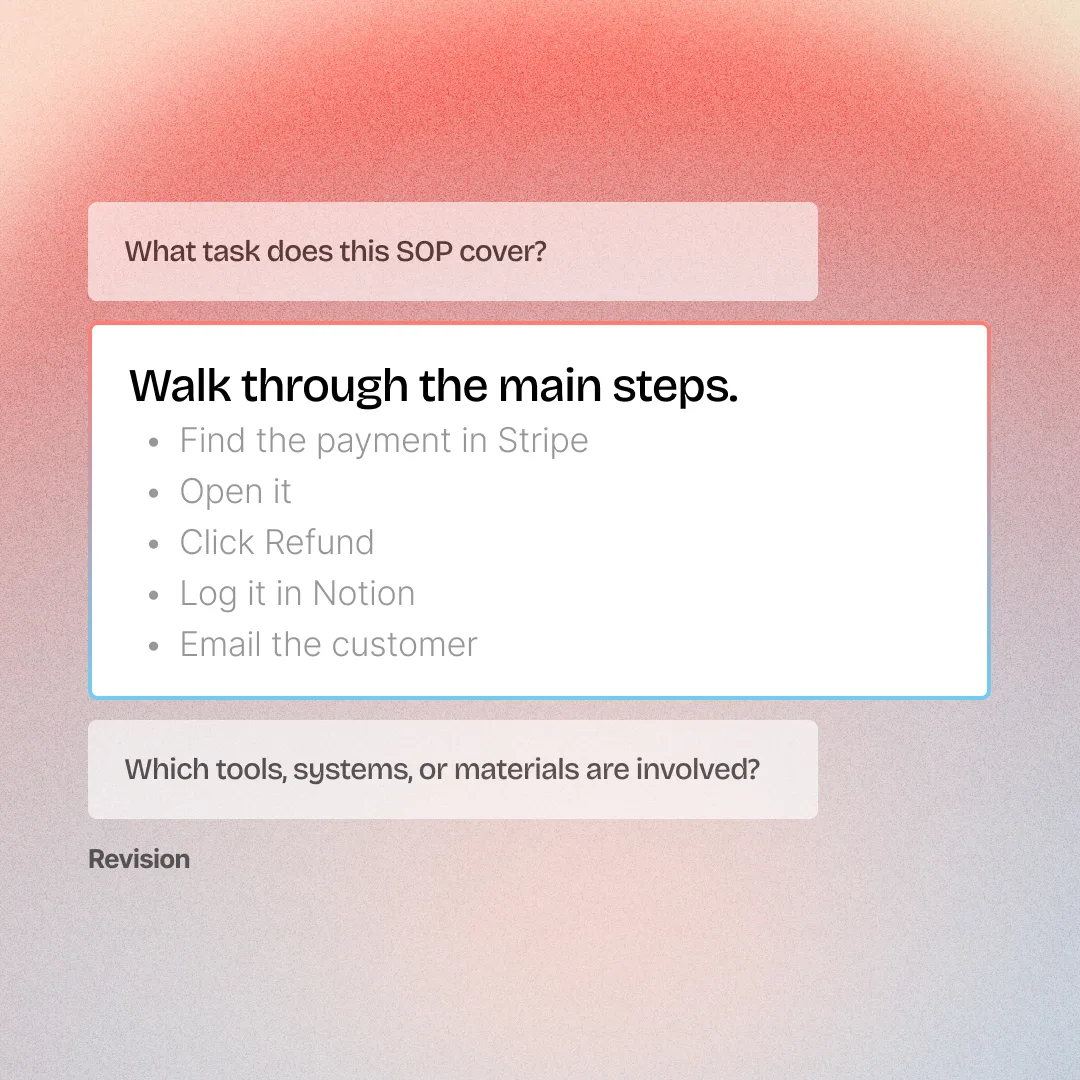
| Procedure steps | The ordered actions, one command each | Find the payment, open it, click Refund, log it, email the customer |
| Safety and quality notes | Cautions, checks, and compliance rules | Never refund to a different card than the original payment |
| References | Related policies, forms, or SOPs | Refund policy and the Finance approval workflow |
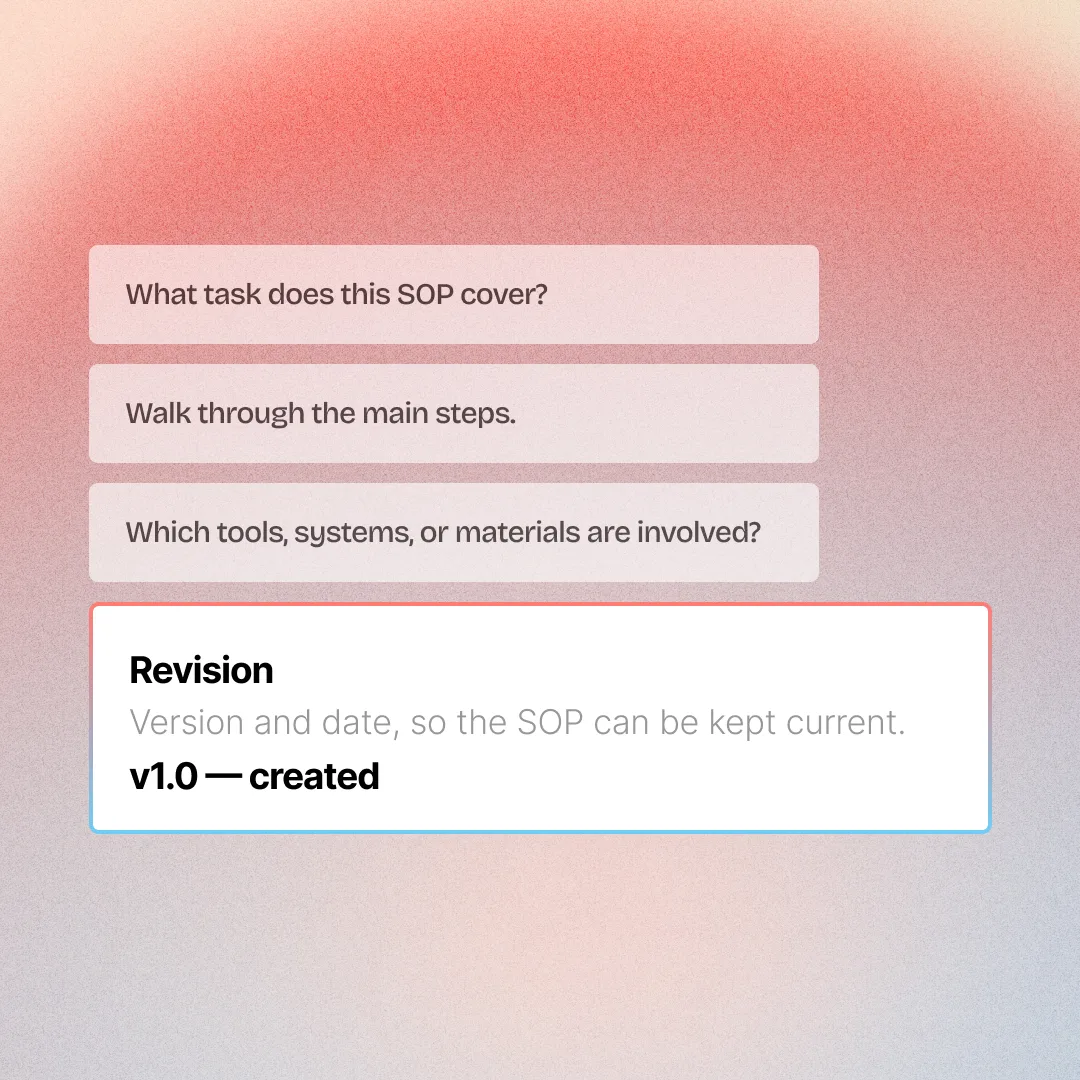
| Revision | Version and date, so it stays current | v1.0, reviewed quarterly |
Write a standard operating procedure in four steps
A document people skim, or training they finish
Most SOPs get written once and forgotten. The steps you just drafted can become training your team actually completes.
Why Teams Choose Colossyan
“The biggest benefit of Colossyan is being able to have training material that never goes obsolete.” Read AmeriSave Mortgage case study


“We’ve been able to replace an average of 10 hours of walkthrough meetings every month by generating a Colossyan video.” Read Paramount Pictures case study


“Colossyan’s technology and its translation capabilities have revolutionized our training processes, especially in a multi-lingual environment like ours.” Read Sonesta case study


Security that doesn't slow teams down
Creating and scaling knowledge experiences should not trigger months of security reviews, extra vendors, or blocked rollouts. Colossyan is designed to meet enterprise standards without adding friction to how teams work.
Security built into the platform
SOC2 Type II, GDPR and SAML SSO are part of the core product, not enterprise add-ons or custom work.


AI you can explain internally
Clear AI boundaries, transparent data handling, and responsible usage by design. Easy to review. Easy to approve.
Fewer tools means fewer risks
One platform for video, interactivity, localization, and management. Fewer vendors, fewer security gaps.
Ready when legal gets involved
MSAs, DPAs, and security questionnaires handled upfront so projects move forward instead of stalling.
Find your perfect plan
Your single platform to create efficient video first and multi-modal training and enablement content
Starter
For individual content creators
Professional
For professionals or small teams
Enterprise
Companies scaling training and enablement
Frequently Asked Questions
An AI SOP generator is a free tool that turns your notes, or a few answers about your process, into a structured standard operating procedure, the operations kind, not a Statement of Purpose. It keeps each step's details attached to that step, and never invents anything you did not provide.
A complete SOP includes a title, purpose, scope, roles and responsibilities, materials or prerequisites, the procedure steps in order, safety and quality notes, references, and a revision record. The procedure steps are the core, and each one should be a single action written as a command. The generator builds this structure and flags any section you leave blank.
Yes. The AI SOP generator keeps the owner, the deadline, and any if/then exception on the step they belong to, rather than flattening them into one summary. So a rule like 'refunds over $500 need Finance approval' stays attached to the refund step, where the person following the procedure will actually see it.
To write an SOP quickly, name the task, list the steps in the order they happen, then add who does each one and any approval or safety rules. Keep each step to a single action. The generator above does this from your notes or a few answers in seconds, so you start from a full draft instead of a blank page.
Yes, the AI SOP generator is free and needs no account to use. Draft as many standard operating procedures as you want, edit them, and export them without entering payment details. When you want to turn an SOP into a video training course, Colossyan has a free tier to get started.
Yes, the generator handles software tasks done by clicking through an app and hands-on physical processes, and it adjusts the wording to each. For software SOPs, screenshots go out of date fast, so Colossyan can turn the steps into an interactive screen recording that is far easier to keep current.
No, the generator only uses what you tell it. When a detail is missing, like an approval threshold or who owns a step, it leaves that field blank and flags it as a gap to confirm rather than inventing a value. That keeps the SOP accurate to how your process actually works.
Yes, every part of the drafted SOP is editable, including the title, each step, and the owner, deadline, or exception attached to a step. When it looks right, copy the full SOP or download it as a formatted PDF. Nothing is locked in, so you can drop it into your own docs, or bring it into Colossyan when you want it as a course.
Draft the SOP above, then build it into a course in Colossyan. Each step becomes a short video lesson with knowledge checks and completion tracking, so you can see who is trained. For software procedures, a recorded screen walkthrough replaces static screenshots and stays current as the tool changes.
Yes. Colossyan does not use your input to train AI models, and the platform is SOC 2 Type II certified and GDPR compliant. You can draft an SOP without an account, and enterprise teams get SAML SSO, custom roles, and full documentation through the Trust Center.

Turn your SOP into a course your team finishes
Draft a standard operating procedure above, then build it into a video course with knowledge checks and completion tracking. Free to start.