Turn the recordings nobody rewatches into training people finish.
Attach a Teams or Zoom recording or a recorded walkthrough. Cora treats it as a script source, not a storyboard, and drafts a scene-by-scene plan from what was said. You approve every scene before anything renders.



Three reasons recordings rarely work as training.
The two minutes that matter are buried somewhere in the middle, between the intro and the Q&A.
A walkthrough recorded for one hire never reaches the next twenty. What was said once stays in a folder.
Book the expert, book the room, start again. So the recording goes out of date and stays that way.
Cut on video production costs (Mentor Group, on G2)
AI avatars to present what was said
From 480+ reviews by teams shipping training video
Recording trimmed vs recording rebuilt.
Same recording. Different relationship with the output.
What other teams have created with Colossyan.
Onboarding, security, healthcare, compliance. Four real outputs from training teams.
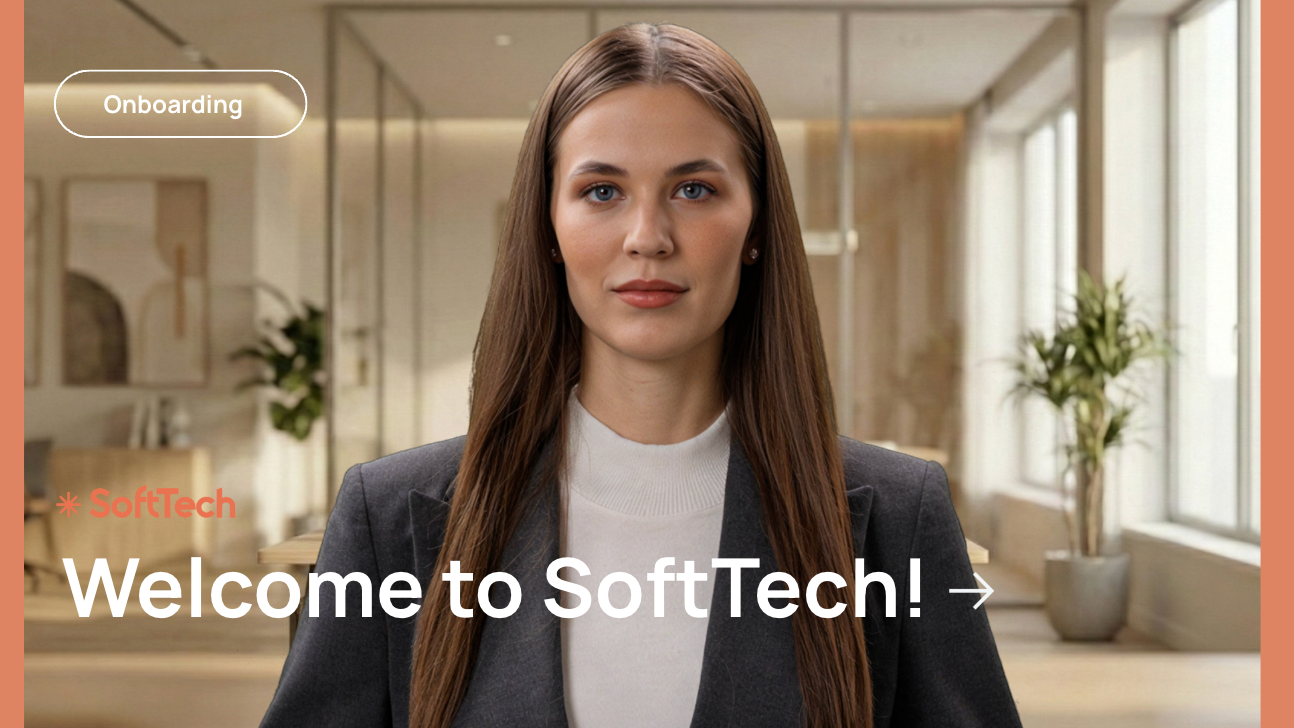
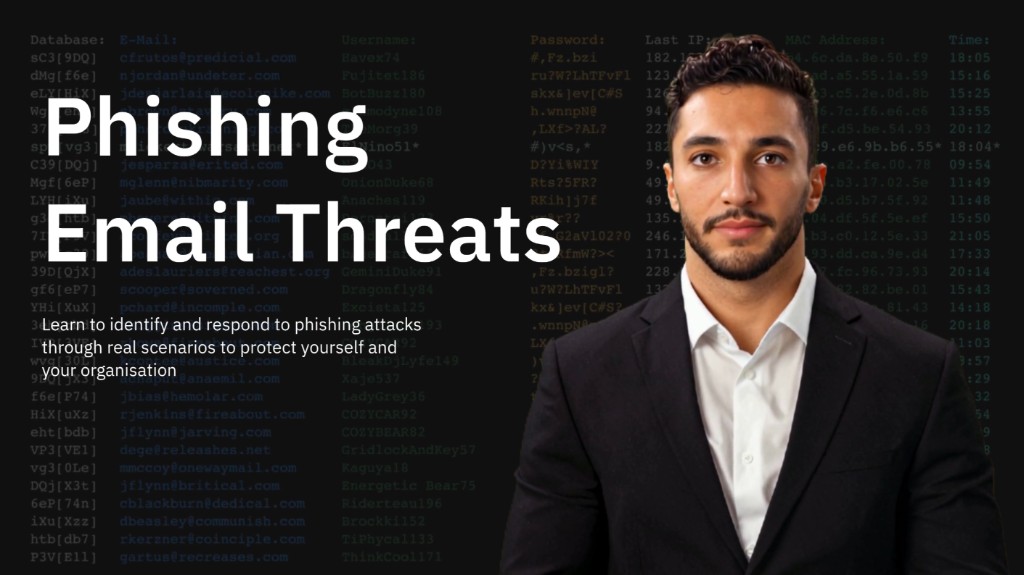
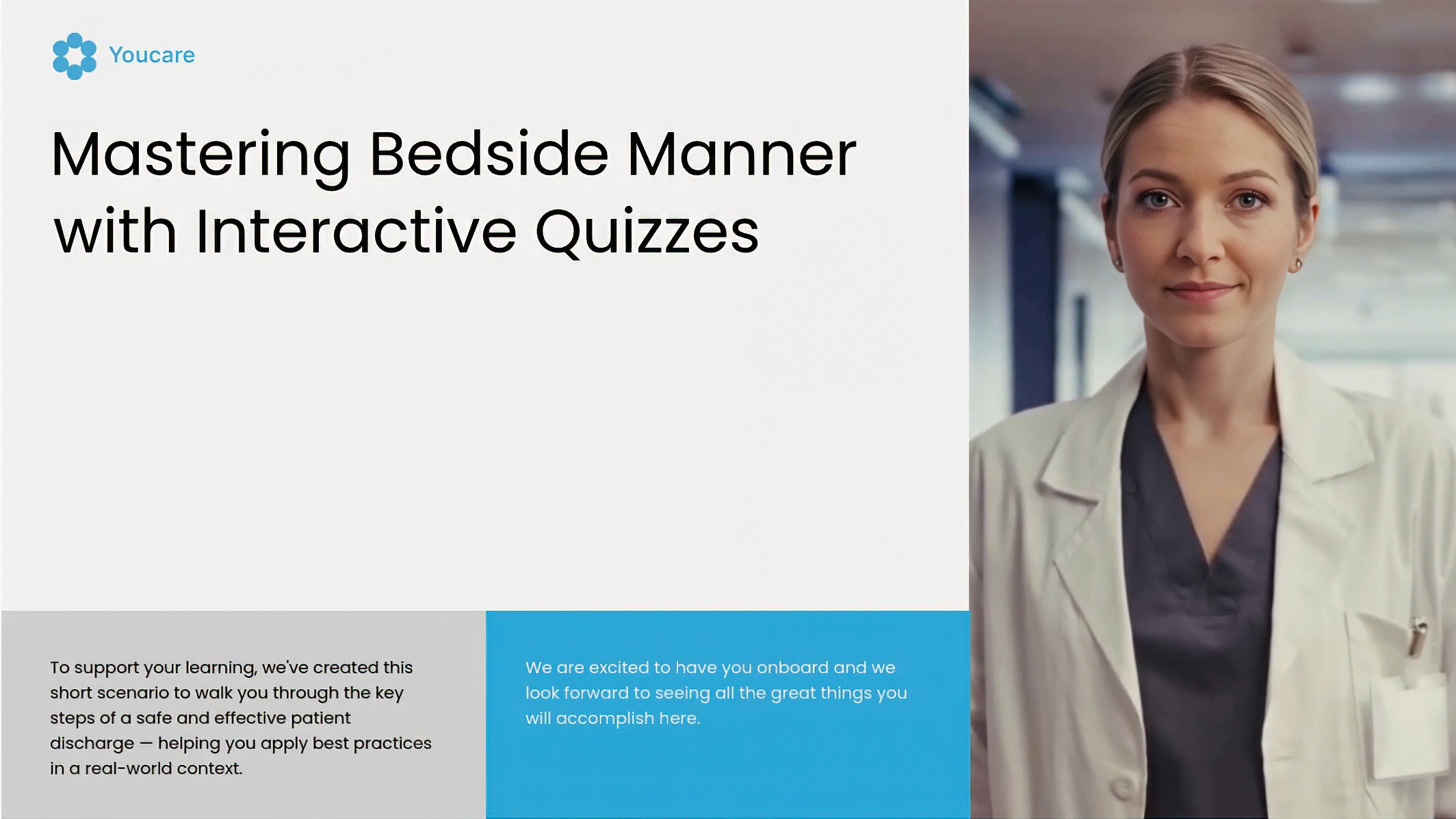

Pick who presents what was said.
The original speaker does not have to be on camera again. Browse 300+ AI presenters, clone your voice, or create a custom avatar of yourself.
From recording to editable scene plan.
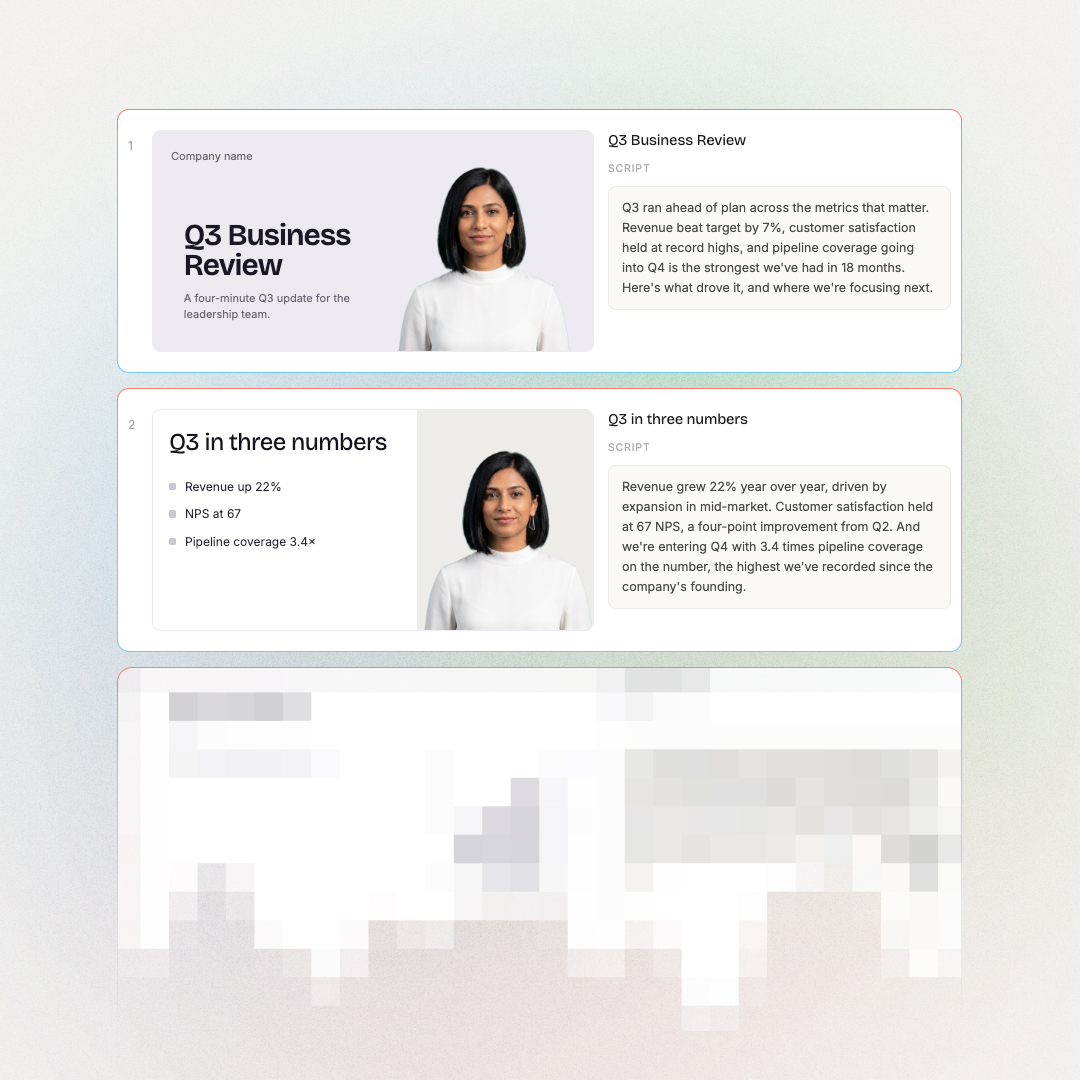
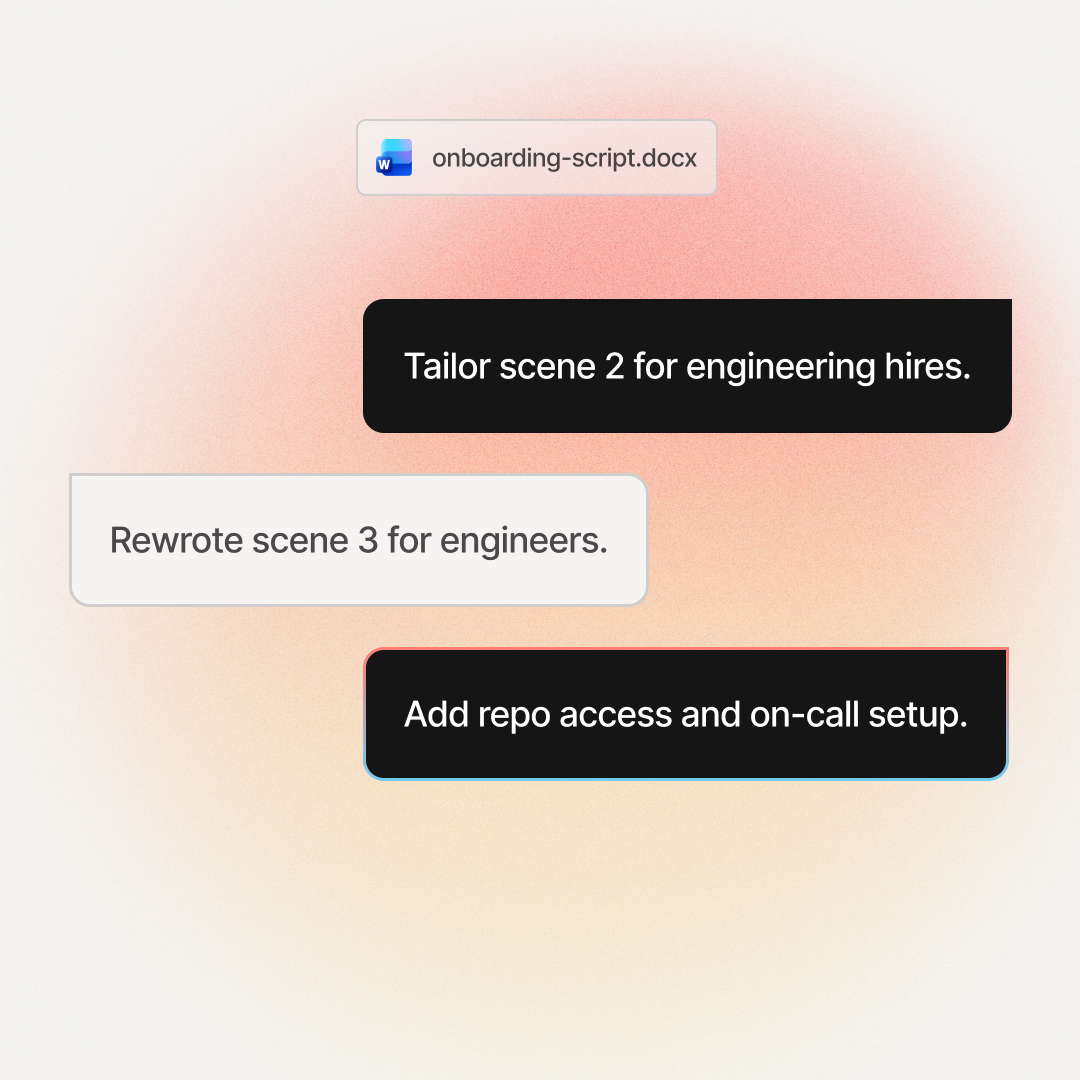
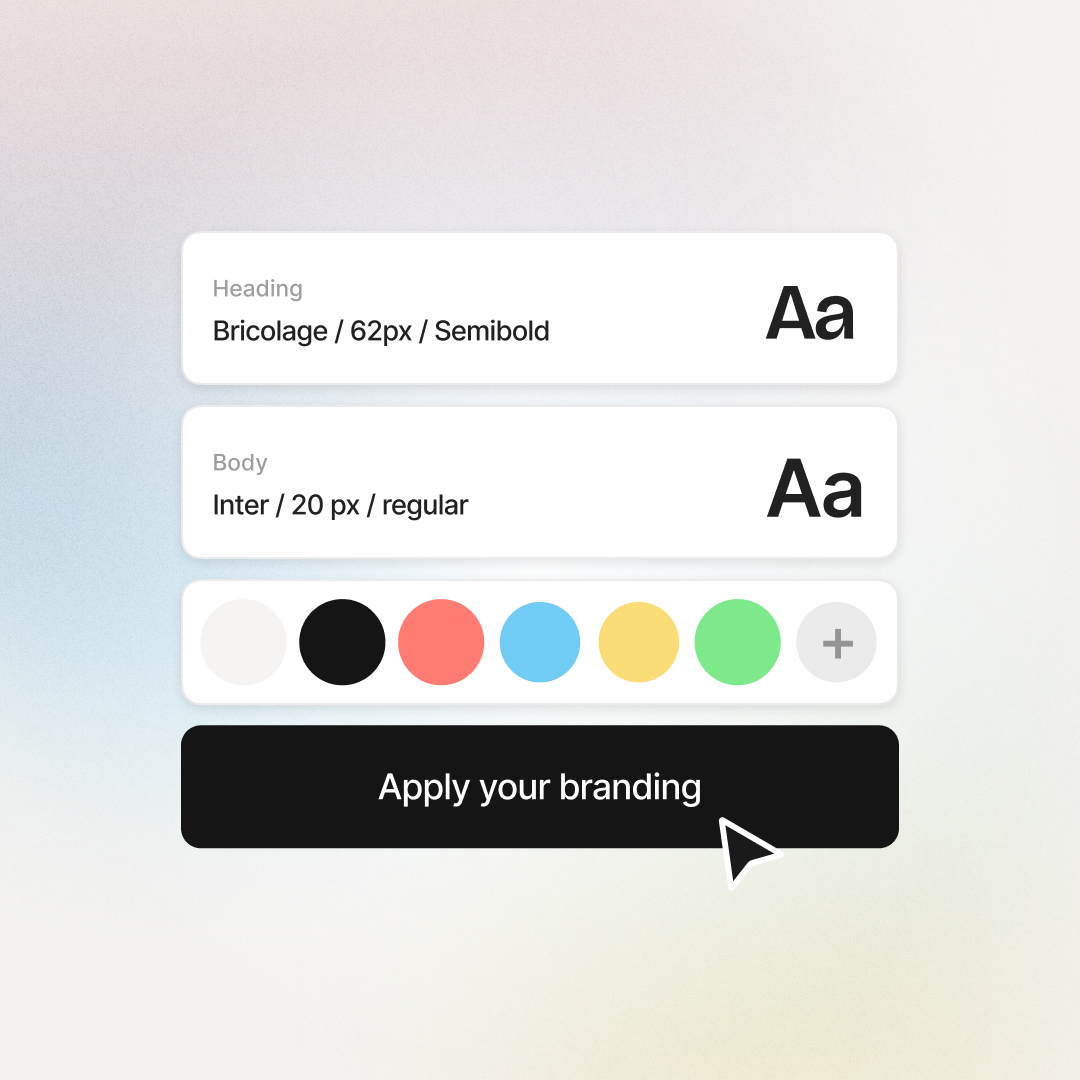
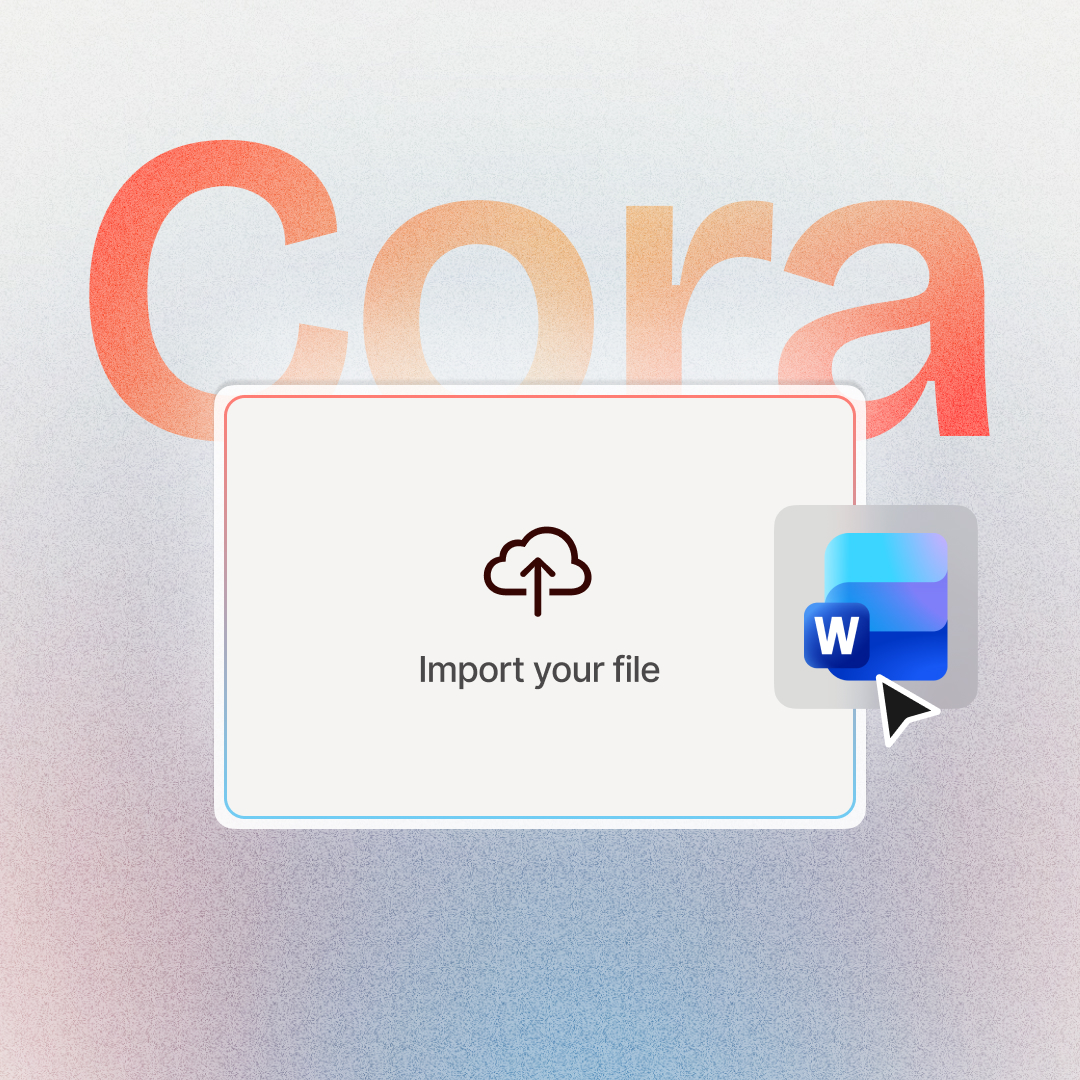
Six capabilities, built around your recording.
Verbatim or rewritten. Mixed with your other sources. Approval before render.
Transcript, verbatim or rewritten
Keep what was said word for word, or let Cora draft a tighter script from it: a summary, a recap, or a restructure.
Mix recordings with documents, decks, and URLs
Attach a recording alongside PDFs, slide decks, documents, URLs, and scripts in the same project. The deck brings structure, the recording brings what was said.
Plan first, approve before render
You get an outline, then a scene-by-scene plan with every scene traced back to where it came from. Nothing renders until you approve it.
Ship to your LMS
Render as MP4 up to 1080p, export to SCORM or xAPI for LMS upload, download captions as SRT or VTT, or share via a hosted link.
Presenters and voice
Pick from 300+ AI presenters or clone your own voice. Swap presenters at the scene level so different scenes can feature different faces.
Translate the plan before render
Translate the plan, not the finished video, so there is no double work. Narration is lip-synced in every language you pick.
The training teams already shipping AI videos rate us 4.6 on G2.


Training content that never goes obsolete
The ease of content update and cost savings are remarkable. Colossyan's AI technology and its translation capabilities have revolutionized our training processes, especially in a multi-lingual environment like ours.

Cutting-edge AI for new hire training
The AI technology they've built into their software is truly cutting-edge and has significantly improved our new hire training program productivity.

Like extending our team
Working with Colossyan feels like we have extended our team. The ease of using Colossyan Creator to create engaging learning materials has been a game changer.

90% video production cost reduction
With Colossyan, we were able to cut around 90% of our video production costs. We chose Colossyan because we liked their company culture and the quality of their product.

We Have Partnered With Colossyan!
Colossyan Creator is a cost-effective, user-friendly tool that allows our global team to produce interactive, multilingual training videos in just minutes. While there is a minor initial learning curve, the platform's ability to scale professional content across 80+ languages has made it an essential partner for our enterprise.

Frequently asked questions
Everything you need to know about turning a recording into a training video.
Attach the recording in the AI Video Generator the way you would a PDF. Cora transcribes the audio, drafts an outline and a scene-by-scene plan, and waits for your approval. Edit any scene, then render with an AI presenter and your brand kit.
No. Cora works from the audio transcript. The footage, slides, and on-screen content are not imported, so think of the recording as a script source. If the visuals matter, attach the slide deck or document alongside it.
Yes. Use the transcript word for word, or let Cora draft a tighter script from it.
Yes. Attach a recording alongside PDFs, decks, documents, URLs, or scripts.
No. Dubbing keeps the original video and speaker and changes the language. This creates a training video from what was said. For dubbing, use the free Video Dubbing tool.
Yes. Choose from 300+ AI presenters or clone your own voice. You can swap presenters at the scene level, so different scenes can feature different presenters in the same video.
Yes. Approved plans render as MP4 files up to 1080p. You can also export to SCORM or xAPI for LMS upload, download captions as SRT or VTT, or share via a hosted link.
Yes. Colossyan is SOC 2 Type II and GDPR compliant. Uploaded recordings stay in your workspace. We do not train models on customer content. See the security page for details.
Cora is the agentic engine inside Colossyan. The AI Video Generator is the feature you interact with; Cora is what reads your recording, drafts the scenes, and assembles the plan. You approve each step. See the full Cora launch page for more.
Start from the right source.
Cora handles all of these, but each format has its own page.




Want the original video in another language, same speaker? Try free Video Dubbing. Or see the full AI Video Generator.

Your next training video was already said out loud.
Attach any recording. Approve every scene. Render the version you approved. For training teams that want control, not just AI narration.