
Key Takeaways
- The rebuilt AI Video Generator is powered by Cora, Colossyan's AI agent — it drafts scenes and scripts for your review, not a finished product
- You can edit any scene in plain language, accept PDFs, Word files, PowerPoints, URLs, and plain text as source material
- Brand kits apply automatically to every draft, and you can produce localized versions in 100+ languages from one source
- The full Colossyan editor, avatar library, LMS export, and collaboration tools all work the same as before
- Early access is open now — join the waitlist to get onboarded in batches
The AI Video Generator has been part of Colossyan for a while. Upload a document, get a video. The concept was right. The execution had a ceiling.
That ceiling was control. Or rather, the lack of it. The old version gave you a video. It didn’t give you the ability to direct one. You could tweak things at the margins (swap an avatar, adjust a line) but the system made the decisions. If you didn’t like what it produced, your options were limited.
The rebuild changes that. Here’s what’s different and why it matters.
Cora is now running it
The rebuilt AI Video Generator is powered by Cora, Colossyan’s AI agent. This isn’t a branding update. It’s the actual change.
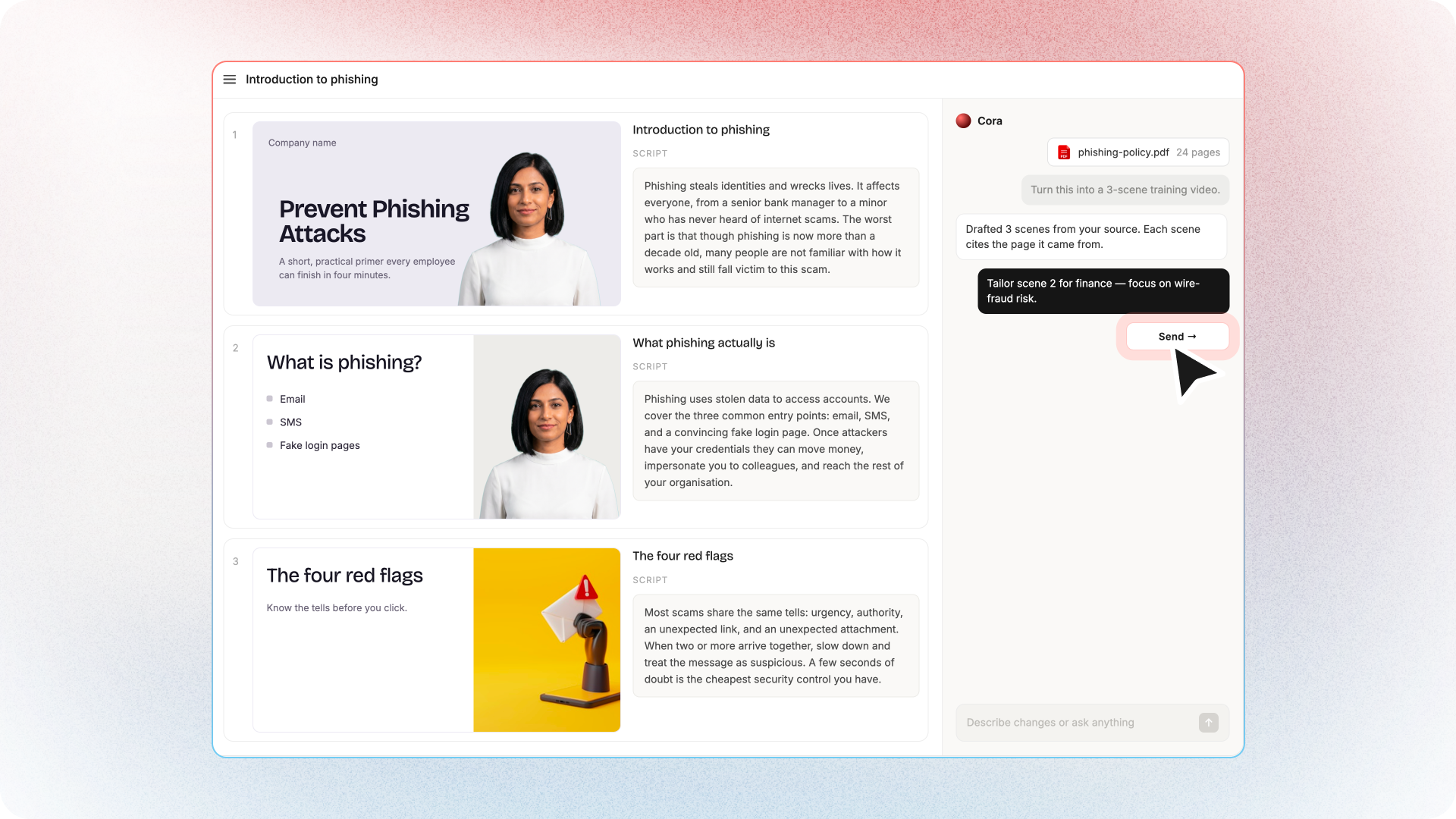
The previous version processed your input and produced an output. Cora reasons about it. It reads the full source material, identifies what the training is trying to accomplish, structures a narrative, and then drafts the video: scenes, script, avatar placement, pacing. All of it as a starting point for your review. Not a finished product. A draft you direct.
That distinction matters because it changes who’s in control. The old model handed you a result. Cora hands you a draft and asks you to be the director. You decide what stays, what changes, and what the output becomes. The build work is Cora’s. The creative decisions are yours.
What you can now do that you couldn’t before
Edit anything, not just the edges. In the previous version, deep edits meant starting over. With Cora, the entire draft is yours to work with. You can rewrite individual scenes in plain language: tell Cora what to change and it regenerates that section. You’re not constrained by what the system decided.
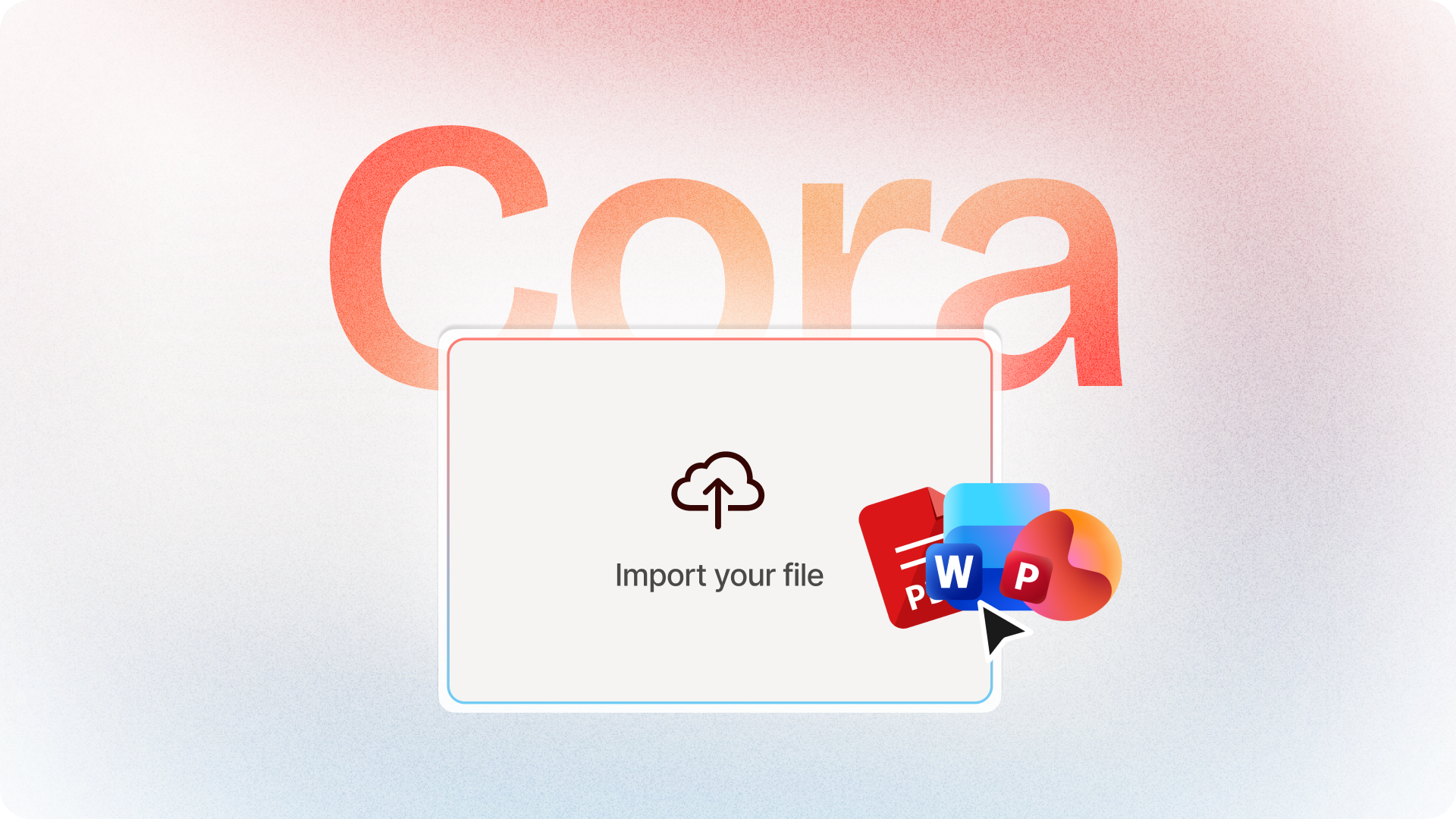
Use any source format. The original AI Video Generator was built around documents. The rebuilt version accepts PDFs, Word files, PowerPoints, URLs, and plain text input. If your source material lives on an intranet page, paste the link. If it’s a compliance handbook, upload it. Cora handles the extraction and structures the video from whatever you give it.
Generate without limits. The older version had constraints on what you could produce per session. The rebuilt generator removes those limits. You can run multiple sources, generate multiple videos, and iterate on each without hitting a ceiling.
Keep your brand without configuring it every time. Brand kits (your colors, fonts, avatar style, logo) are applied automatically when Cora drafts the scenes. You’re not manually applying a template to each video. The brand follows the content.
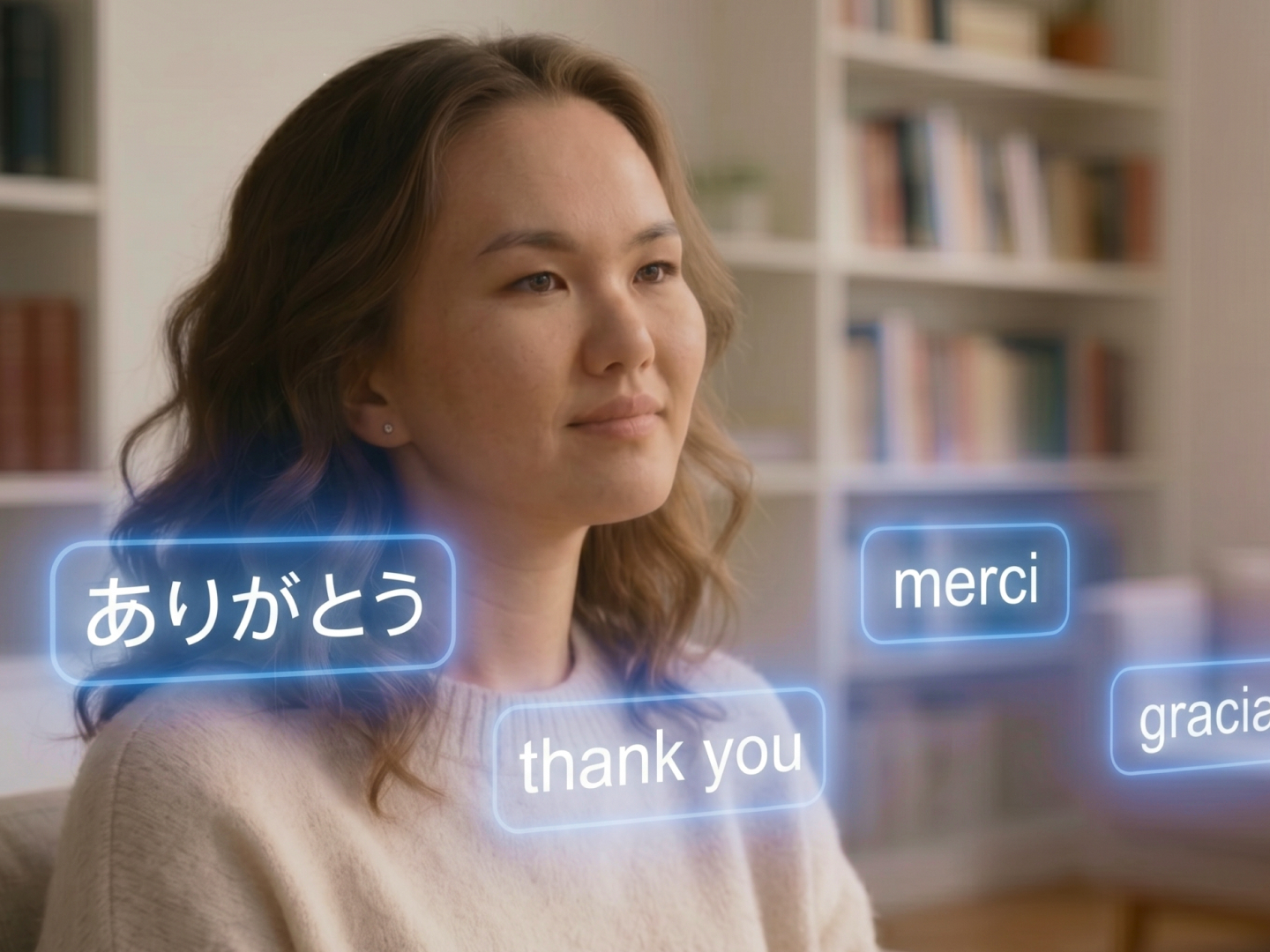
Produce in any language. This isn’t new to Colossyan, but it carries through the rebuilt flow cleanly. The same source material, the same Cora draft, with localized voiceover and lip-synced avatars across 100+ languages. One source, multiple outputs.
What this looks like in practice
Take an existing PowerPoint deck. Upload it via PPT to Video. Cora reads the slides and speaker notes, maps each slide to a scene, and drafts a narrated video with an AI avatar. The script comes from your speaker notes (or from the slide content if notes are sparse). You review the video plan, move scenes around, adjust the narration, swap the avatar, and export.
Or take a URL. Paste a link to a blog post, a knowledge-base article, a product page. Cora reads the page, extracts the key points, and builds a structured video via URL to Video. The same flow: draft, direct, export.
Have a compliance handbook or policy document? PDF to Video and Document to Video follow the same pattern — Cora extracts the structure, you direct the output.
The common thread is that you’re not handing content off to a system and waiting to see what comes back. You’re working with a draft that Cora prepared, making the decisions you care about, and exporting what you actually wanted.
The things that haven’t changed
Colossyan’s avatar library, language coverage, LMS export (SCORM 1.2, SCORM 2004, MP4), and collaboration tools are all intact. The rebuilt generator works within the same Colossyan platform. You’re not learning a new interface.
The editor is still there. If you want to go deeper than Cora’s draft (change the visual design, add custom assets, restructure the flow significantly) the full editor gives you that. Cora handles the first pass. The editor handles the rest.
How Paramount creates training videos 10x faster
Paramount replaced manual video production with Colossyan's AI avatars, cutting production time from weeks to hours across their global L&D team.
Read the full story →Who should pay attention
If you’re creating training content from existing material (documentation, decks, policies, articles) and you’ve been doing that manually or running it through a tool that gave you something usable but imprecise, this is worth a look.
The rebuilt AI Video Generator isn’t for teams that want to hand off content creation entirely and get a finished product back. It’s for teams that want to move fast but still own what they produce. Cora does the build. You direct the output.
How to get access
The rebuilt AI Video Generator is available in early access now. We’re onboarding teams in batches.
This is the first part of a broader shift in how Colossyan works. The same agentic approach (Cora handles the build, you handle the direction) is being extended to course creation next. But that’s the next phase. The AI Video Generator is where it starts.