
PowerPoint to SCORM Converter
Upload a .ppt or .pptx deck and download a self-contained SCORM 1.2 package for your LMS. Static slide visuals with navigation, resume, and completion tracking. Free, no signup.




Your Deck Is Ready for the LMS. Then Go Further.
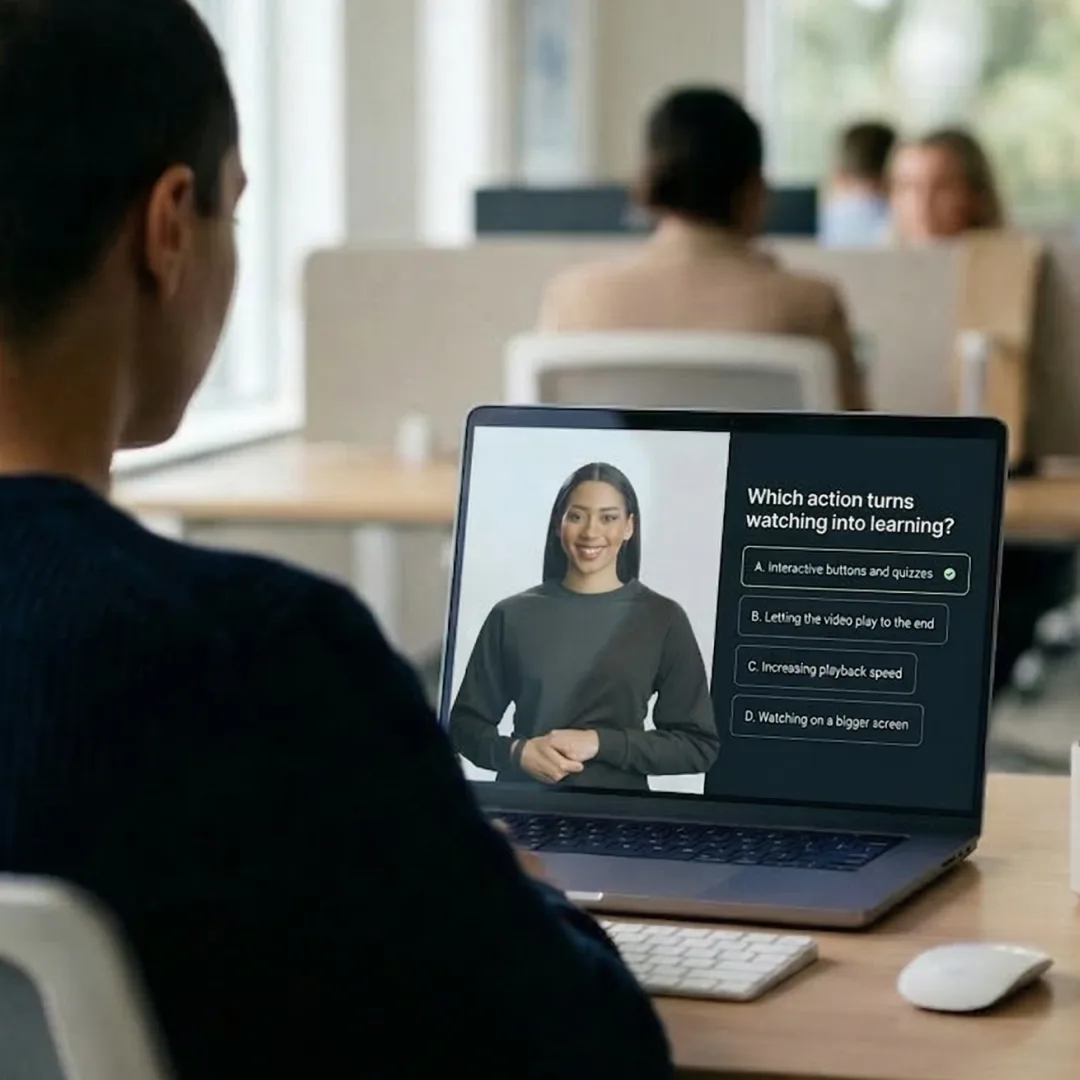
This converter packages your slides as SCORM 1.2 for upload to Moodle, Cornerstone, Docebo, and other LMS platforms. Colossyan turns the same slides into a narrated video or course with quizzes, branching, and richer SCORM reporting.
- • Turn your static slides into a narrated video lesson with realistic AI avatars, no camera or crew
- • Add quizzes and branching so you can confirm the content landed
- • Get scores, attempts, and time on task instead of static completion tracking
- • Translate the whole course into 100+ languages in one workflow
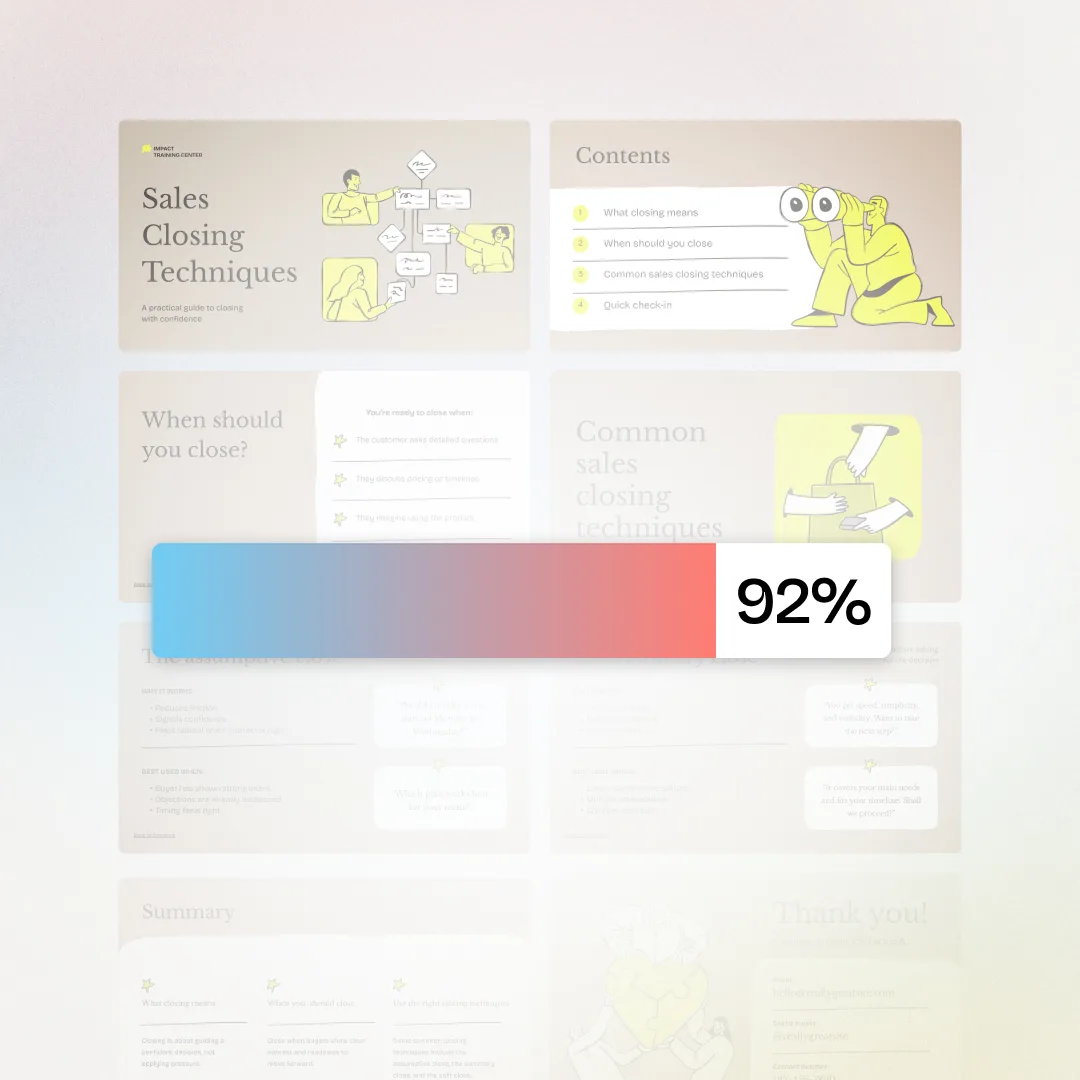
Legacy and modern PowerPoint files supported
Broad LMS compatibility out of the box
Self-contained ZIP sized for common LMS upload caps
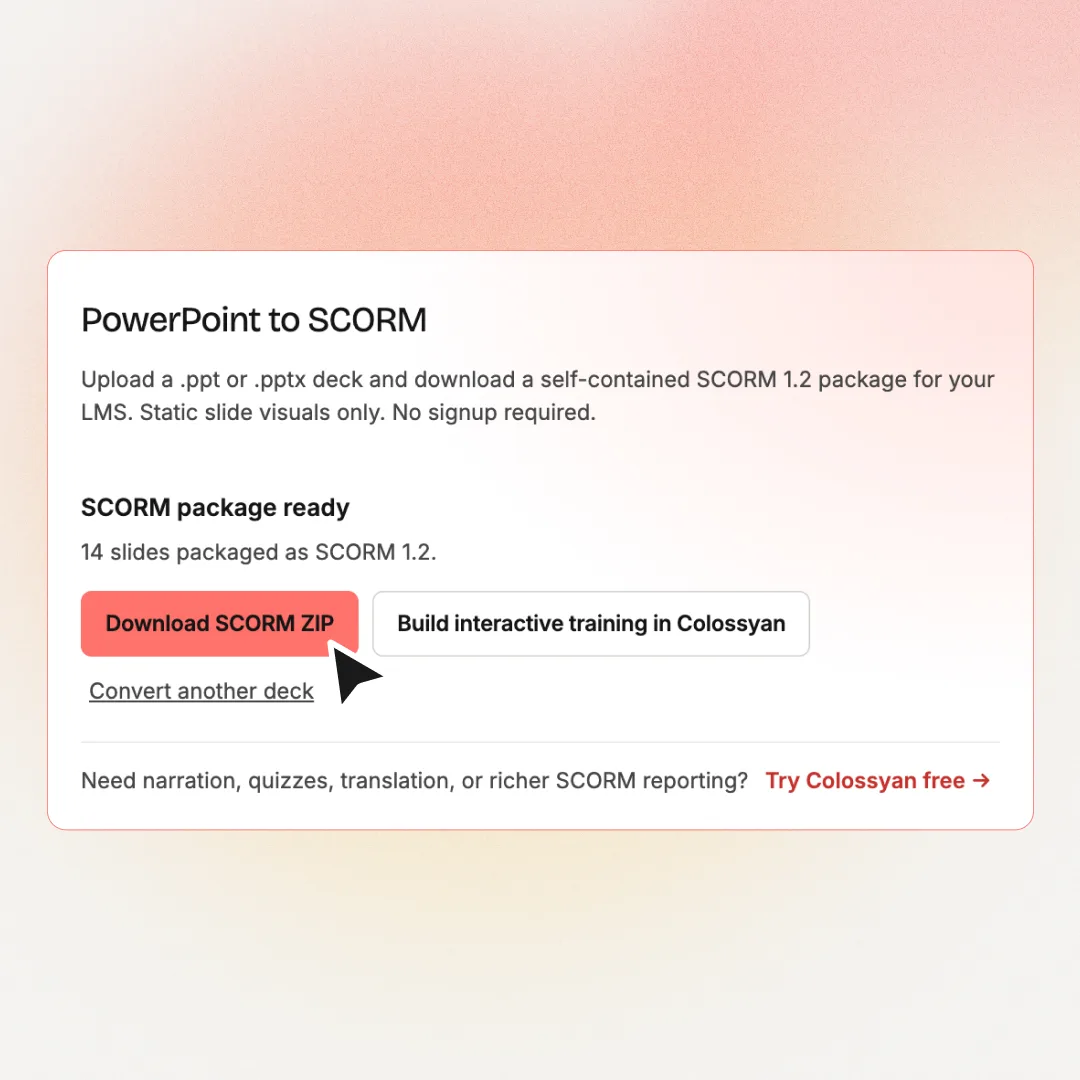
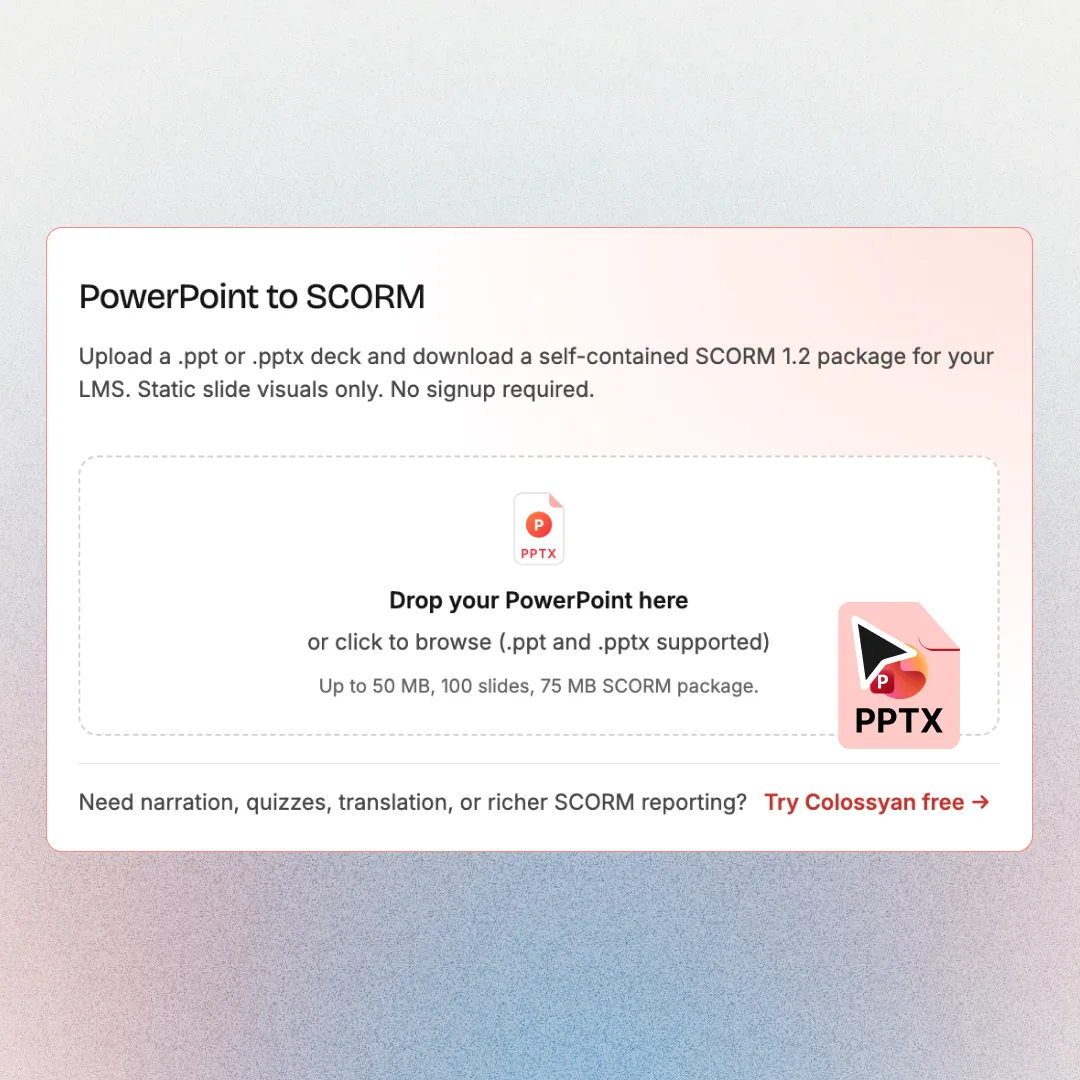
SCORM package in 3 steps
Why Teams Choose Colossyan
“The biggest benefit of Colossyan is being able to have training material that never goes obsolete.” Read AmeriSave Mortgage case study


“We’ve been able to replace an average of 10 hours of walkthrough meetings every month by generating a Colossyan video.” Read Paramount Pictures case study


“Colossyan’s technology and its translation capabilities have revolutionized our training processes, especially in a multi-lingual environment like ours.” Read Sonesta case study


Security that doesn't slow teams down
Creating and scaling knowledge experiences should not trigger months of security reviews, extra vendors, or blocked rollouts. Colossyan is designed to meet enterprise standards without adding friction to how teams work.
Security built into the platform
SOC2 Type II, GDPR and SAML SSO are part of the core product, not enterprise add-ons or custom work.


AI you can explain internally
Clear AI boundaries, transparent data handling, and responsible usage by design. Easy to review. Easy to approve.
Fewer tools means fewer risks
One platform for video, interactivity, localization, and management. Fewer vendors, fewer security gaps.
Ready when legal gets involved
MSAs, DPAs, and security questionnaires handled upfront so projects move forward instead of stalling.
Find your perfect plan
Your single platform to create efficient video first and multi-modal training and enablement content
Starter
For individual content creators
Professional
For professionals or small teams
Enterprise
Companies scaling training and enablement
Frequently Asked Questions
A PowerPoint to SCORM converter is a free tool that packages your slide deck as a SCORM 1.2 file your LMS can launch and track. It preserves your slide visuals with navigation and completion tracking. It doesn't add narration, animations, or quizzes.
Yes. You can convert decks without creating an account or entering payment information. Uploads are processed privately and deleted within 24 hours. When you need narrated video, quizzes, or richer SCORM reporting, you can sign up for Colossyan's free tier.
A self-contained SCORM 1.2 ZIP with static slide images, previous/next navigation, keyboard controls, resume/bookmark support, and completion when the learner reaches the final slide. Animations, transitions, speaker notes, and embedded audio/video playback are not included in this free converter.
The converter accepts .ppt and .pptx files up to 50 MB and 100 slides. Password-protected, macro-enabled (.pptm), and corrupt files are rejected with a clear error message. If your content is a web page or Claude artifact rather than a deck, use the HTML to SCORM converter instead.
Any LMS that accepts SCORM 1.2 packages works with the generated ZIP. Colossyan customers also export richer interactive video and full courses to Moodle, Cornerstone, Docebo, and other platforms. See SCORM export in Colossyan.
This free tool turns slides into a static SCORM slide player. Colossyan SCORM export packages AI-generated or interactive video, quizzes, pass marks, bookmarking across branches, and enterprise reporting, built for production training programs.
The converter preserves the visual layout of each slide as a rendered image. Complex Office fonts, charts, and custom typography may shift slightly depending on available fonts in the conversion environment. For pixel-perfect branded video training, use Colossyan PPT to video.
Yes. Uploads are private and files are deleted within 24 hours. Nothing about your content is shared or reused.
Package your deck into SCORM here, or upload it directly into Colossyan to turn it into a video or course with AI avatars, voiceover, and quizzes. Colossyan adds 100+ language translation, then exports it as a fuller SCORM package with richer reporting. To plan the training first, draft a structure with the course outline generator or add knowledge checks with the AI assessment generator.

From SCORM ZIP to Full Training Program
Download a free SCORM package above, then turn the same content into narrated video courses with AI presenters, assessments, and 100+ languages in Colossyan.