

Colossyan vs Camtasia. One Stops at the Recording.
Colossyan has the screen recorder and software simulations Camtasia is known for. It is also the agentic platform that drafts AI video, full training courses, and 100+ language translations. See the side-by-side breakdown.



Camtasia vs Colossyan: The Short Version
Camtasia is a desktop app for screen recording and timeline-based video editing. Colossyan covers screen recording too, with software simulations on top, and adds AI video, course authoring, interactive scenarios, and auto-translation in one platform. Whether you build software walkthroughs, training videos, or full courses, here is how the two compare.
- • Colossyan includes a built-in screen recorder with software simulations. Camtasia is screen recording and timeline editing only.
- • 300+ AI avatars and text-to-video on every plan. Camtasia has no AI video or avatars.
- • SCORM, branching scenarios, and 100+ language translation included. Camtasia exports MP4 files only and requires re-recording per language.
Video production cost reduction (Sonesta Hotels)
Meeting time replaced per team (Paramount)
Stock avatars with natural gestures (NEO 2)
Camtasia and Colossyan Side by Side
Camtasia is a desktop video editor with a screen recorder. Colossyan covers screen recording too, and adds AI video, courses, interactivity, and translation.
| Training need | Camtasia | Colossyan |
|---|---|---|
| Editable AI drafts | Manual record only (no AI) | Yes, every scene |
| Screen recording | Yes, desktop recorder with callouts and zoom | Yes, built-in advanced screen recorder |
| Software simulations | Manual click-track and cursor smoothing | Branching software simulations on top of the capture |
| AI video | No (record yourself) | 300+ avatars, text-to-video |
| Course authoring | No (video files only) | Built-in courses, modules, lessons |
| Interactivity | No | Branching, quizzes, AI agents, scored assessments |
| SCORM + LMS export | No (outputs MP4 only) | All paid plans |
| Content updates | Re-record and re-export | Edit any scene, push live |
| Localization | None. Manual re-record per language | 100+ languages, auto-translate |
| Collaboration | Single-user desktop app | Team workspace, web-based |
| Timeline-editing depth | Multi-track audio, advanced transitions | Scene-based editor built for training |
| Licensing | Perpetual desktop license | Per-seat subscription |
| Data privacy | Local desktop file storage | SOC 2 Type II, clear data handling policies |
Where Camtasia and Colossyan Actually Differ
Screen recording, AI video, course authoring, and auto-translation in one platform.
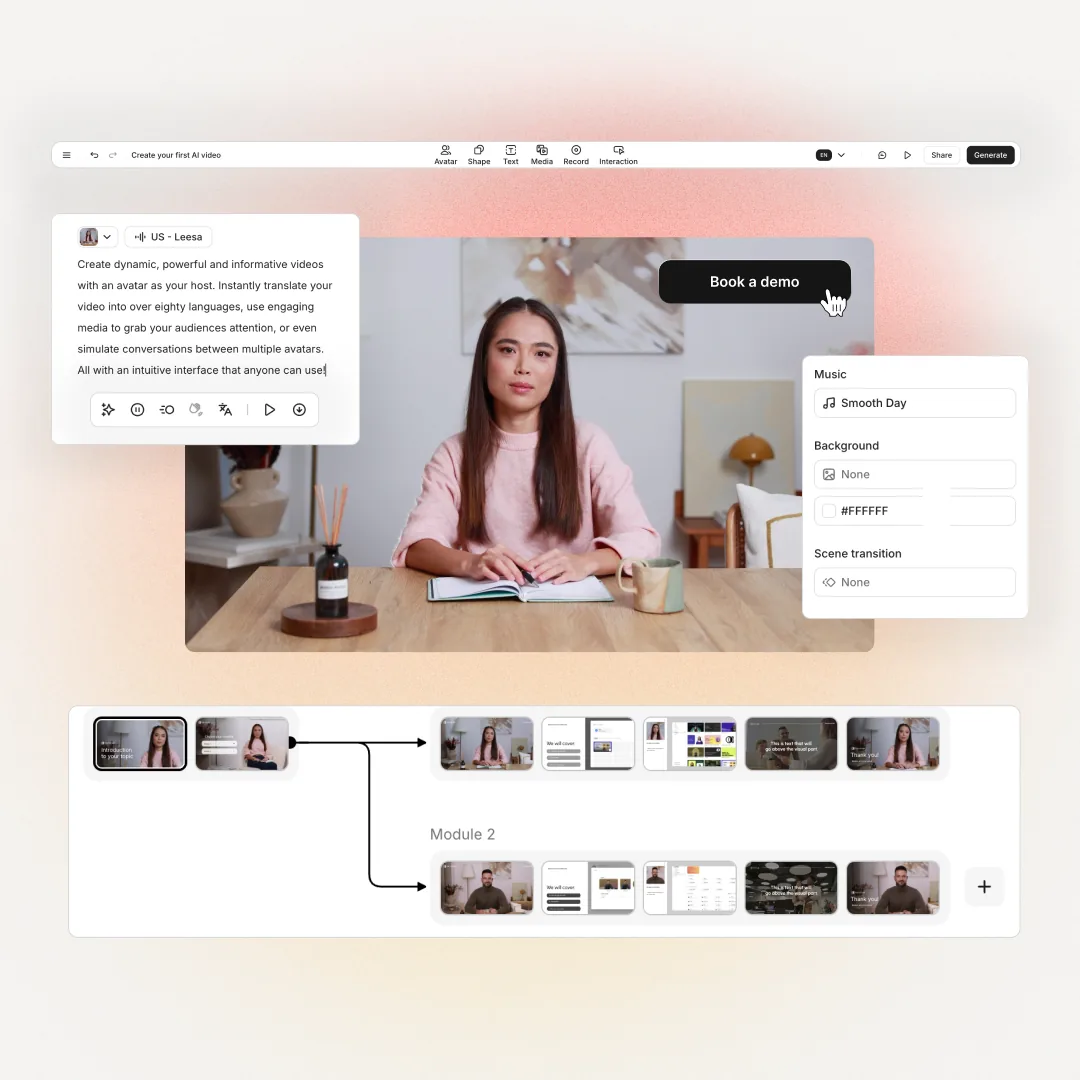
Capture Once, Build Software Simulations On Top
- Built-in advanced screen recorder for software walkthroughs and product training. No separate desktop app required.
- Turn a screen recording into a branching software simulation where learners click through the captured UI as if using the real software.
- Camtasia captures the screen and stops there. Colossyan captures, then layers branching, quizzes, and AI-narrated walkthroughs on top of the recording.


Video That Responds to the Learner
- Generate video with 300+ AI avatars from a script. No camera, no studio, no separate platform.
- Learners hit branch points inside the video and see different outcomes based on their choices.
- In-video quizzes, scored assessments, and AI agents for roleplay. Camtasia outputs flat MP4 files that cannot branch or score.
Full Courses, Not Just Video Files
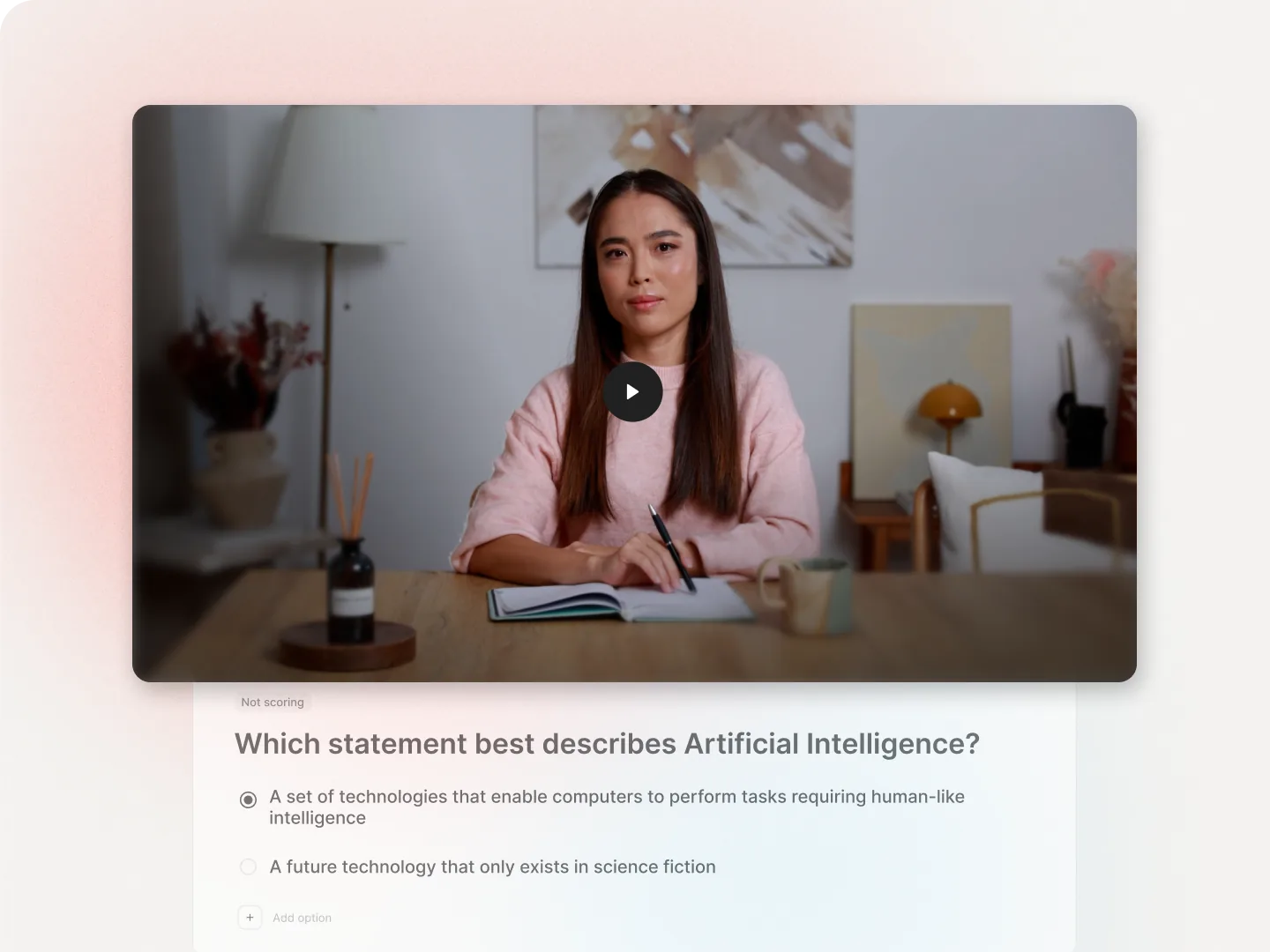
- Upload a document, slide deck, or script and generate a structured course with modules, lessons, and assessments.
- Mix video, text, interactive scenarios, and conversational elements in a single course.
- Camtasia outputs MP4 files. To turn those into a course you would need a separate authoring tool on top. Colossyan replaces both.
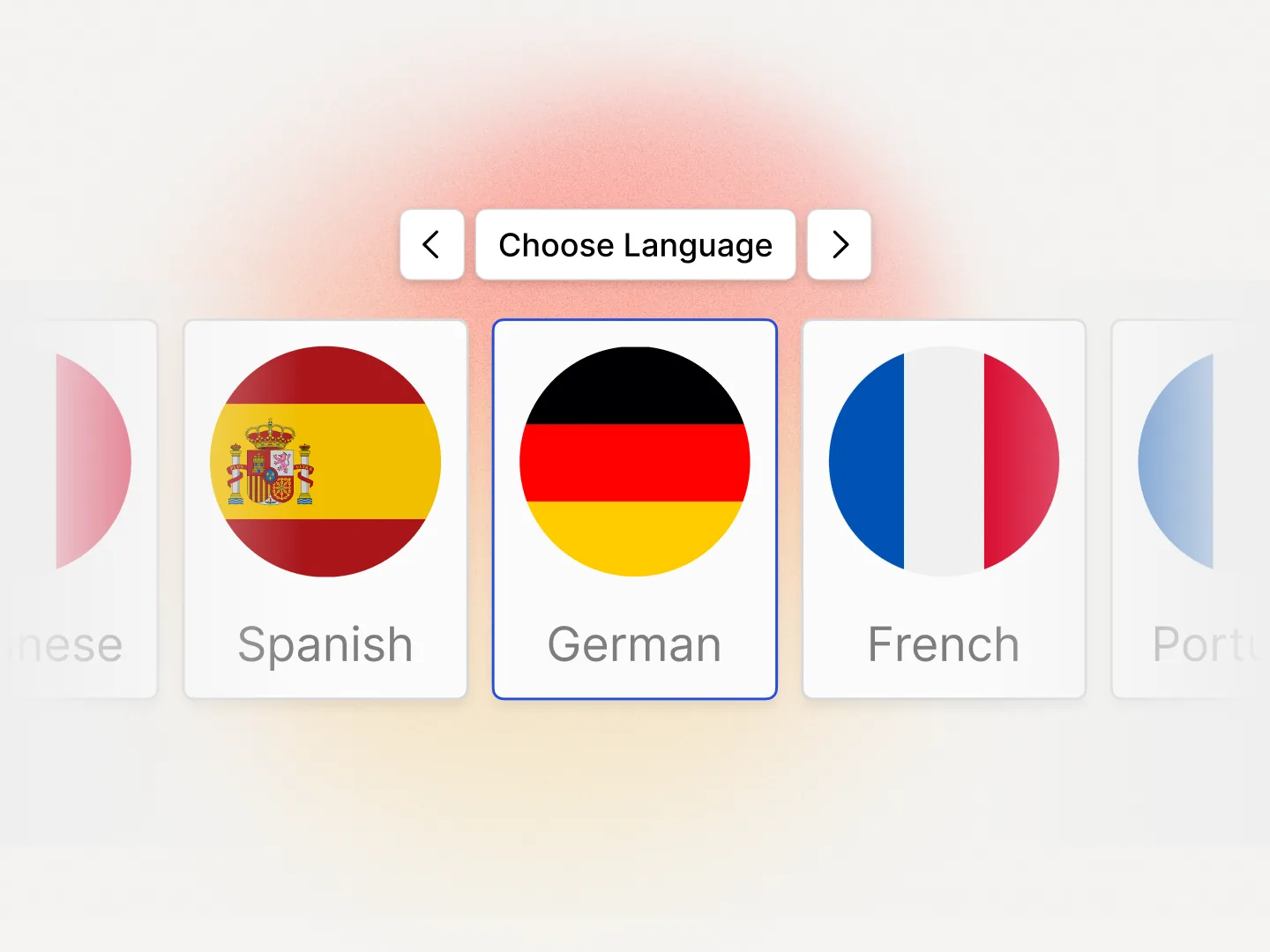
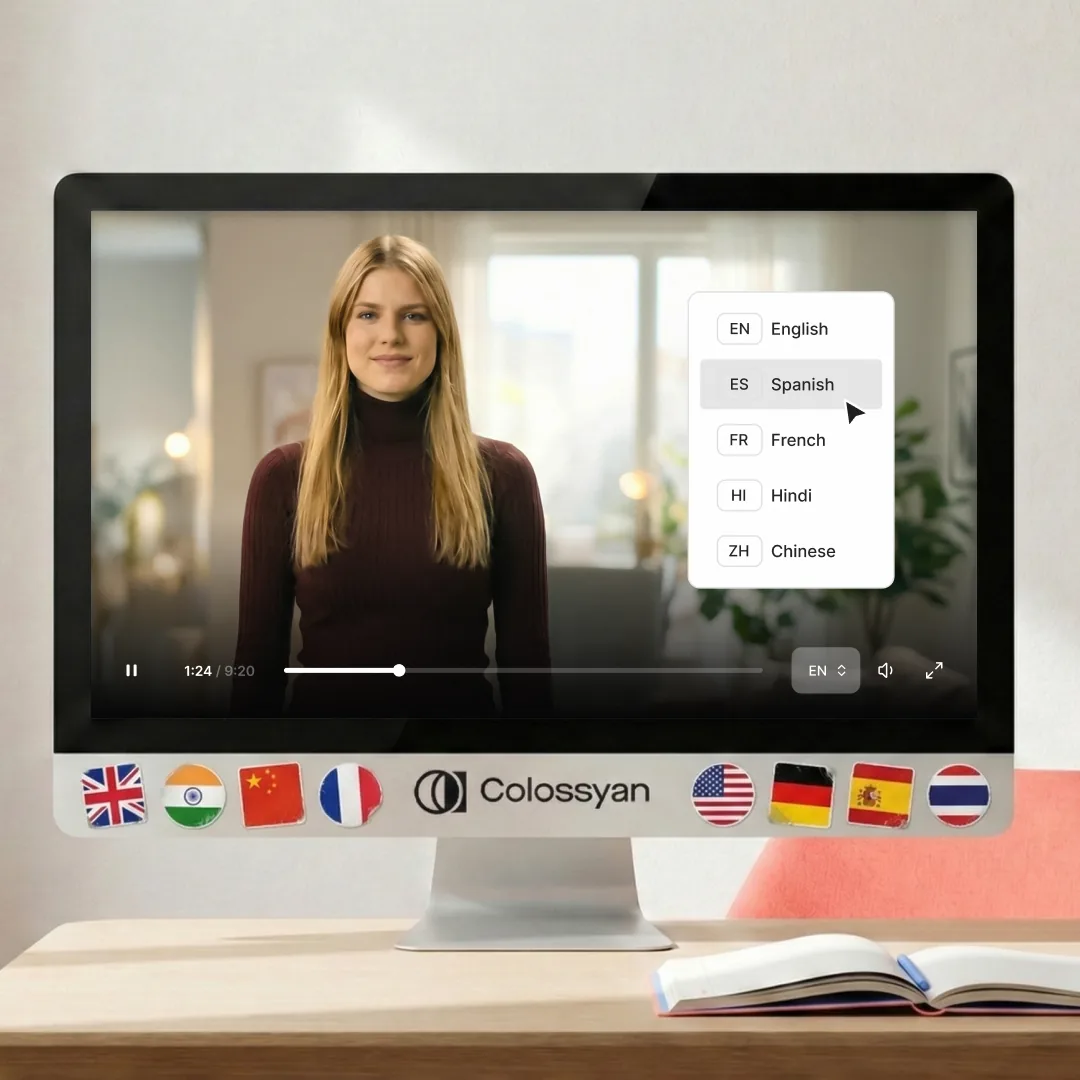
100+ Languages Without Re-Recording
- Video narration, on-screen text, and interactive elements auto-translate across 100+ languages in one workflow.
- Camtasia has no built-in translation. Localizing a training video means re-recording the voiceover for every language, then re-editing the timeline.
- Global L&D teams using Camtasia spend more time managing language versions than building new training.
More Reasons Teams Choose Colossyan
Video That Goes Further
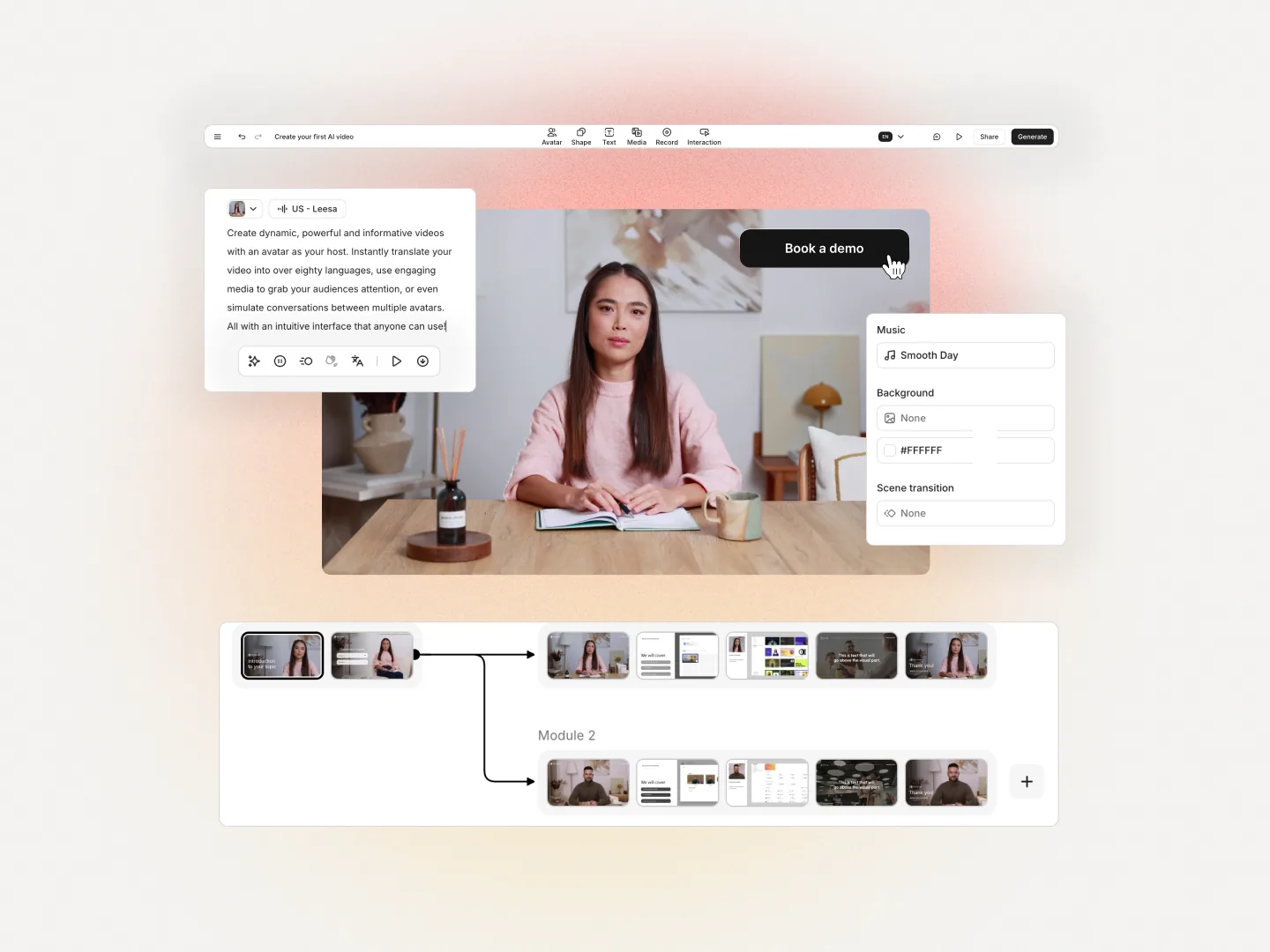
Colossyan creates AI video that rivals any dedicated AI video tool, with 300+ NEO 2 avatars and natural gestures. It also does what Camtasia cannot: turn that video into structured courses, interactive scenarios, and scored assessments. Use it for video only, or build full training programs.
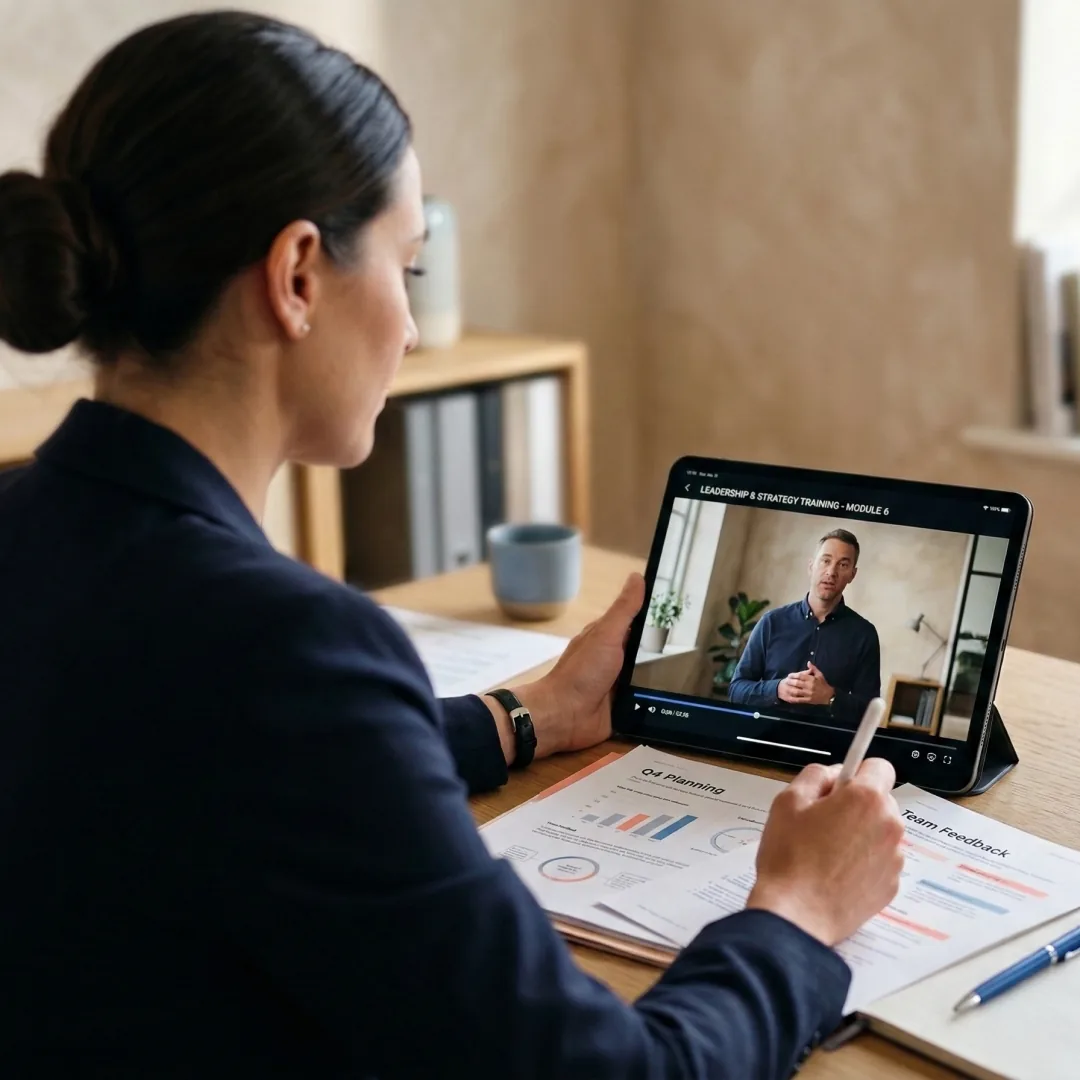
Content Lifecycle Management
Edit a script line, swap an avatar, or update a single scene. Existing translations, course structure, and SCORM packaging stay intact. Camtasia requires re-recording the affected scene and re-rendering the full timeline for every change.
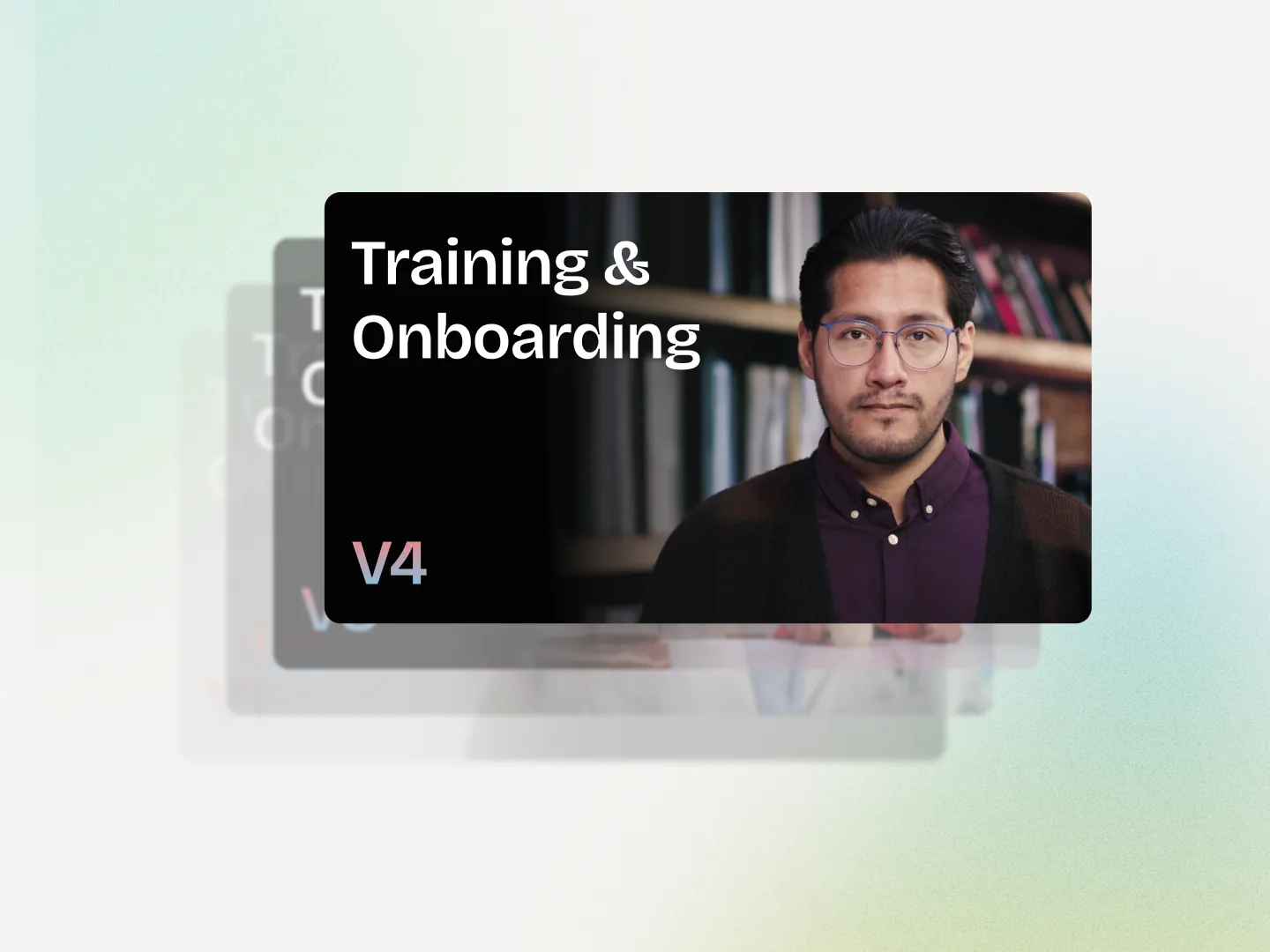
Courses, Not Just Video Files
Colossyan outputs structured training programs with modules, lessons, assessments, and mixed media. Camtasia outputs MP4 files. If your team needs courses, Camtasia requires a separate authoring tool alongside it.
100+ Languages in One Workflow
Localize video narration, on-screen text, and interactive elements together across 100+ languages. Camtasia has no built-in translation, so localizing a training video means re-recording every language from scratch.
Which Platform Is Right for Your Team?
An honest assessment based on what each platform does best.
Camtasia is a solid desktop editor for one-off videos and timeline-heavy work. For training teams that need screen recordings, software simulations, AI video, courses, interactivity, translation, and SCORM in one platform, Colossyan does more at a lower total cost. You stop juggling a desktop recorder, a video tool, an authoring app, and a translation vendor.
Cora.
Colossyan's first agent. Drafts the scenes. You direct what ships.
See how Cora worksWhy Teams Choose Colossyan
“The biggest benefit of Colossyan is being able to have training material that never goes obsolete.” Read AmeriSave Mortgage case study


“We’ve been able to replace an average of 10 hours of walkthrough meetings every month by generating a Colossyan video.” Read Paramount Pictures case study


“Colossyan’s technology and its translation capabilities have revolutionized our training processes, especially in a multi-lingual environment like ours.” Read Sonesta case study


Security that doesn't slow teams down
Creating and scaling knowledge experiences should not trigger months of security reviews, extra vendors, or blocked rollouts. Colossyan is designed to meet enterprise standards without adding friction to how teams work.
Security built into the platform
SOC2 Type II, GDPR and SAML SSO are part of the core product, not enterprise add-ons or custom work.


AI you can explain internally
Clear AI boundaries, transparent data handling, and responsible usage by design. Easy to review. Easy to approve.
Fewer tools means fewer risks
One platform for video, interactivity, localization, and management. Fewer vendors, fewer security gaps.
Ready when legal gets involved
MSAs, DPAs, and security questionnaires handled upfront so projects move forward instead of stalling.
Find your perfect plan
Your single platform to create efficient video first and multi-modal training and enablement content
Starter
For individual content creators
Professional
For professionals or small teams
Enterprise
Companies scaling training and enablement
Frequently Asked Questions
For most training teams, yes. Colossyan combines a built-in screen recorder, software simulations, AI video, course authoring, and auto-translation in one platform. If your team uses Camtasia for software walkthroughs, training videos, or onboarding, Colossyan covers all of it and adds capabilities Camtasia does not have.
Yes. Colossyan has a built-in advanced screen recorder, included on all plans. You capture any software UI directly inside the platform, then add AI narration, branching, quizzes, or course structure on top of the recording. No separate desktop app required.
Yes. Colossyan supports interactive software simulations where learners click through a captured software UI as if using the real product. Camtasia produces a passive recording of the same software flow. Colossyan layers branching, scoring, and AI narration on top of the screen recording, which is how training teams measure whether learners can actually perform the task.
Camtasia gives you a recorded video of the software flow. Colossyan gives you a recorded flow that you can turn into a branching simulation, narrate with an AI avatar, translate into 100+ languages, and ship as a SCORM package to your LMS. Training teams use Colossyan to measure whether learners can complete the task, not just whether they watched the video. See how Colossyan compares to Articulate if you are also evaluating course authoring tools.
No. Camtasia is a desktop screen recorder and timeline-based video editor. It has no AI avatars, no text-to-video generation, and no AI scriptwriting. Colossyan ships 300+ AI avatars and text-to-video on every plan.
No. Camtasia exports MP4 files. Building a course around those videos requires a separate authoring tool (like Articulate or Captivate), and SCORM packaging happens in that tool. Colossyan includes both course authoring and SCORM export on all paid plans.
Camtasia offers a perpetual license and a subscription option (check TechSmith for current pricing). Colossyan starts at $28 per seat per month and replaces a screen recorder, a video editor, an authoring tool, and a translation vendor in one platform. For teams producing training regularly, the total cost is lower. For a one-off video twice a year, Camtasia's perpetual license is cheaper. See full pricing.
Colossyan auto-translates video narration, on-screen text, and interactive elements across 100+ languages in a single workflow. Camtasia has no built-in translation. Localizing a Camtasia video means re-recording the voiceover for every language and re-editing the timeline, which is why most global teams on Camtasia ship in one or two languages only.
Colossyan offers dedicated migration support for teams switching from any platform. Your onboarding specialist will audit existing Camtasia content, plan the migration, and set up your team. Most teams are productive within their first week. Some keep Camtasia for non-training video work (marketing, podcasts) and use Colossyan for all training content. See all platform comparisons.

See the Difference for Yourself
Start with a free account or get a personalized comparison demo. Switching from Camtasia? We help you migrate existing screen recordings and training videos within a week.