
SCORM Viewer
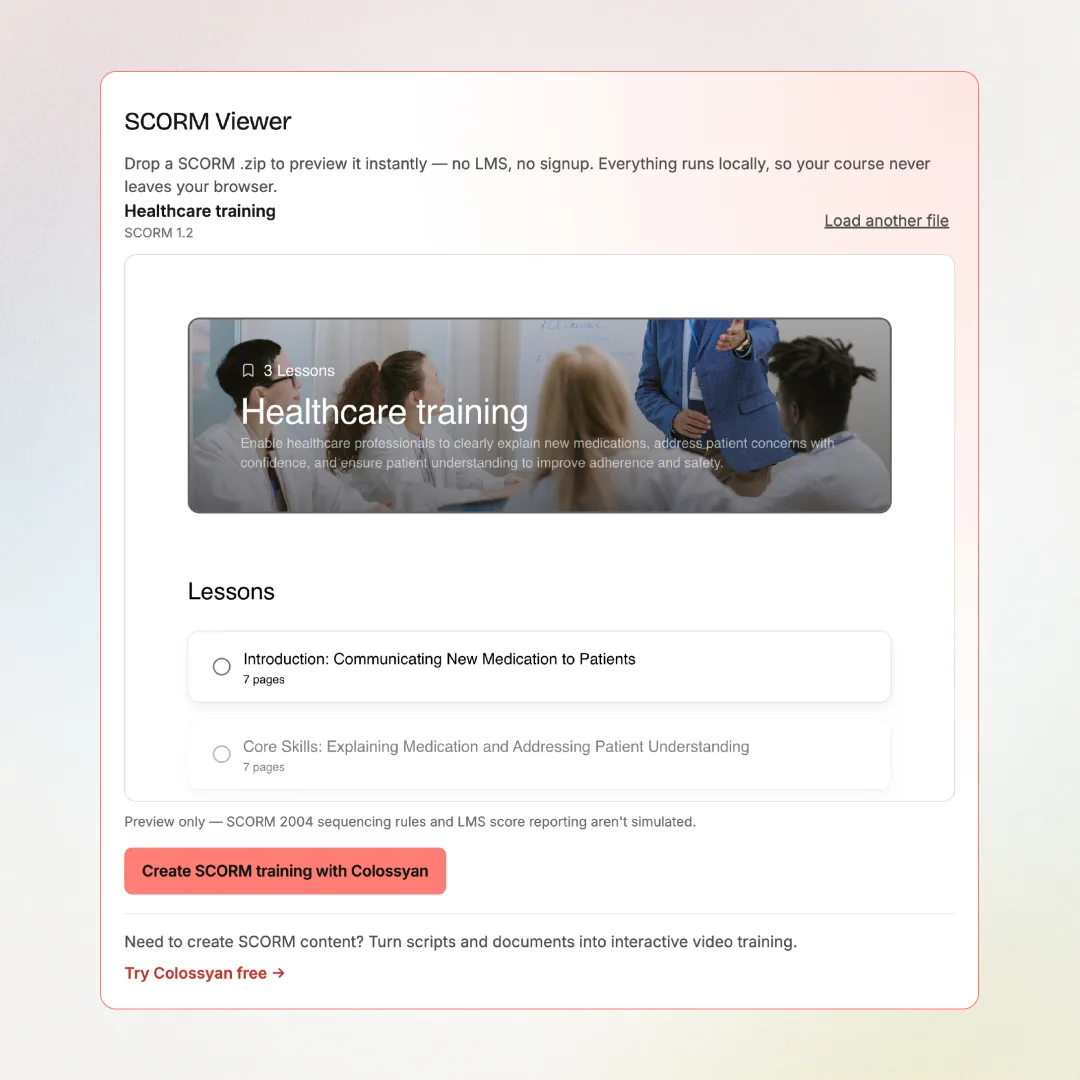
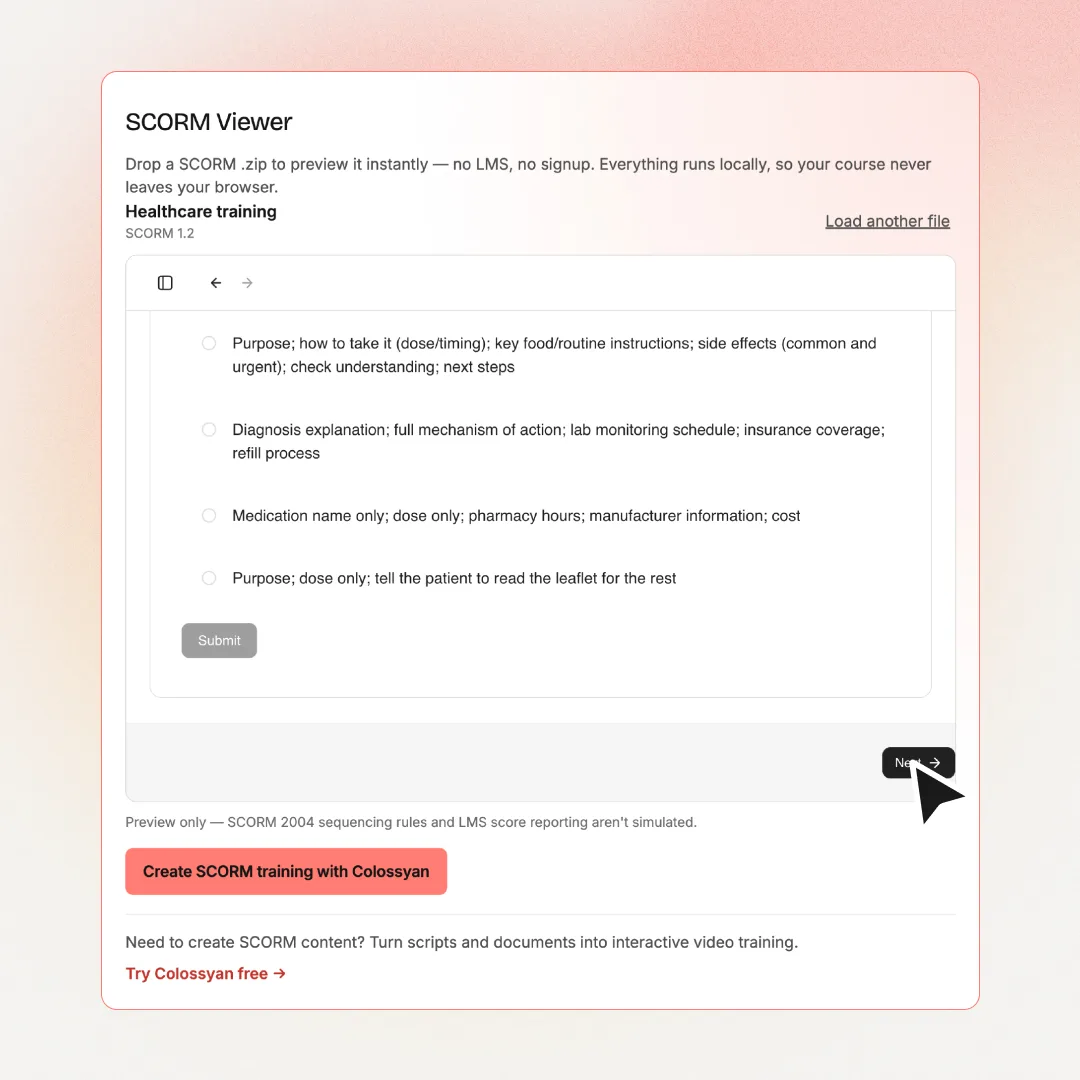
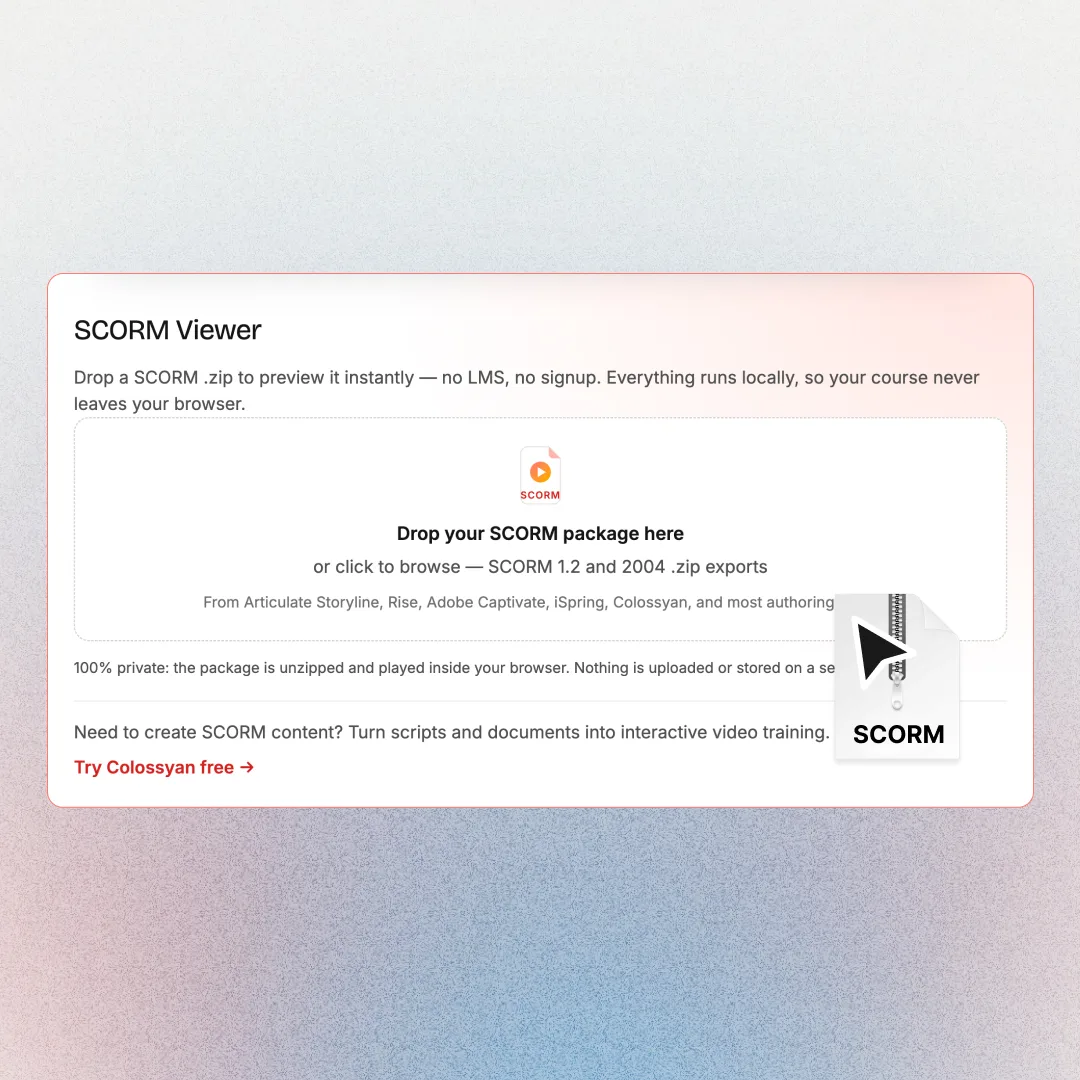
Drop a SCORM .zip and preview it instantly. No LMS, no signup. The file never leaves your browser.




Viewing SCORM Is Step One. Creating It Is the Hard Part.
The viewer shows you what's inside a SCORM package. Colossyan creates those packages for you: AI video courses with quizzes and branching, exported as SCORM 1.2 or 2004 for any LMS.
- • Turn scripts and documents into AI video lessons with 300+ realistic avatars
- • Add quizzes, branching scenarios, and interactions without an authoring tool
- • Export any course as a SCORM package and track completions in your LMS
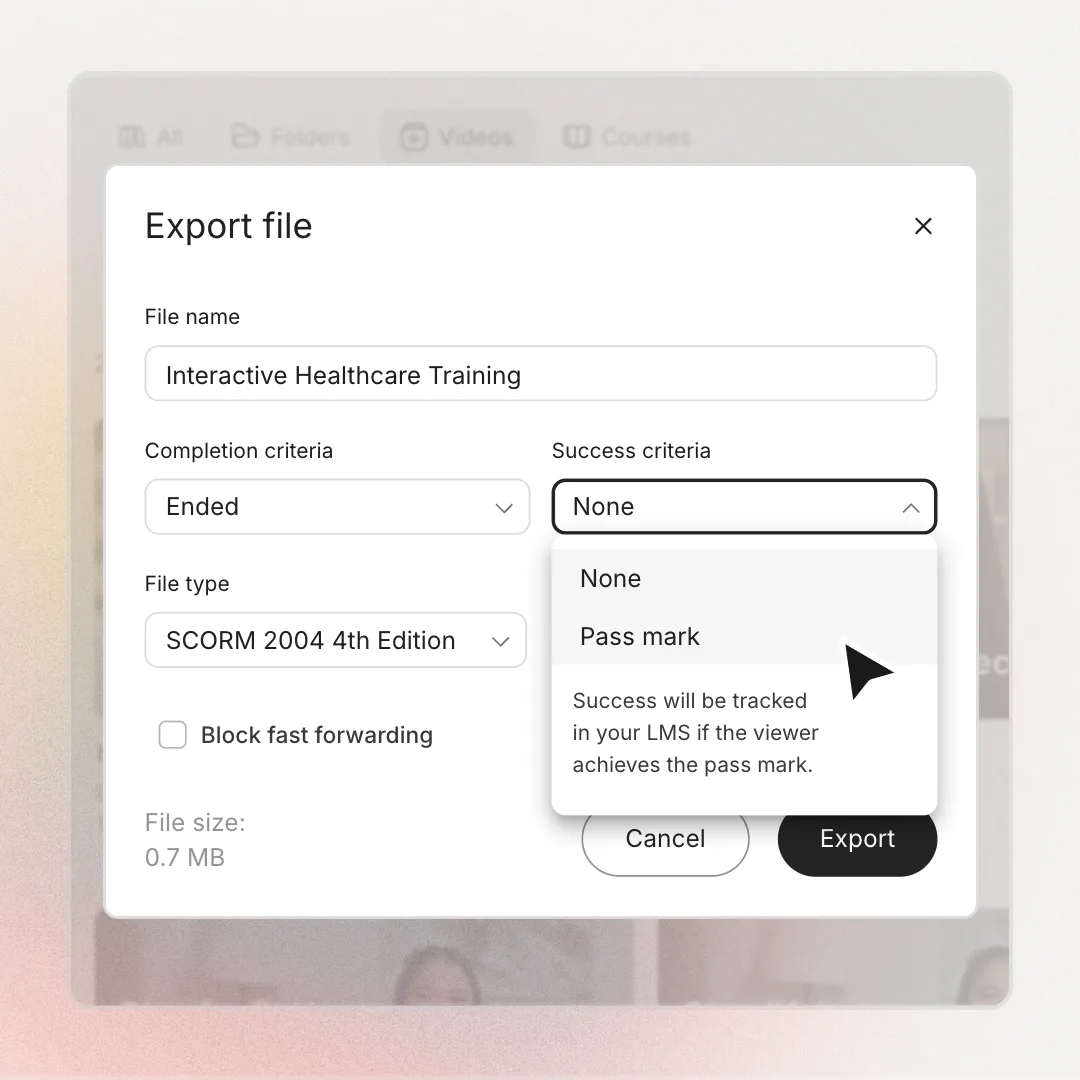
Both mainstream SCORM versions supported
Runs locally. Your course is never uploaded
No LMS, no account, no installation
Preview a SCORM Package in 3 Steps
Why Teams Choose Colossyan
“The biggest benefit of Colossyan is being able to have training material that never goes obsolete.” Read AmeriSave Mortgage case study


“We’ve been able to replace an average of 10 hours of walkthrough meetings every month by generating a Colossyan video.” Read Paramount Pictures case study


“Colossyan’s technology and its translation capabilities have revolutionized our training processes, especially in a multi-lingual environment like ours.” Read Sonesta case study


Security that doesn't slow teams down
Creating and scaling knowledge experiences should not trigger months of security reviews, extra vendors, or blocked rollouts. Colossyan is designed to meet enterprise standards without adding friction to how teams work.
Security built into the platform
SOC2 Type II, GDPR and SAML SSO are part of the core product, not enterprise add-ons or custom work.


AI you can explain internally
Clear AI boundaries, transparent data handling, and responsible usage by design. Easy to review. Easy to approve.
Fewer tools means fewer risks
One platform for video, interactivity, localization, and management. Fewer vendors, fewer security gaps.
Ready when legal gets involved
MSAs, DPAs, and security questionnaires handled upfront so projects move forward instead of stalling.
Find your perfect plan
Your single platform to create efficient video first and multi-modal training and enablement content
Starter
For individual content creators
Professional
For professionals or small teams
Enterprise
Companies scaling training and enablement
Frequently Asked Questions
Drop the SCORM .zip into the viewer above. It unzips the package in your browser, reads the imsmanifest.xml, and launches the course with a built-in SCORM runtime, the same JavaScript API an LMS would provide. Nothing to install and no account needed.
No. The entire viewer runs inside your browser: the zip is unzipped locally, played locally, and discarded when you close the page. Confidential training content never touches a server, which makes the viewer safe for compliance and internal courses.
SCORM 1.2 and SCORM 2004 packages both work, covering exports from Articulate Storyline, Rise, Adobe Captivate, iSpring, Colossyan, and most other authoring tools. SCORM 2004 sequencing rules aren't simulated. The viewer is a previewer, not a full LMS.
The most common reasons: the zip isn't a SCORM export (no imsmanifest.xml inside), the course was built in Flash (retired from all browsers in 2020), or the content loads http:// resources that browsers now block. Re-export the course as HTML5 SCORM from your authoring tool and try again.
SCORM Cloud is a full conformance-testing platform. Powerful, but it requires an account and uploading your course to their servers. This viewer answers the everyday question: does my package actually launch and run? Instantly and privately, with no signup.
Yes. Colossyan turns scripts and documents into AI video training with quizzes and branching scenarios, then exports everything as SCORM 1.2 or 2004 packages that report completions and scores to your LMS.

Don't Just View SCORM Courses. Create Them.
Preview any package above, then build your own: AI video lessons with quizzes, branching, and one-click SCORM export for your LMS.