

Video content is all the rage these days. In fact, 93% of marketers are using videos as part of their overall marketing strategy.
But whether you’re creating marketing, training, sales, or explainer videos, an AI video tool is how most industry-leading teams create video content at scale.
Veed is a popular AI video editing software that many use to create stunning videos featuring AI avatars and human-like voice overs. That said, it’s not a one-size-fits-all solution.
Perhaps you want a video editing software tool to create more interactive content, or maybe you find Veed’s interface a little too clunky and difficult to use.
Whatever the reason you’re on the market for a new online video editor, you’re in the right place. In this blog, we’ll break down our top picks for the best Veed.io alternatives out there, complete with features, pricing, and photos.

What is Veed?
Veed is a web-based video editing software that allows you to create professional-level videos without a professional skill set.
Veed’s offerings include AI avatars that allow users to bring their videos to life without requiring human actors. Plus, the tool also streamlines the recording process, allowing you to easily record yourself and share your footage with anyone.
Why look for a Veed alternative?
Although Veed is a tool with a lot of features, some teams find that it isn’t the best fit for their use case.
Here’s a couple of Veed’s top cons:
- High price point: Veed is more costly than many other AI video solutions, and higher-quality exports and subtitle translations are restricted to the more expensive plans.
- Lack of interactive elements: Veed doesn’t offer features like multiple-choice quizzes or branching scenarios, which are a necessary part of creating impactful learning content.
- Storage limitations: Even on paid plans, Veed imposes relatively strict storage limits for video projects and assets. Users working with multiple high-quality videos may quickly run into storage constraints, which means you’ll need to frequently clean up your workspace or upgrade to a higher-tier plan.
A closer look at the 8 best Veed alternatives
How Paramount cut training video production from weeks to hours
Paramount replaced manual video production with Colossyan's AI avatars, cutting production time from weeks to hours across their global L&D team.
Read the full story →Cons aside, when it comes to selecting the right AI video tool for your needs, the avatar selection, lip syncing quality, and the overall ease of use of the interface matter a lot.
That’s why we’ve rounded up the 8 best Veed alternatives to give you a complete picture of the different video editing software tools out there to see which is most suitable for you.
Without further ado, let’s dive in.
1. Colossyan
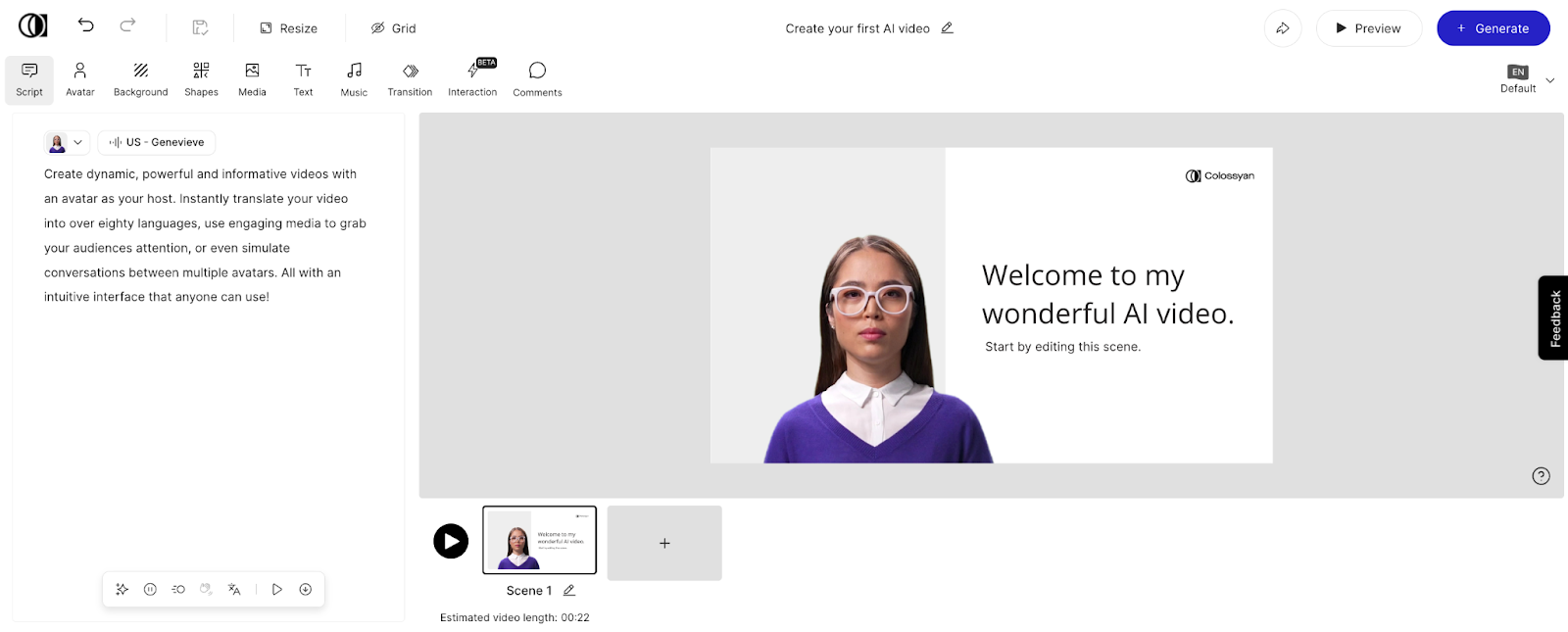
Colossyan is an AI video platform that allows you to create high-quality professional videos in just a few clicks – without needing to film human actors or manually record voice overs.
Instead, Colossyan’s text-to-speech capabilities allow teams to turn documents, scripts, or even a simple prompt into engaging videos in minutes. No need to hire an experienced video editor either – Colossyan can easily be used by those with no video editing experience.
Plus, Colossyan is the only AI video editing tool with interactive features, meaning you can easily embed branching scenarios or multiple-choice quizzes into your videos to make your content interactive. Or, export your material with SCORM and upload it to your LMS of choice.
Although Colossyan is primarily used in a workplace learning environment, the tool’s selection of 300+ diverse AI avatars can make any type of content feel personalized and interactive.
Key features
- 300+ AI avatars: Pick the perfect digital avatar presenter to suit your message and audience, including AI avatars filmed in industry-specific environments – such as hospitals and offices.
- Automatic translation to 100+ languages: Effortlessly localize your content in dozens of languages using any of our 700+ stock voices.
- Custom avatars: Create an AI avatar of yourself instantly with Colossyan’s new custom avatar feature. All you need is your cell phone camera.
- Interactivity: With features like multiple-choice quizzes and branching scenarios, Colossyan helps make learning active for your audience.
- Document to video: Turn your existing files into a video draft in less than 60 seconds with Colossyan’s doc-to-video feature.
- SCORM export: Add your Colossyan videos to your preferred eLearning platform by exporting them as a SCORM file.
Potential drawbacks
- Unlike Veed, Colossyan doesn’t offer video filters.
Pricing
- Free plan: Generate up to 3 minutes of video and access more than 20 stock avatars. A free AI avatar of yourself is included on this plan.
- Starter plan: Free forever, with 20 minutes of video per month on the NEO model, access to 300+ AI avatars, and an AI script assistant.
- Professional plan: From $59 per month (billed annually), with 30 minutes of video per month on NEO plus 10 minutes on NEO2, Colossyan’s Professional plan includes watermark removal, AI image generation, SCORM export, 20 custom avatars, and 5 voice clones. Add up to 3 editors on the Professional plan.
- Enterprise plan: For companies scaling their video creation, the enterprise plan includes 4K video, SCORM export, a dedicated customer success manager, and more. Contact our sales team for pricing.
2. InVideo
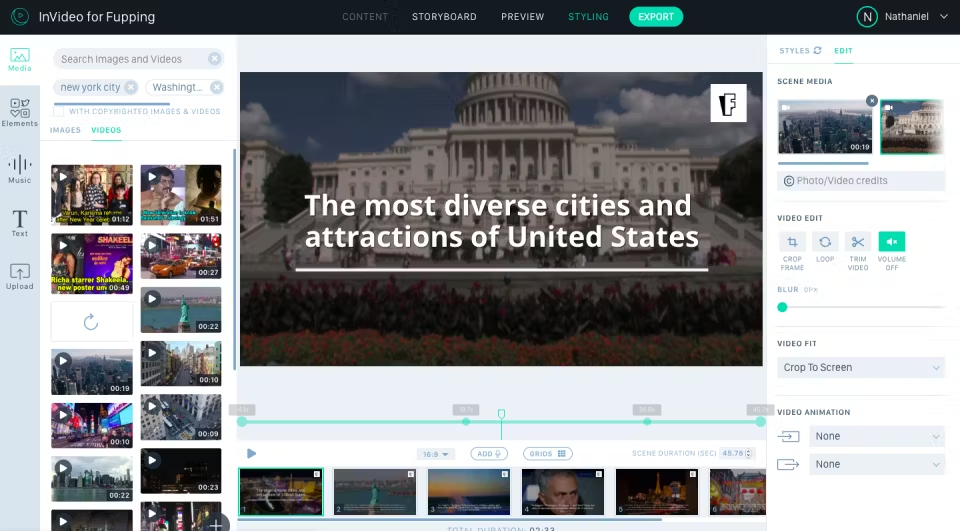
InVideo is a solid online video editor with many different applications. One of InVideo’s key strengths is its expansive library of customizable templates, which span a diverse array of use cases, from social media content to product demonstrations.
Coupled with its AI-powered features, such as automatic video script generation and smart editing suggestions, InVideo empowers users to craft visually engaging videos with minimal effort.
Key features
- Subtitle generator
- Generate video clips for YouTube shorts
- Slideshow maker
Limitations
- Voiceover synchronization can be tricky to get right
- Difficult to switch between video templates
Pricing
- Plus plan: $25 per month for 1 user
- Max plan: $60 per month for 1 user
3. Loom
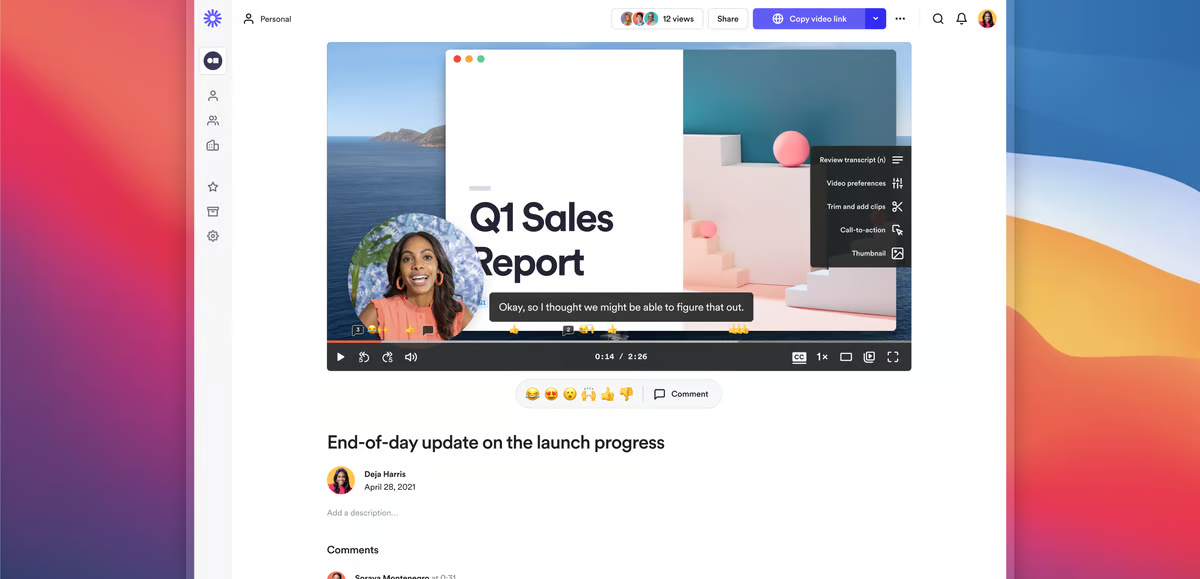
If you’ve ever explored screen capturing software, chances are you’ve come across Loom before. The tool excels at screen recordings and audio capture.
If you’re looking for a Veed alternative that’s cost effective and simple, then Loom could be worth considering. However, the tool doesn’t come close to offering the scale of video editing capabilities that other tools on this list do, so you’ll want to assess which features you’ll need access to.
Key features
- Video trimming
- Video sharing
- Viewer insights
- Closed captions
Limitations
- Editing functionality can be confusing to work with
- Limited free version access
Pricing
- Start plan: Free
- Business plan: $15 per user/month, billed annually
- Business + AI plan: $20 per user/month, billed annually
- Enterprise plan: Contact for pricing
4. HeyGen
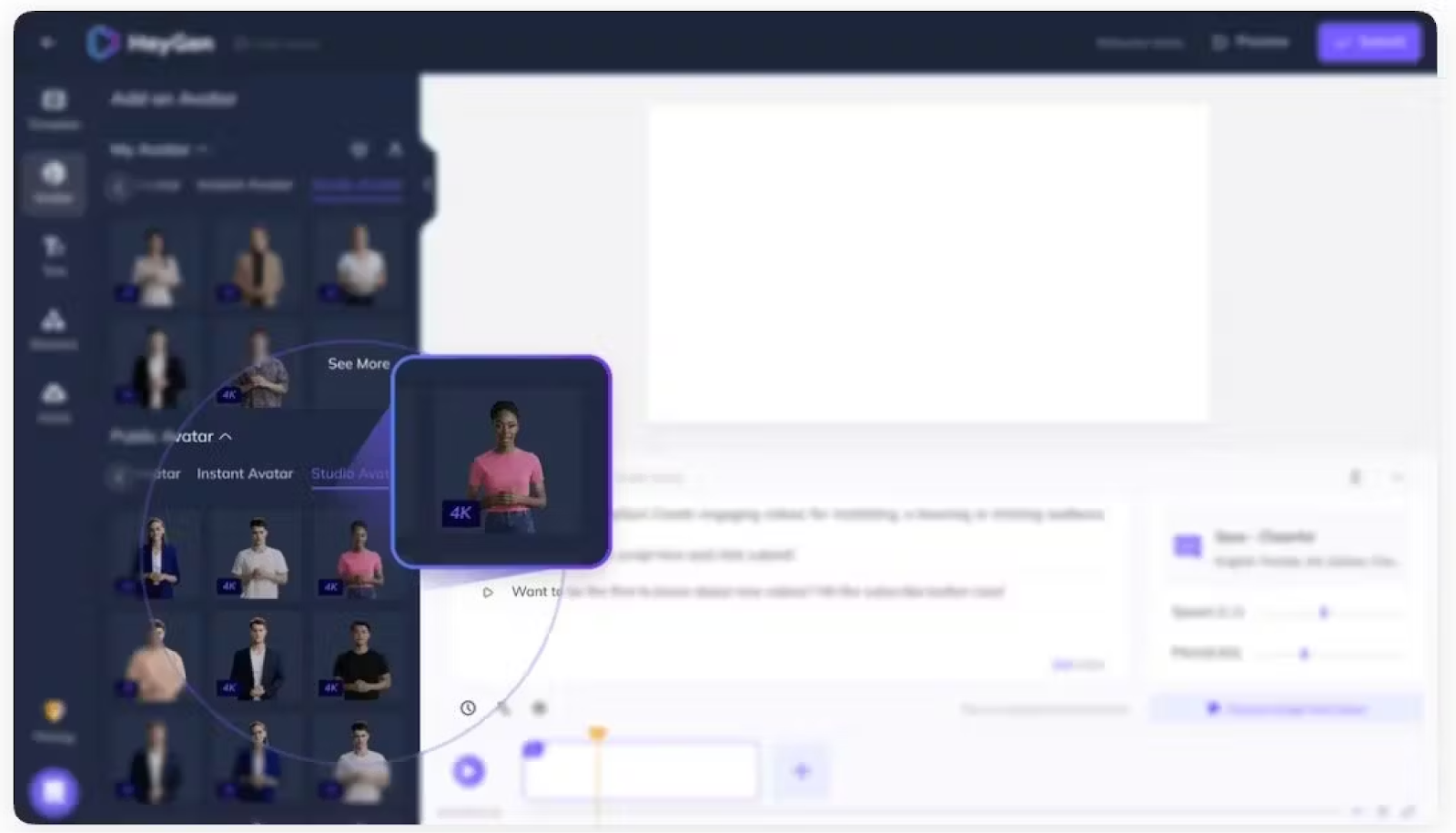
HeyGen is an AI video editor that offers AI-powered avatars and automatic translation features to help corporate teams create marketing videos and sales content, in addition to learning and development materials.
While HeyGen’s AI translation capabilities are a notable feature, its language offerings aren’t as robust as some other Veed competitors on this list. You’ll want to give the platform a try before committing.
Key features
- Animated photo avatars
- 120+ avatars
- Face swapping
- Multiple video export formats
Limitations
- Expensive for users creating 30+ minutes of video
- Only translates to 40 languages
- Lacking customer support, according to some G2 reviews
Pricing
- Creator plan: Starts at $29 per month for 15 minutes of video
- Team plan: Starts at $149 per month for 30 minutes of video
- Enterprise plan: Contact for pricing
Also read: HeyGen vs. Synthesia: 2025 Comparison & Better Alternatives
5. Animaker
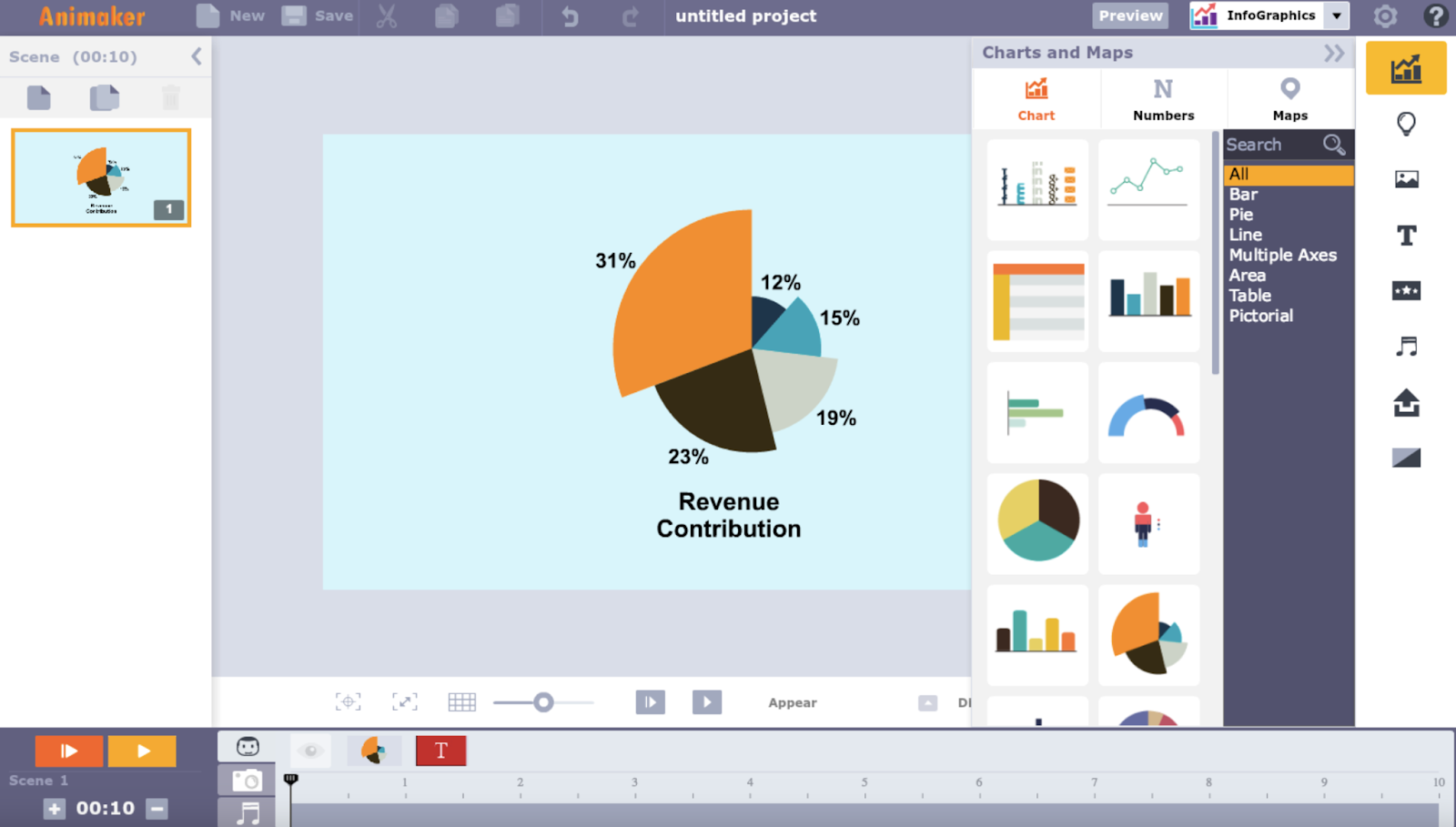
As a robust Veed alternative, Animaker offers a versatile suite of video editing features that cater to a wide range of users, empowering them to craft both animated and live-action videos tailored to their specific requirements.
And thanks to Animaker’s features like its presentation maker or subtitle generator – the process of adding additional features to your presentations is seamless.
That said, the Animaker’s avatars are fully animated, so you’ll want to ensure it aligns with your aesthetic preferences before committing to the tool.
Key features
- Character builder
- Presentation creator
- AI voice overs
Limitations
- Not ideal for teams prioritizing highly photorealistic videos
- Lower tier plans don’t offer many video minutes
Pricing
- Basic plan: $15 for 5 minutes of video
- Starter plan: $25 for 15 minutes of video
- Pro plan: $43 for 30 minutes of video
- Enterprise plan: Contact for pricing
6. Camtasia
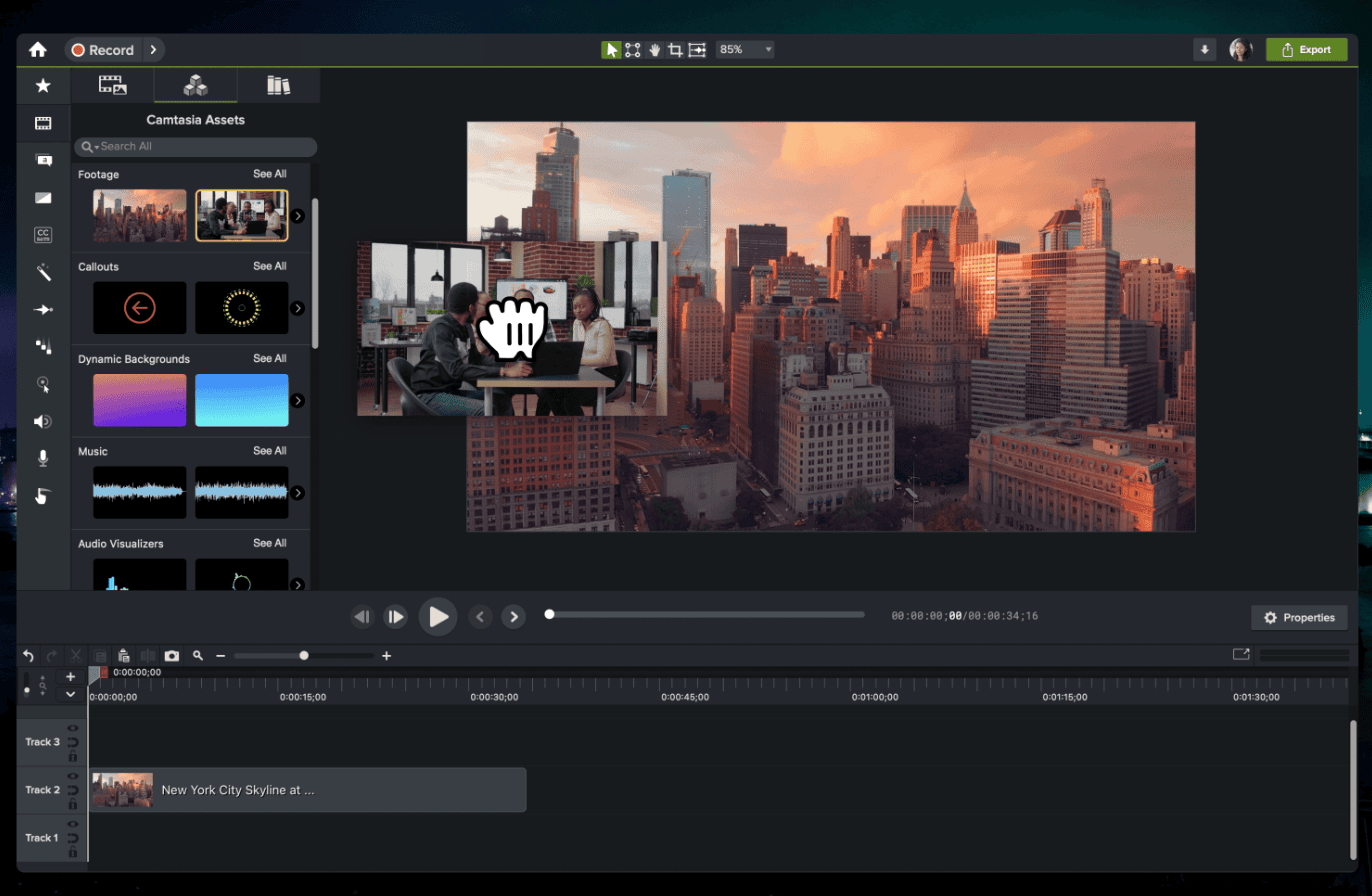
Camtasia stands out for its high-quality screen recording capabilities and easy-to-use interface. Although Camtasia is not a pure AI video tool, its editing suite is enhanced by intelligent functionalities like script generation and translation – both of which help streamline the content creation process.
Plus, other features, like its background removal and text-based video editing ability, help differentiate it from other Veed alternatives on this list for those looking for a platform offering a blend of manual and automated capabilities.
Key features
- AI voices
- Audio editing
- Text-based editing
- Drag and drop editor
Limitations
- No AI avatars available, and stock avatars are restricted to the higher-tier plans
- Stock media library isn’t fully accessible to those on lower-tier plans
Pricing
- Essentials plan: $180 per year
- Create plan: $249 per year
- Pro plan: $599 per year
7. Synthesia
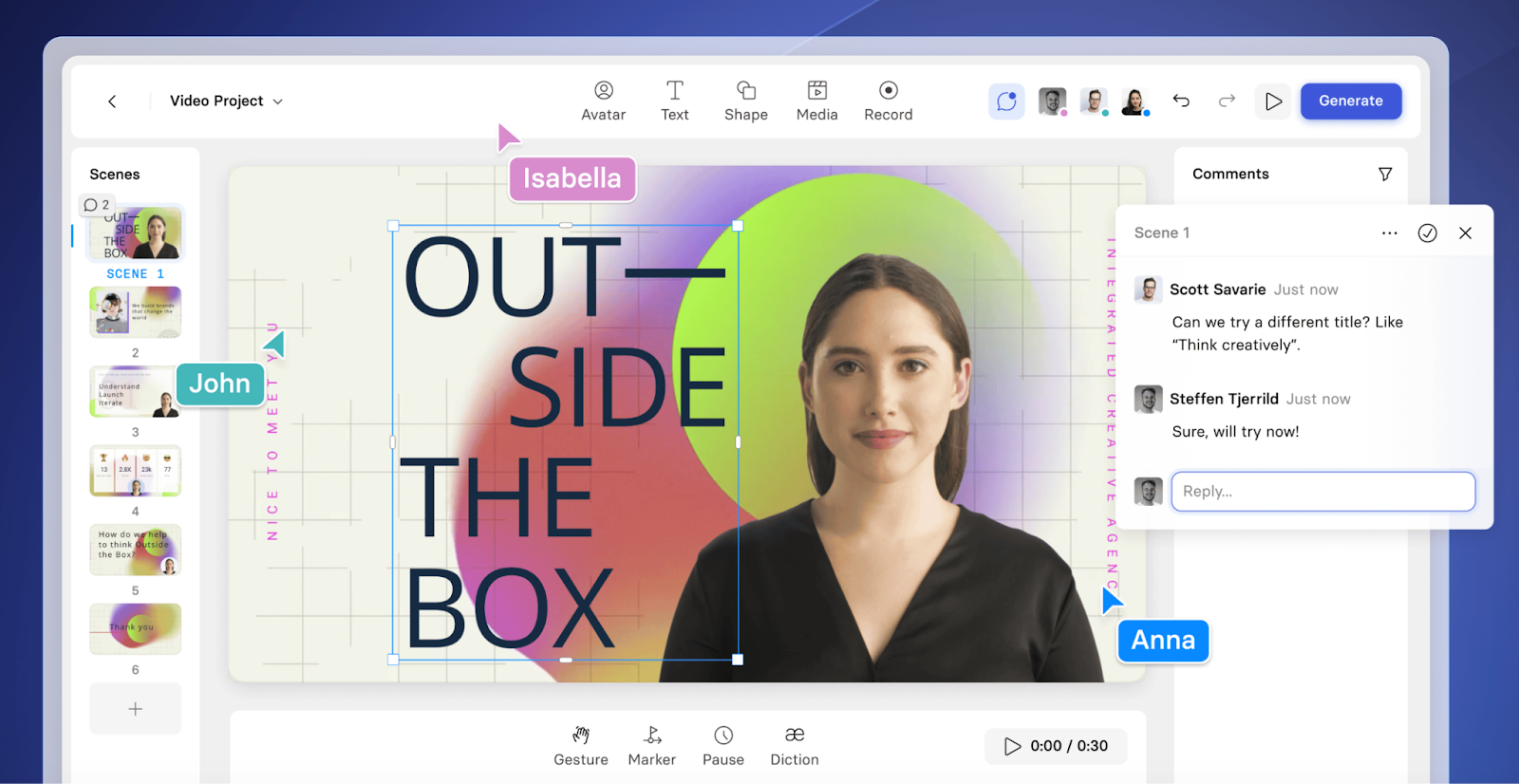
Synthesia is an AI video generator that offers AI avatars, automatic translations, and video templates – similar to features offered by HeyGen.
Although Synthesia’s offerings are robust, the platform’s feature set may not be best for those looking to create high-quality training content, as there’s no SCORM export or interactive features like branching scenarios.
Also read: Colossyan vs. Synthesia – Which is Right For You?
Key features
- Custom AI avatars
- Templates
- AI voices
Limitations
- No branching scenarios
- Lacks SCORM export
- No avatar hand gestures and side views
- Doesn’t offer a content library
Pricing
- Starter plan: $29 per month for 10 minutes of video
- Creator plan: $89 per month for 30 minutes of video
- Enterprise plan: Custom pricing
8. Moovly
Moovly stands out as a Veed alternative that leverages AI features to deliver professional-grade video content, just like many of the other tools on this list.
Moovly’s extensive media library is one of its biggest strengths, providing users with a vast array of assets to help bring their video projects to life. Paired with Moovly’s use-case-specific templates, users can get their videos off the ground in no time.
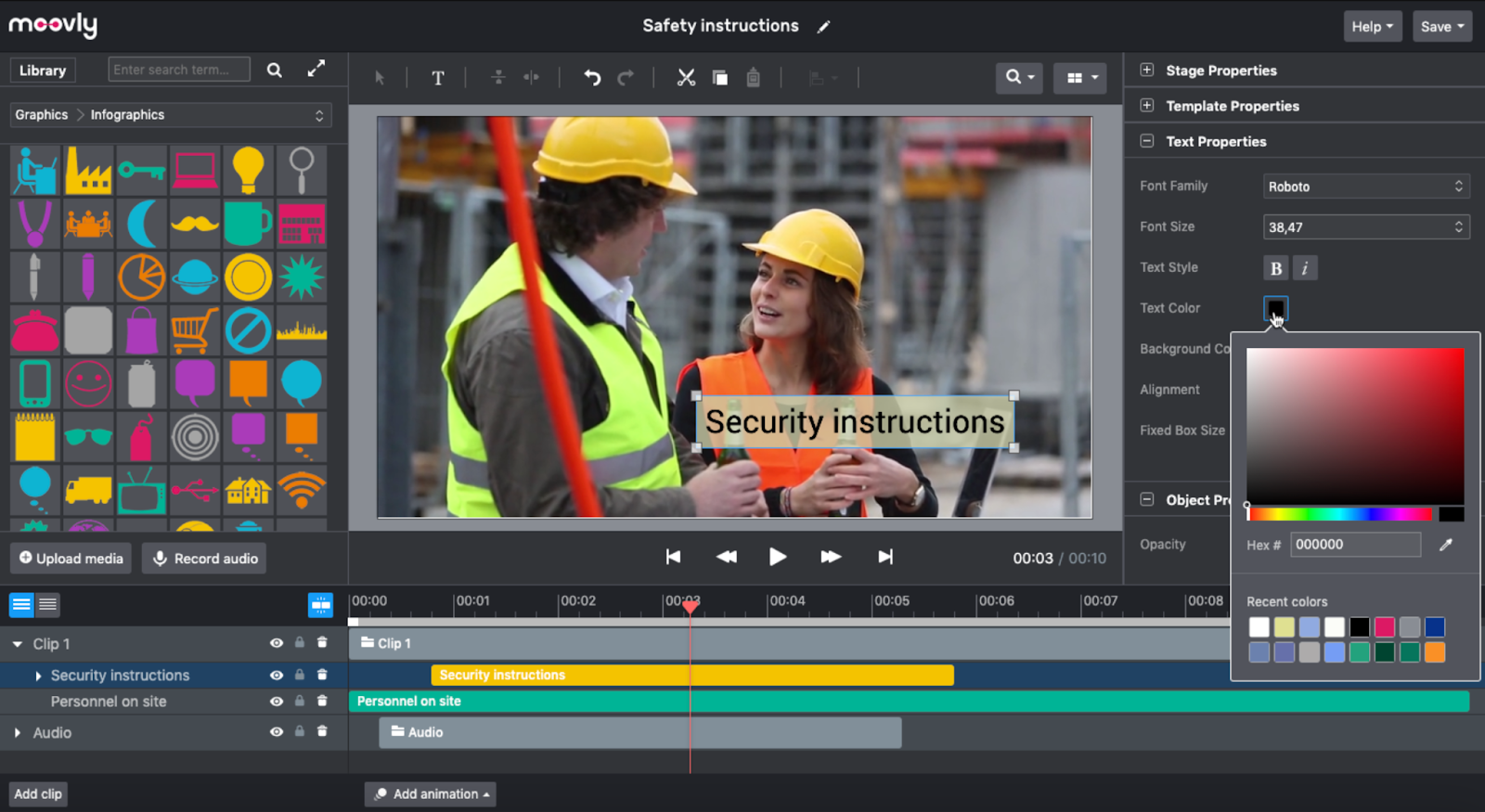
Key features
- AI script generation
- Media library
- Templates
Limitations
- Animations can come with a learning curve
- Lack of advanced editing features
Pricing
- Pay as you go: $25 per video
- Subscription: $99 per month for 50 credits
- Enterprise plan: Custom pricing
Which Veed alternative is right for you?
Let’s face it: there are a lot of different video editing tools out there on the market.
This doesn’t make your choice easy when evaluating Veed alternatives. That said, the Veed competitor that’s right for you will depend on which features you need most.
For example, if you’re just looking for a simple screen recorder, then Loom might do the trick. However, if you’re looking for a tool that offers a native screen recorder in addition to AI avatars, automatic translation, and an AI script assistant, then Colossyan will be more your speed.
The good news – trying Colossyan is completely free, and you don’t even need to enter a credit card. Sign up for free today, or book a time with one of our experts to learn more.