700+ AI voices
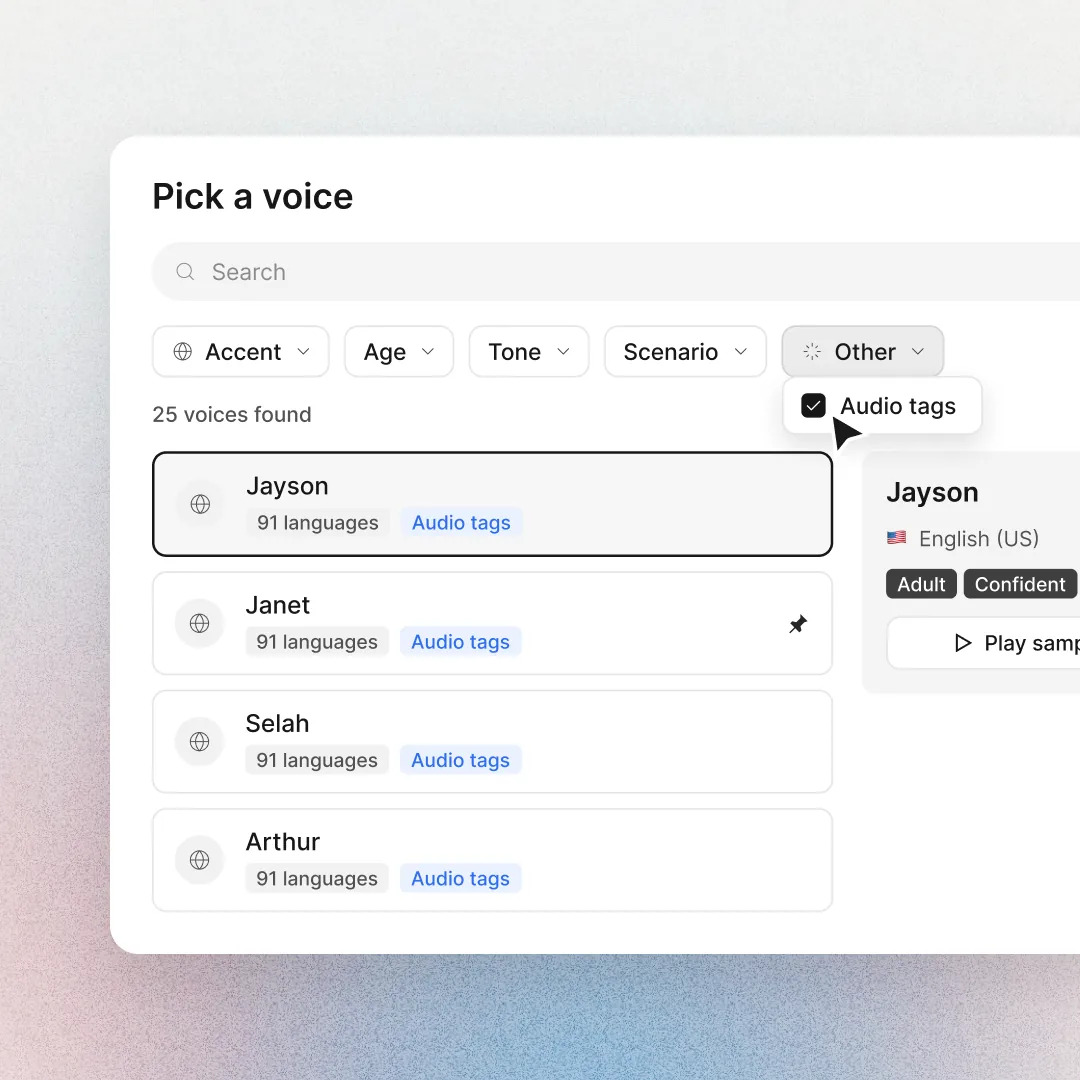
Filter by tone, age, accent and scenario to find the right narrator for each course.
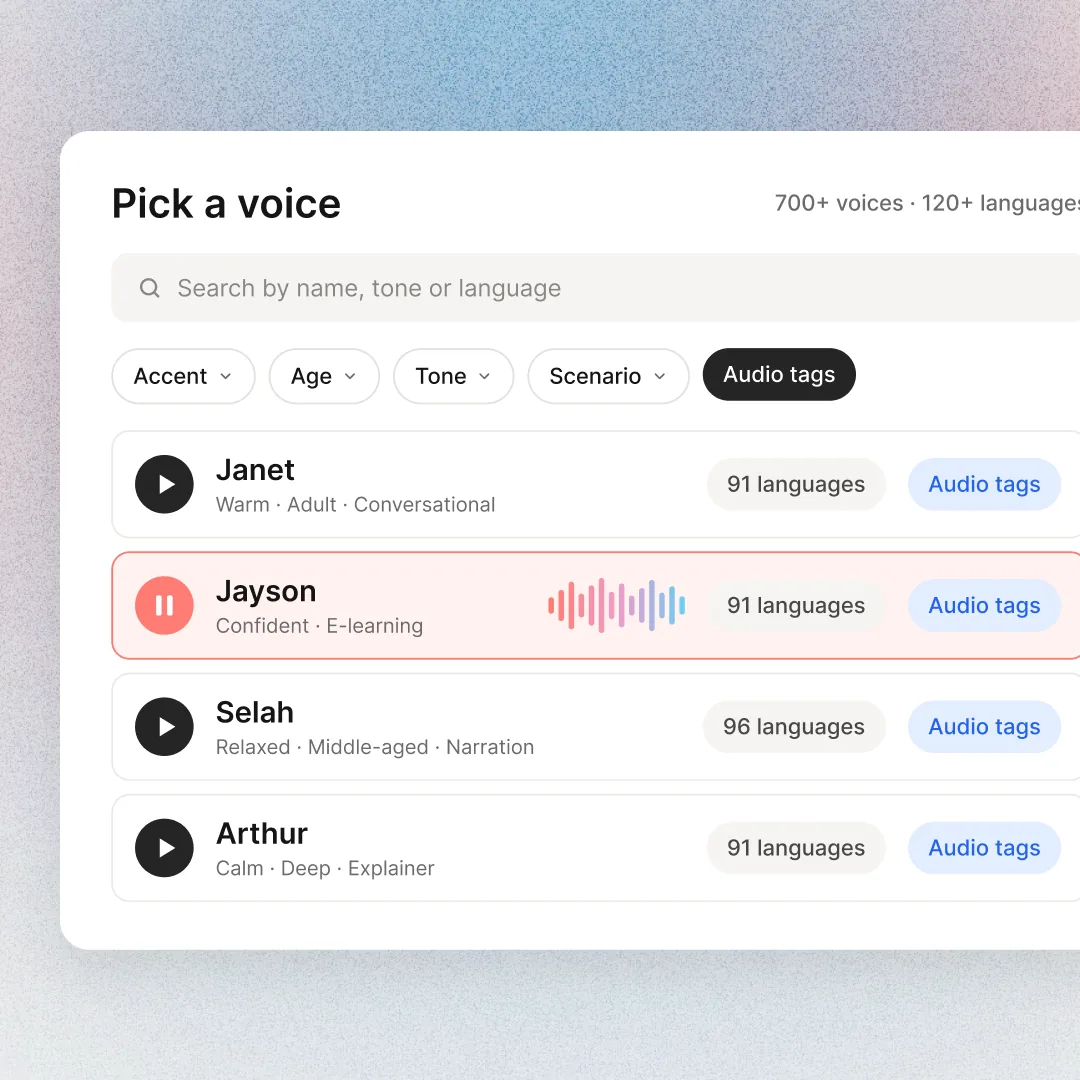

Choose from 700+ AI voices or clone your own. Every voiceover sounds the same in every language, and you decide how each line is said.
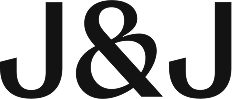





Colossyan turns your script into a natural voiceover, spoken by an AI presenter or as narration over your scenes. Pick the voice, the accent and the language, and decide how every line lands.
Filter by tone, age, accent and scenario to find the right narrator for each course.
The same voice speaks every language, so your German and Japanese versions sound like your English one.
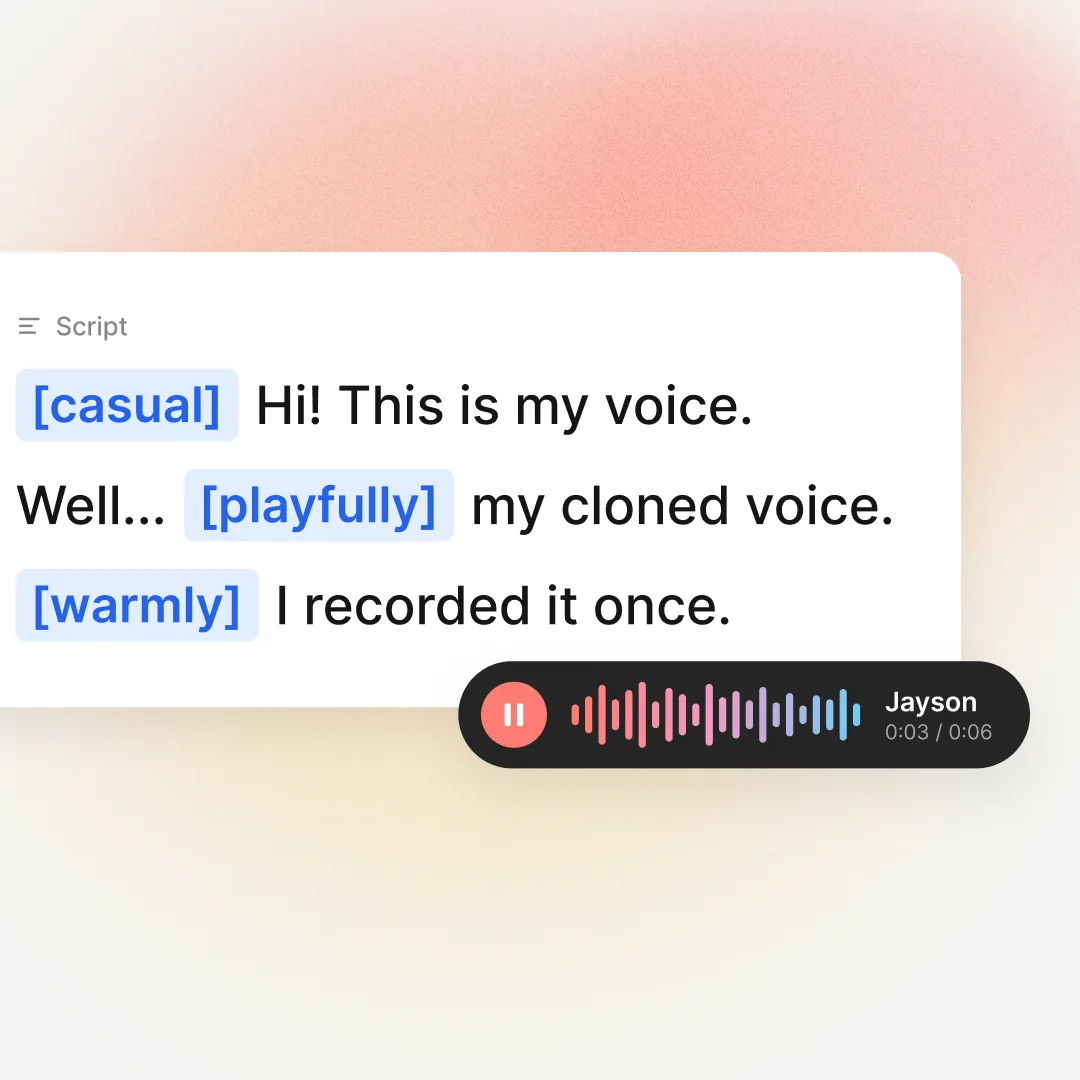
Type [warmly] or [slowly] before a line and the voice performs it.
Upload an existing video and get it back in another language, with lip sync.
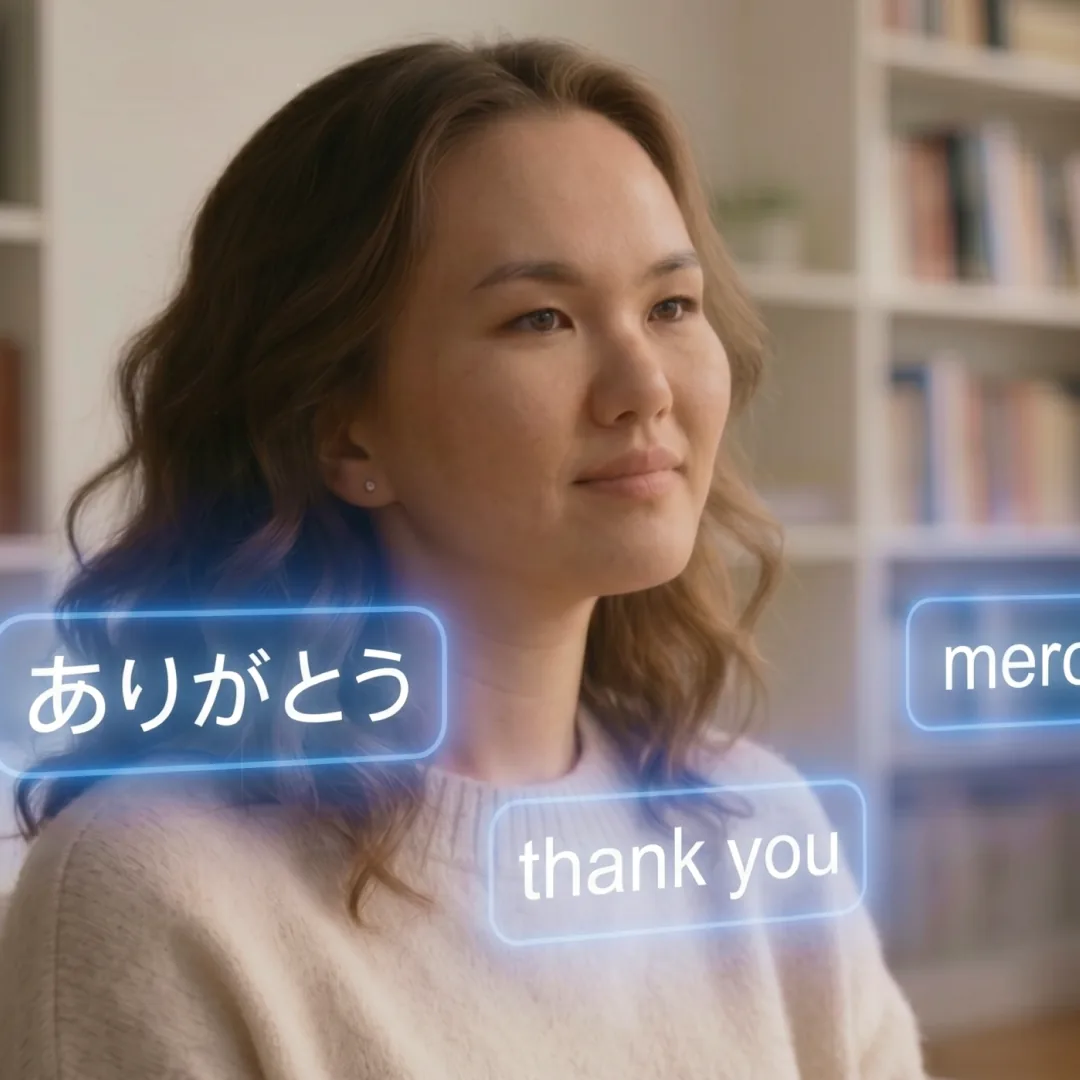
Clone your voice from a short recording and use it in any video and any language.
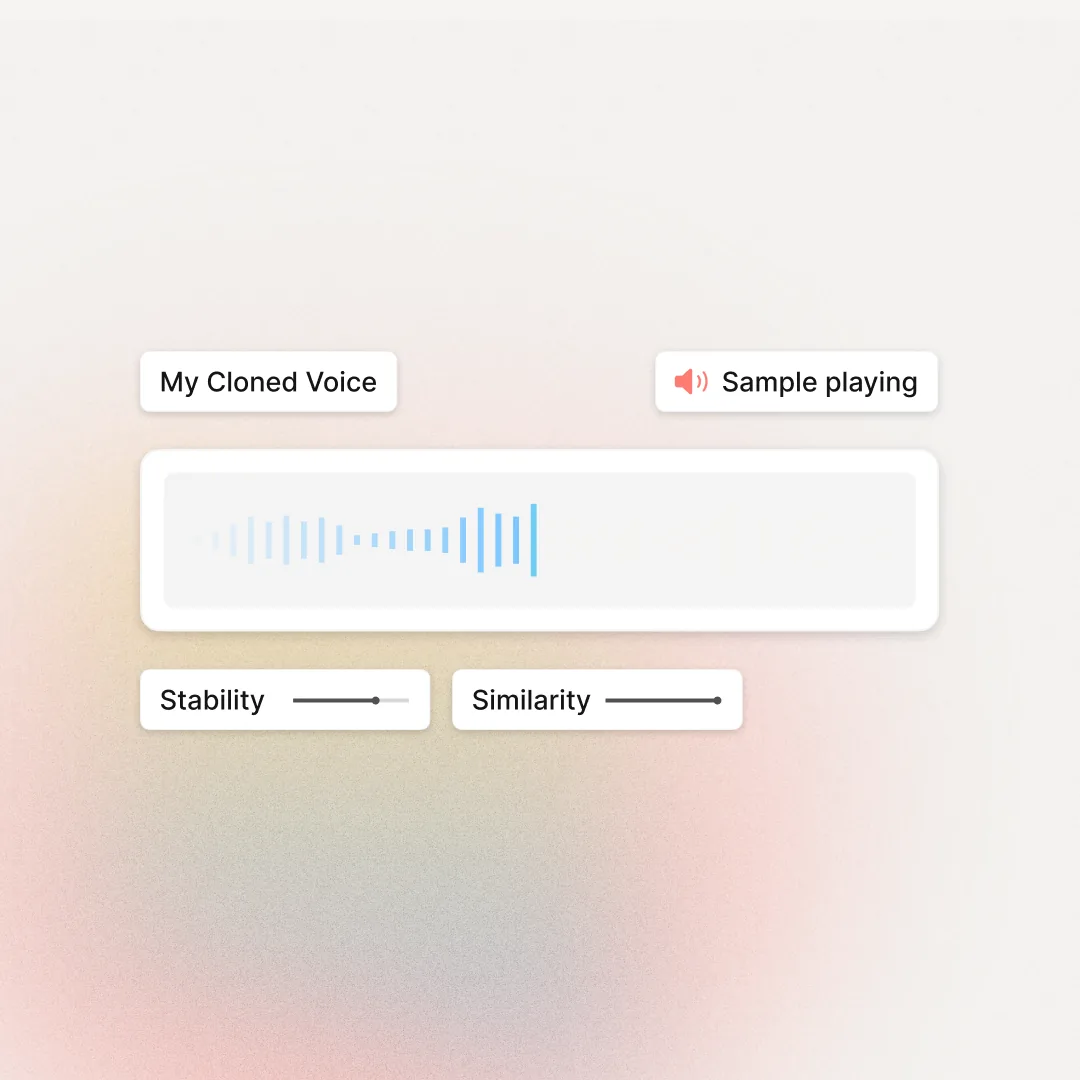
Every choice changes how your presenter sounds, so hear it before you open it in Colossyan.
 RileyEnglish
Training teams rate
Colossyan 4.6 on G2.

“Colossyan’s AI technology and its translation capabilities have revolutionized our training processes, especially in a multi-lingual environment like ours.”
 Kristin BroadheadDirector of Learning & Development, SonestaRead the case study →
“Before Colossyan, our process required a lot of steps, and was very expensive and complicated: we needed translation, production studios, and post-production work. The whole process would take us a month. Now, we can get everything done in 1–2 days.”
 Torsten SeelbachFounder, AFNBRead the case study →
“Instead of showing dry PowerPoint slides over a long period of time and having team members become less attentive, we can have an avatar with an engaging voice, and even use our own trainers as avatars.”
 Magesh SarmaChief Information Officer, AmeriSaveRead the case study →
Record a short sample and Colossyan clones your voice. It keeps your tone and pace in 30+ languages, so your experts can narrate every market without recording again.
 Her cloned voice · English
You hear every line before anything renders.
Browse 700+ voices by tone, age and accent, filter for voices with the Audio tags label, or choose your own cloned voice under My voices.
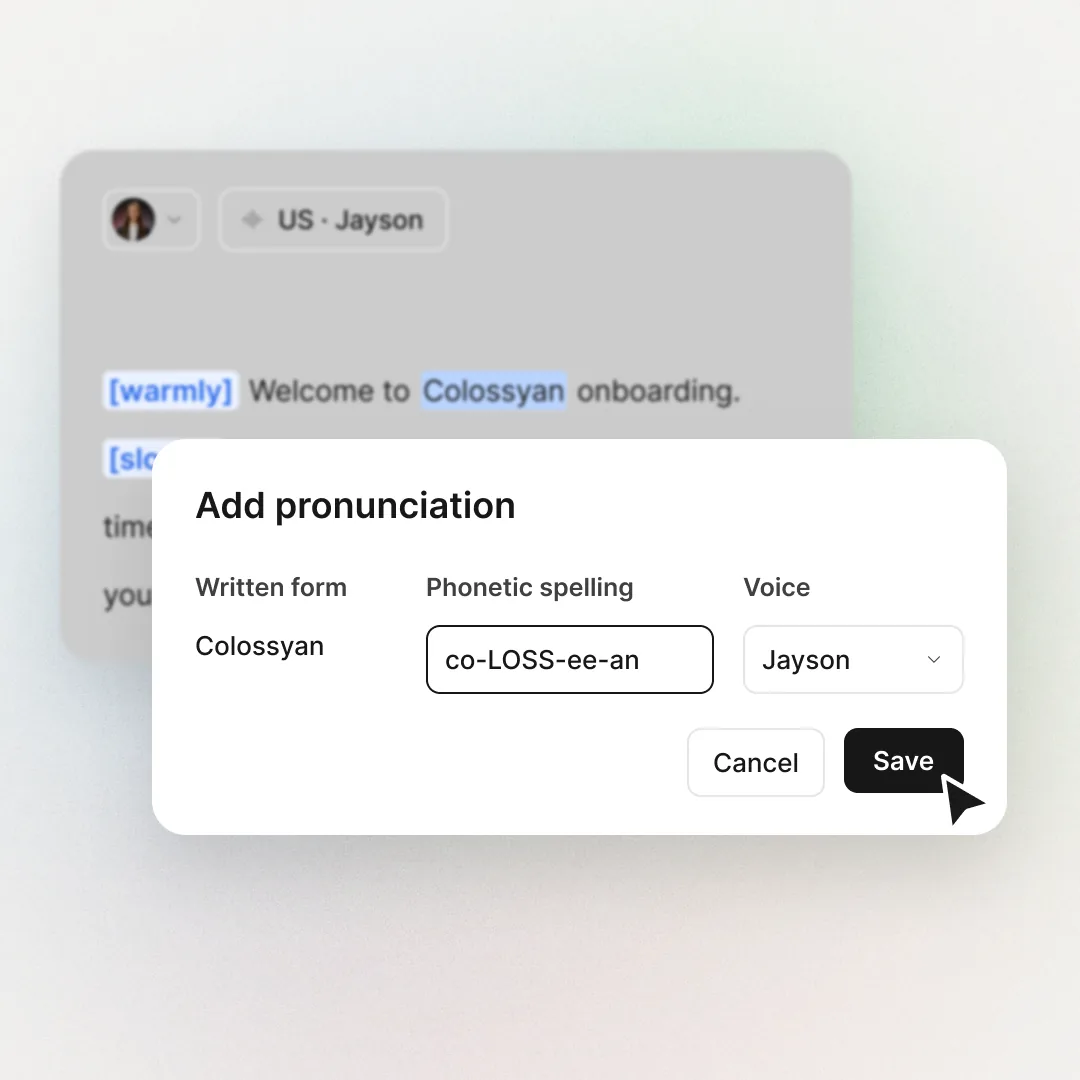
Add audio tags like [warmly] or [slowly] where the tone should change, and set how your product names and acronyms are pronounced.
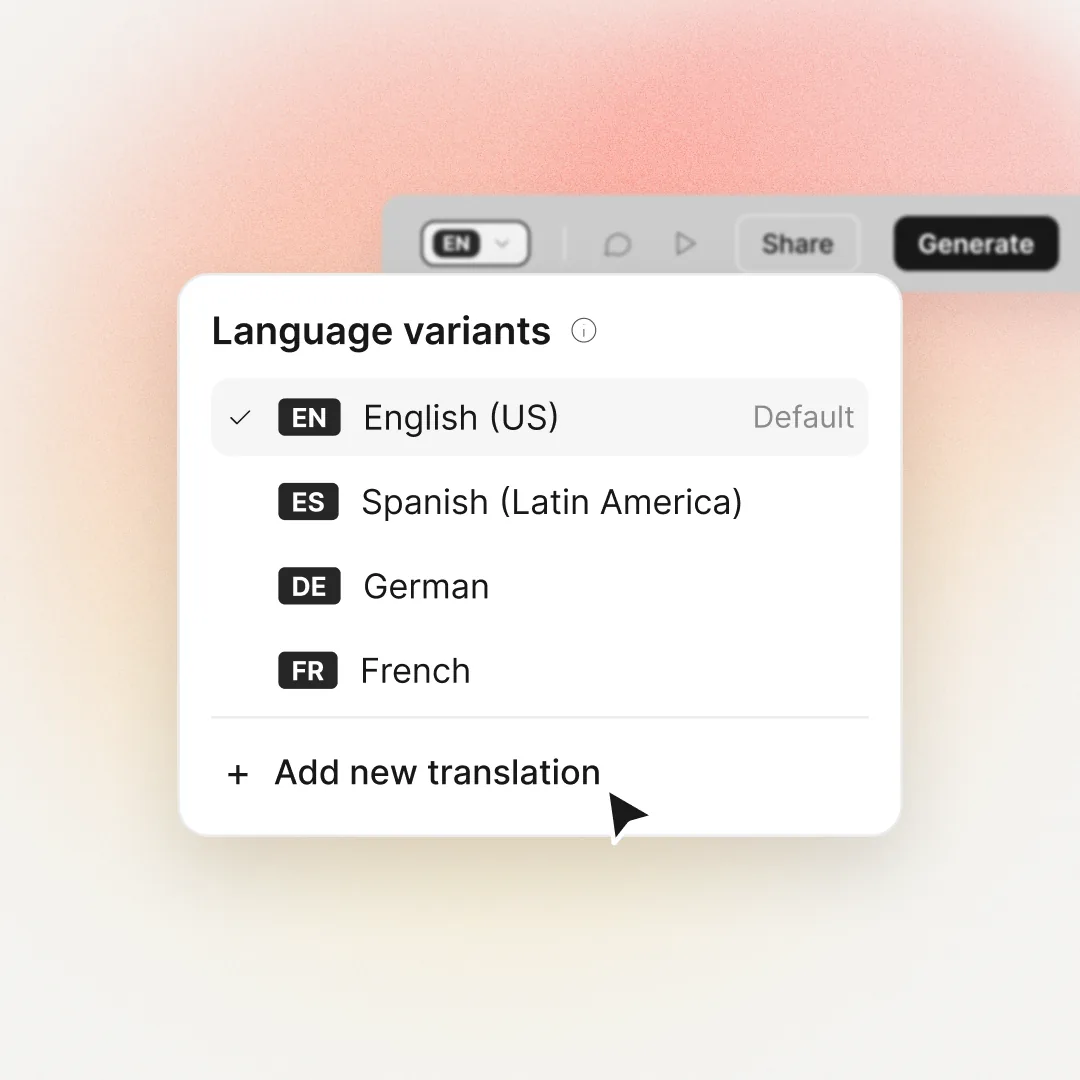
Add a language and the script, on-screen text and voiceover translate together, in the same voice.
One voice library for every team, with the right tone for each message.
Clear, confident narration for policy updates, in every region's language.
A warm welcome on day one, in each new hire's own language.
Slow, firm delivery for the steps nobody should skip.
Upbeat updates that get reps ready before the next call.
Friendly product walkthroughs customers actually finish.
Team updates in one consistent voice across every office.
Most text-to-speech tools stop at the audio file. Training needs the video around it.
| Text-to-speech tool | Colossyan | |
|---|---|---|
| Natural AI voices in many languages | Yes | Yes |
| Clone your own voice | Yes | Yes |
| A presenter who speaks it | No | Yes |
| Edit a line, the video updates | No | Yes |
| Translate the whole video, on-screen text too | No | Yes |
| Tracked in your LMS (SCORM) | No | Yes |
Worth checking with every vendor on your shortlist, including us.
Colossyan is an AI voice generator built for training and enablement. It turns a script into a natural voiceover in 700+ AI voices and 120+ languages, pairs it with an AI presenter, and exports the finished video to your LMS as a SCORM package. You can also clone your own voice and direct the delivery with audio tags, without booking a studio.
Colossyan offers 700+ AI voices across 120+ languages, accents and dialects. You can filter them by tone, age, accent and scenario to find the right narrator for each course, filter for voices with the Audio tags label, or choose your own cloned voice under My voices. One voice library serves every team, from compliance training to employee onboarding.
Yes, in Colossyan one AI voice can speak 120+ languages and keeps the same tone and personality, so your German, Spanish and Japanese versions sound like your English one. Add a language variant and the script, on-screen text and voiceover translate together, in the same voice. Each language variant stays editable, so you can review and adjust the wording for every market.
Audio tags in Colossyan are short cues in square brackets, like [warmly] or [slowly], that you type before a line in your script. The AI voice performs the words that follow in that style, and the tag itself is never spoken. You can stack cues, like [thoughtfully][slowly], and preview the line before anything renders. Audio tags work with voices that carry the Audio tags label.
To create an AI voiceover in Colossyan, paste or type your script, pick one of 700+ AI voices or your cloned voice, add audio tags where the tone should change, and preview each line. You hear every line before anything renders. Then generate the video, or add languages to the same project to get the voiceover in 120+ languages. Starting from a document instead? Use text to video.
Yes, Colossyan can clone your own voice. Record or upload a short sample and Colossyan creates a cloned voice you can use in any video, with the same tone, pace and personality in 30+ languages. Starter includes 3 cloned voices, Professional 5 and Enterprise unlimited. For the basics, read what voice cloning is.
Yes, Colossyan can dub an existing video with AI. Upload a talking-head video, choose a language and Colossyan dubs it with a natural AI voice and lip sync. You can try it free with the AI video dubbing tool. For videos you make in Colossyan, the video translator translates the script, on-screen text and voiceover together.
Colossyan's pronunciation library fixes how the AI voice says a word: add the word once with a phonetic spelling or IPA (IPA works with US English voices). The voice then says your product names, acronyms and people's names correctly in every future video, so you only fix it once. Custom pronunciations are unlimited on every plan.
Yes, every AI voice in Colossyan works with every avatar in the library, including your own custom avatar, so you can match the presenter and the voice to each course. Choose from 300+ AI avatars for every training topic, or use the voice as narration over your scenes without a presenter.
Yes, Colossyan's AI voice generator is free to start: the Starter plan is free forever, with no credit card required. It includes AI voices, 3 cloned voices and 15 auto translations a month. Professional raises the limit to 5 cloned voices and Enterprise makes it unlimited. For procurement checks like SOC 2 Type II, GDPR and SAML SSO, see security and compliance.
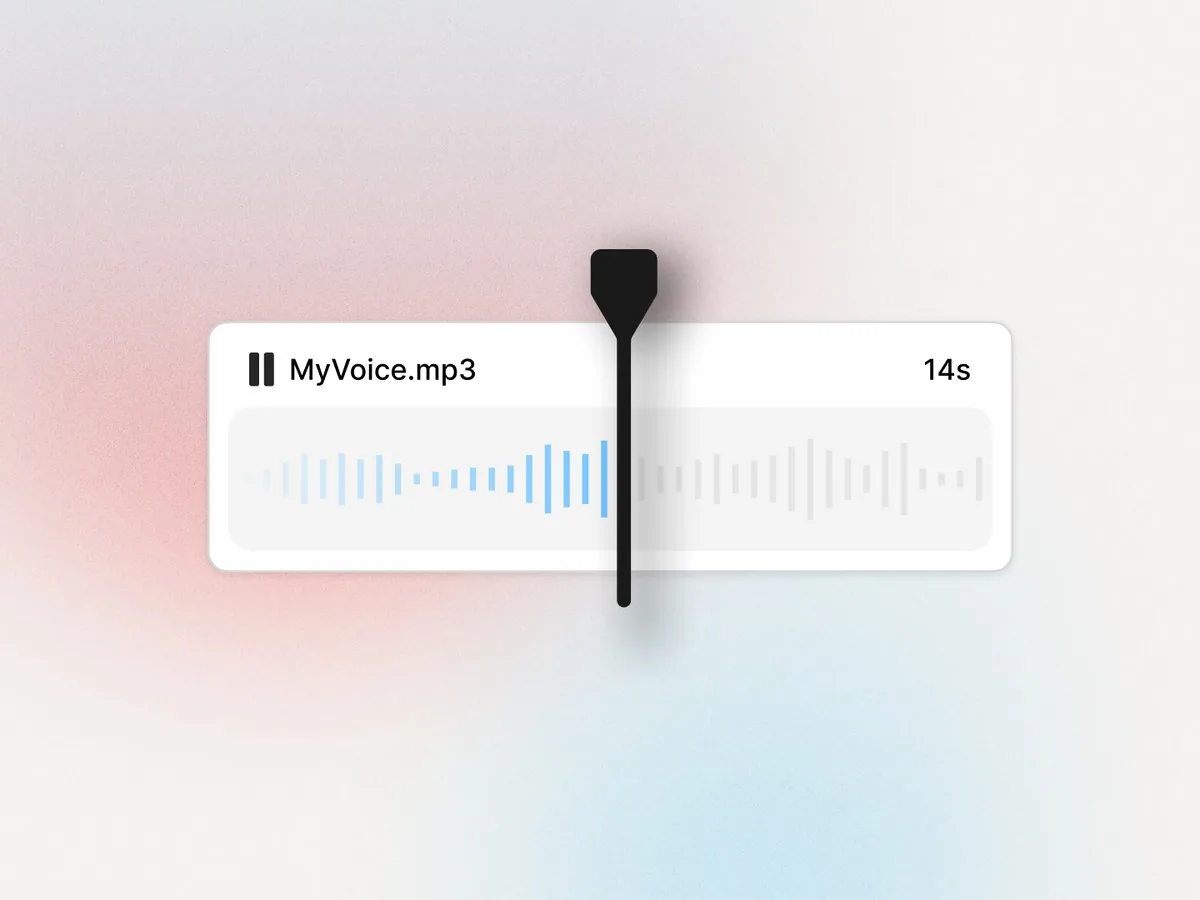 AI Voice CloningYour own voice, in any video and language.
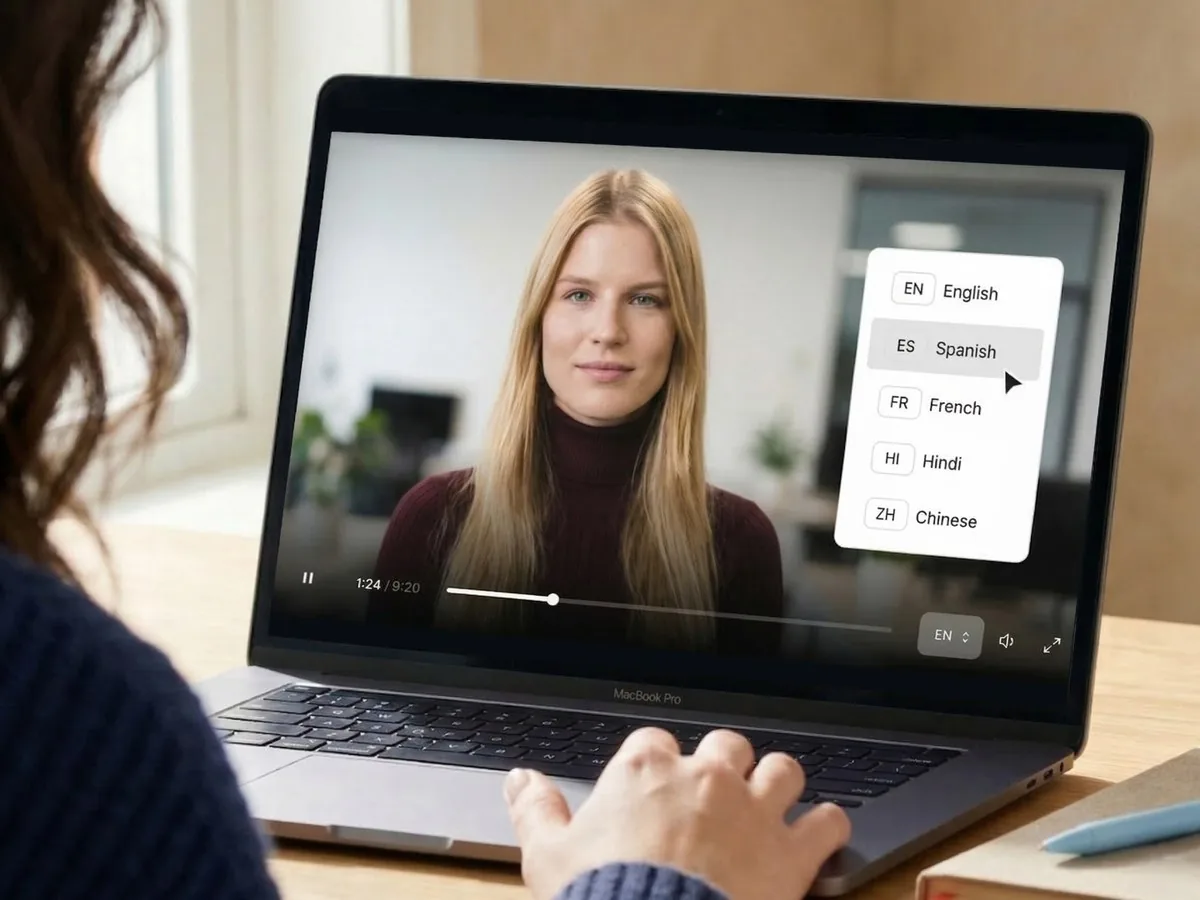 Video TranslatorScript, text and voice translated together.
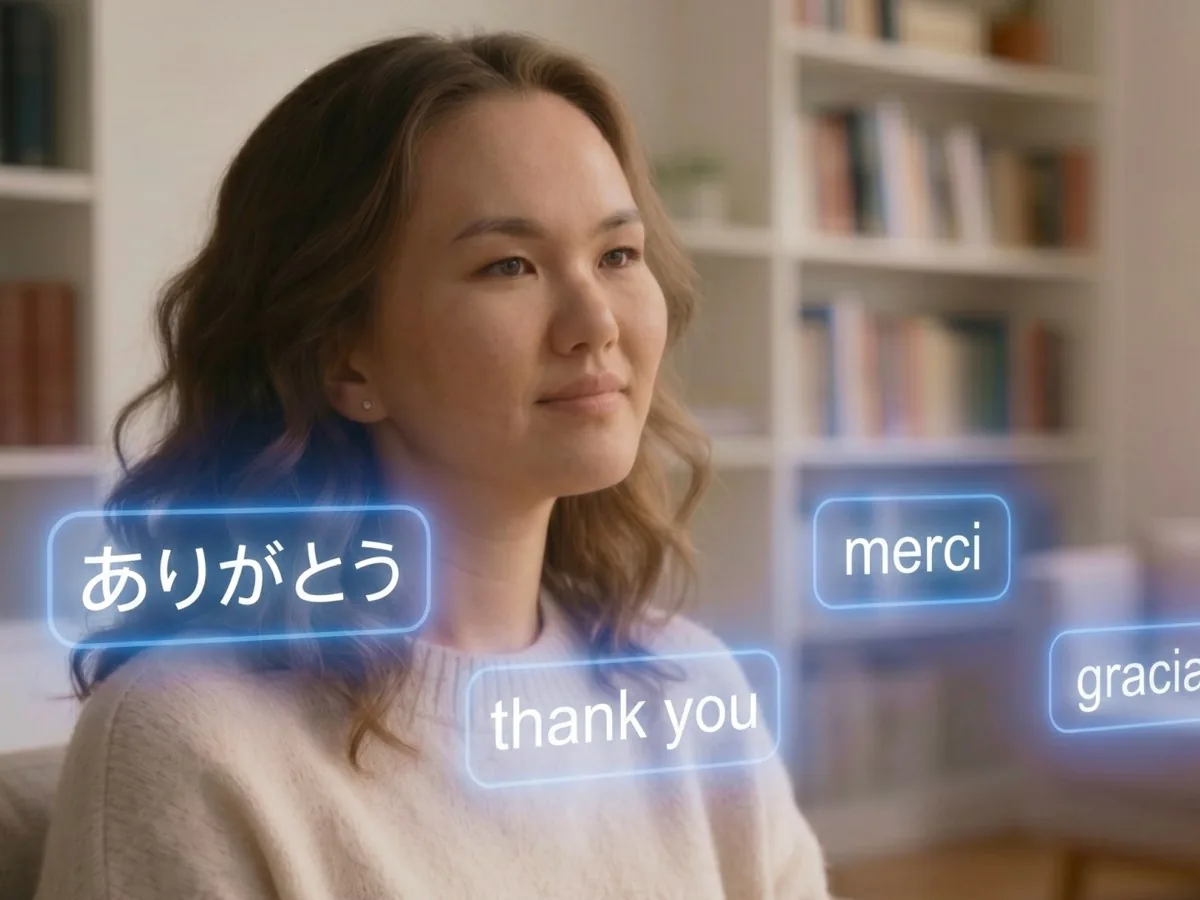 AI Video DubbingDub an existing video, with lip sync.
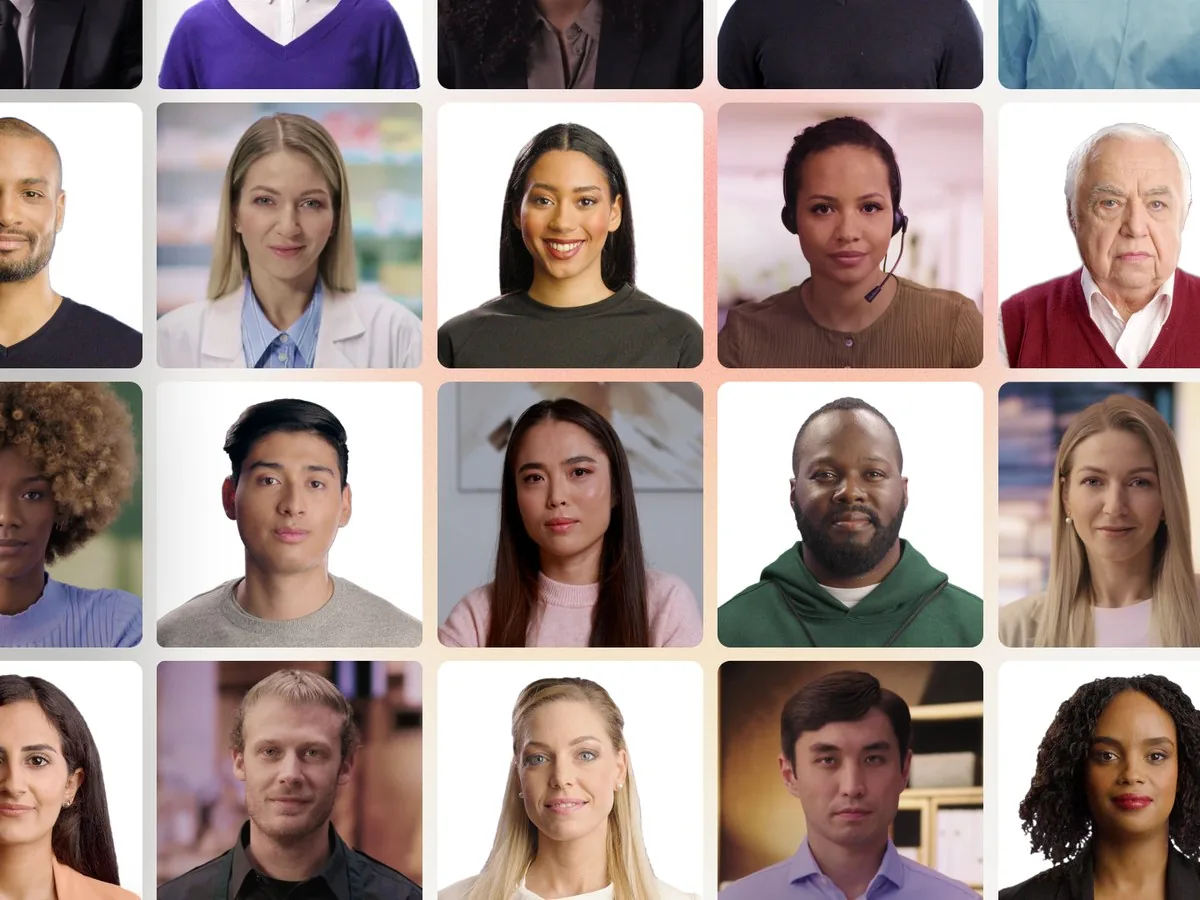 AI Avatars300+ presenters for every training topic.
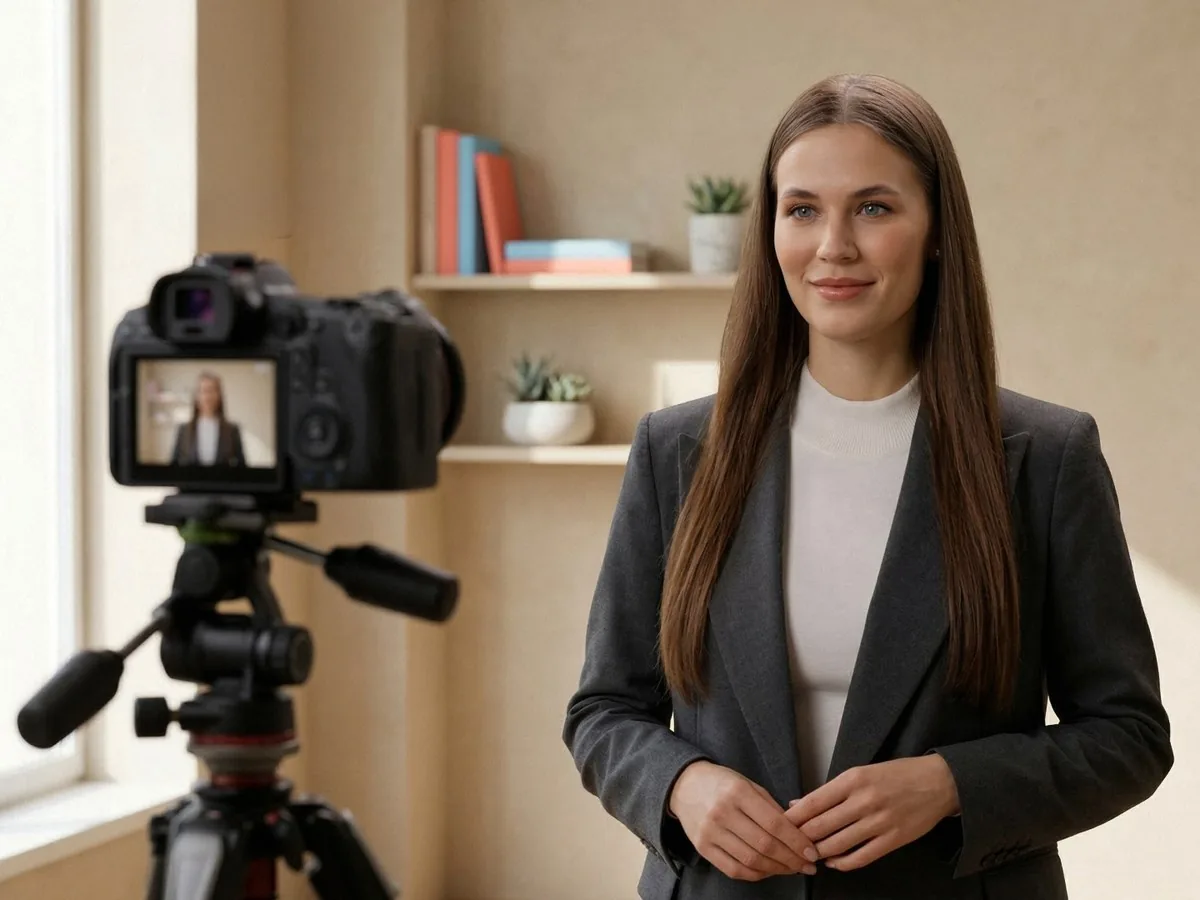 Custom AvatarsYour own presenter, made from a photo or video.
 Text to VideoTurn a script or document into a video.
Start for free. The Starter plan is free forever, no credit card required.