Start from your own photo
Upload a photo of a real person and Avatar Studio turns it into an avatar of them, with their consent. Then refine it and give it a voice like any other.
Coming soon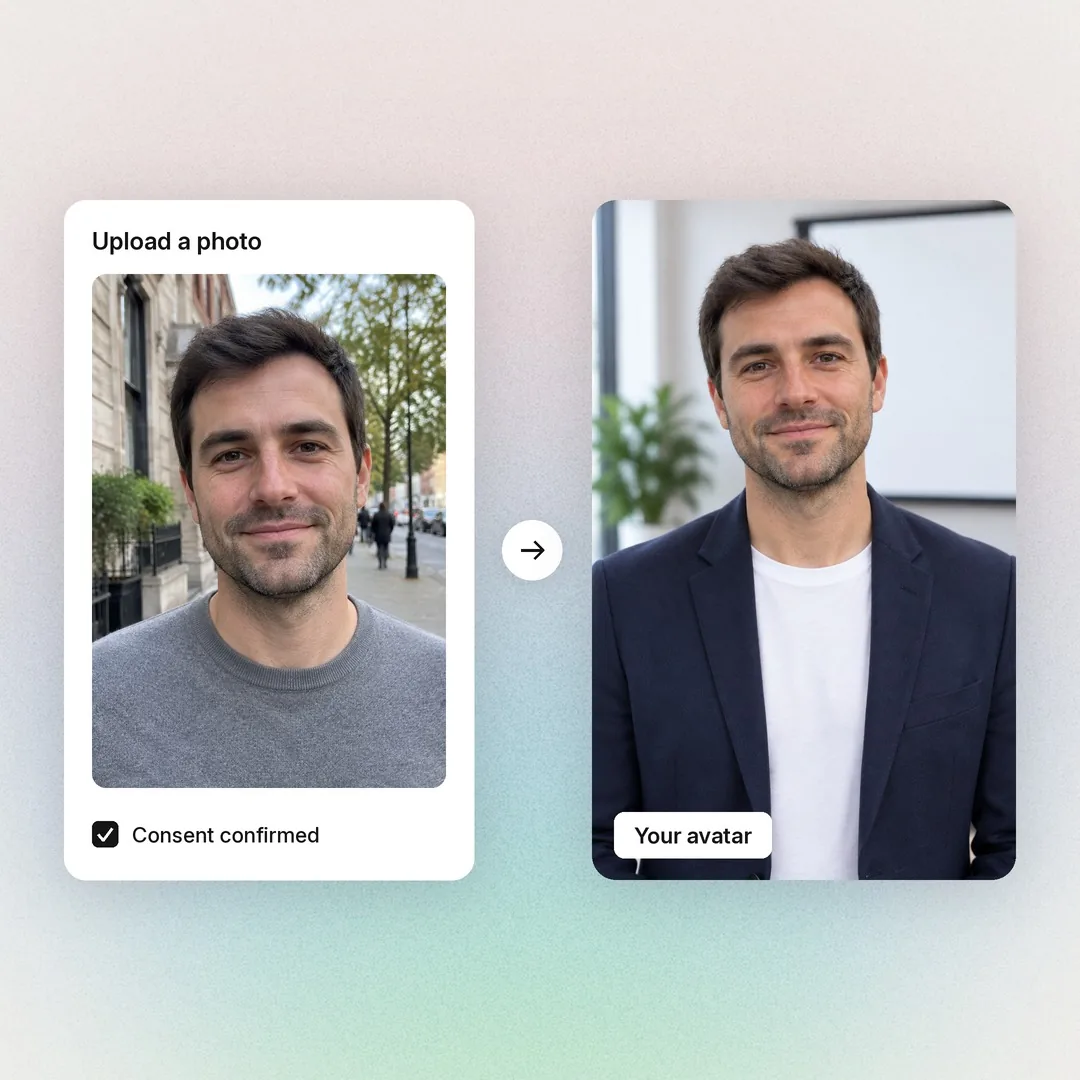

Avatar Studio is the AI avatar generator inside Colossyan. Describe who you want on screen and where they're standing, and pick one of four. Your new presenter speaks 120+ languages in any video. Soon you can start from a photo, too.
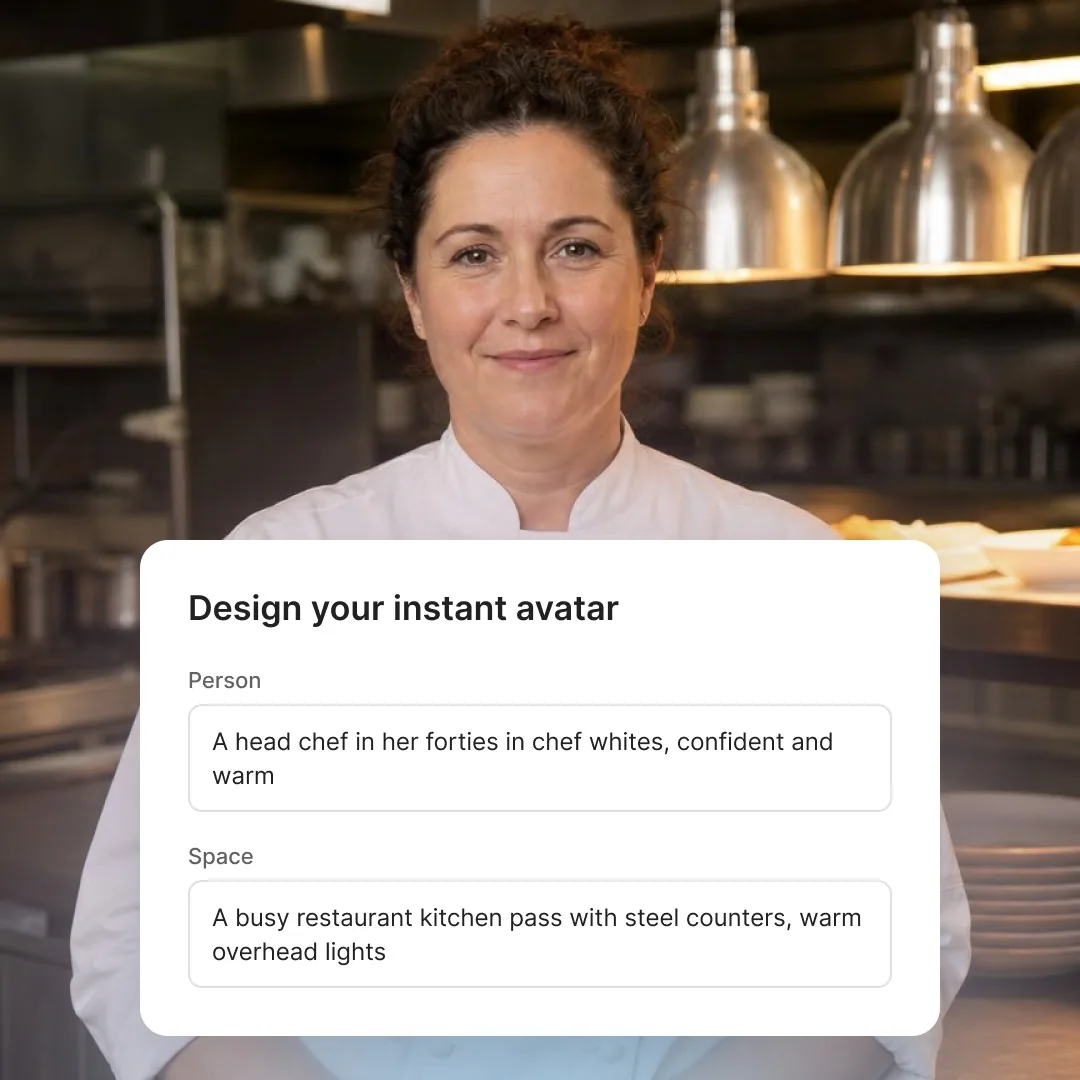
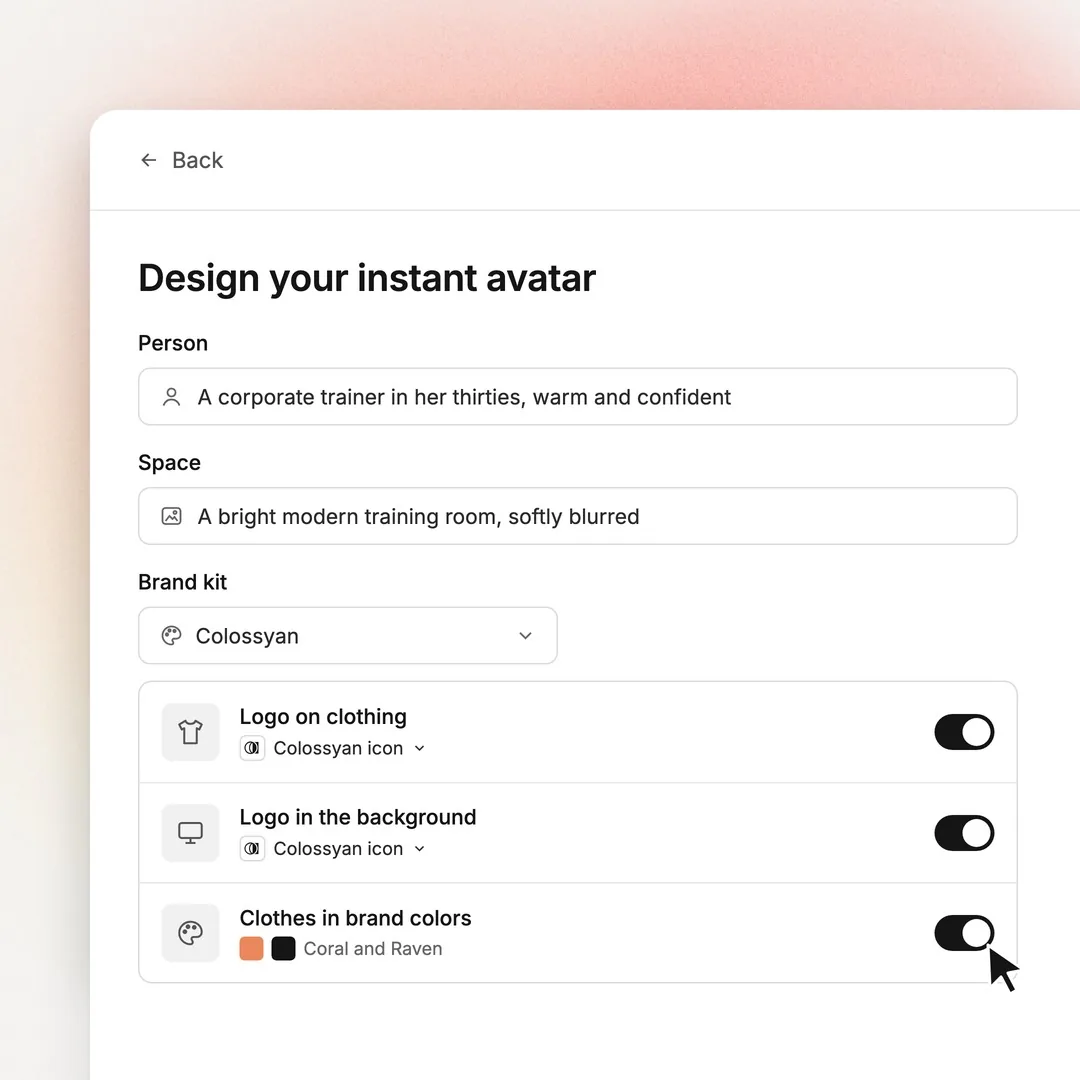
Design your instant avatar
Write your own description after you sign up.






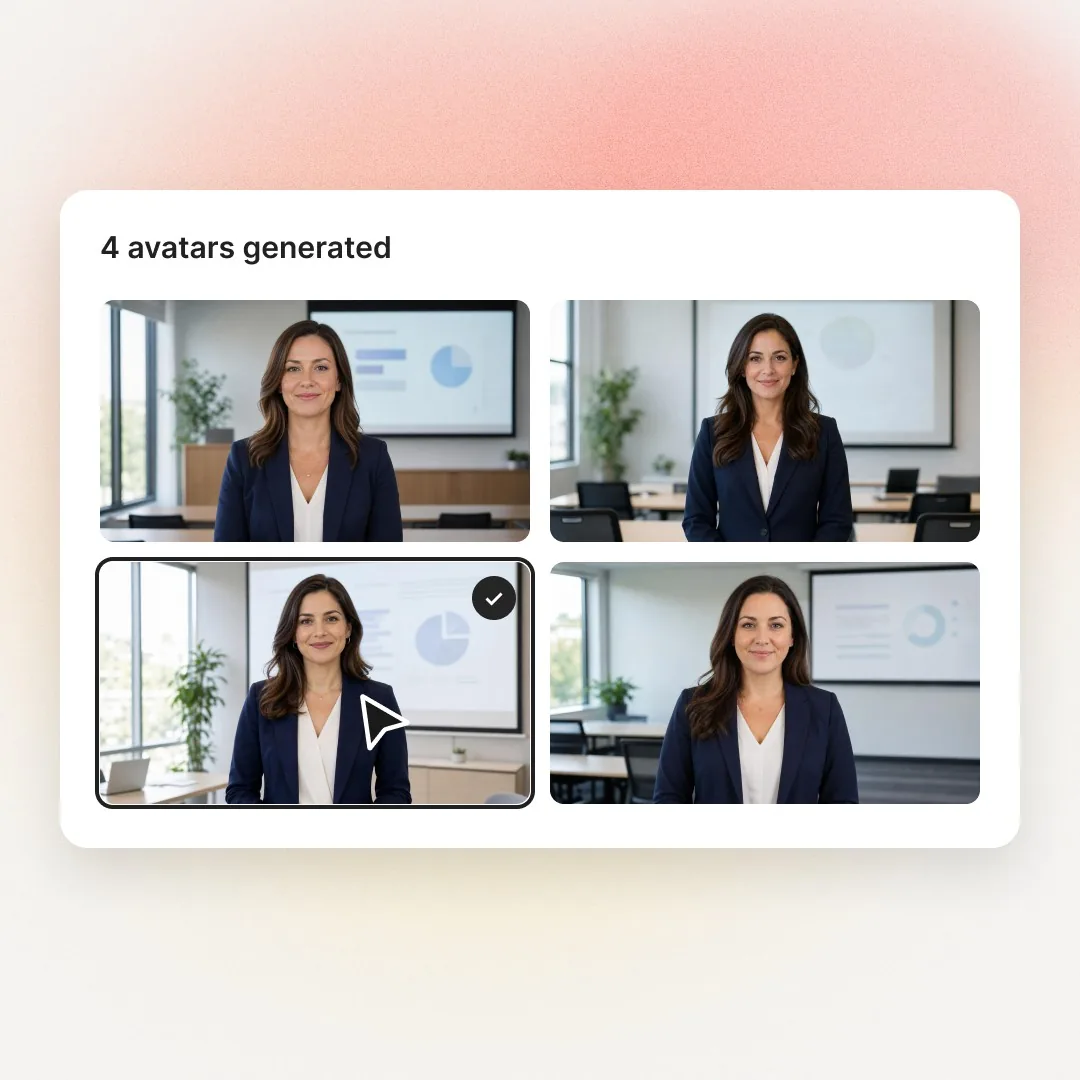
Write who you want on screen and where they're standing. Avatar Studio creates four versions, you keep the one that fits, and it becomes an avatar you can use in any Colossyan video, scene and all.
Upload a photo of a real person and Avatar Studio turns it into an avatar of them, with their consent. Then refine it and give it a voice like any other.
Coming soonPick your brand kit, then choose what goes on: your logo on their clothes, your logo in the space behind them, and clothes in your brand colors. Turn on one, two or all three.
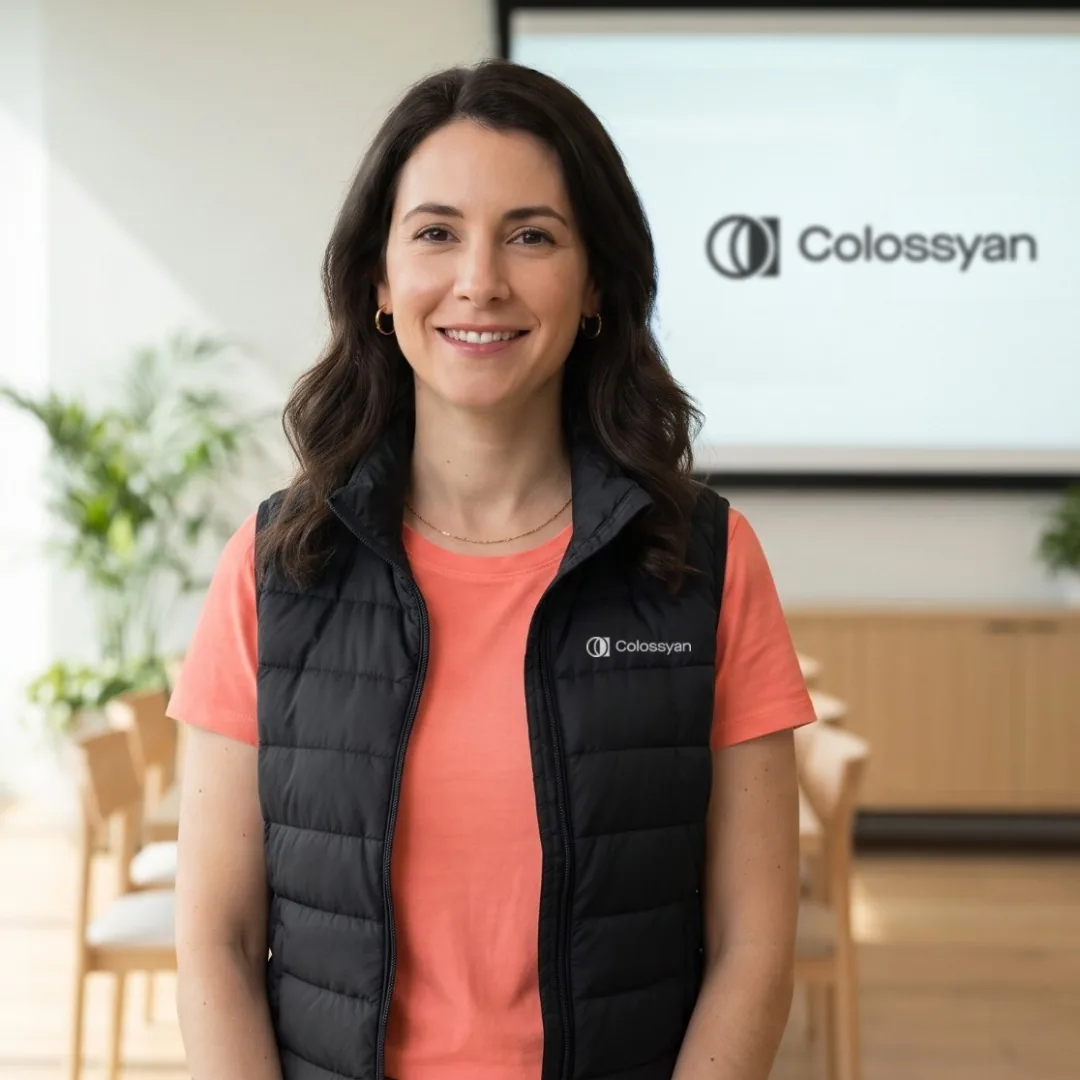
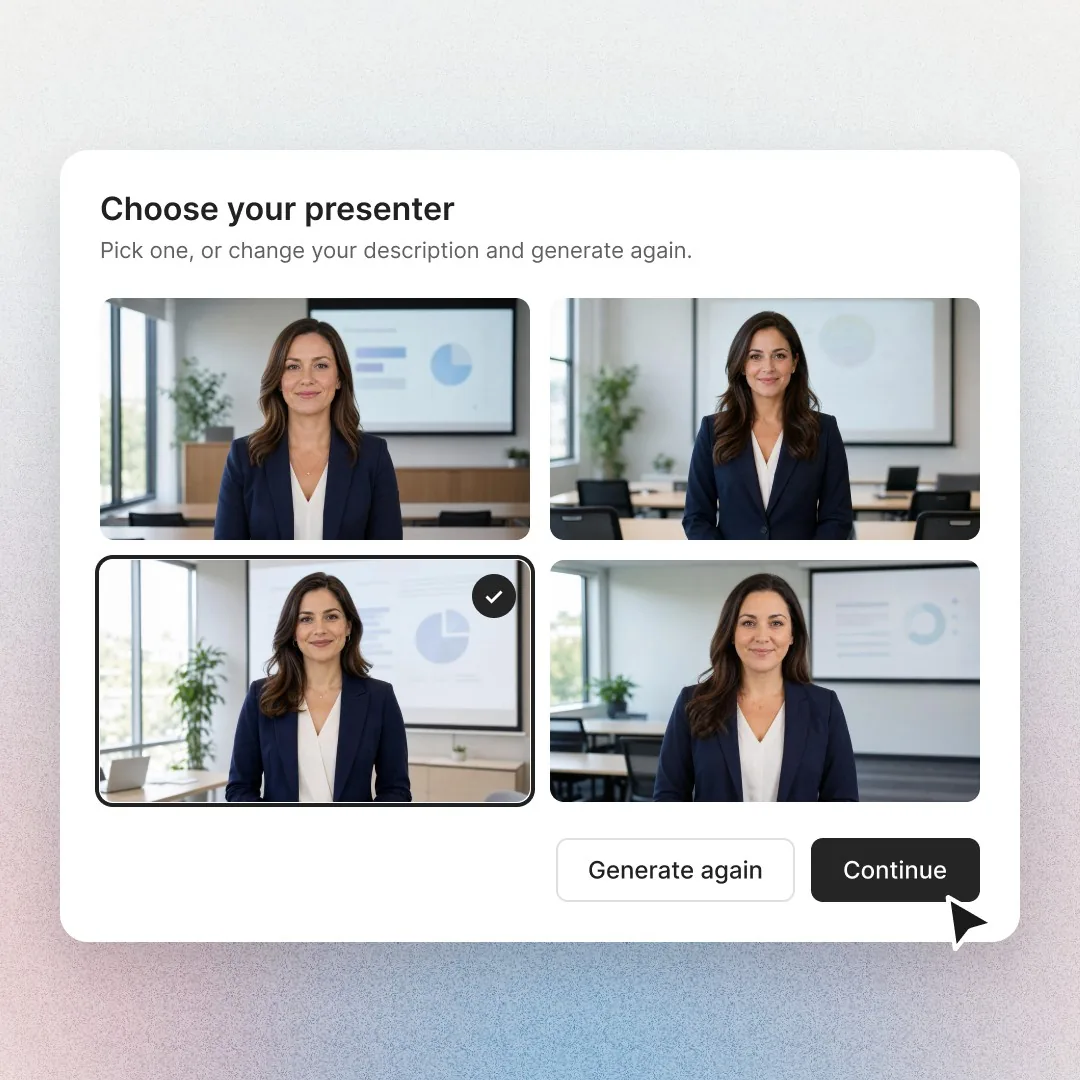
Describe the person and the place they work, and Avatar Studio gives you four to pick from. Keep one, or run it again.
Begin with a preset like manufacturing safety or healthcare compliance, then make it yours.
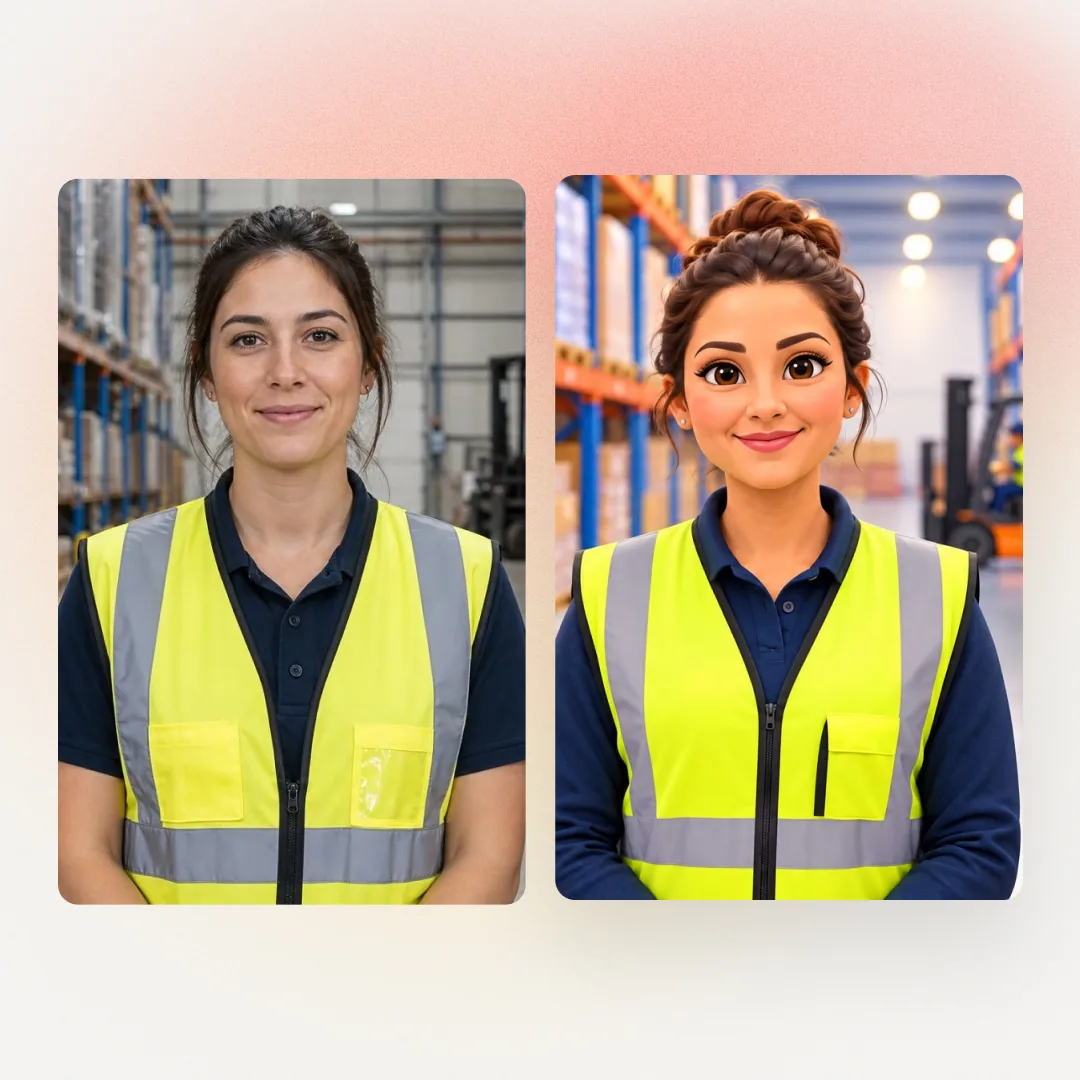
Ask for a cartoon or illustrated character in your description, or keep it realistic. Pick the style that fits the course, from compliance to onboarding.
Training teams rate
Colossyan 4.6 on G2.

“Colossyan’s AI technology and its translation capabilities have revolutionized our training processes, especially in a multi-lingual environment like ours.”
 Kristin BroadheadDirector of Learning & Development, SonestaRead the case study →
“Before Colossyan, our process required a lot of steps, and was very expensive and complicated: we needed translation, production studios, and post-production work. The whole process would take us a month. Now, we can get everything done in 1–2 days.”
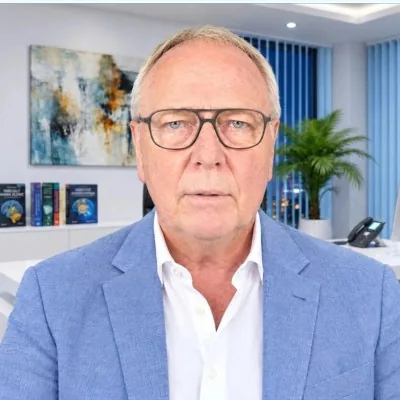 Torsten SeelbachFounder, AFNBRead the case study →
“Instead of showing dry PowerPoint slides over a long period of time and having team members become less attentive, we can have an avatar with an engaging voice, and even use our own trainers as avatars.”
 Magesh SarmaChief Information Officer, AmeriSaveRead the case study →

Astronaut
Astronaut in a white spacesuit with the helmet visor up

Nurse
Friendly nurse in navy scrubs with an ID badge, early 30s, calm smile

Tech presenter
Flat 2D anime-style tech presenter with big expressive eyes and a hoodie
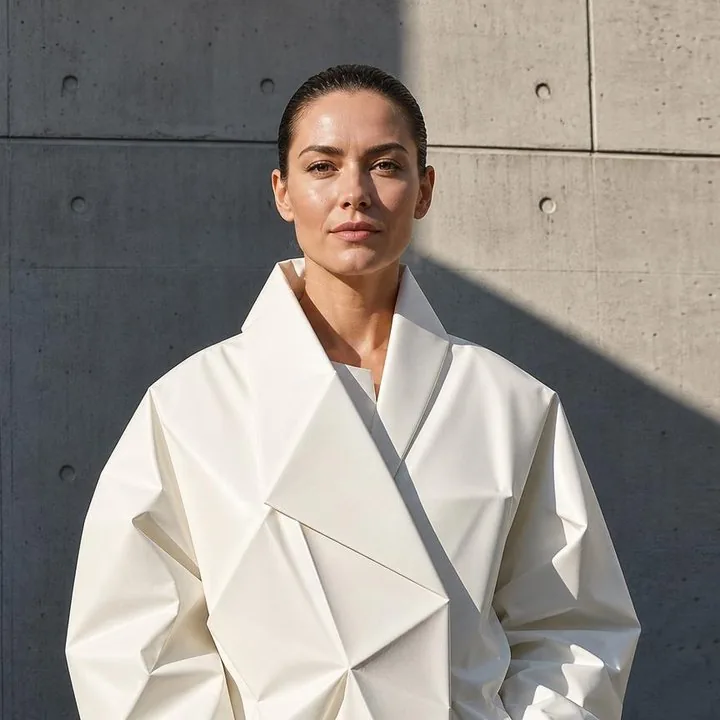
Fashion coach
Fashion coach in a sculptural, oversized white origami coat with sharp geometric folds, slicked-back hair, editorial pose

Chef
Cheerful head chef in a white double-breasted jacket, short dark hair, warm smile

Baker
Cheerful 3D-animated-style baker with rosy cheeks, soft rounded features and a flour-dusted apron
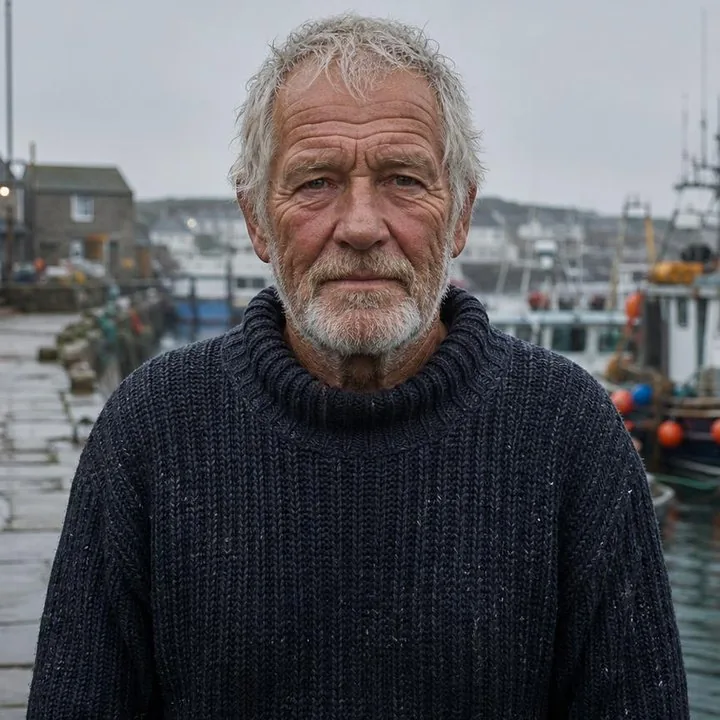
Fisherman
Elderly fisherman with a weathered face and deep wrinkles, in a chunky knit jumper
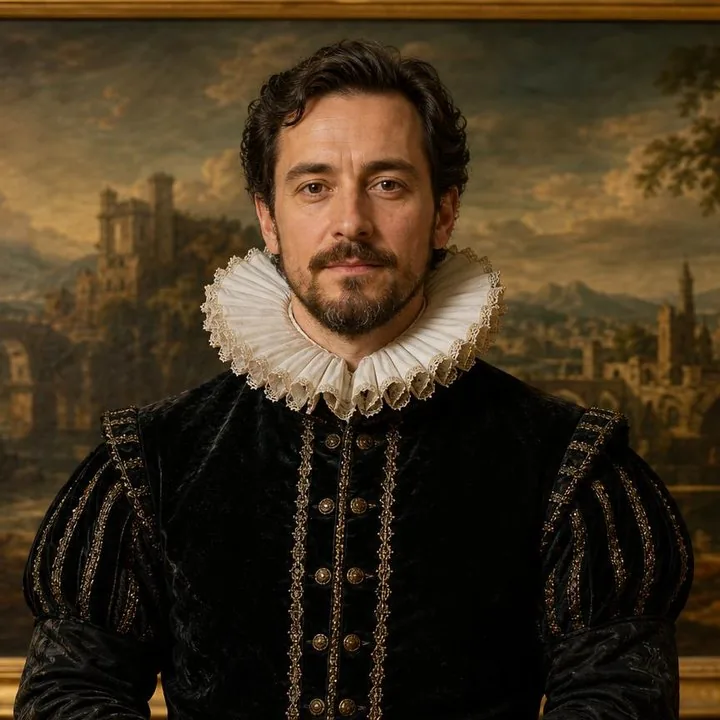
Nobleman
Renaissance nobleman in an ornate ruff collar and dark velvet doublet
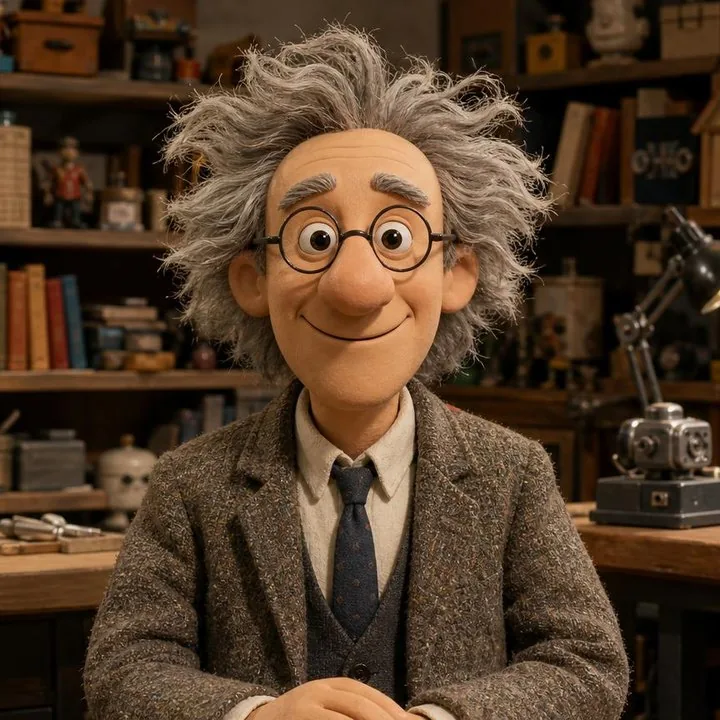
Professor
Clean-shaven claymation-style professor with wild grey hair, round glasses and a tweed jacket, big friendly smile
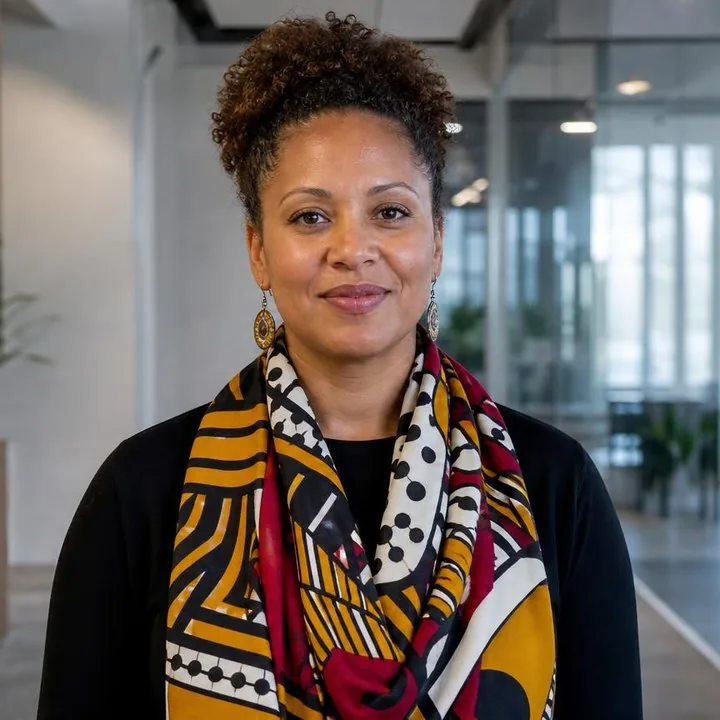
HR director
HR director in a bold patterned scarf and dangling earrings, in a bright office

Storyteller
Watercolour-illustrated storyteller with soft, bleeding edges

Android host
Friendly android presenter with a realistic human face, smooth silver skin panels at the temples and a crisp suit and tie

Wind technician
Wind turbine technician in a navy work jacket with reflective stripes and a white hard hat

Deep-sea explorer
Deep-sea explorer in a canvas diving suit holding a brass diving helmet under one arm, face fully visible
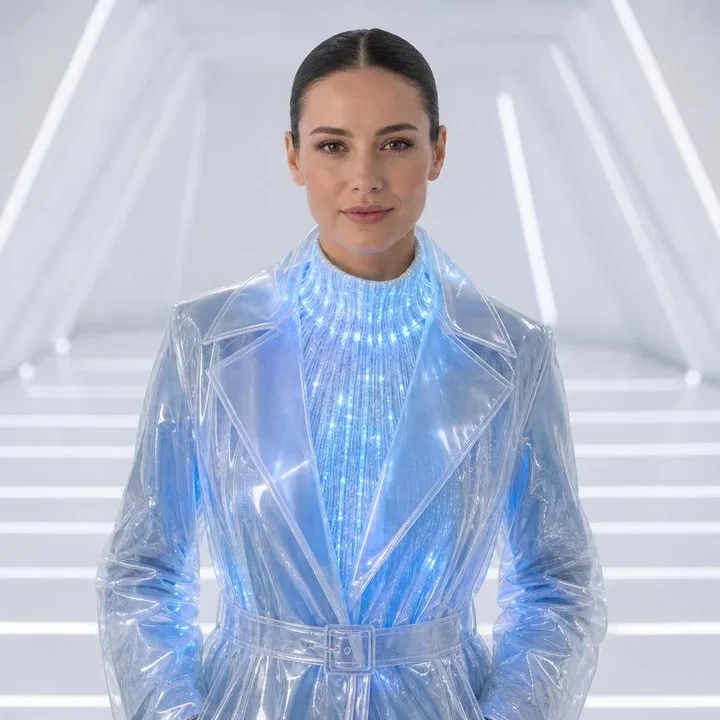
Sci-fi host
Sci-fi host in a translucent PVC trench coat over a knit of glowing blue fibre-optic threads
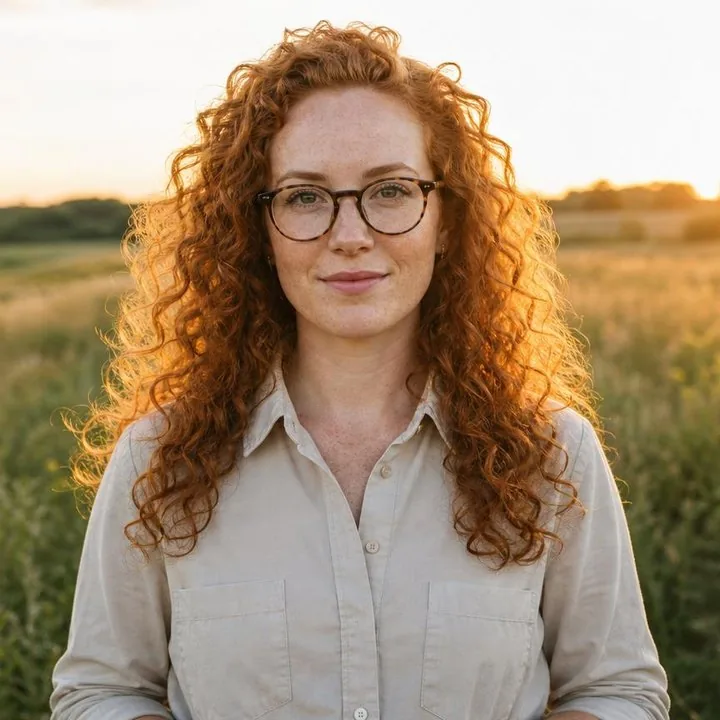
Field researcher
Field researcher with very curly red hair, freckles and round tortoiseshell glasses, in a meadow at golden hour



Choose Edit outfit, Edit background or Remix.
A few words is enough, like a navy blazer or your logo on the vest.
The face stays the same, and only that part changes.
An avatar from Avatar Studio works like any Colossyan avatar. Pair it with any of 700+ AI voices or your own cloned voice, and it speaks 120+ languages with lip sync.
Nothing becomes an avatar until you pick it.
Open avatar creation, choose Generate with AI and write who they are and where they're standing, or start from an industry preset. Then pick your brand kit and choose where your logo goes and whether they wear your brand colors. You can also add a reference image. Upload a photo of a real person, with their consent, and Avatar Studio builds the avatar from it.
Keep the one that fits, change just the outfit or the background, or generate again. Every run stays in your history.
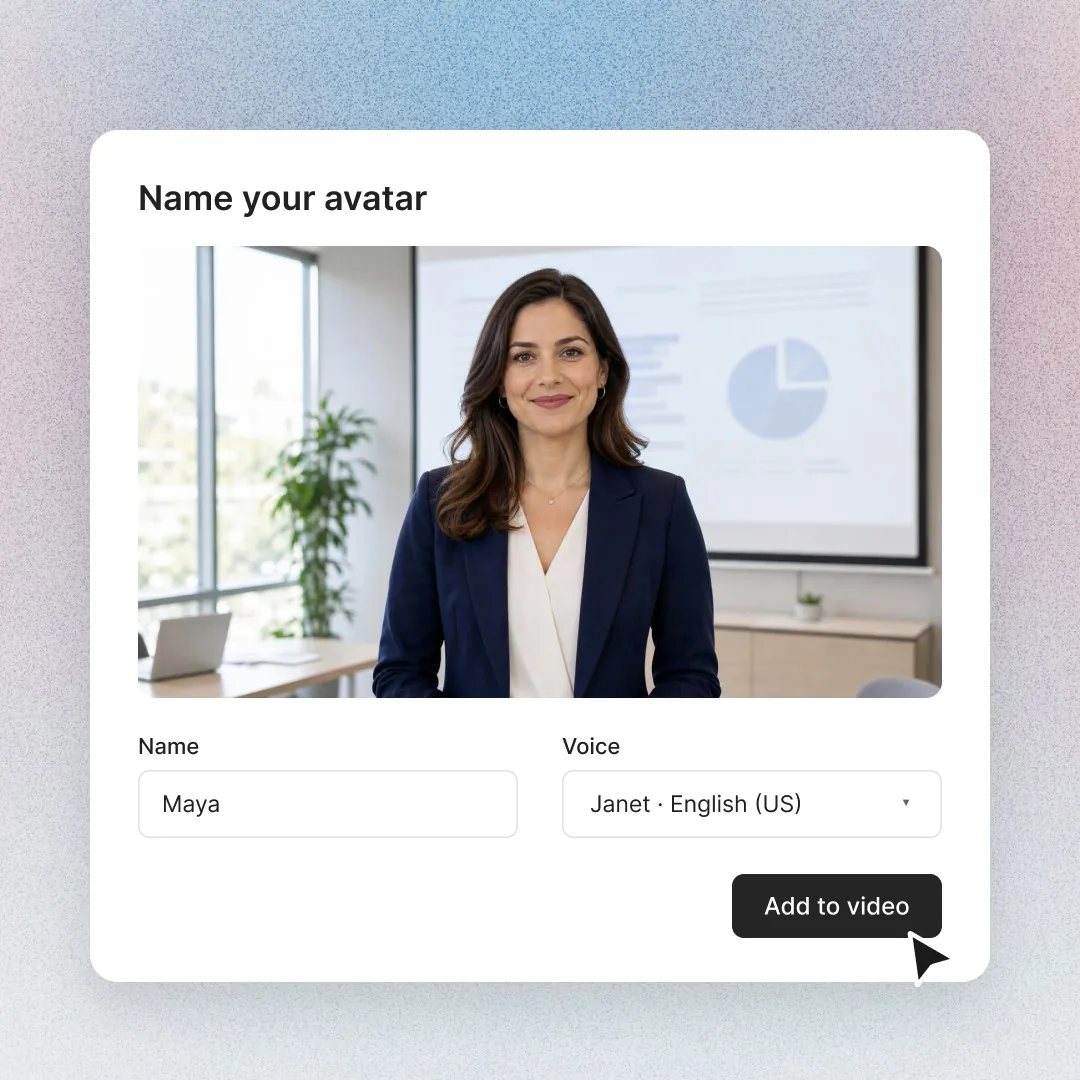
Give your presenter a name and a voice and add them to any video, in any language.
Describe the expert your learners would trust, in the place they actually work.
A warm welcome in the lobby on day one.
Policy updates from the head office, for every region.
Toolbox talks in the aisle where the work happens.
Launch updates that get reps ready before the next call.
Walkthroughs customers actually finish.
Team updates from a face people know.
Most AI avatar generators stop at the picture. Training needs someone who can speak.
| AI image generator | Avatar Studio | |
|---|---|---|
| Create a person from a prompt | Yes | Yes |
| Talks in your videos | No | Yes |
| Looks the same every time you edit | No | Yes |
| Speaks 120+ languages | No | Yes |
| Choose where your logo goes and your brand colors | No | Yes |
| Tracked in your LMS (SCORM) | No | Yes |
Worth checking with every vendor on your shortlist, including us.
Every Avatar Studio presenter is original, created for your videos and yours to use. To put a real person on screen, create a custom avatar with their consent.
Colossyan Avatar Studio is an AI avatar generator built for training videos rather than profile pictures. You describe the presenter and the space they work in, pick one of four results, and your new avatar speaks 120+ languages in any Colossyan video. You can keep the same person while changing the outfit or background, and export videos to your LMS as SCORM 1.2 or 2004 with completion and scores.
To create an AI avatar from a description in Colossyan, open avatar creation and choose Generate with AI. Describe the person and the space separately, or start from an industry preset such as manufacturing safety or healthcare compliance, and add a reference image or your logo if you want. Pick one of the four results, name your avatar, choose an AI voice and add it to any video.
Yes, Colossyan Avatar Studio lets you change the outfit or background and keep the same person. Pick a candidate, choose Edit outfit, Edit background or Remix, and describe the change in a few words. Only that part changes, so you don't start over. Every run stays in your history, so you can go back to an earlier candidate if you prefer it.
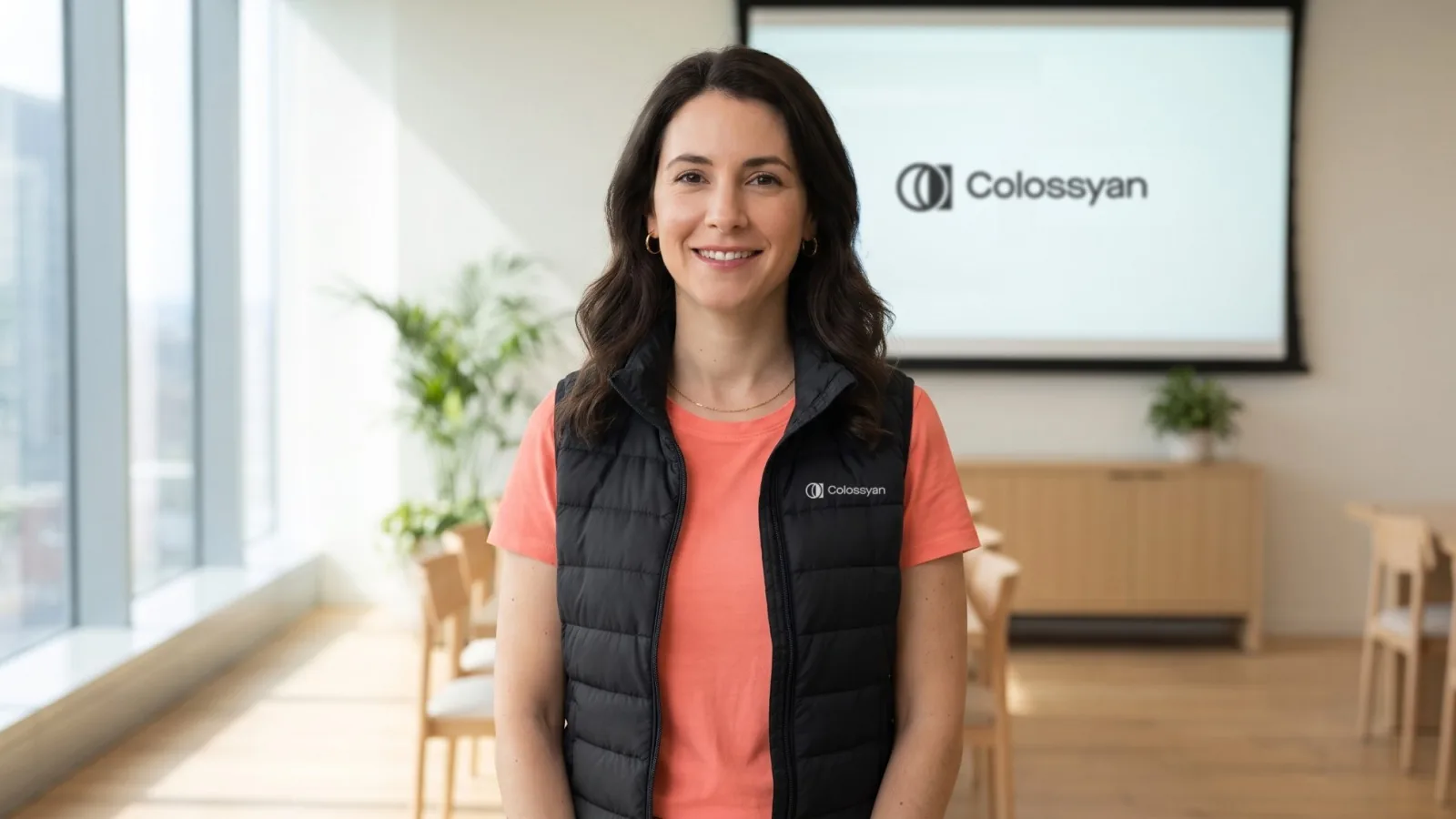
Yes. In Colossyan Avatar Studio, pick your brand kit and choose what it adds: your logo on the presenter's clothing, your logo in the space behind them, and clothes in your brand colors. Each one is a separate switch, and you can use a different logo for the clothing and the background, so you decide how branded each presenter is.
Yes, Colossyan Avatar Studio accepts a reference image. Add an image, or reuse an earlier result from your history, to steer the style or the setting of your presenter. Describe the person and the space in your own words alongside it, then pick from the four candidates Avatar Studio creates and refine the one that fits.
Yes, Colossyan Avatar Studio can make cartoon avatars as well as realistic ones. Ask for a cartoon or illustrated character in your description, or leave it out for a realistic presenter. Pick the style that fits the course, from compliance training to onboarding. Illustrated presenters suit lighter topics, and like any Colossyan avatar they speak 120+ languages with lip sync.
You can create an avatar of a real person in Colossyan with a custom avatar, not with Avatar Studio, which only creates original presenters. Custom avatars are made from a photo or a short video of yourself or a colleague, with their consent. Avatar Studio presenters are original, created for your videos and yours to use.
Yes, an avatar from Colossyan Avatar Studio speaks 120+ languages with lip sync, just like any Colossyan avatar. Pair it with any of 700+ AI voices or your own cloned voice. To turn a finished video into other languages, the video translator translates the script, on-screen text and voice together.
The Colossyan AI avatar library has 300+ ready-made presenters you can use right away, while Avatar Studio creates a new presenter from your description of the person and the space. Use Avatar Studio when you need a specific role in a specific place, like a warehouse safety lead in the aisle. To put a real person on screen, use a custom avatar.
Yes, you can try Colossyan Avatar Studio for free on the Starter plan, which is free forever with no credit card required. Describe your presenter, pick one of four results and put them in a video. The self-serve plan gets your team up and running in under 10 minutes, with no sales call required.
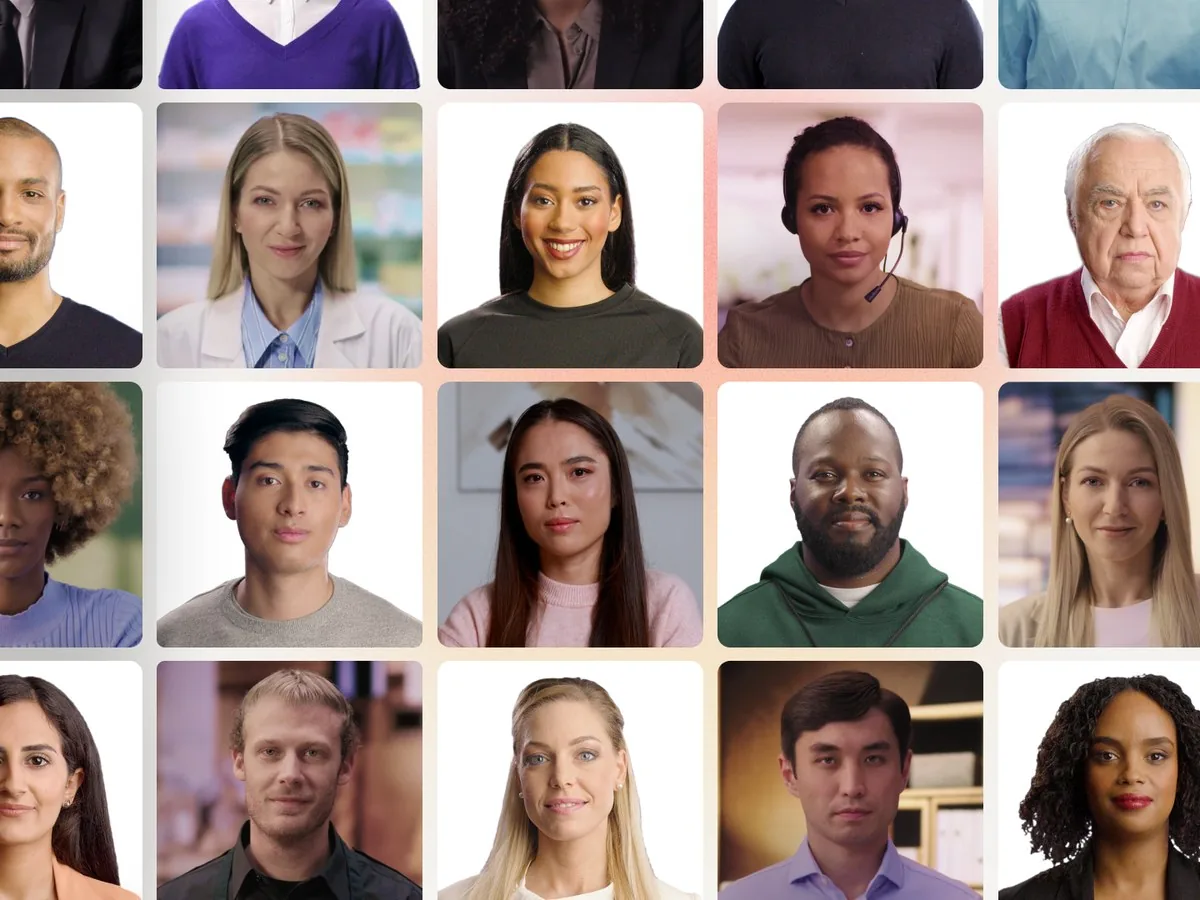 AI Avatars300+ presenters for every training topic.
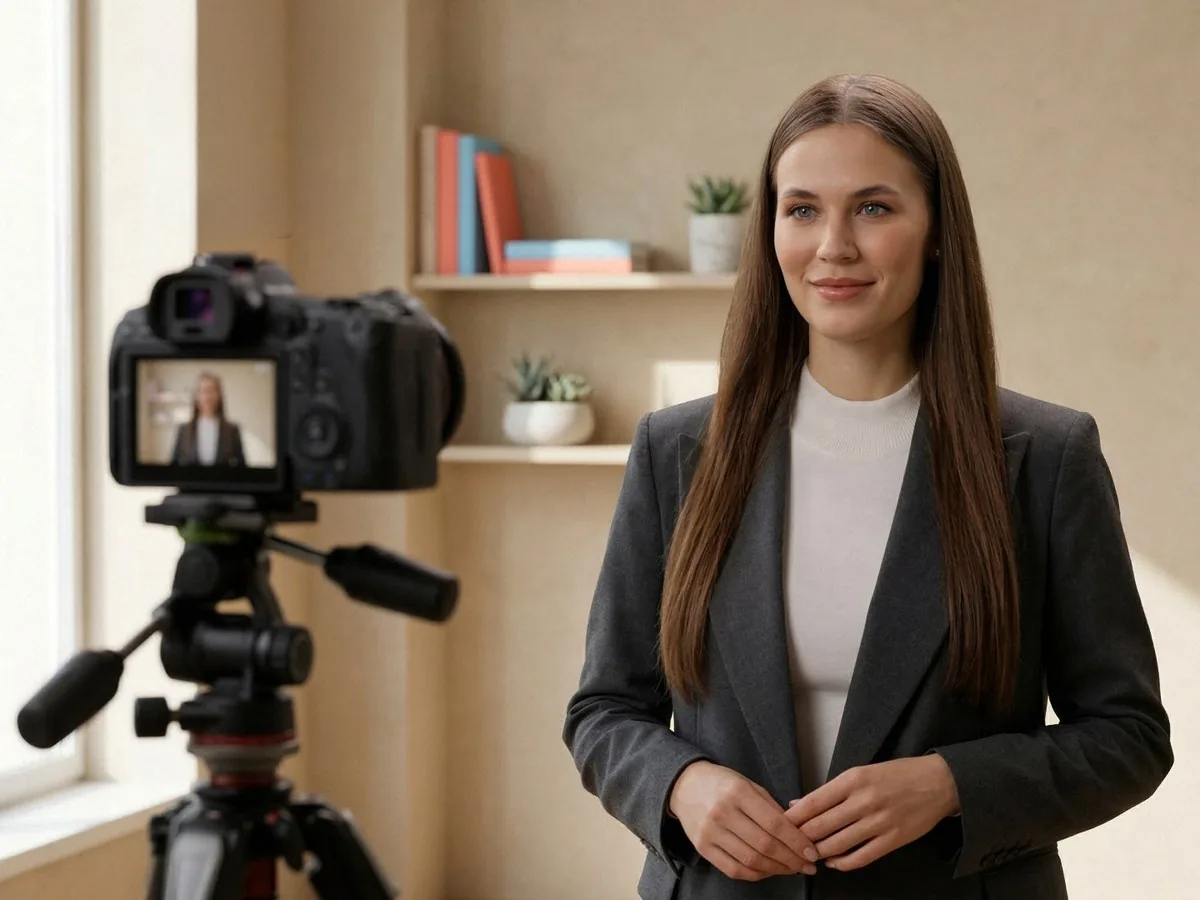 Custom AvatarsYour own presenter, made from a photo or video.
 Cartoon AvatarsIllustrated presenters for lighter topics.
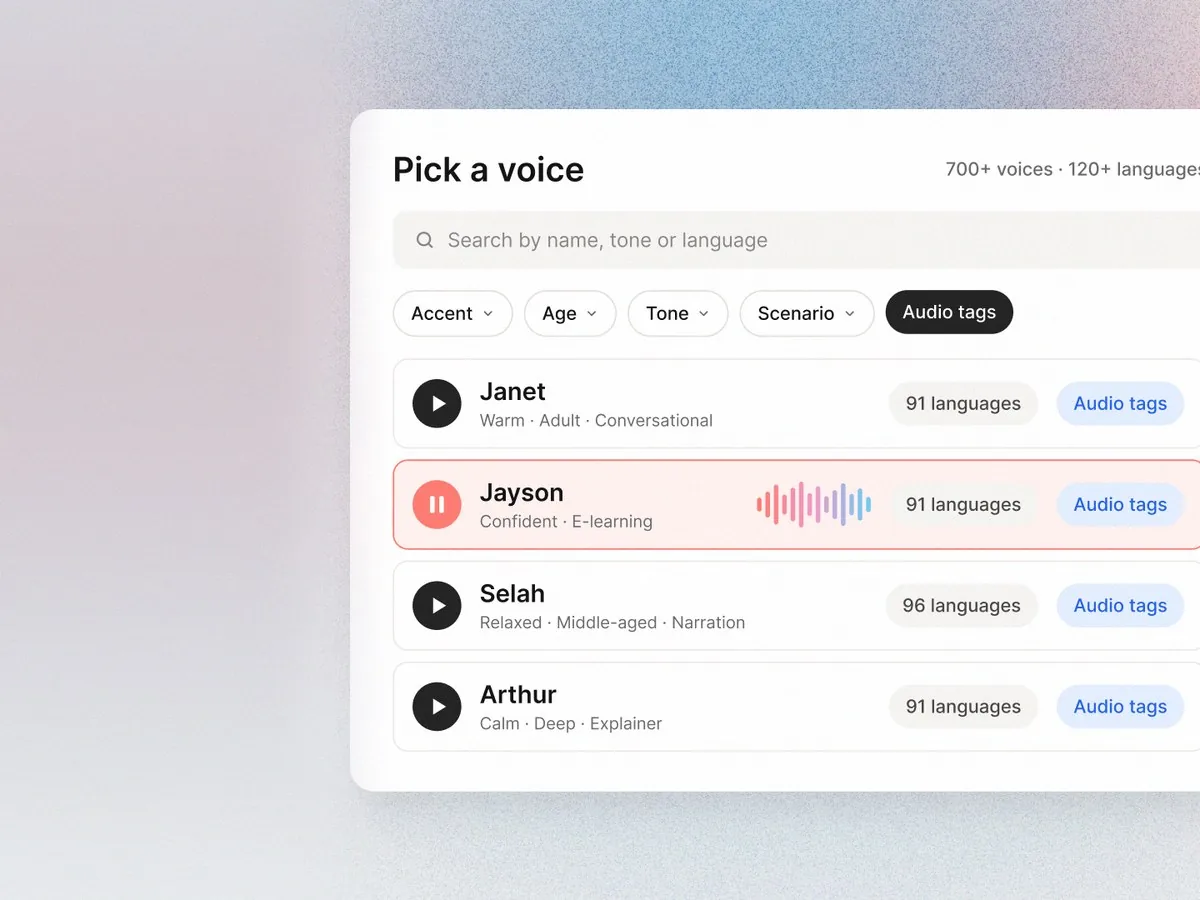 AI Voices700+ voices in 120+ languages.
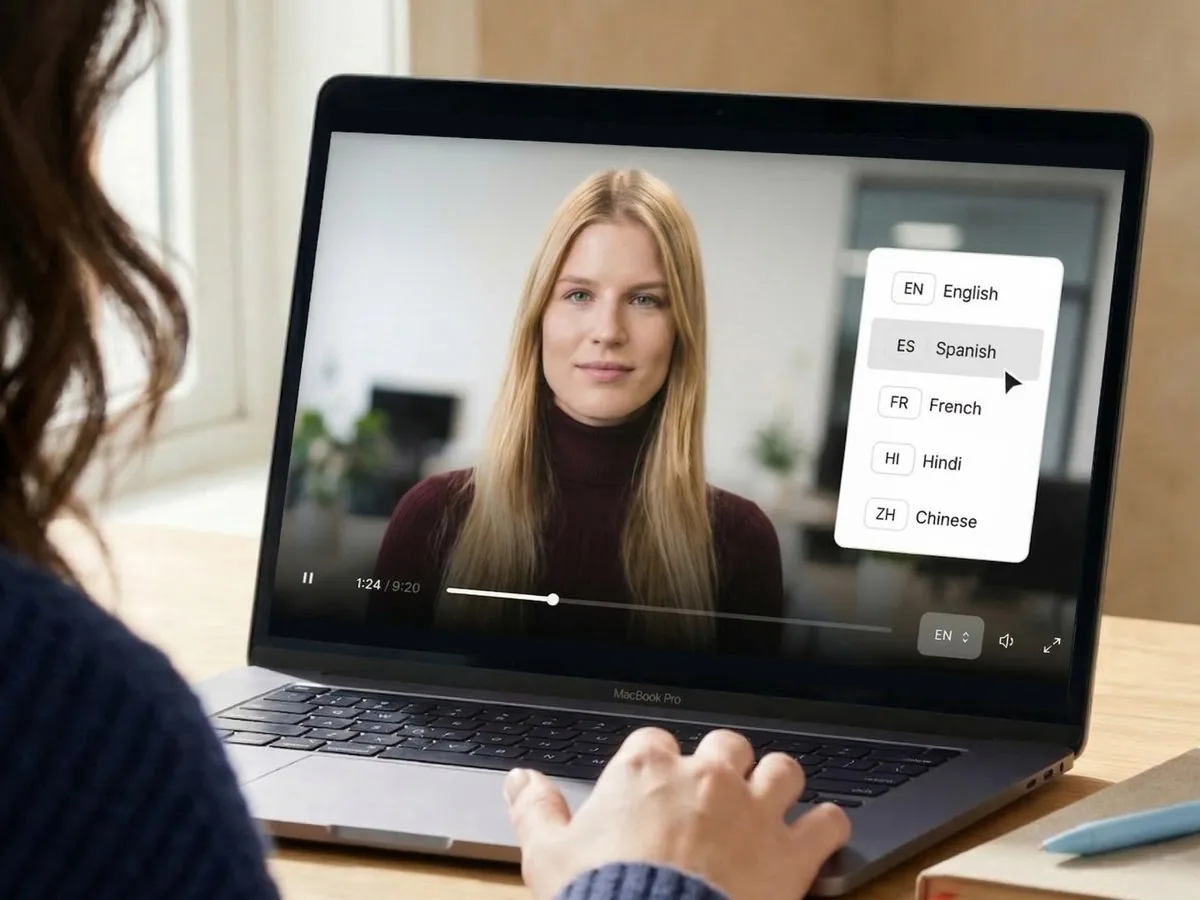 Video TranslatorScript, text and voice translated together.
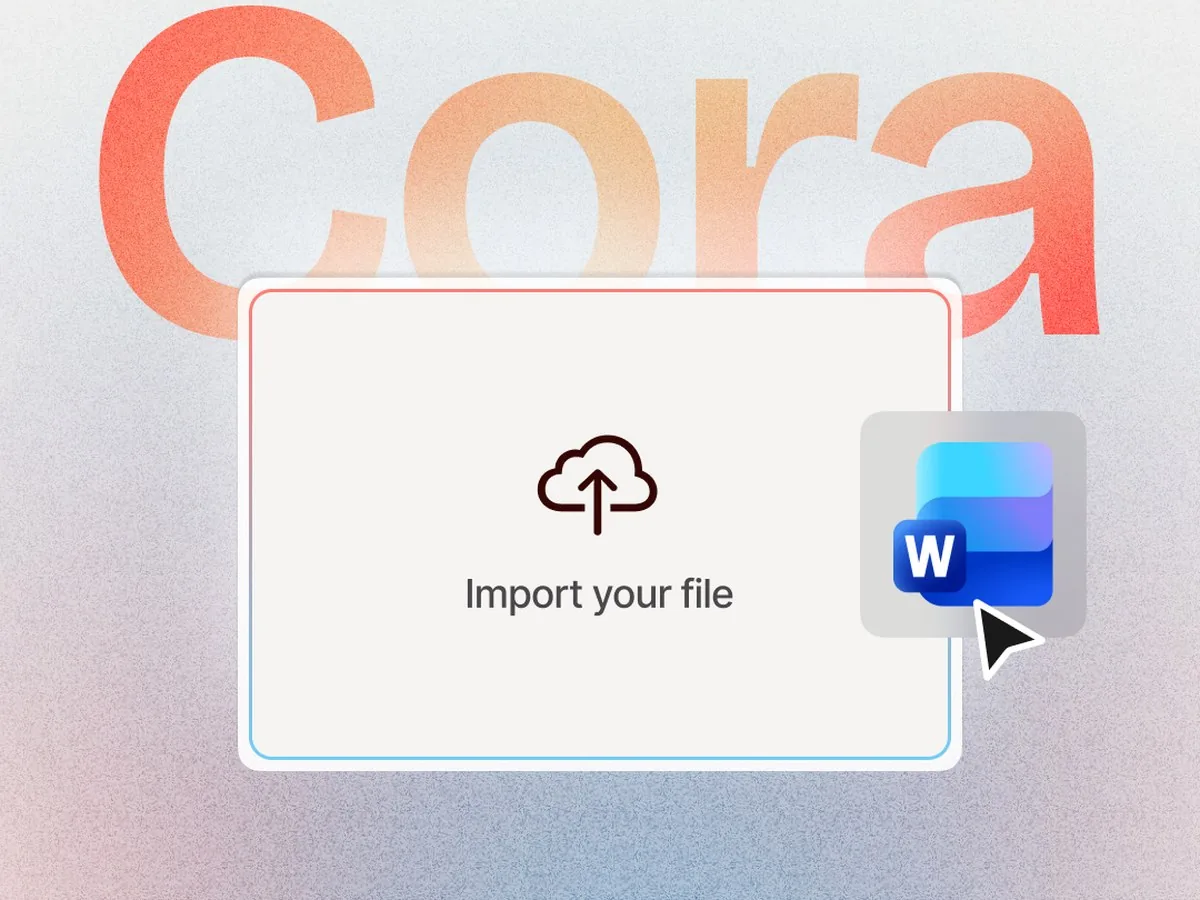 Text to VideoTurn a script or document into a video.
Describe them, pick one of four and put them in your video. The Starter plan is free forever, no credit card required.