AI video in every lesson
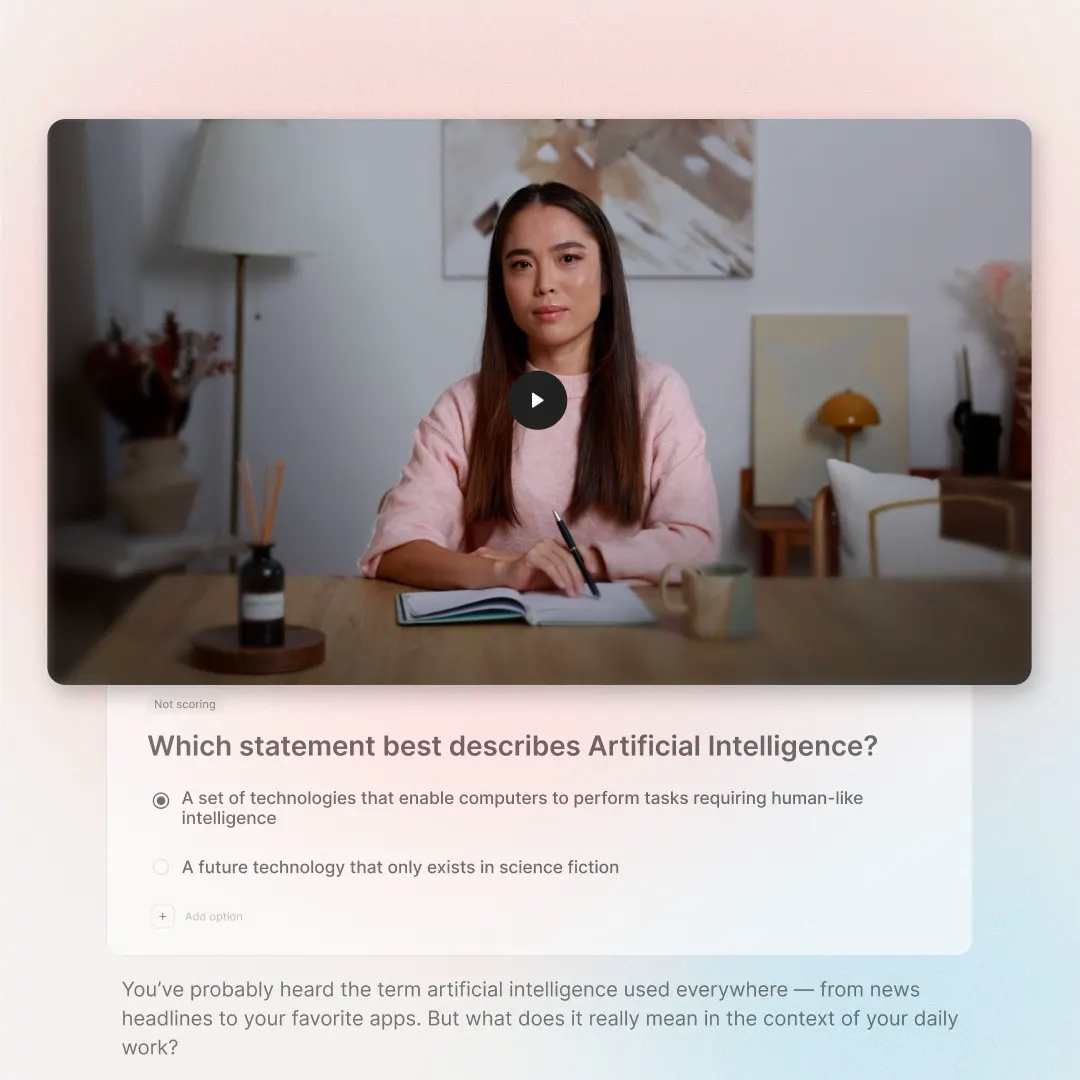
Avatar-led video drafts planned with the AI Video Generator. 300+ avatars, 120+ languages.

Complete courses,
ready to publish.
Drop in a handbook, slides or an old course. Cora plans the lessons, you shape the result, and your brand kit applies automatically. Publish it as a link or export SCORM to your LMS.




 4.6 on G2, from 480+ reviews
The first version eats the budget, and every policy or product change starts another rebuild.
28 work days the fastest an instructional designer had built a course, even with AI.
From our calls with L&D teams: aerospace manufacturer.
60 hours to build a five-minute intro module in a traditional authoring tool.
From our calls with L&D teams: local government.
1,200 courses kept up to date by one L&D team while the product keeps changing.
From our calls with L&D teams: HR software company.
The parts that usually take a second tool come with every course.
Avatar-led video drafts planned with the AI Video Generator. 300+ avatars, 120+ languages.
Pull colours, logo and fonts from your website into a brand kit Cora uses from the first draft.
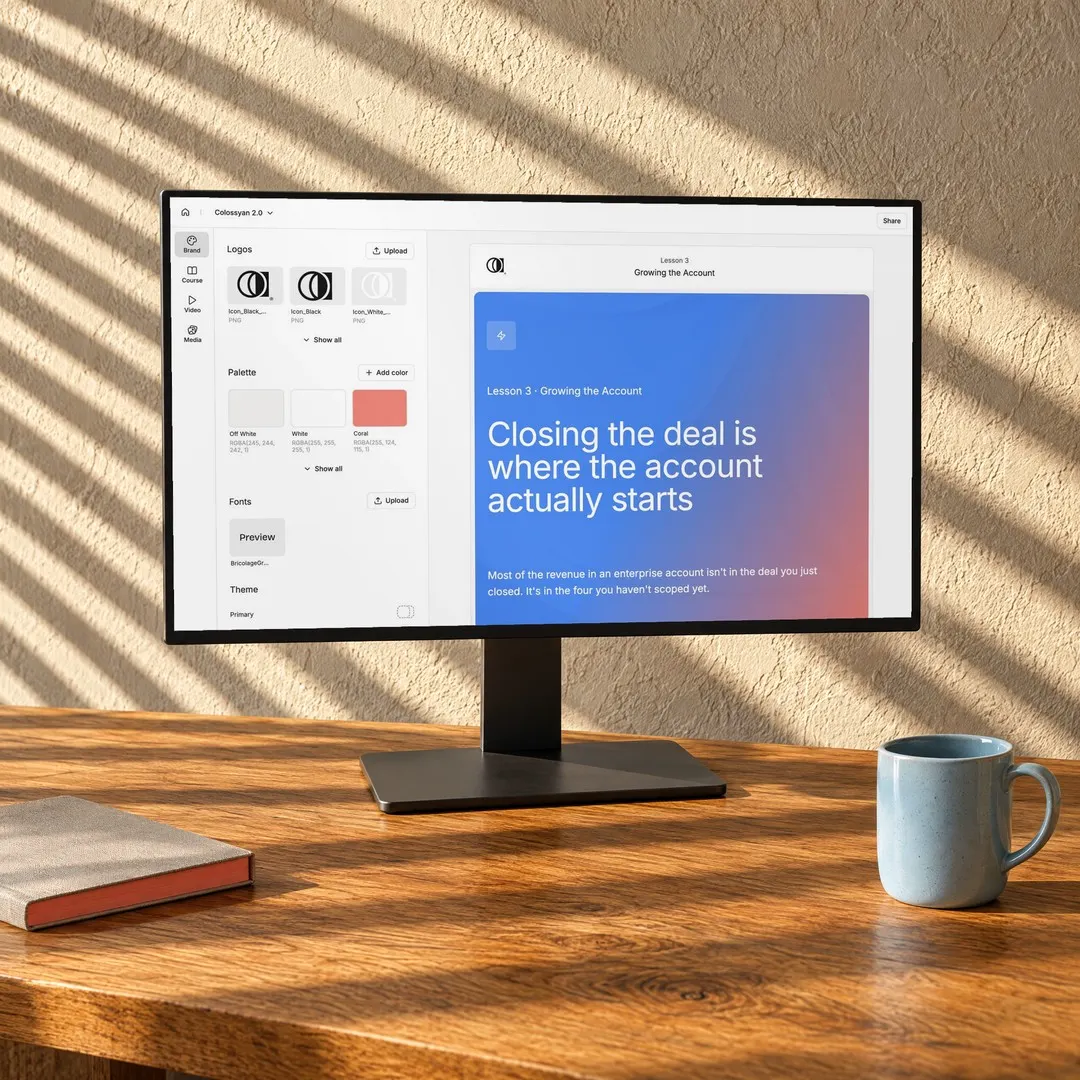
Edit it or ask Cora, publish the changes, and new learners get the new version on the same link.
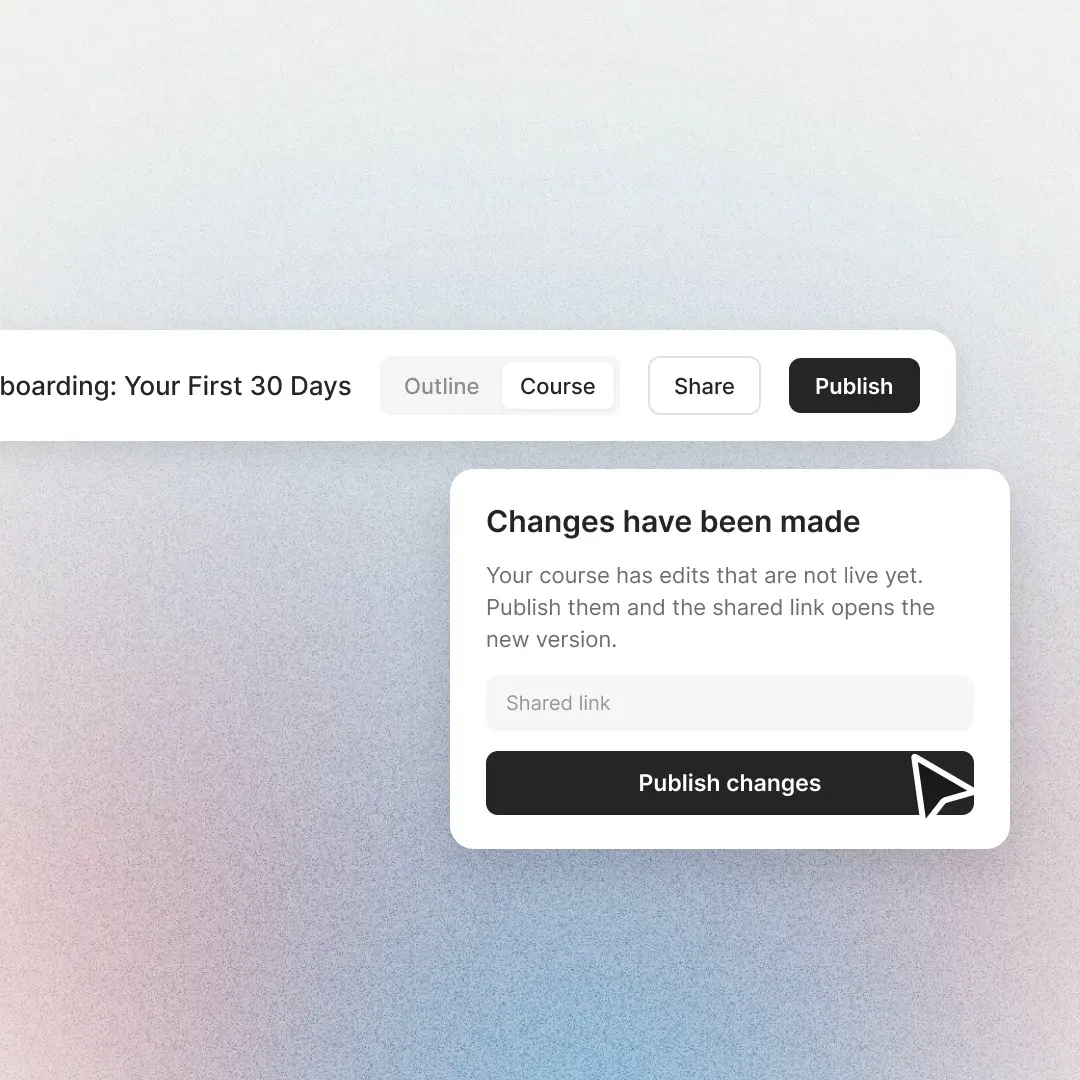
A link that opens with no login, or a SCORM 1.2 package with completion and pass mark.
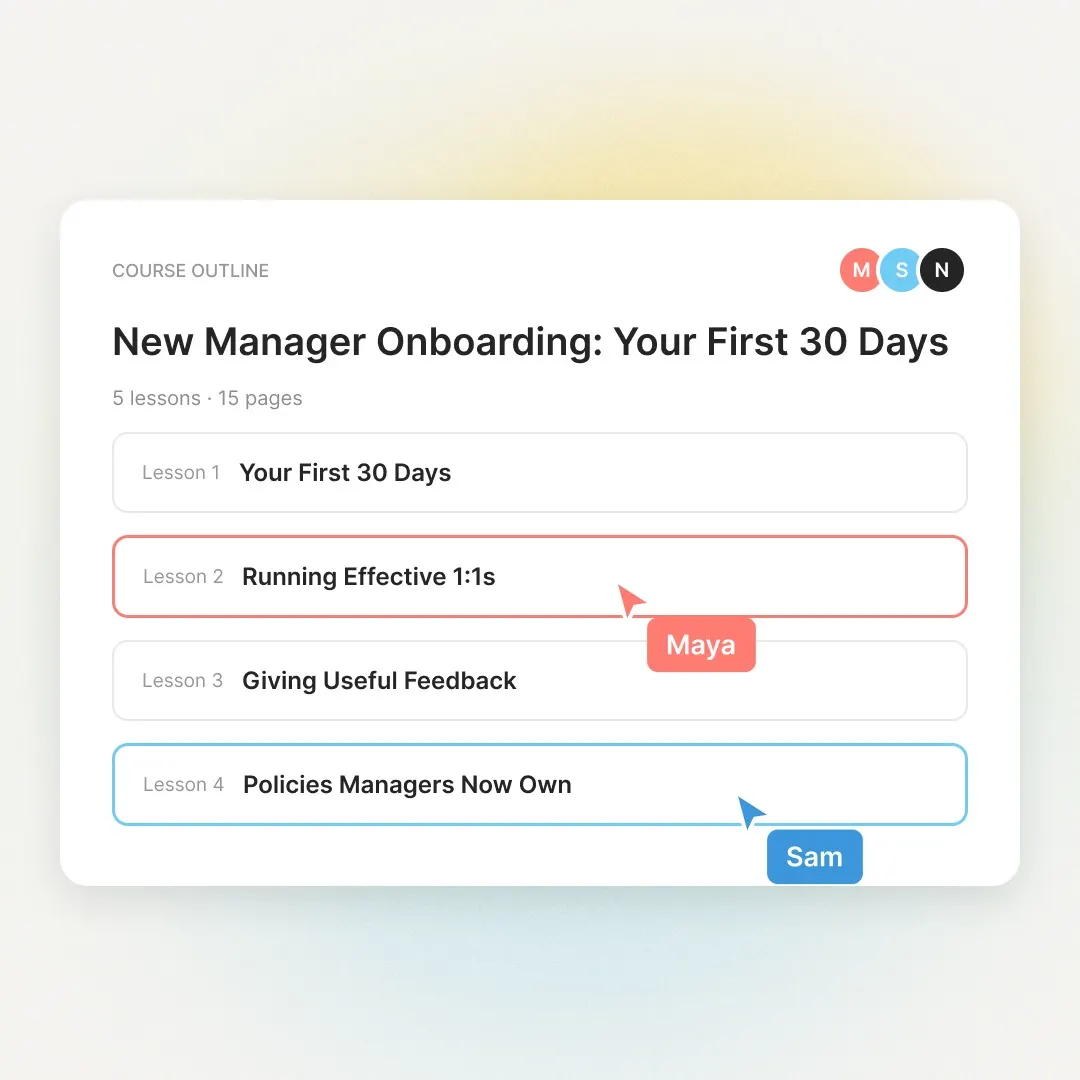
See who is in the course and edit side by side in real time.
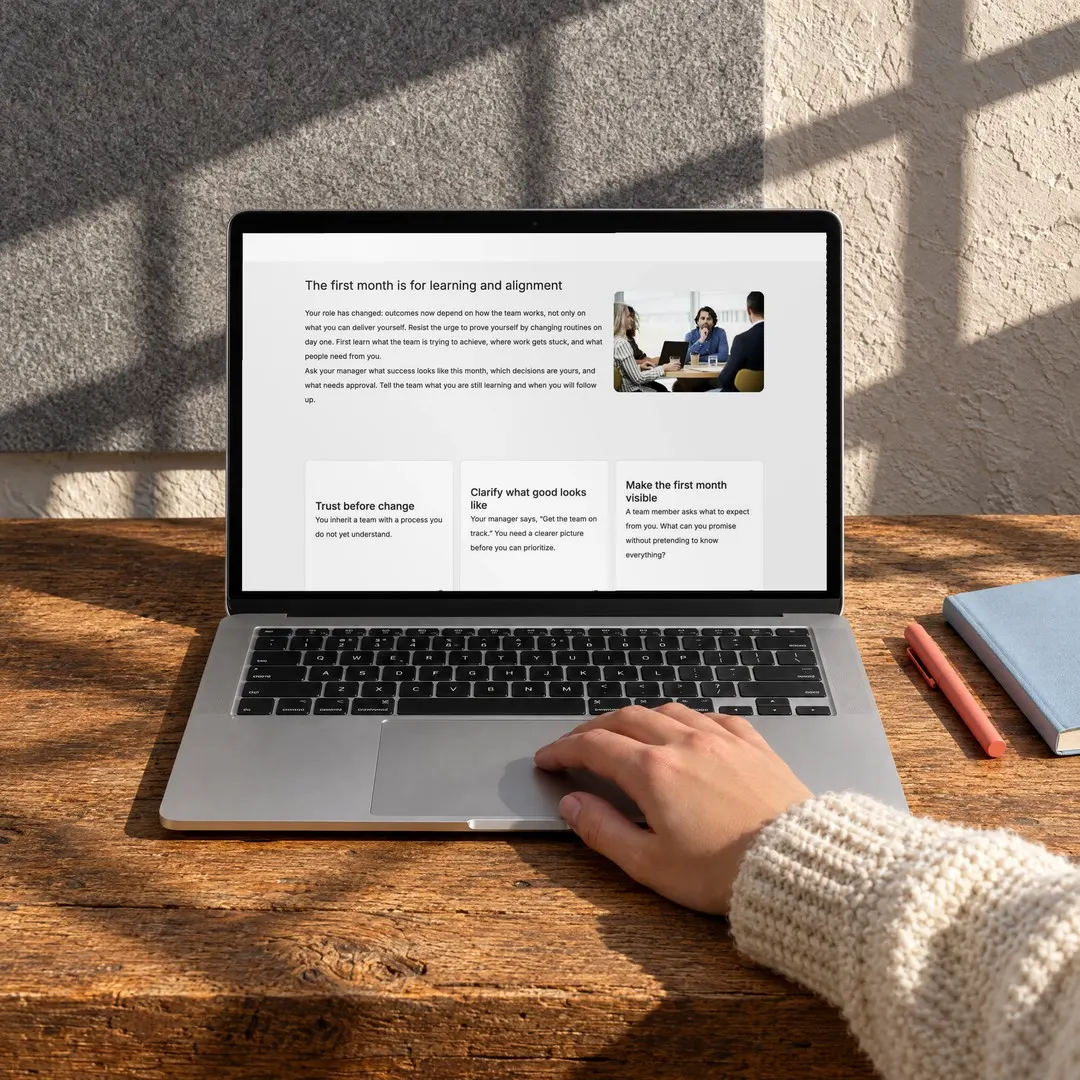
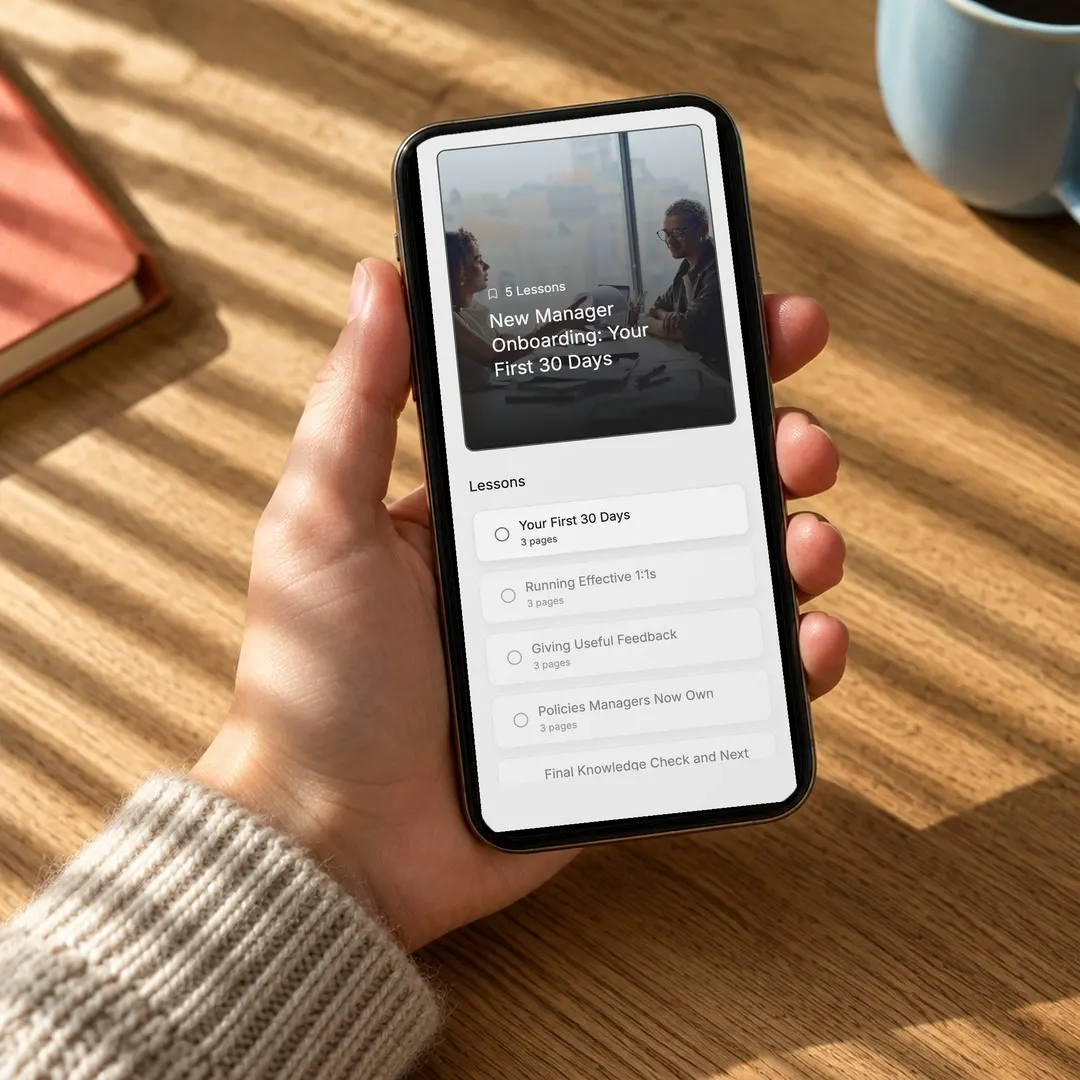
A mobile-friendly player that saves progress. No app to install.
Describe the course, attach your files or dictate your brief.
Cora asks about structure, sources and video before it plans.
Review the lessons, then the full outline. Change anything before it builds.
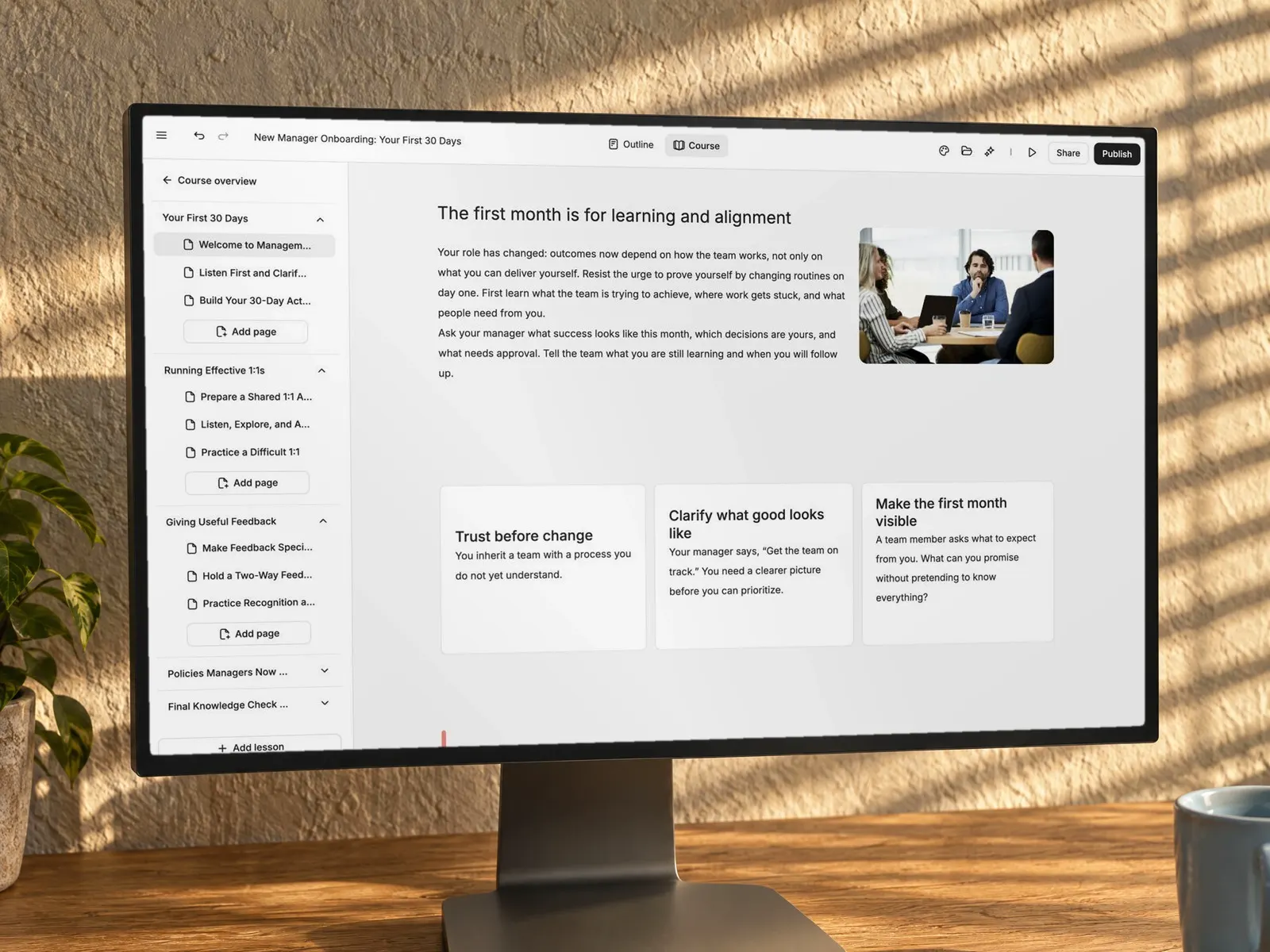
Lessons build in parallel with a live checklist. Edit any page or ask Cora.
 Manager handbook.pdf
COURSE OUTLINE
New Manager Onboarding: Your First 30 Days
5 lessons · 15 pages
Your First Month as a New Manager
What should you do in your first week?
Change how the team works straight awayMeet each person and listen firstWait for your first performance reviewCheck answerSend us one course and get it back rebuilt in 48 hours.
Then pay nothing until your current contract ends, for up to 6 months.
Import a SCORM package from Articulate or any authoring tool. Cora rebuilds it as an editable course in your brand kit.
What wakes a machine up
The machine is switched off. Is it safe to start maintenance?
Yes, once it's offOnly after lockout, tagout and a test startYes, if a colleague is watchingCorrect. Lock it, tag it, then test that it won't start.
ContinueText, images, video, audio and multiple-choice questions.
Accordions and tabs stay as they are. Flashcards become flip cards, and labelled graphics become hotspots.
Matching and sorting become question blocks. Storyline triggers, variables and custom code bring their content across, not the interaction.
Expect a fresh course in your brand kit, not a pixel copy of the old design.
Training teams rate
Colossyan 4.6 on G2.

“I took a four or five page Word document, dumped it in yesterday, and I've already sent off the course, with three or four videos Learn created, to our subject matter expert this morning. I did not have to do many tweaks.”
Content and training designerHVAC distributorFrom a customer call“I took the objectives, asked the platform to create a module and looked at it side by side with content we purchased from a vendor. I like the layout, I like the display, the imagery versus the text.”
Senior manager, HR operations and talent developmentWholesale distributorFrom a customer call“I was really positively surprised by how smoothly it worked and by the quality of the output. Cora makes it much easier for experts to turn their knowledge into a strong initial draft.”
Dr. Malte OrtgieseHead of Global Engineering Academy Electronics, FORVIA HELLAA new block that turns an idea into a game, a simulation or a scored challenge. Describe what learners should do, and Cora builds it in your brand kit, right inside the lesson.
Build the wall
Click a column to drop the next parcel.
Score 100
No safe spot for this parcel. Reset to try again.Heavy at the bottom, light on top.
Repair or replace?
Find all five faults on the tyre.
0 of 5 found
Not this time. A sidewall cut means replace.Find all five faults first.
Four-stroke engine
Drag the slider to change the engine speed.
1,000 RPM
Intake · Compression · Power · Exhaust
4,500 RPM. Watch the power stroke.Drag the slider to raise the RPM.
Previews of a block in development. Spot-the-hazard rounds, timed sorting, escape rooms, or something nobody has built yet.
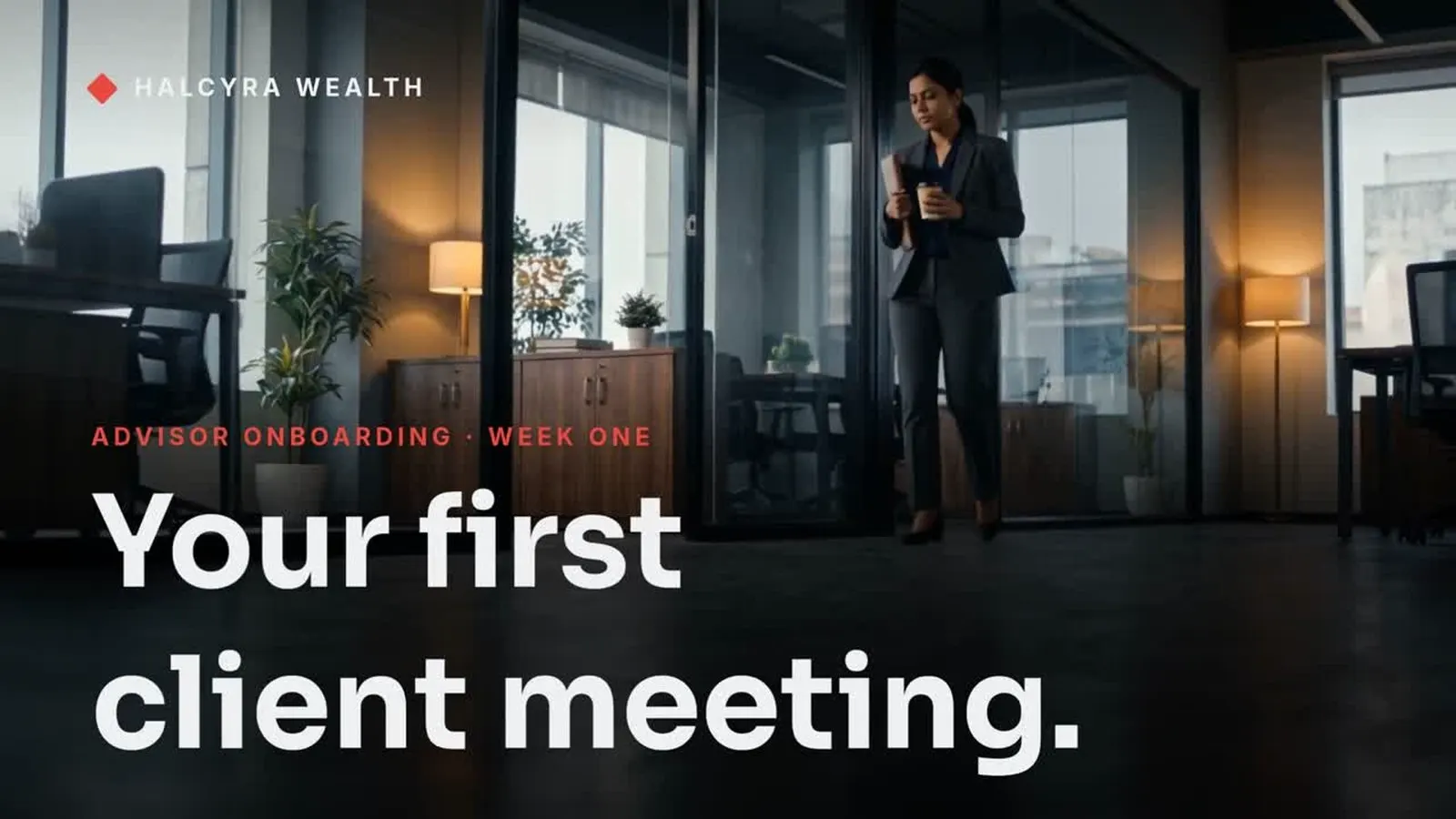
Lesson 1 of 5 · 6 min
Build trust first.
How new managers earn their team’s trust in the first month.
How this course works
Five short lessons, one for each week of your first month. Each ends with a quick check.
Choose look
 Play
Brand kit
Add a block
Let Cora take the reformatting and the fourth update of the same module. You keep the design decisions.
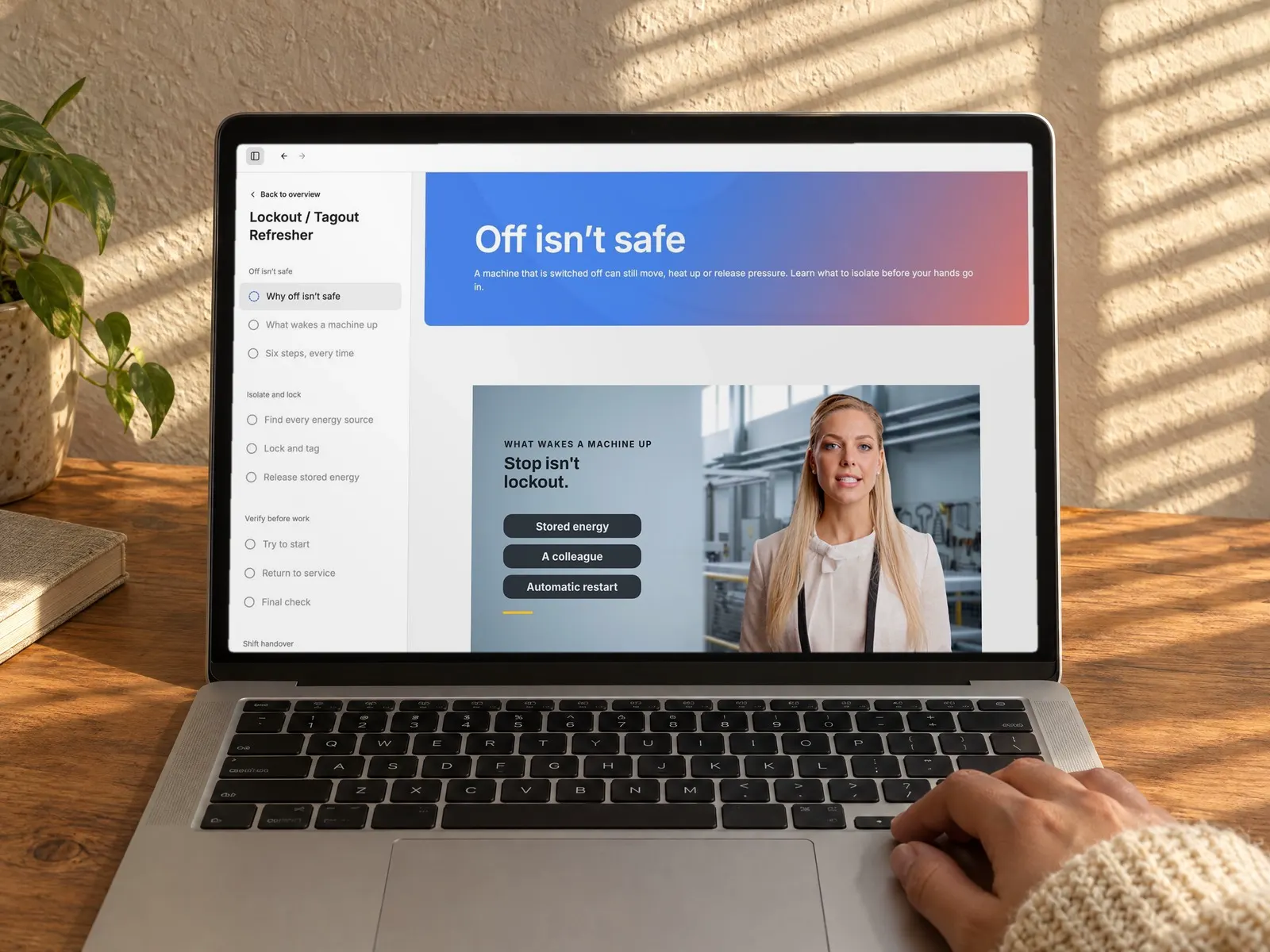
Describe the course in plain words, or hand over your notes. Cora drafts it, and an instructional designer can polish the parts that matter.
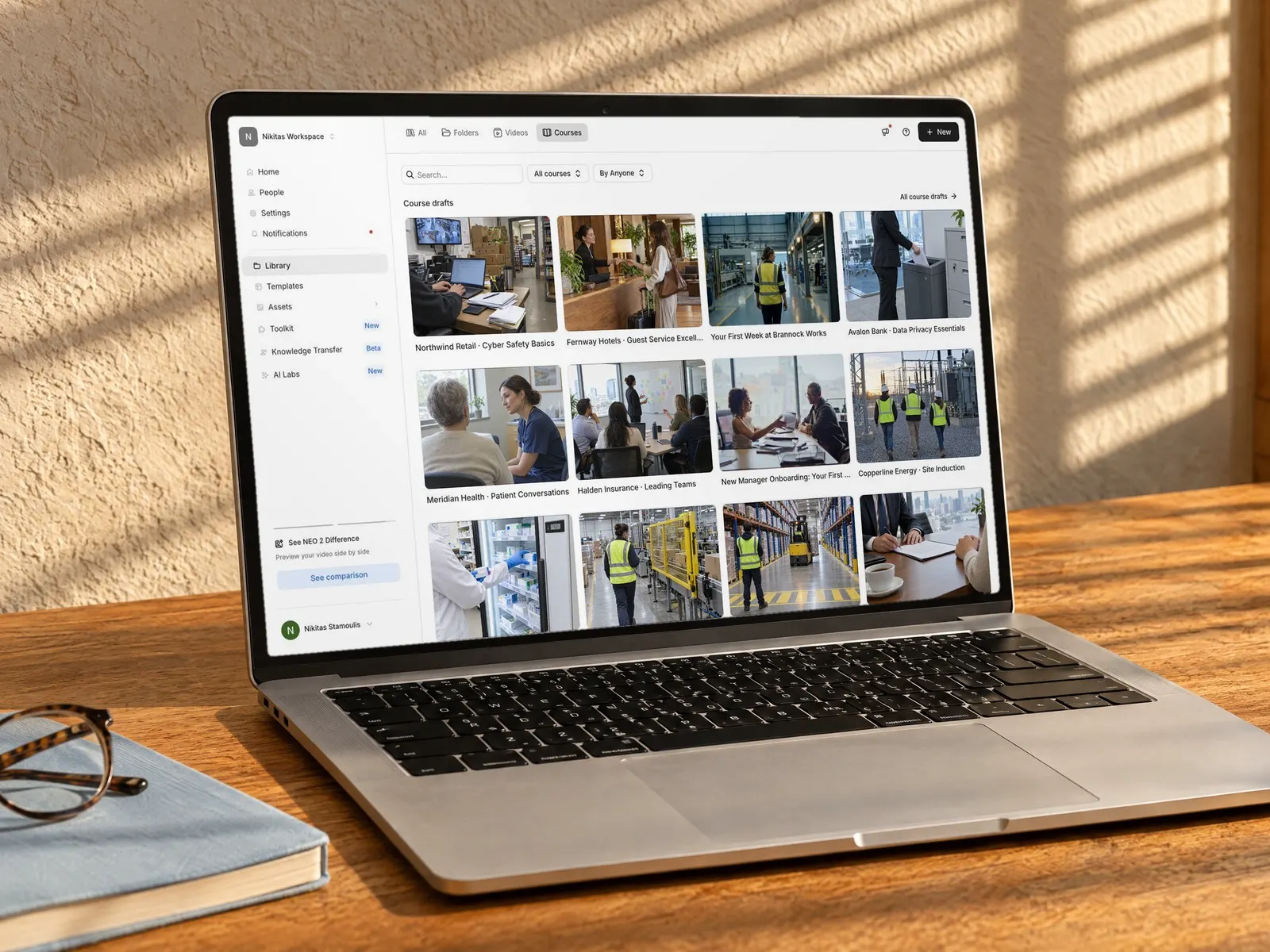
Build branded courses for several clients, each with its own brand kit.
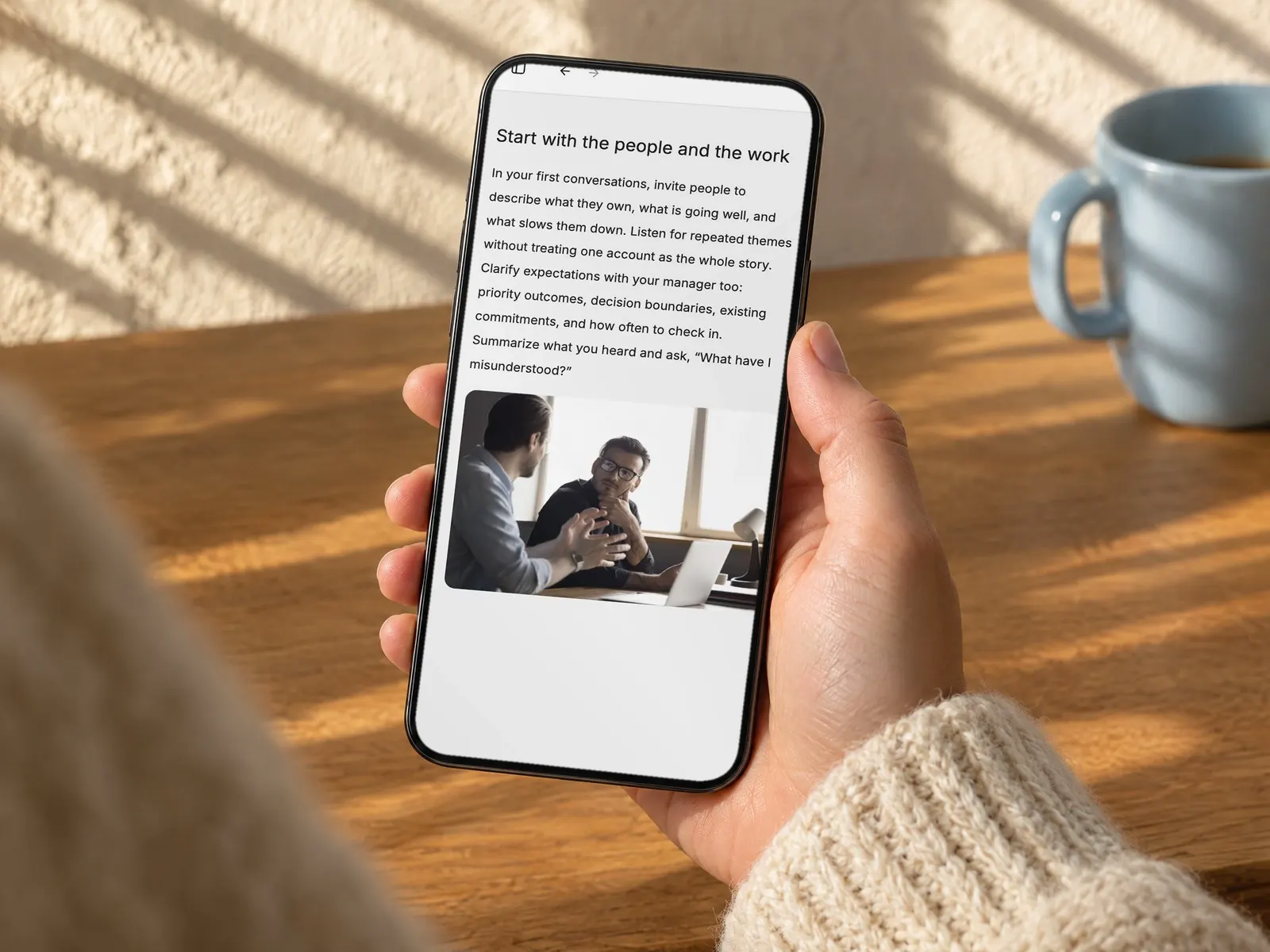
Share training as a link that opens in any browser, no login needed. Progress saves on any device.
“We want to put it in the hands of business people who know the content, so they can easily craft the training they want.”
Worth checking with every vendor on your shortlist, including us.
An AI course generator turns source material such as documents, slides or a short brief into a structured course with lessons, assessments and media. In Colossyan, Cora is the AI that reads your material, asks what the course is for, proposes a plan and builds the course with you.
You describe the course and attach your sources. Cora asks a few questions, proposes a plan, then builds an outline for you to check. Once it looks right, Cora generates one lesson at a time or the whole course in one go, and you can edit any page yourself or ask Cora for changes.
No. Cora asks what the course is for and who it's for, proposes lessons and interactions for you to change, then builds. You review and edit everything before you publish.
Rise is a mature authoring tool. Colossyan builds the first full course for you from your material, puts AI avatar video inside lessons, uses one brand kit for courses and videos, and lets you ask Cora for changes after the build. Some teams keep a traditional tool for complex branching.
Yes. Upload a PDF export of the course together with its source files, or import a SCORM package. Cora rebuilds them as editable courses, so expect a fresh course rather than a copy of the old design.
Edit it yourself or ask Cora, then publish the changes. The link stays the same and new learners get the new version, while learners already partway through finish the version they started. For an LMS, export a fresh SCORM 1.2 package.
PDFs, Word files, slide decks, images, training videos, SCORM packages and web links, up to 5 GB per file. You can also start from a typed or dictated brief.
Yes. Upload the SCORM package and Cora reads it and rebuilds the content as an editable Colossyan course. Expect a fresh course in your brand kit rather than a pixel-perfect copy of the original.
Yes. Cora can add an AI avatar video to a lesson, planned with the AI Video Generator, and you generate it from inside the course. Courses with ungenerated videos can't be published until those videos are generated.
Cora builds with 20 ready-designed blocks, including flip cards, tabs, matching, sequencing, hotspots, tables, quizzes and question blocks. Every block takes your brand kit's colours and fonts.
Publish it as a link that opens in any browser without a login, or export a SCORM 1.2 package with completion and pass mark for your LMS. Course SCORM export is included on Professional (5 a month) and Enterprise (unlimited).
Yes. Edit any lesson, page or block in the course editor, or open Cora from the editor and ask for changes such as adding a flip card activity. To keep an earlier version, duplicate the course before a big revision.
Yes. Colossyan's Starter plan is free forever with no credit card, and course creation is unlimited on every plan, within a monthly fair-use allowance. SCORM export needs a paid plan.
Tell Cora the language your learners speak and it builds the course in that language. Avatar videos inside the course support 120+ languages.
Colossyan is SOC 2 Type II certified and supports enterprise SSO. See the security details your procurement team will ask for on our enterprise page.
Colossyan Learn is where courses live and get edited. The AI course generator is Cora inside Learn: the fastest way to get from your material to a first full course you can then refine.
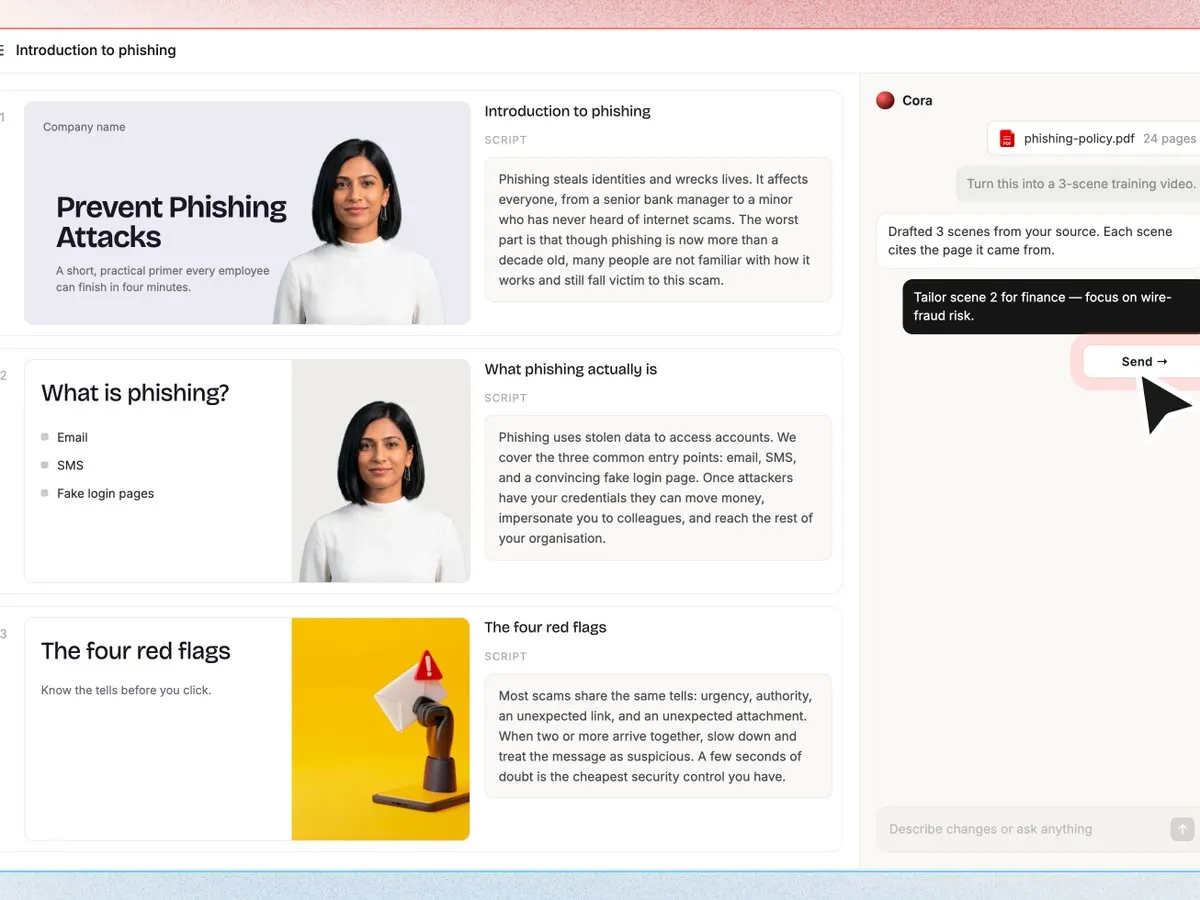 AI Video GeneratorTurn a prompt or document into a video.
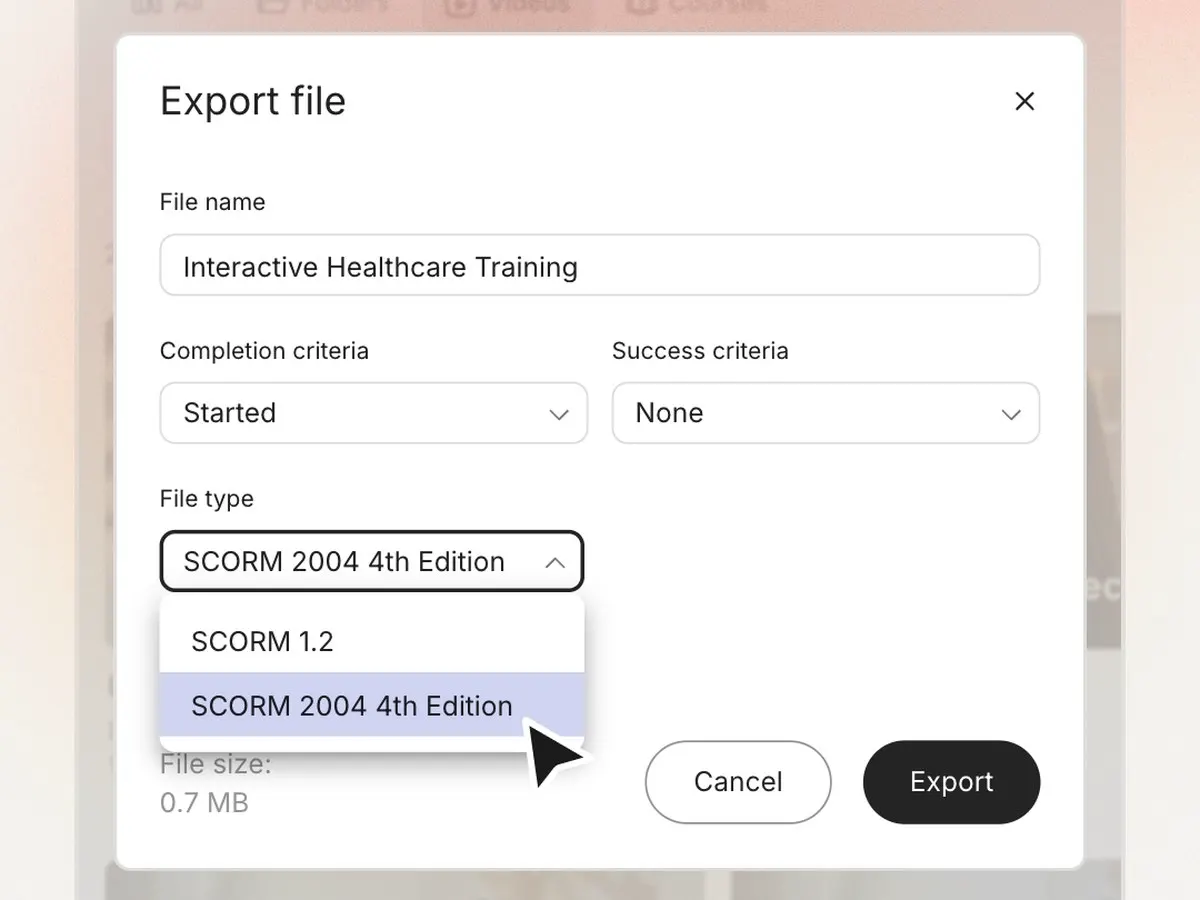 SCORM exportCompletion and scores in your LMS.
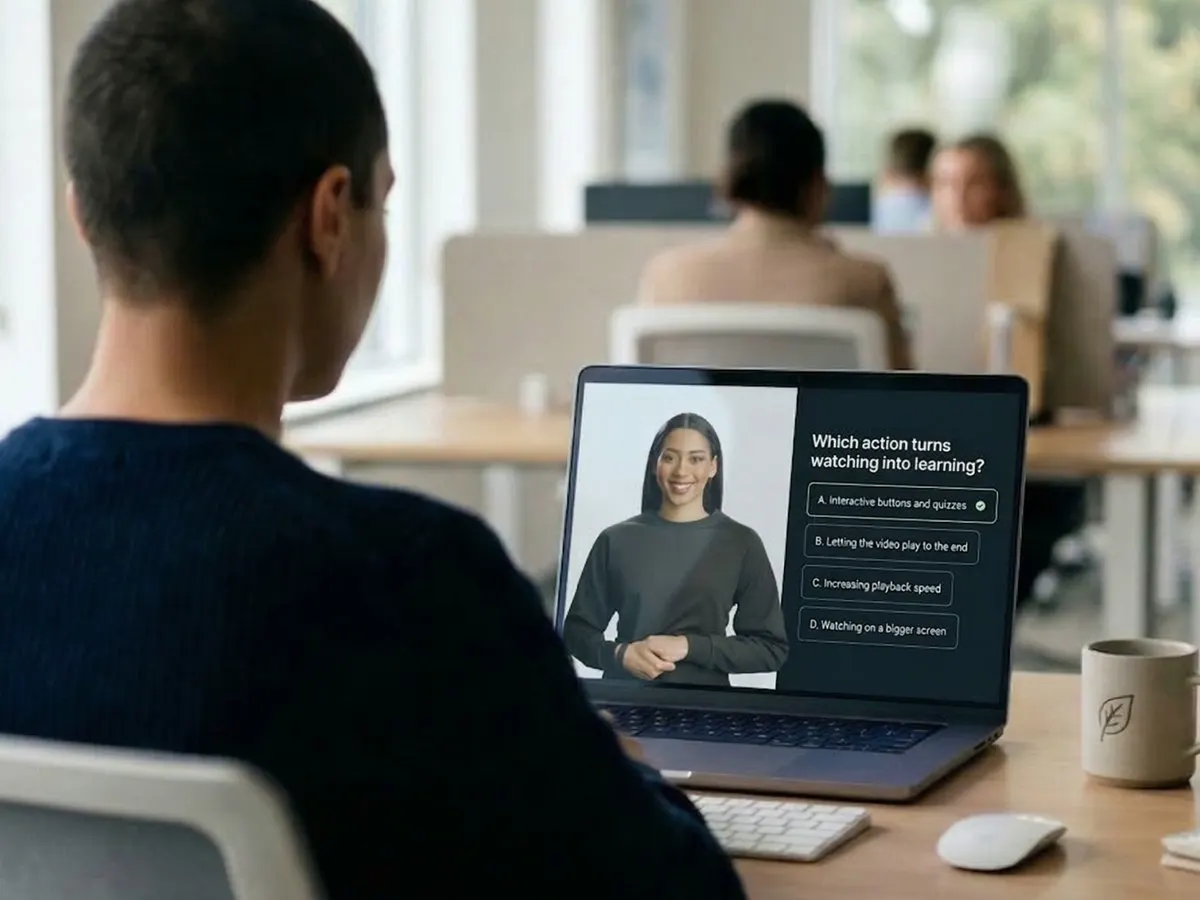 Interactive videoQuizzes and choices inside the video.
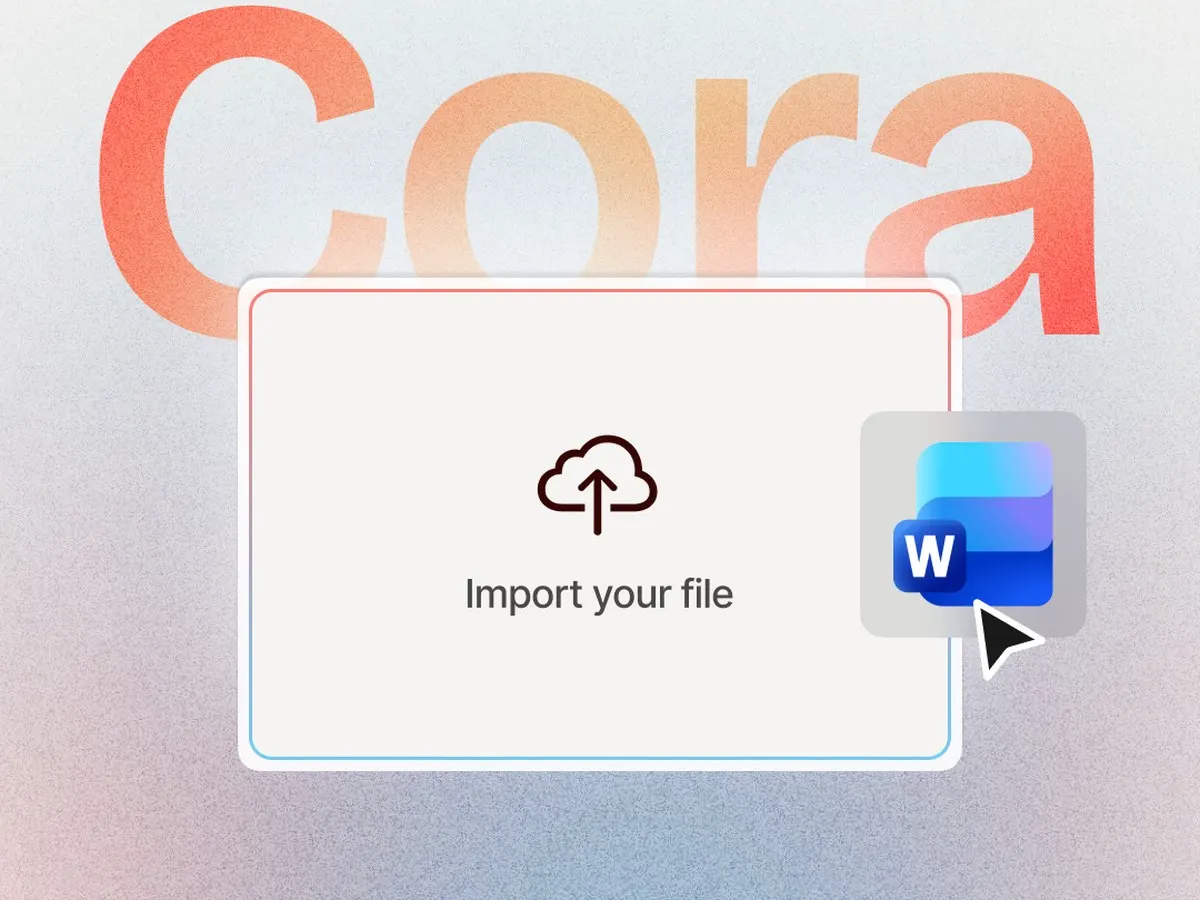 Document to videoTurn a PDF or Word file into a video.
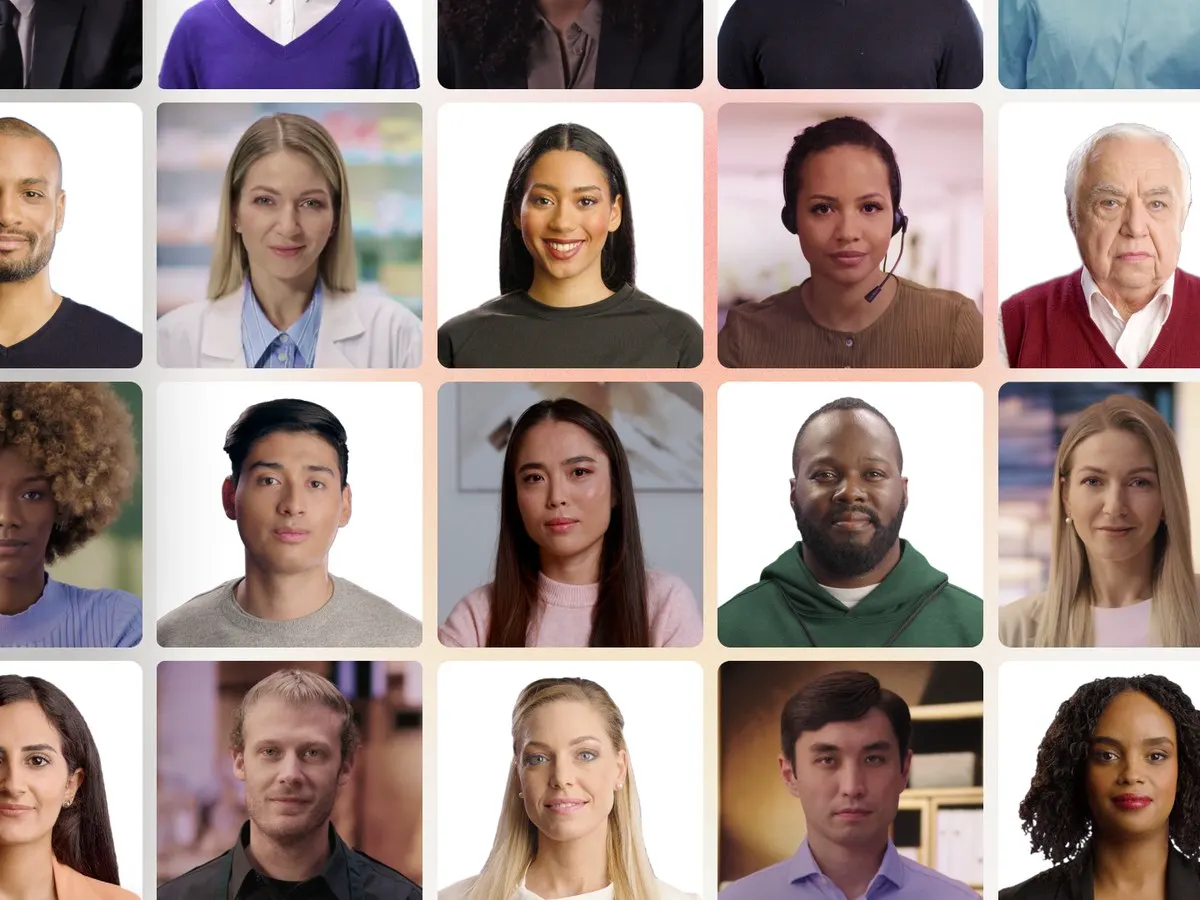 AI avatars300+ presenters in 120+ languages.
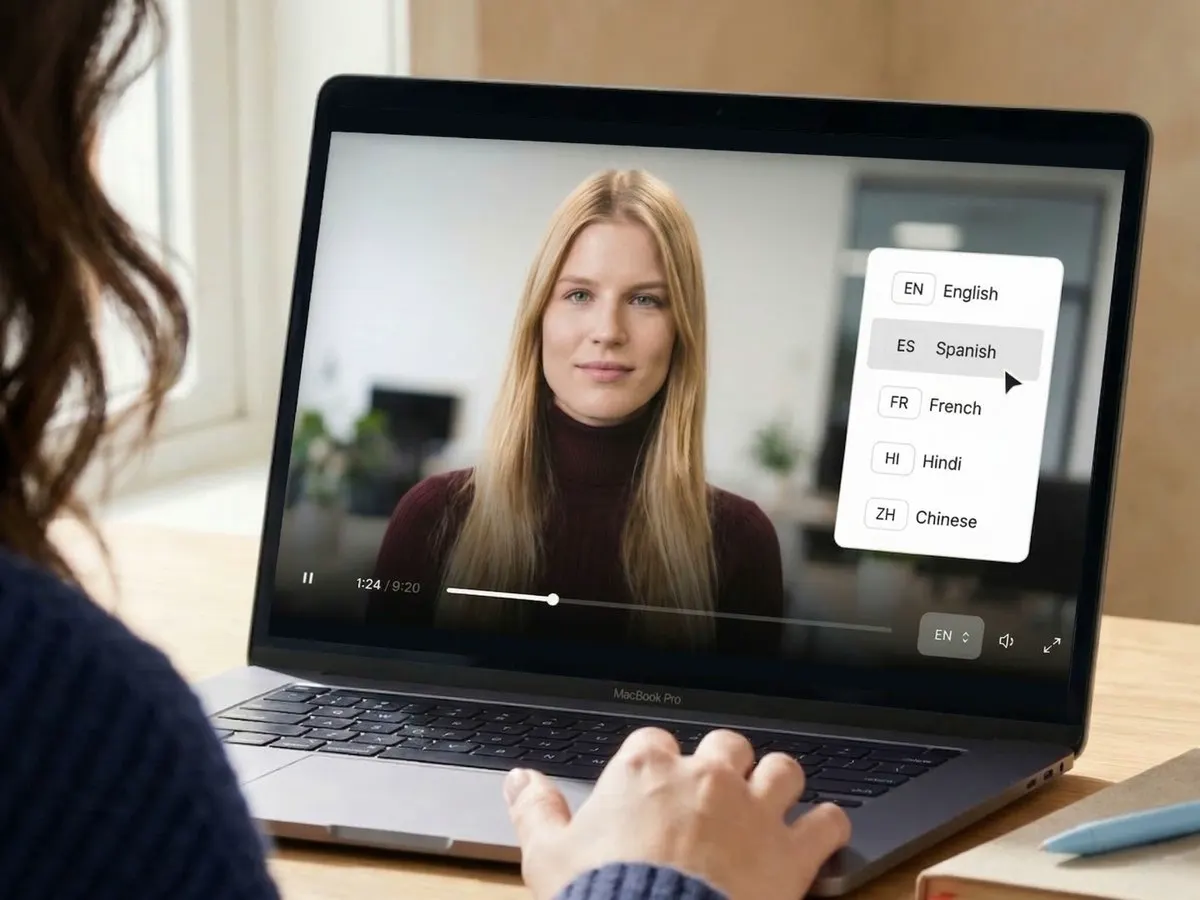 Video translatorScript, text and voice translated together.
Start for free. The Starter plan is free forever, no credit card required.