Turn your SOPs
into training your team completes.
Turn the SOPs you already have into training videos, click-through software simulations and full courses. Translate them for every site and see who finished.
Need to write the SOP first? Generate one freeTrusted by operations and training teams at

Your procedures live in documents
no one opens.
Most SOPs end up as a PDF in a shared drive. People skim them once, nobody practices them, and the day the software changes they are out of date.
47% of digital workers struggle to find the information they need to do their jobs.
Gartner, Digital Worker Survey, 2023.
Not following written procedures is the most cited observation in FDA drug inspections, 243 times in one year.
U.S. FDA, Inspection Observations, fiscal year 2025.
One 20-minute e-learning module takes 48 hours to build, on average.
ATD, How Long Does It Take to Develop Training?, 2021.
From the SOP you have
to training they finish.
Pick the format
the SOP needs.
Colossyan makes all three, and most teams use more than one for the same procedure.
| Training video | Software simulation | Course | |
|---|---|---|---|
| Best when | The procedure happens away from a screen | The procedure happens in a web app | Several SOPs make up one role |
| Learners | Watch each step and why it matters | Do the steps themselves, click by click | Work through lessons and knowledge checks |
| Good for | Safety, quality and customer service | Tickets, invoices and POS shifts | New starters and certification refreshers |
| Made from | A document, link or recording | One run-through with Screen Capture | Your SOP documents |
| Document to video → | Screen Capture → | Course creator → |
Training video
- Best when
- The procedure happens away from a screen
- Learners
- Watch each step and why it matters
- Good for
- Safety, quality and customer service
- Made from
- A document, link or recording
Software simulation
- Best when
- The procedure happens in a web app
- Learners
- Do the steps themselves, click by click
- Good for
- Tickets, invoices and POS shifts
- Made from
- One run-through with Screen Capture
Course
- Best when
- Several SOPs make up one role
- Learners
- Work through lessons and knowledge checks
- Good for
- New starters and certification refreshers
- Made from
- Your SOP documents
Most teams combine them: a video for the why, a simulation for the clicks and a course to tie a role together.
Show the clicks once.
Your team practices them.
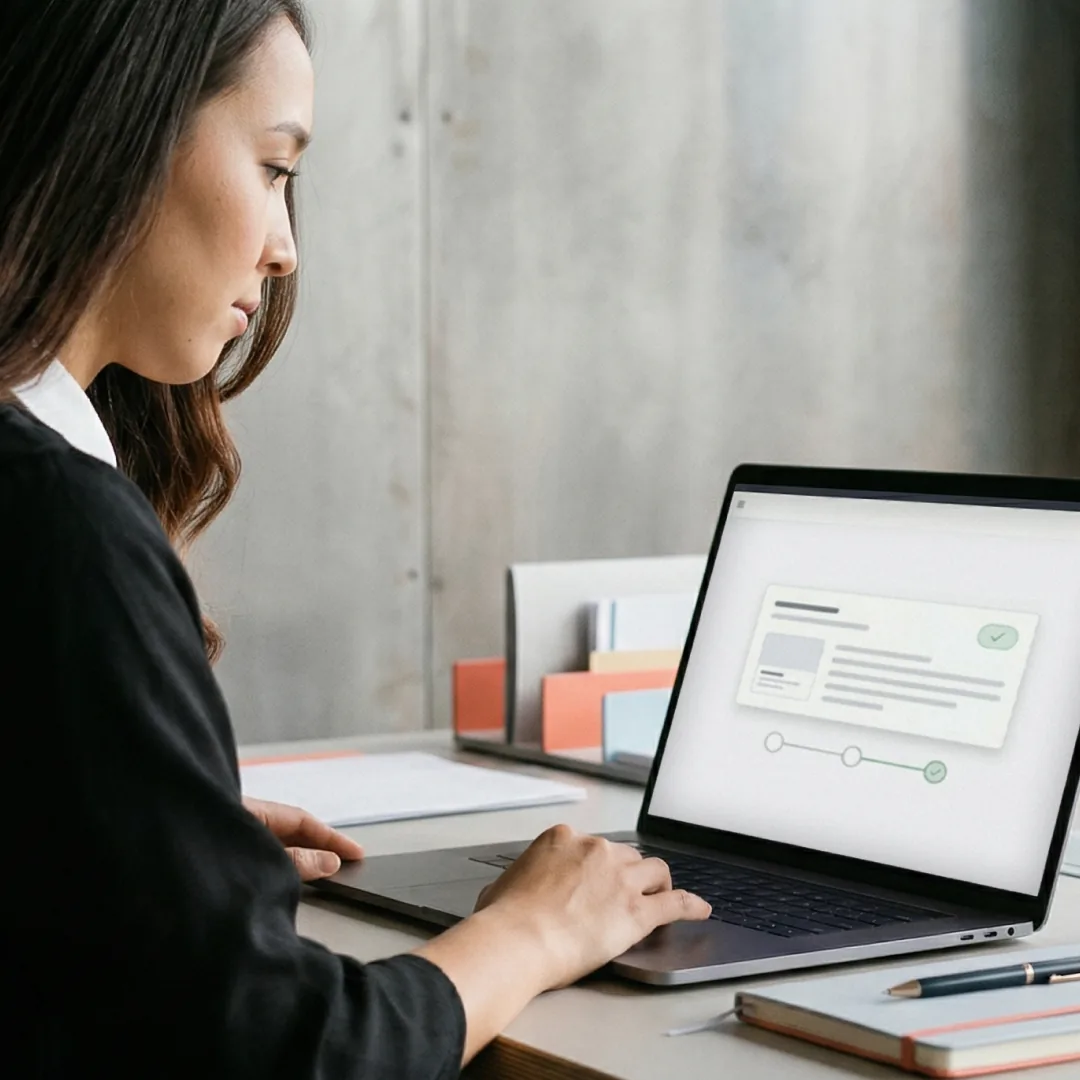
When an SOP happens in a web app, screenshots in a PDF go stale fast. Open the app in Chrome or Edge, start Colossyan Screen Capture and do the procedure once while you talk it through. Each click becomes a step with a real screenshot, and what you say becomes the script. Learners then do the same steps themselves, and each step waits until they click the right place.
- Real screenshots, nothing invented
- Your narration becomes the script
- Blur anything confidential
SOP training you can
watch and try.
Simulations and videos built in Colossyan from real procedures. Open one and click through it.
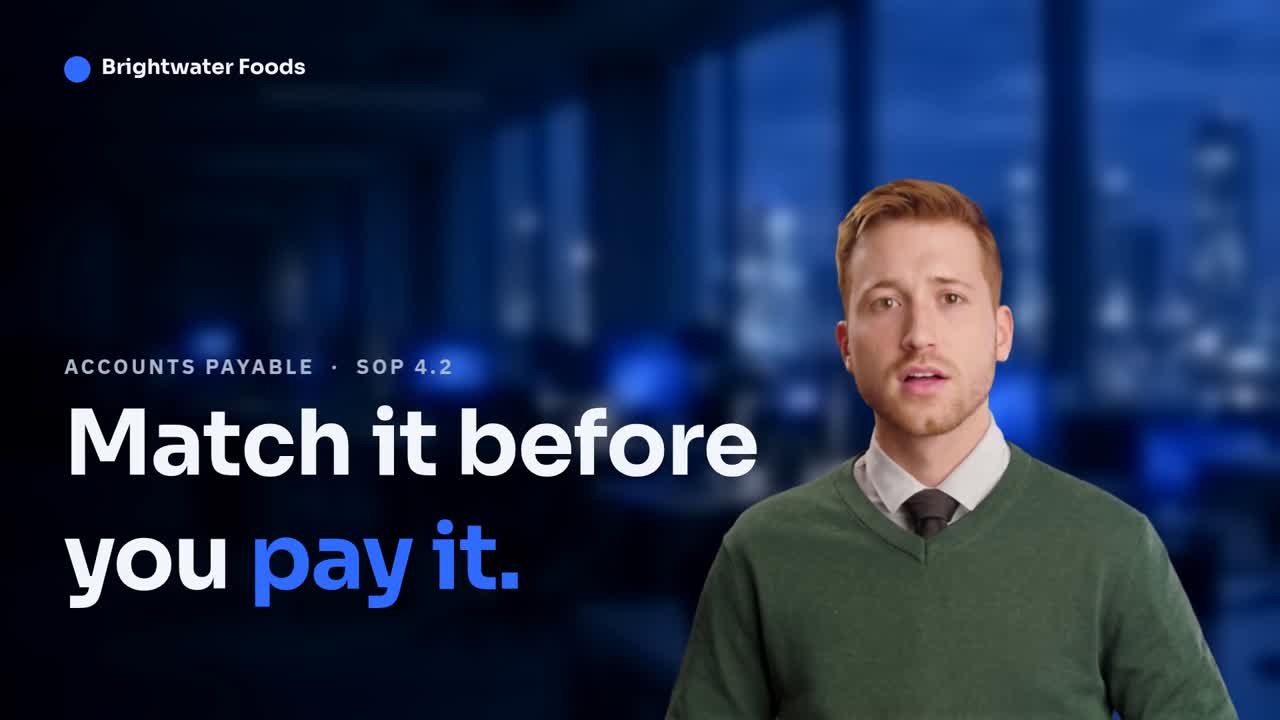
Post a supplier invoice, click by click
A finance clerk clicks through posting a supplier invoice and matching it to its purchase order, then decides what to do when the totals don't match. Each step waits until they click the right place.
Built with

What operations teams
use most.
Operations teams
already train on Colossyan.
Training material that never goes obsolete
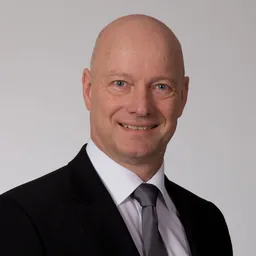
The biggest benefit of Colossyan is being able to have training material that never goes obsolete.
80% lower costs, in every language
By creating multilingual videos in Colossyan, we save 80% of our costs while effectively onboarding new employees.

Four hours of production became one
Before Colossyan, creating a short video took around 4 hours. Now it is only an hour, and updating it is much easier.
SOP training for every
kind of operation.
Manufacturing
Lockout/tagout, line changeovers and quality checks.
Healthcare
Clinical workflows, EHR charting and infection control.
Technology and software
Internal tools, ticketing, CRM and ERP workflows.
Retail and multi-site
Opening and closing, customer service and returns, done the same way at every location.
Field service
Inspections, maintenance procedures and safety checks.
Regulated industries
Procedures with completion and quiz results recorded in your LMS.
SOPs first.
Every other course after it.
Built for the controls
your IT team requires.
Colossyan is SOC 2 Type II certified and GDPR compliant, with SSO/SAML and role-based access. Your content is not used to train our AI models.
SOC 2 Type II
Security, availability, and confidentiality controls, audited.
GDPR compliant
Data handled to EU data-protection standards.
SSO / SAML
Authenticate through Okta, Entra ID, or Google Workspace.
Role-based access control
Custom roles and permissions at the workspace level.
Not used to train models
Your uploaded content, scripts, courses and videos stay yours.
Workspaces
Separate spaces per team or initiative, access controlled.
Everything else your rollout needs
Seamlessly integrate your courses
into any platform.
Colossyan feeds your courses into your existing LMS through SCORM. We add to your stack, we do not replace your system of record.
 PowerPoint
 PDF
 Word
 Articulate
 EasyGenerator
 Elucidat
 360Learning
 Cornerstone
 Docebo
 Moodle
 TalentLMS
 SAP Litmos
 SCORM
 Zapier
 YouTube
 Embed
 Share Link

SOP training
questions, answered.
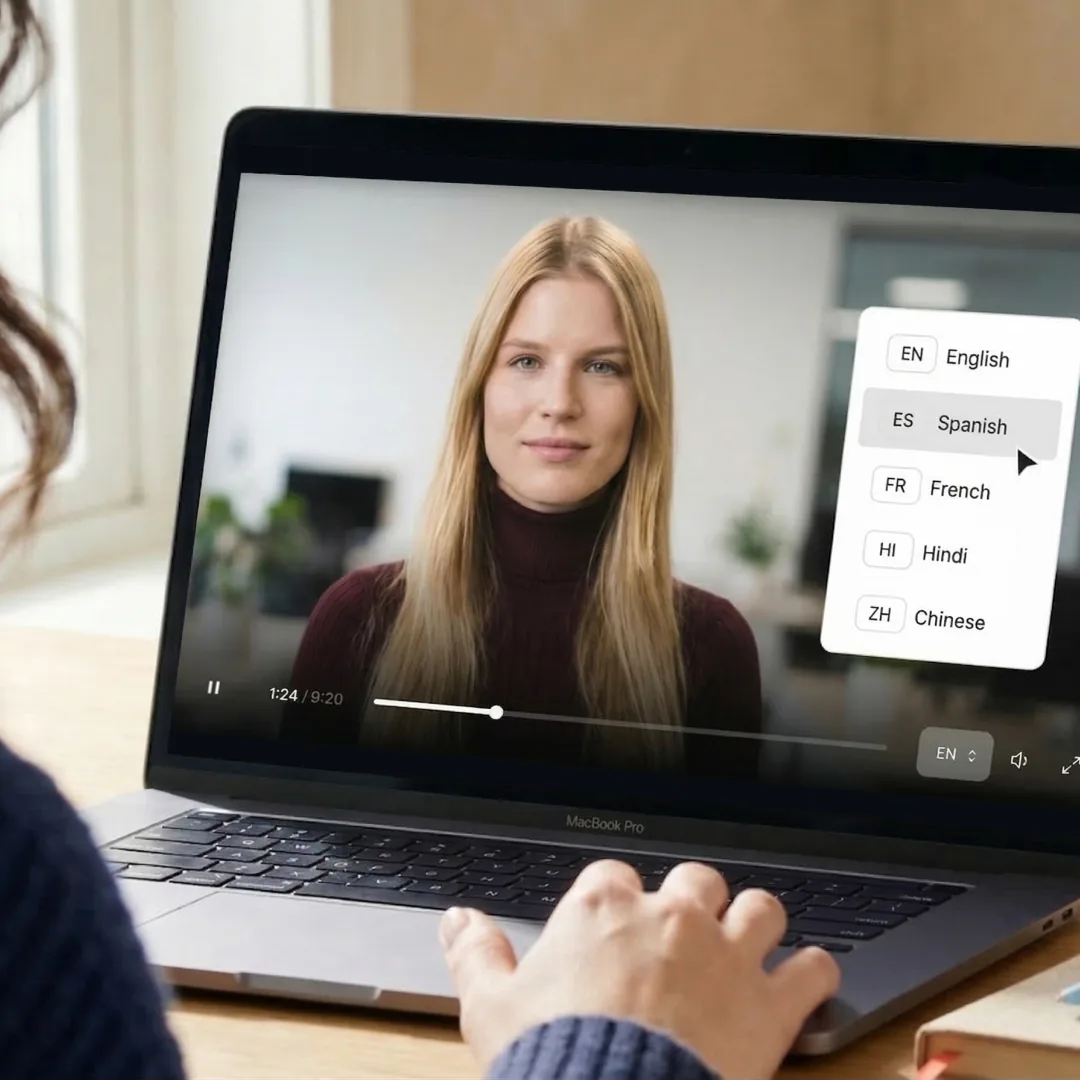
SOP training software turns standard operating procedures into training people complete, such as videos, courses and interactive walkthroughs, instead of documents they skim once. Colossyan builds that training from the SOP you already have, translates it into 120+ languages and exports it to your LMS as SCORM, so completions land where your team already tracks training.
Use a training video in Colossyan when the procedure happens away from a screen or people need to know why each step matters. Use a software simulation, built with Colossyan Screen Capture, when the procedure happens in a web app and people need to practice the clicks. Use a course when several SOPs make up one role or you need a knowledge check before someone starts. Many teams combine all three.
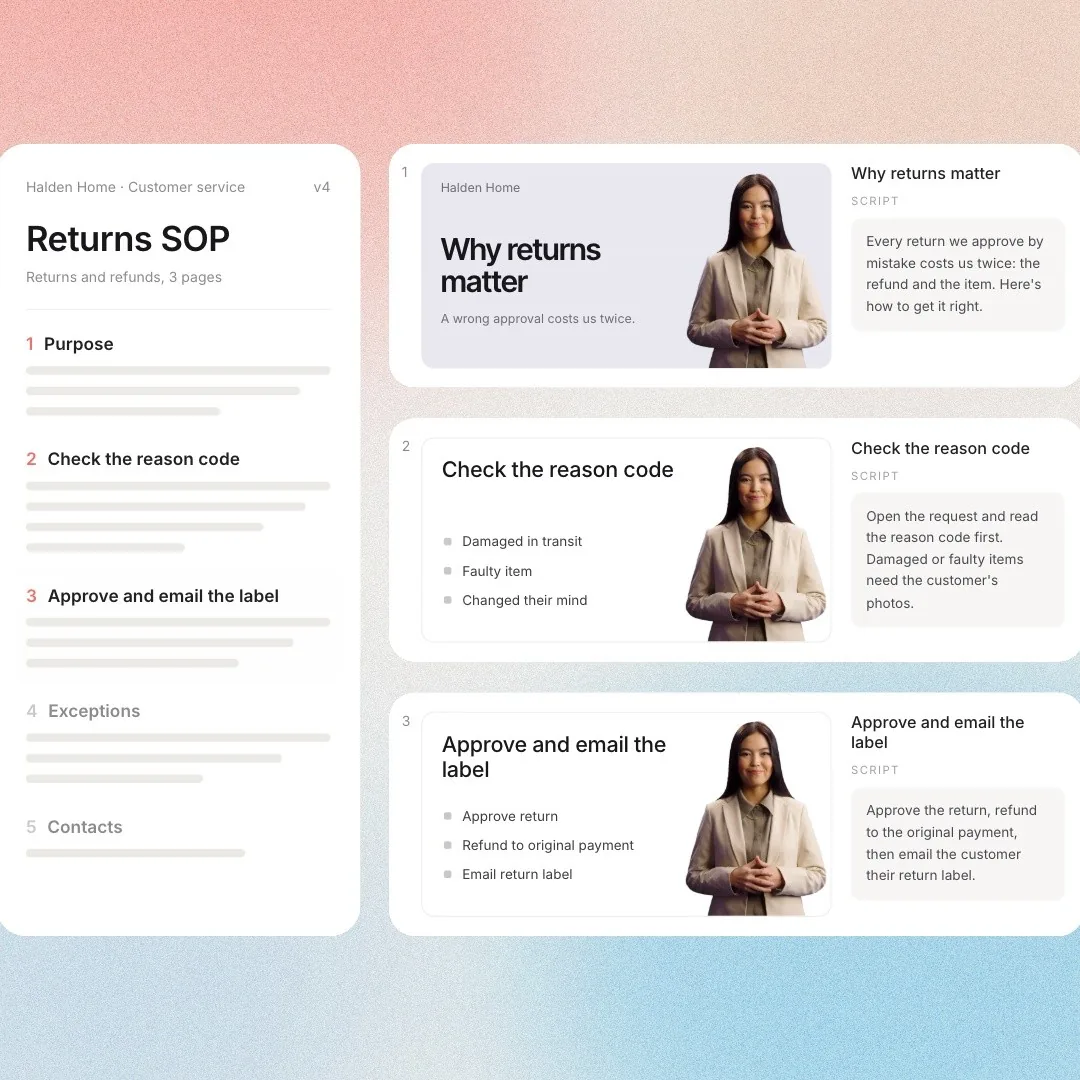
Upload the SOP to Colossyan as a PDF, Word or PowerPoint file, or paste a link to the page it lives on. Cora, the AI agent, drafts a scene-by-scene plan with an AI avatar presenter, voiceover and on-screen steps. You edit every scene and apply your brand, and nothing renders until you generate it. See how document to video works.
A software simulation is an interactive walkthrough where each step pauses until the learner clicks the right place, so they practice the task instead of watching it. In Colossyan you build one with Colossyan Screen Capture: click through the process in Chrome or Edge and every click becomes a step with a real screenshot. Pair it with a video of the same SOP so people watch the process, then do it.
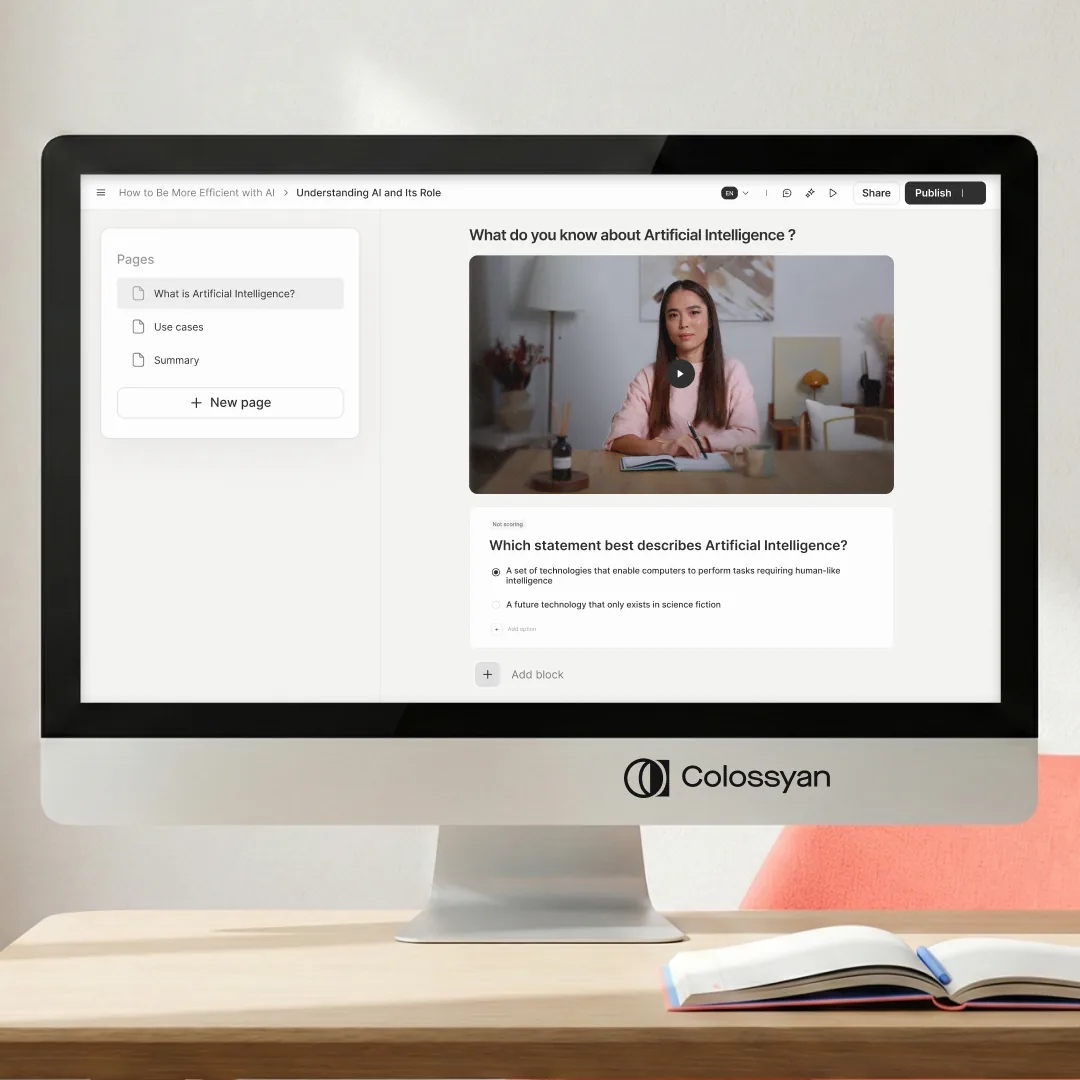
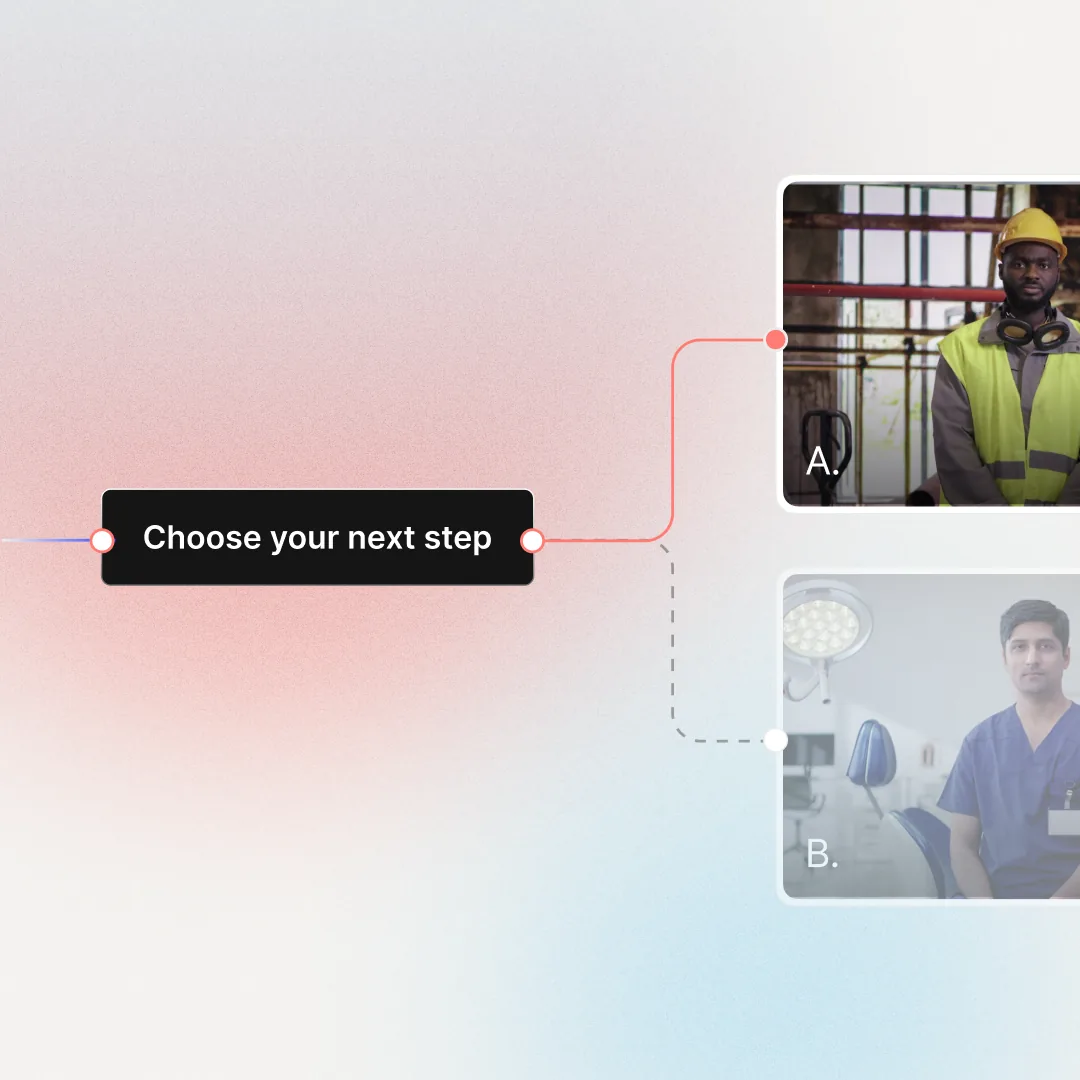
Yes. Colossyan turns your SOPs into a course with lessons, modules and knowledge checks, and every lesson can include AI video, quizzes and branching scenarios. Courses export as SCORM 1.2 or 2004, so completion and scores report back to the LMS you already use, next to the rest of your training records.
Colossyan builds SOP training from a PDF, Word or PowerPoint file, a URL such as a wiki or help center page, or a script you paste in. For software procedures, capture the workflow in the browser with Colossyan Screen Capture. Already have SOP videos? Translate them into 120+ languages with the video translator instead of recording them again.
No, not to build training from a document or a link: Colossyan runs in the browser. To capture a software workflow, add Colossyan Screen Capture, a free extension for Chrome and Edge. It works on any website or web app you can open in a browser tab, but not on desktop applications.
Yes. Colossyan exports SOP videos and courses as SCORM 1.2 or 2004 packages for LMS platforms such as Cornerstone, Docebo, Moodle and TalentLMS. Completion and scores report back to your LMS, so you keep one record of who completed each procedure. You can also share a link or embed the video.
In Colossyan, edit the scene that changed and generate the video again instead of reshooting it. For a software procedure, recapture only the steps that changed and swap them into the existing draft. Save the old one as a new version first if you want a copy of what people were trained on, then update each language version from the same draft.
You can start building SOP training in Colossyan for free on the Starter plan, with no credit card. Colossyan Screen Capture is free too. Paid plans add more video minutes, custom avatars, translation and SCORM export. See pricing for what each plan includes.
See your SOP
become training.
Bring one of your SOPs to the call. We will show you the video, simulation or course it can become.