

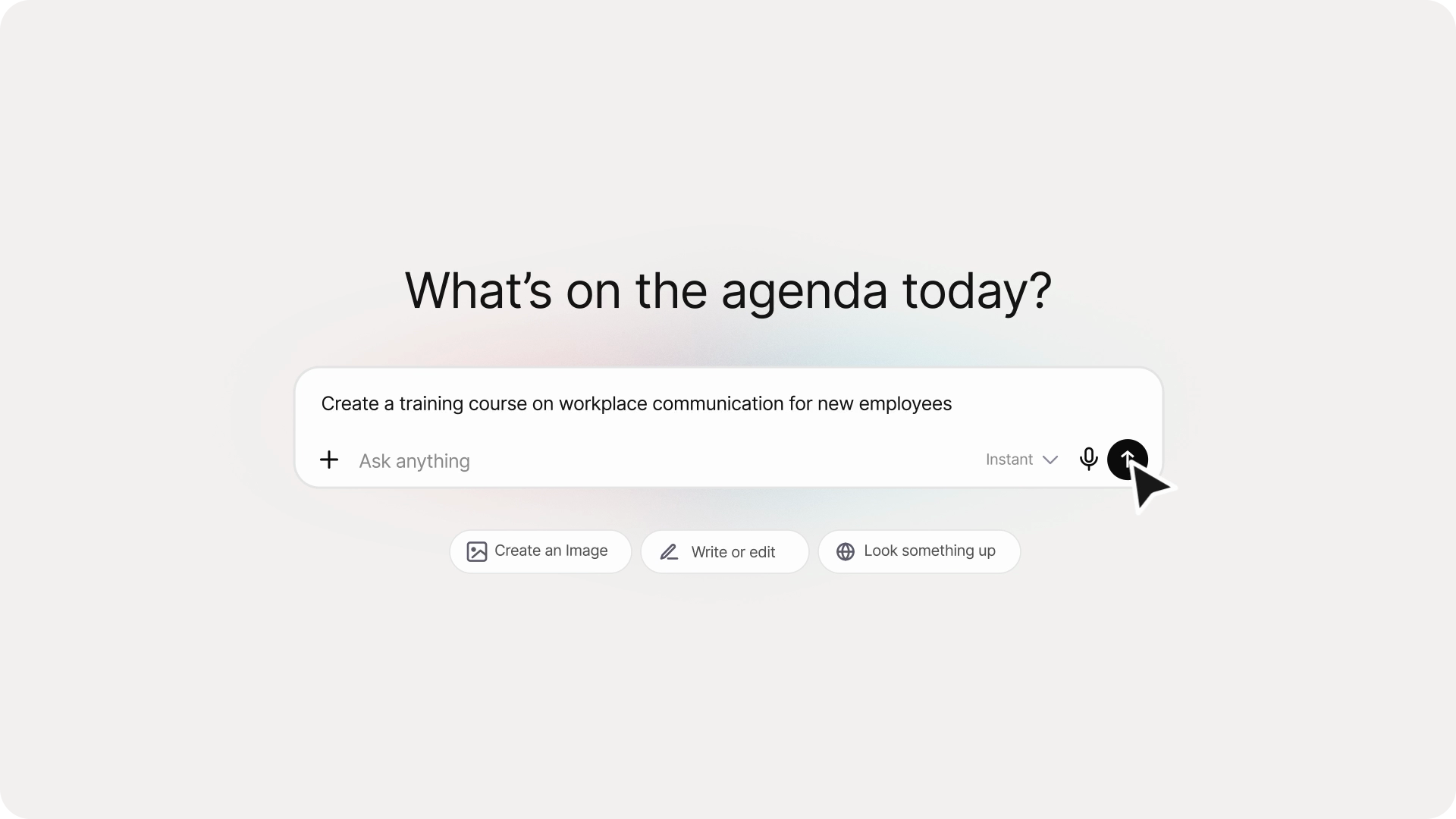
Most L&D teams have the same unspoken habit: open ChatGPT, ask it to make a quiz or sketch a course outline, get something back, spend twenty minutes cleaning it up.
The ideas are usually right. The output is rarely ready to use.
Why ChatGPT training outputs don’t go straight to production
ChatGPT is useful for training content. L&D managers, instructional designers, and HR teams use it daily: drafting learning objectives, generating quiz questions, outlining course structures.
The issue is not the thinking. It’s what comes back.
Inconsistent formatting. Mixed question styles. No structure that maps to any production workflow. Every ChatGPT output for training content ends up in a manual cleanup step before it goes anywhere.
That step adds time most teams don’t have. Good ideas get reformatted instead of built.
Two Colossyan apps built for this
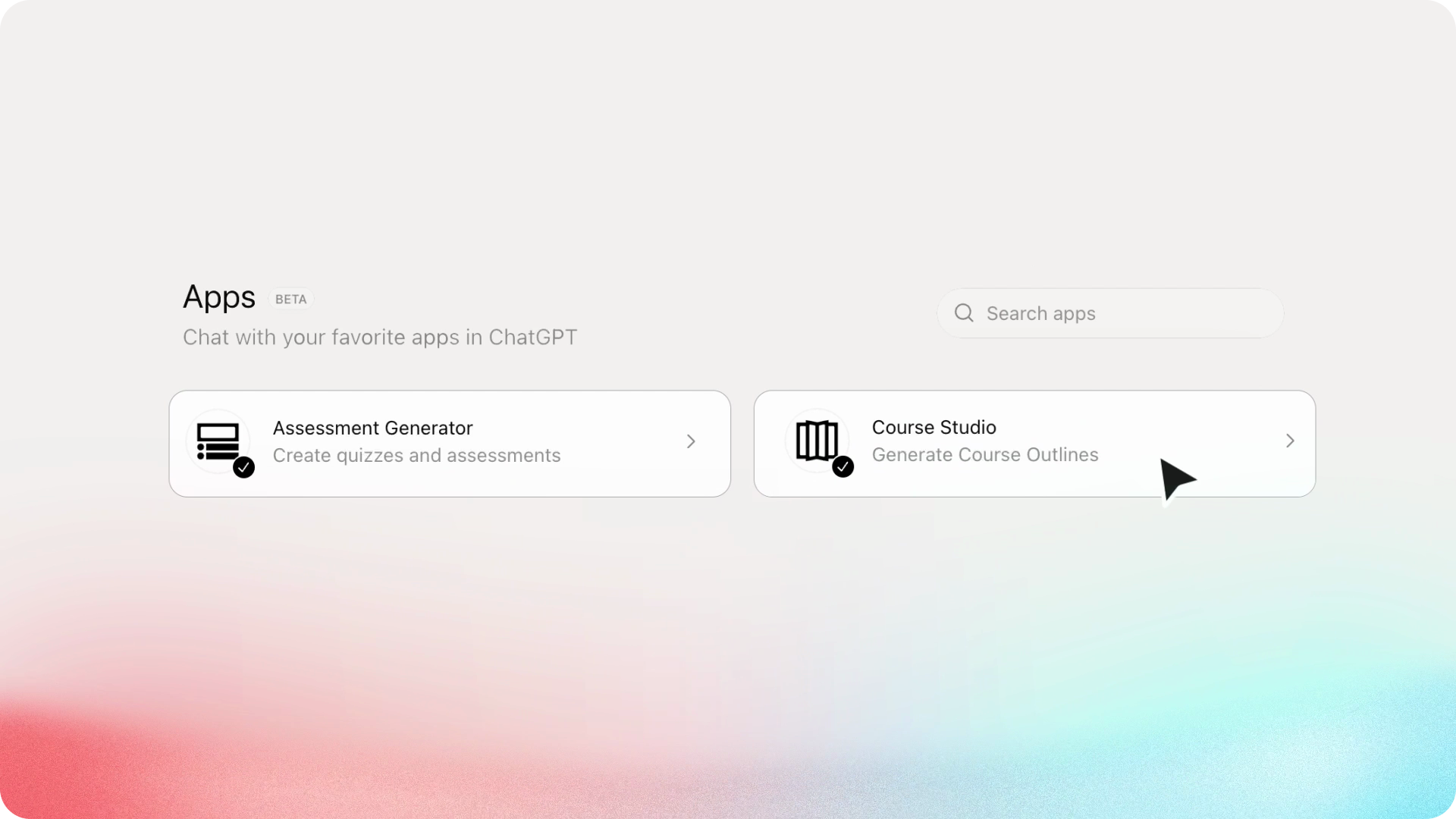
The Assessment Generator and the Course Studio are available inside ChatGPT. Both take the same kind of training prompt your team already writes and return something structured and formatted, ready to edit.
Both are free to try.
Assessment Generator: structured question banks from any content
Paste your training material. Choose your question types: multiple choice, true/false, scenarios, short answer, Bloom’s taxonomy objectives. Set the difficulty level. The Assessment Generator returns a clean, structured question bank in a formatted output card.
Click Edit to refine it on colossyan.com, then download your PDF.
The difference from a standard ChatGPT prompt: the output is structured, consistent, and immediately editable. No reformatting. No manual cleanup.
What you can generate:
- Multiple choice and single choice
- True/false
- Fill-in-the-blank and short answer
- Scenario-based questions
- Likert scales and ranking questions
- Learning objectives (Bloom’s taxonomy)
Course Studio: from brief to full course structure in seconds
Describe what you’re teaching, who it’s for, and how long the course should run. The Course Studio returns a full course outline: modules, lessons, and learning objectives in a clean, collapsible view.
Click Edit to refine it on colossyan.com, then download your PDF.
What’s next
Both apps are the start of Colossyan’s presence inside ChatGPT. More apps are on the way.
Teams at Paramount, Ericsson, Continental, Cisco, Johnson & Johnson, and UPS use Colossyan to keep their people trained and aligned.
“The ease of content update and cost savings are remarkable.” Kristin Broadhead, Director of Learning & Development, Sonesta Hotels
Colossyan is rated 4.6 on G2 from 480+ reviews.
How to get started
Both apps are in the ChatGPT Apps section, free to use.
Open ChatGPT. Search for Colossyan. Describe what you need.
Turn structured training content into video your team will actually finish
Colossyan is an AI platform for training and enablement. Teams at Paramount, Ericsson, Cisco, Johnson & Johnson, and UPS use Colossyan to turn outlines, assessments, and documents into video.
See how teams use Colossyan →