

E-Learning
Create engaging e-learning content with this modern template, ideal for different kinds of training videos.
- Intro and outro slides with placeholders for your company's logo and CTA
- Different customizable layouts on each slide
- Professionally designed graphics to help you visualize your ideas
- Pre-selected and editable transitions, actors and voices
- 700+ voices in 120+ languages
Click "Use template" next to any template you like.
Edit the video's script and slides to match your content. You can also add your company's logo, as well as replace any of the visual assets on the slides. All of our templates are fully customizable.
After customizing your video, preview and generate. Your video is ready!
What are templates?
Templates are designed, fully customizable videos, which you can use and edit to match your subject. Templates are here to help you speed up your process, so that you won't have to start your video from scratch.
Can I use these templates for my video?
Absolutely! All the templates are made to help our creators with video production, and you're welcome to use any of them for your videos.
How do I use a template?
Click "Use template" next to the template you like. Next, edit the slides and text to match your subject. You can add your company logo, replace some graphics, or even keep the template as it is — the choice is yours. When you're happy with the result, preview and generate your video.
Can I change how my template looks?
Yes. You can click on any elements on your slides to change or replace them, as well as the script, actors and transitions. You can also add any new assets to the slides — the freedom is yours.
I don't see a template that matches my subject.
Our library of templates is constantly growing, but you can easily customize an existing template to match your subject. If you have any ideas for more templates, we're happy to get your feedback.
About this template
What’s in this template
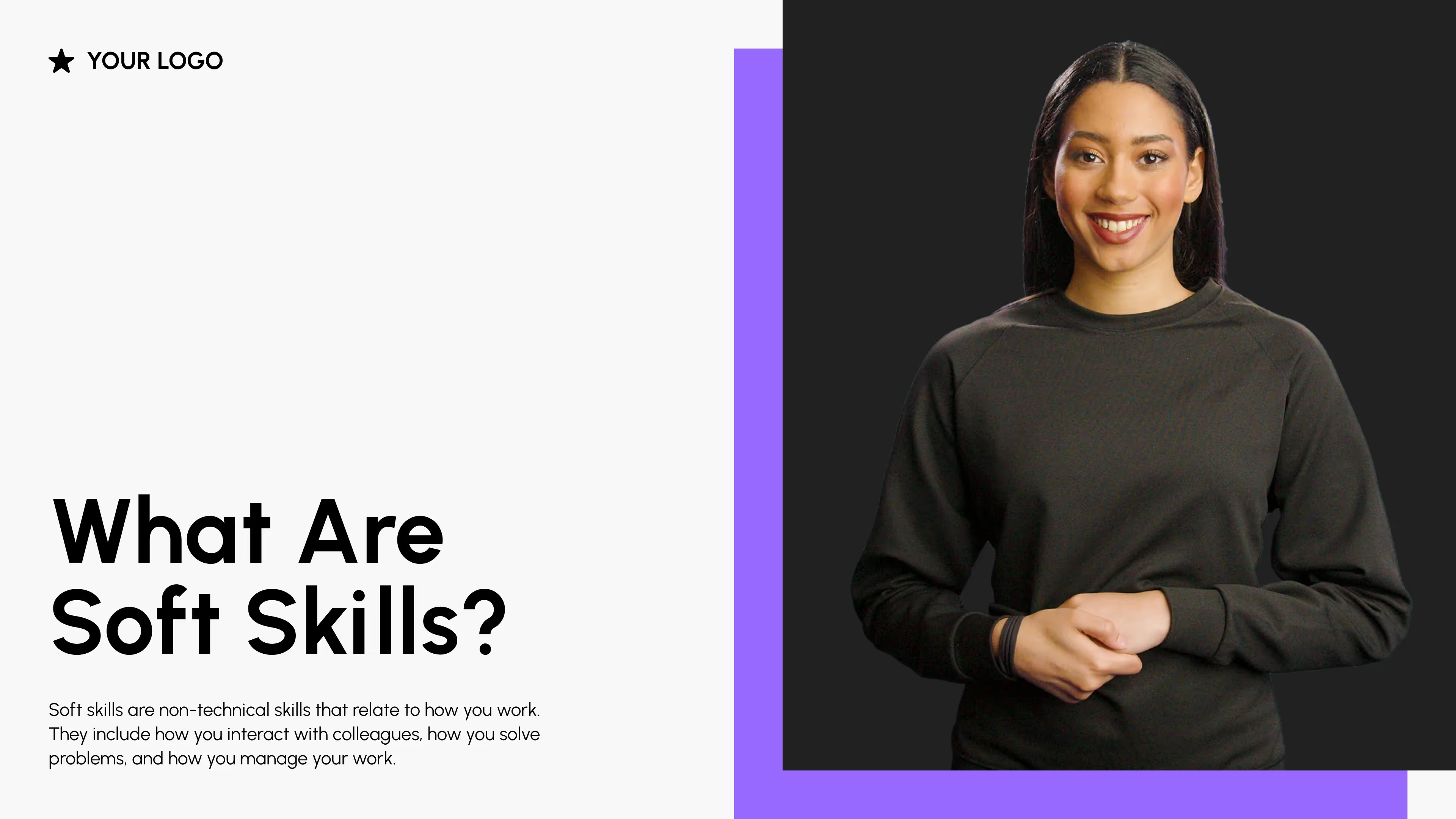
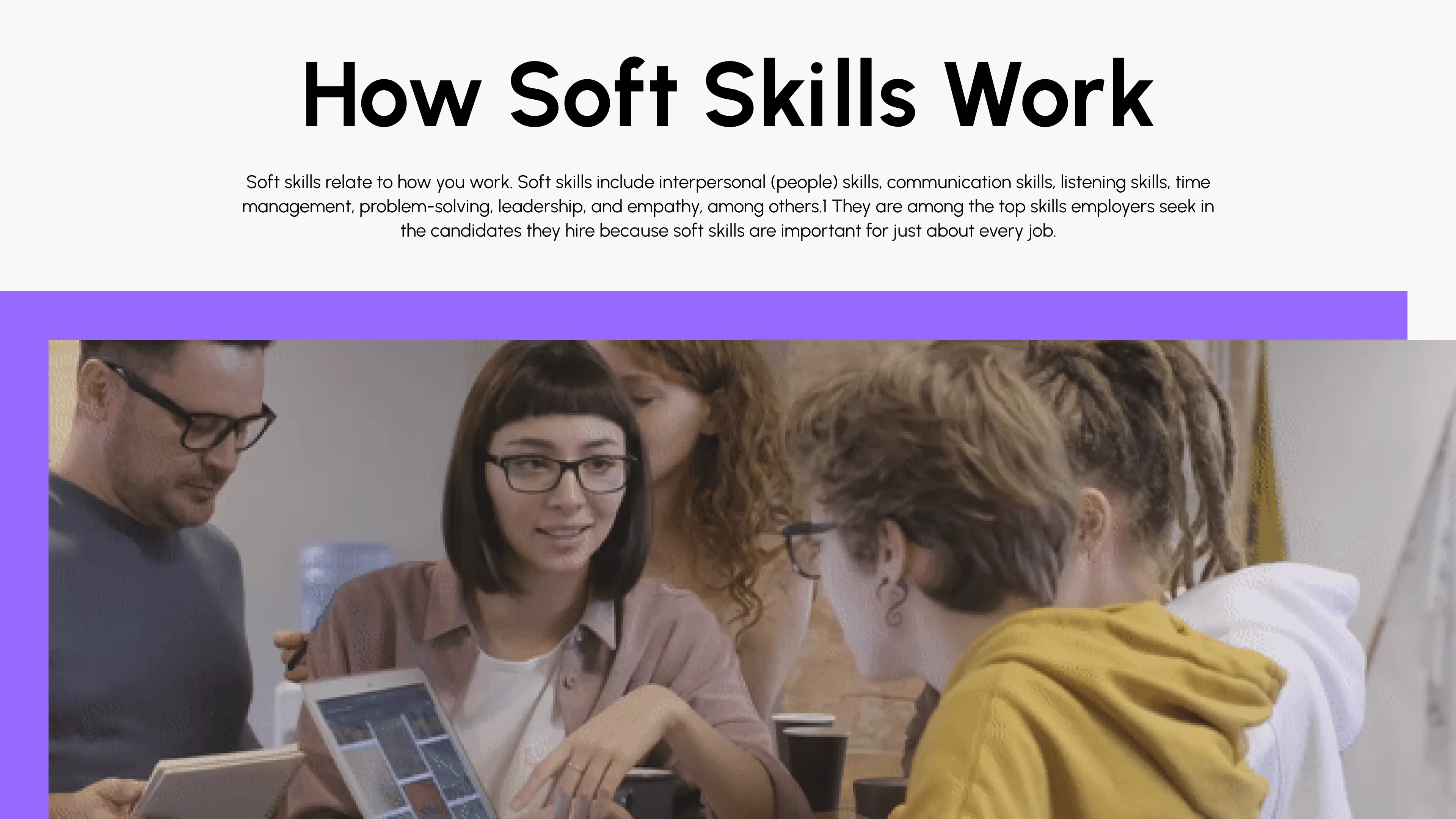
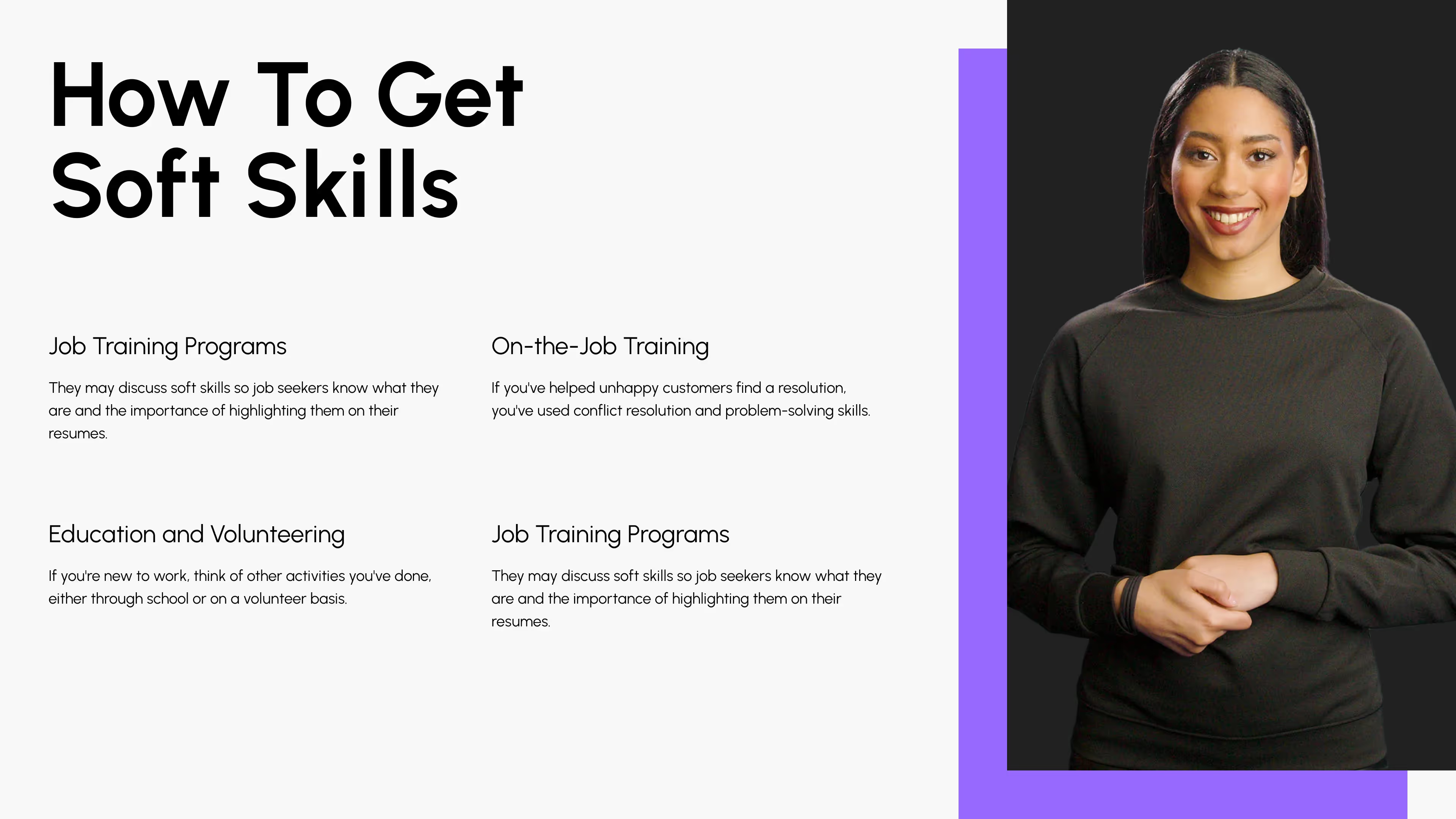
A presenter video about soft skills, which gives the template a ready example of a lesson built around a definition, categories and applied advice. It speaks to two audiences in turn: job seekers learning how to show their soft skills, and employers assessing them. The script repeats some lines, so expect to edit it down.
- Definition: soft skills as non-technical skills describing how you work, including how you interact, solve problems and manage tasks.
- Examples: interpersonal skills, communication, listening, time management, problem solving, leadership and empathy.
- Why they matter: employers rank them among the top skills they look for.
- Where to build them: on-the-job training (such as resolving a customer’s complaint), education and volunteering.
- Types of soft skills: time management, teamwork and work ethic.
- For employers: ask all candidates the same questions, and ask behavioral questions about past use of soft skills.
Who it’s for
Course creators and training teams building self-paced lessons, career services teams, and recruiters training hiring managers on structured interviews. It is also a good model for any short concept-and-examples lesson.
How to adapt it
- Replace the soft skills topic with your own subject, and keep the structure of definition, examples, application and tips.
- Cut the repeated lines in the sample script so each scene says one thing.
- Add a quiz after the types of skills scene to check recall.
- Split the job-seeker and employer sections into two separate videos if your audiences differ.
- Import an existing slide deck to speed up the build, then add narration.
Explore similar templates

Industry-specific compliance and ethics training
Ensure employees understand proper ethics and compliance with this video template.
Medical presentation
Educate your employees on healthcare-related topics with the help of our simple and effective medical template.

Mental health
Navigate mental health topics with your team using this template.