

Effective feedback
Use this template to share new ways of giving effective feedback to your team.
- Intro and outro slides with placeholders for your company's logo and CTA
- Different customizable layouts on each slide
- Professionally designed graphics to help you visualize your ideas
- Pre-selected and editable transitions, actors and voices
- 700+ voices in 120+ languages
Click "Use template" next to any template you like.
Edit the video's script and slides to match your content. You can also add your company's logo, as well as replace any of the visual assets on the slides. All of our templates are fully customizable.
After customizing your video, preview and generate. Your video is ready!
What are templates?
Templates are designed, fully customizable videos, which you can use and edit to match your subject. Templates are here to help you speed up your process, so that you won't have to start your video from scratch.
Can I use these templates for my video?
Absolutely! All the templates are made to help our creators with video production, and you're welcome to use any of them for your videos.
How do I use a template?
Click "Use template" next to the template you like. Next, edit the slides and text to match your subject. You can add your company logo, replace some graphics, or even keep the template as it is — the choice is yours. When you're happy with the result, preview and generate your video.
Can I change how my template looks?
Yes. You can click on any elements on your slides to change or replace them, as well as the script, actors and transitions. You can also add any new assets to the slides — the freedom is yours.
I don't see a template that matches my subject.
Our library of templates is constantly growing, but you can easily customize an existing template to match your subject. If you have any ideas for more templates, we're happy to get your feedback.
About this template
What’s in this template
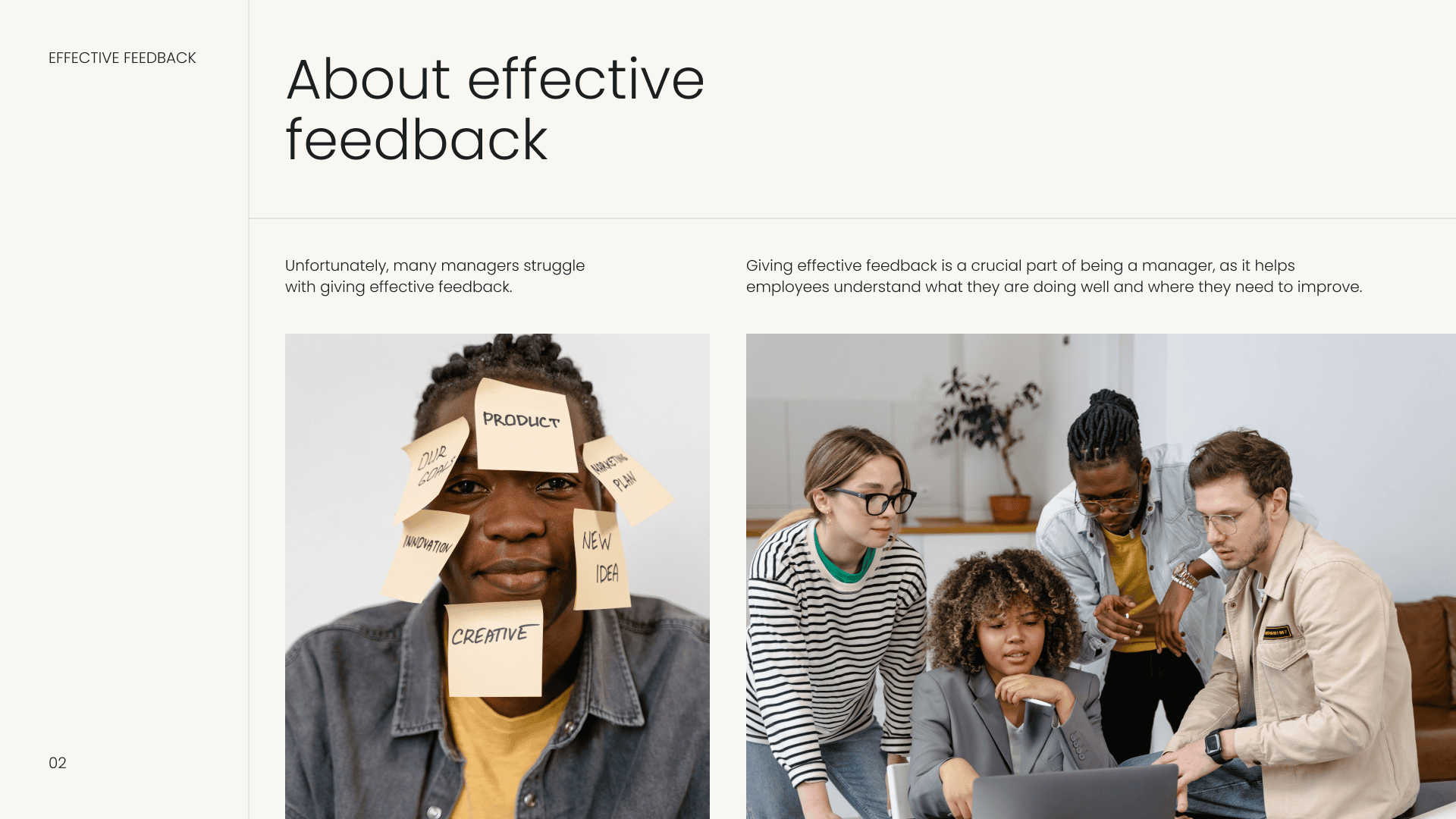
A presenter video for managers on giving feedback, built around a practical sequence: why feedback matters, what makes it hard, then a list of tips. The script is closer to a how-to than a pep talk, and the SBI model gives viewers a structure to reuse. Parts of the sample script read like an adapted blog post, so tighten them for video.
- Why feedback matters: many managers struggle, avoid negative feedback or focus on weaknesses over strengths.
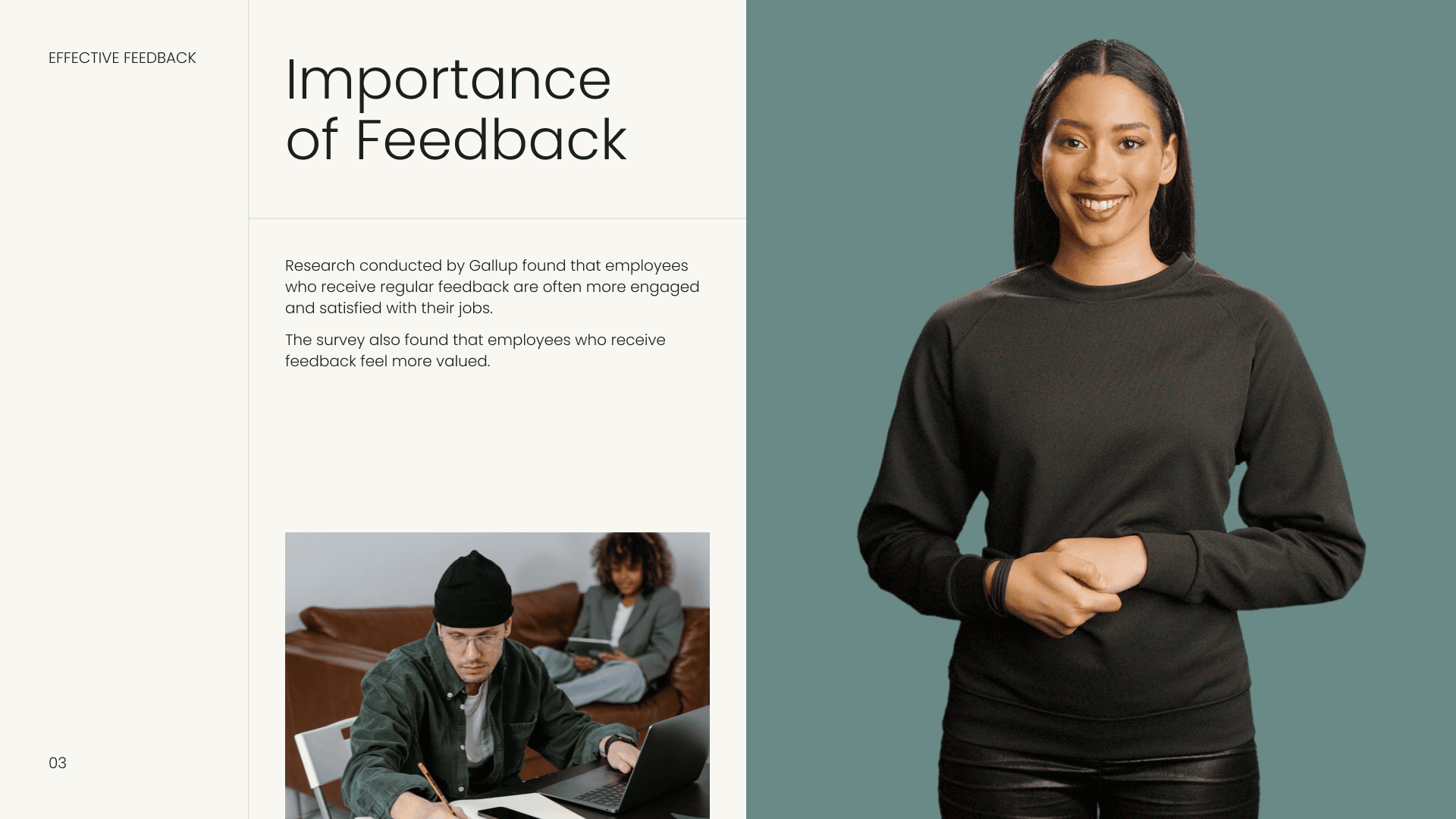
- Importance: a cited survey claiming that employees who get regular feedback are more engaged and satisfied, and more likely to stay.
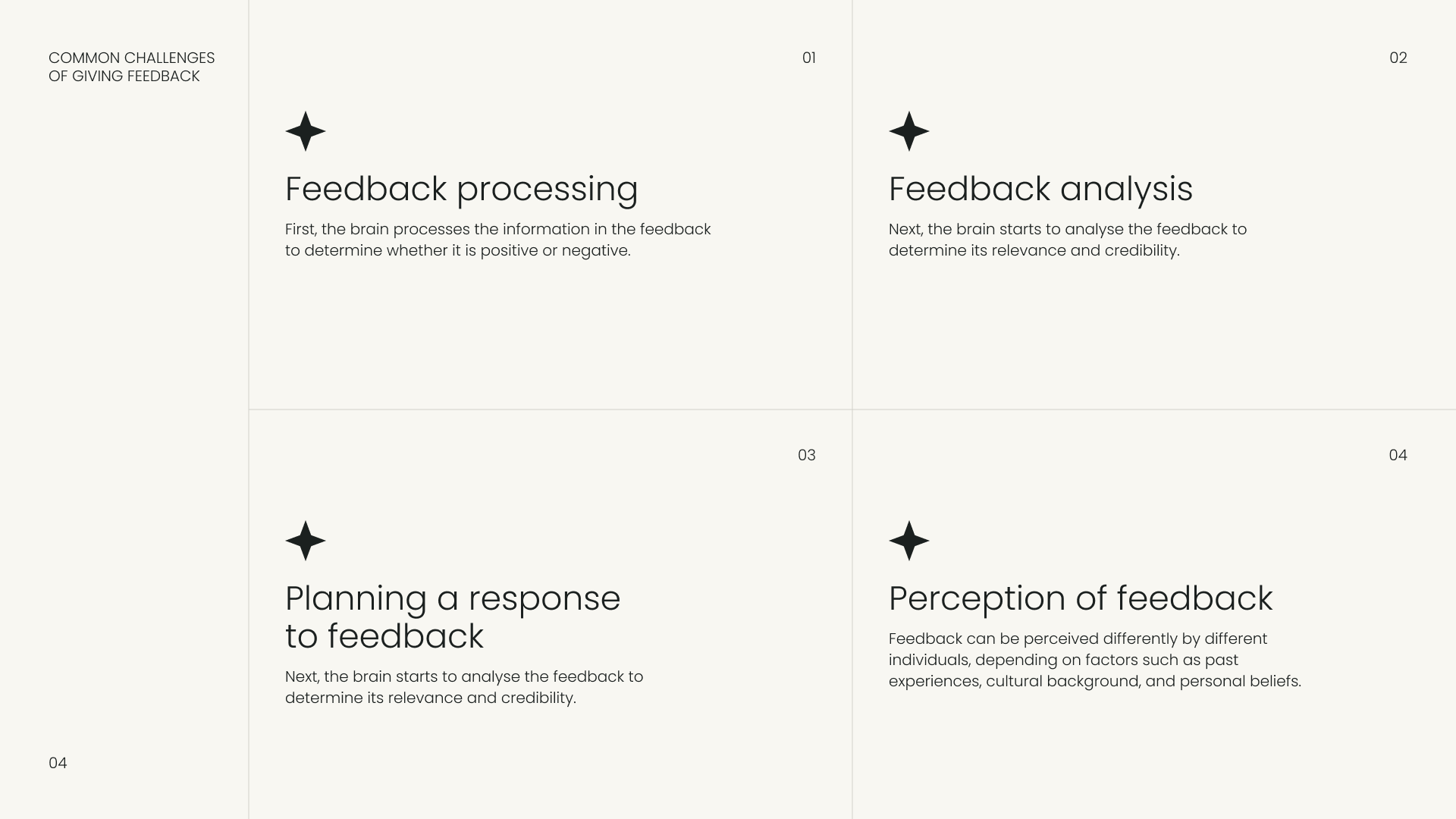
- Common challenges: processing and analyzing feedback, planning a response and how it is perceived.
- Preparation: gather information, reflect and choose a private, comfortable place free from distractions.
- The SBI model: describe the situation, the specific behavior and the impact on you, the team or the organization.
- Dialogue and follow-up: let the person respond, listen actively, use a positive or neutral tone and check in later.
Who it’s for
People managers and team leads, especially new ones, plus HR and L&D teams running manager training. It suits teams that want a consistent feedback method across departments.
How to adapt it
- Verify or replace the survey claim with a source you can cite.
- Add a worked example of the SBI model using a realistic situation from your workplace.
- Show a short two-avatar role-play of a poor and a good feedback conversation.
- Add a branching scenario where the manager picks the opening line.
- Link the follow-up scene to your own review cycle and check-in schedule.
Explore similar templates
Hybrid working
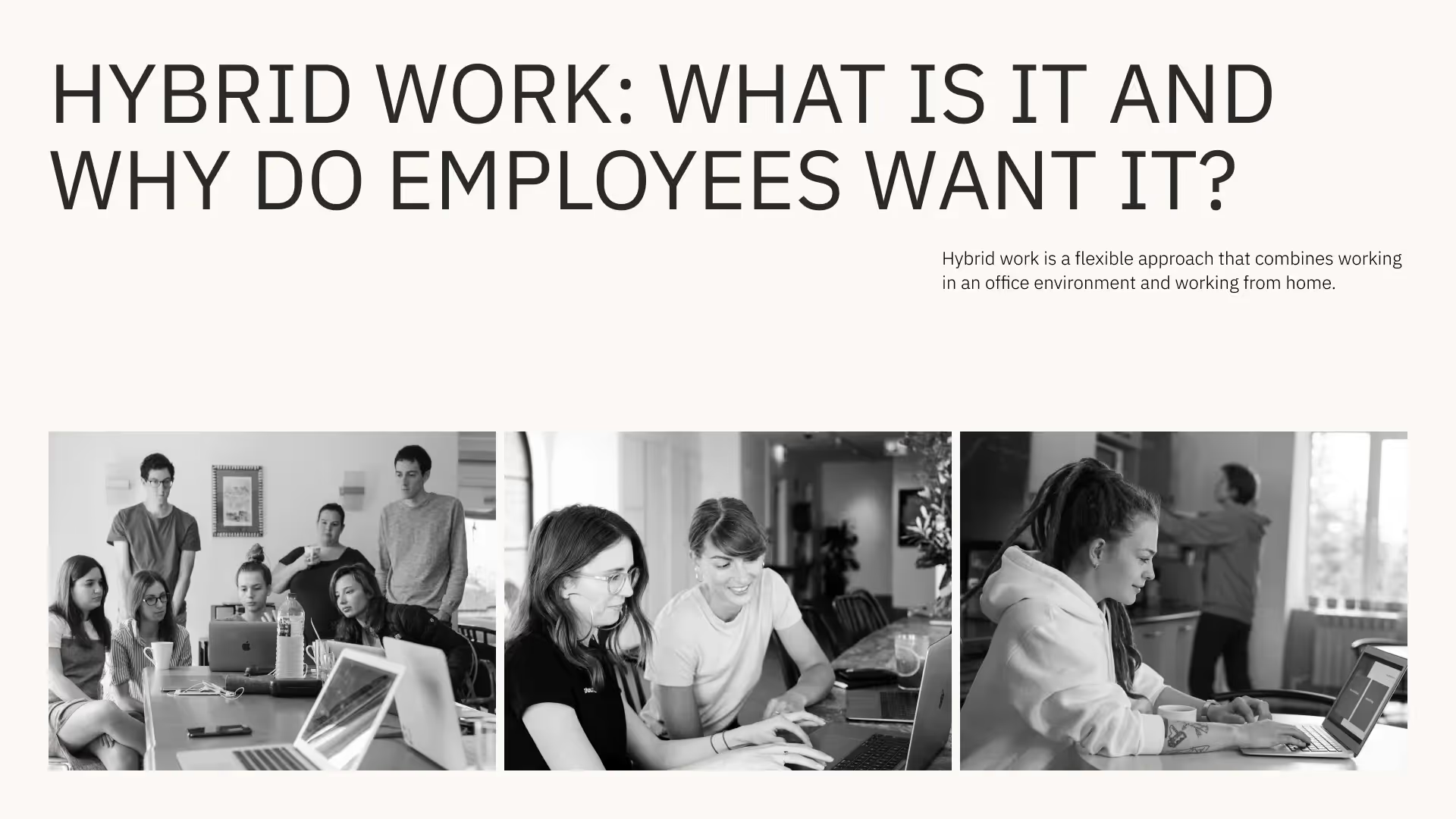
Brief your team on hybrid working policies using this sleek and modern template.
KPI report
Showcase your business performance with this customizable KPI report template.
Sales deck
Present your solutions in a persuasive and impactful way.







