
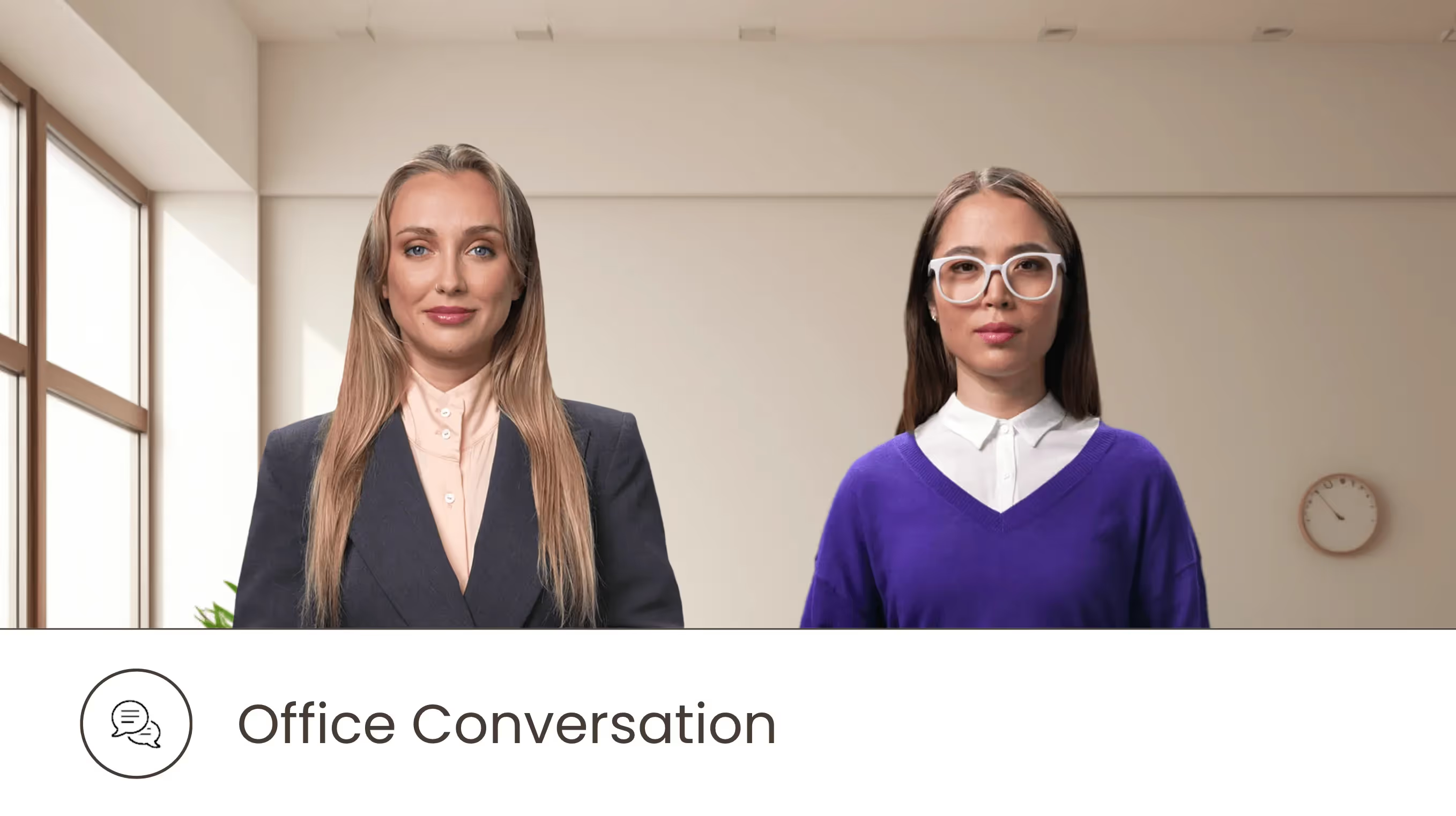

Office conversation
Recreate realistic office scenarios using this conversation-focused template.
- Intro and outro slides with placeholders for your company's logo and CTA
- Different customizable layouts on each slide
- Professionally designed graphics to help you visualize your ideas
- Pre-selected and editable transitions, actors and voices
- 700+ voices in 120+ languages
Click "Use template" next to any template you like.
Edit the video's script and slides to match your content. You can also add your company's logo, as well as replace any of the visual assets on the slides. All of our templates are fully customizable.
After customizing your video, preview and generate. Your video is ready!
What are templates?
Templates are designed, fully customizable videos, which you can use and edit to match your subject. Templates are here to help you speed up your process, so that you won't have to start your video from scratch.
Can I use these templates for my video?
Absolutely! All the templates are made to help our creators with video production, and you're welcome to use any of them for your videos.
How do I use a template?
Click "Use template" next to the template you like. Next, edit the slides and text to match your subject. You can add your company logo, replace some graphics, or even keep the template as it is — the choice is yours. When you're happy with the result, preview and generate your video.
Can I change how my template looks?
Yes. You can click on any elements on your slides to change or replace them, as well as the script, actors and transitions. You can also add any new assets to the slides — the freedom is yours.
I don't see a template that matches my subject.
Our library of templates is constantly growing, but you can easily customize an existing template to match your subject. If you have any ideas for more templates, we're happy to get your feedback.
About this template
What’s in this template
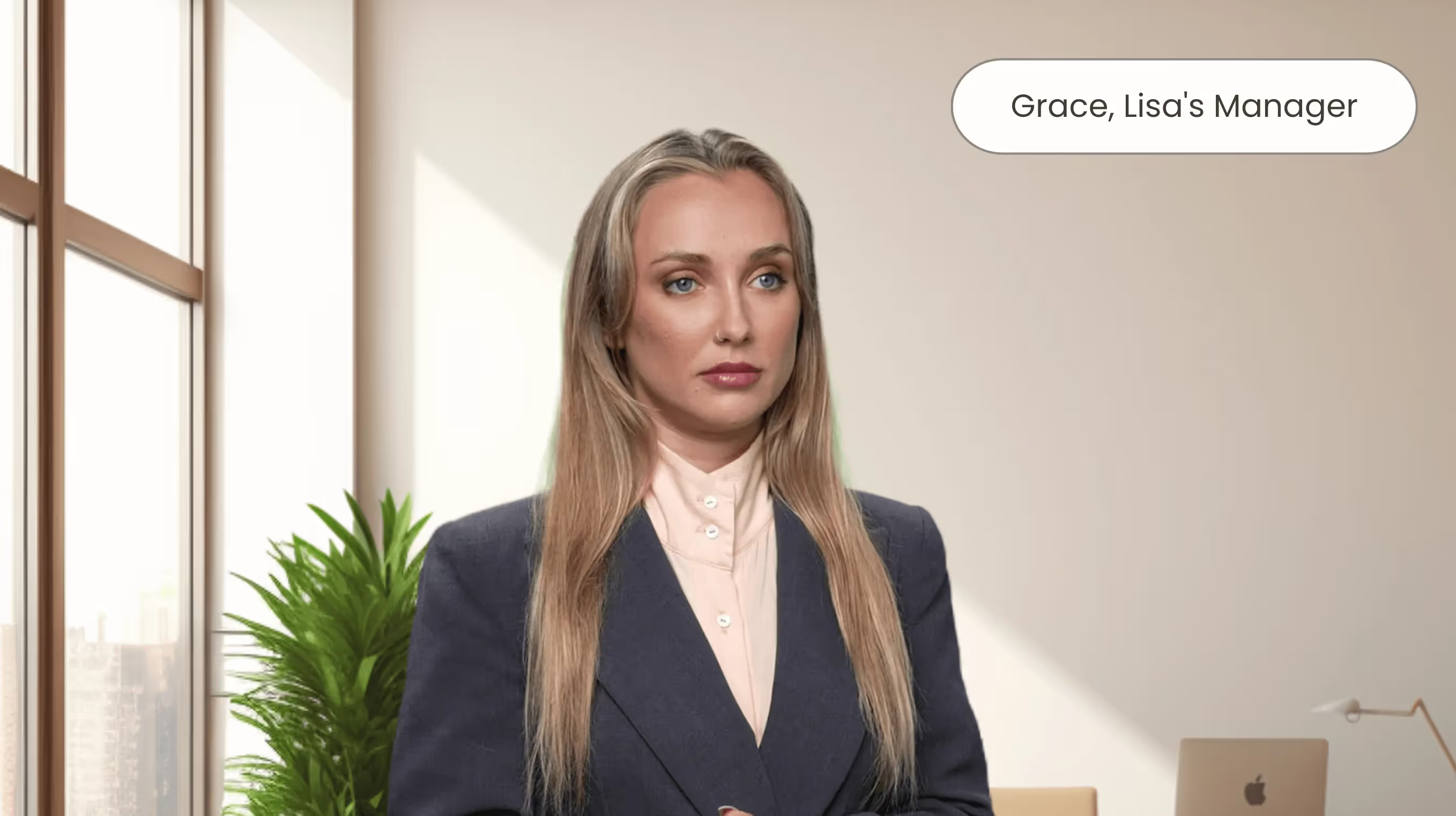
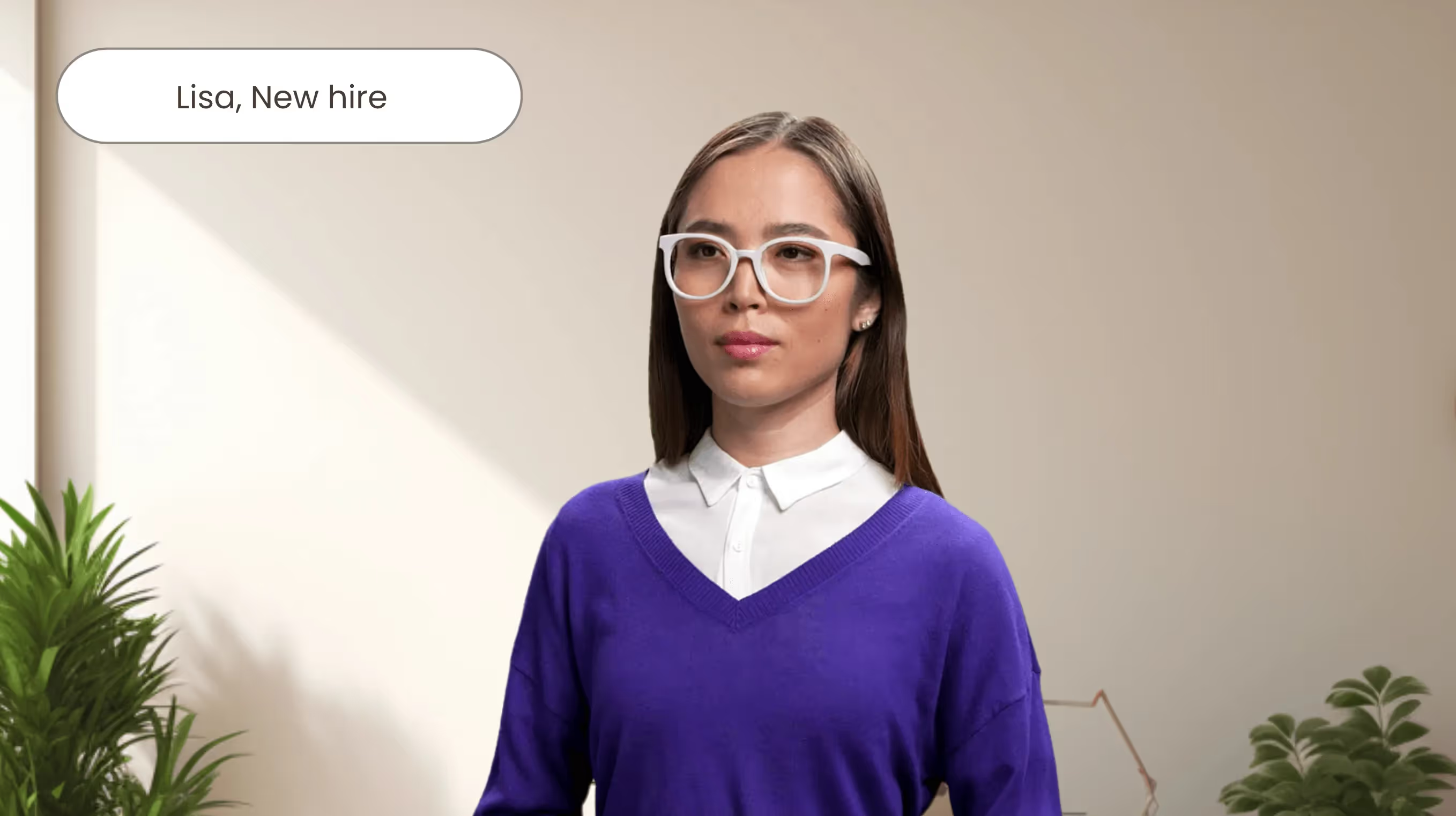
A short two-avatar dialogue between colleagues, Grace and Lisa, shot as a casual office conversation. It is built to show how a scripted exchange works in Colossyan rather than to teach one policy, and the text is meant to be replaced. The sample script runs as follows:
- Both avatars introduce the conversation series and say the script can be swapped for your own.
- Grace welcomes Lisa on her first day and asks how it is going.
- Lisa says it is her first time at a large company and asks for onboarding tips.
- Grace advises asking questions, being proactive and having fun during onboarding week.
- A short sign-off invites viewers to make their own version.
Who it’s for
HR and onboarding teams who want a friendly welcome video, managers modeling how to ask for help, and trainers building role-play style scenarios such as feedback talks or customer handoffs.
How to adapt it
- Rewrite the dialogue for your scenario: a new hire asking about tools, a manager giving feedback, or a colleague handling a difficult request.
- Replace the generic onboarding tip with advice specific to your company, such as who to ask for access or where documentation lives.
- Change the location and presenters to match your workplace.
- Add more turns to the conversation, or end on a quiz asking viewers which response they would choose.
- Translate the dialogue so regional teams hear the same conversation in their own language.
Explore similar templates
Sales Training
Showcase effective sales practices with this template.
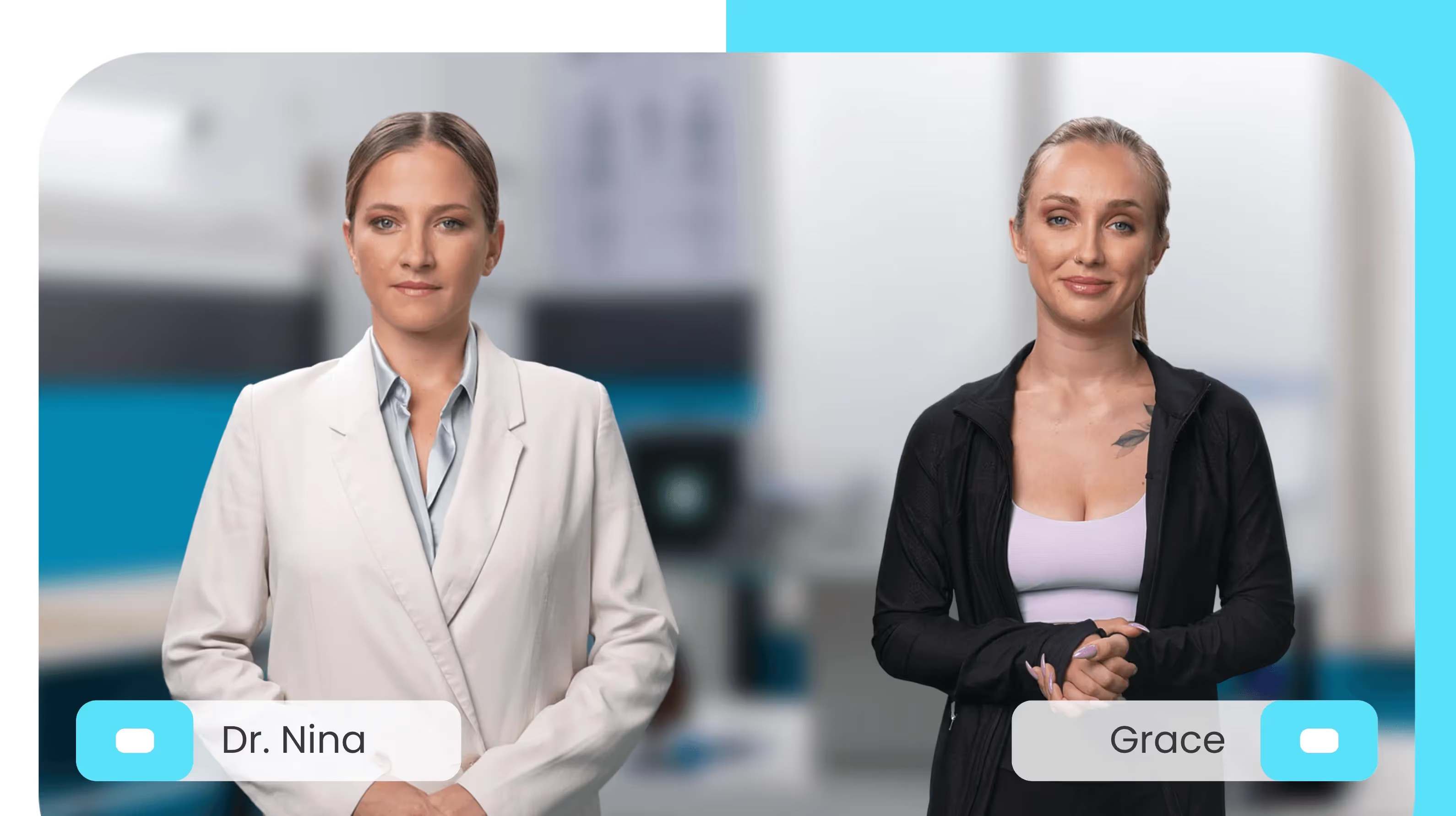
Doctor-Patient Conversation
Demonstrate best practices for doctor-patient interactions with this template.
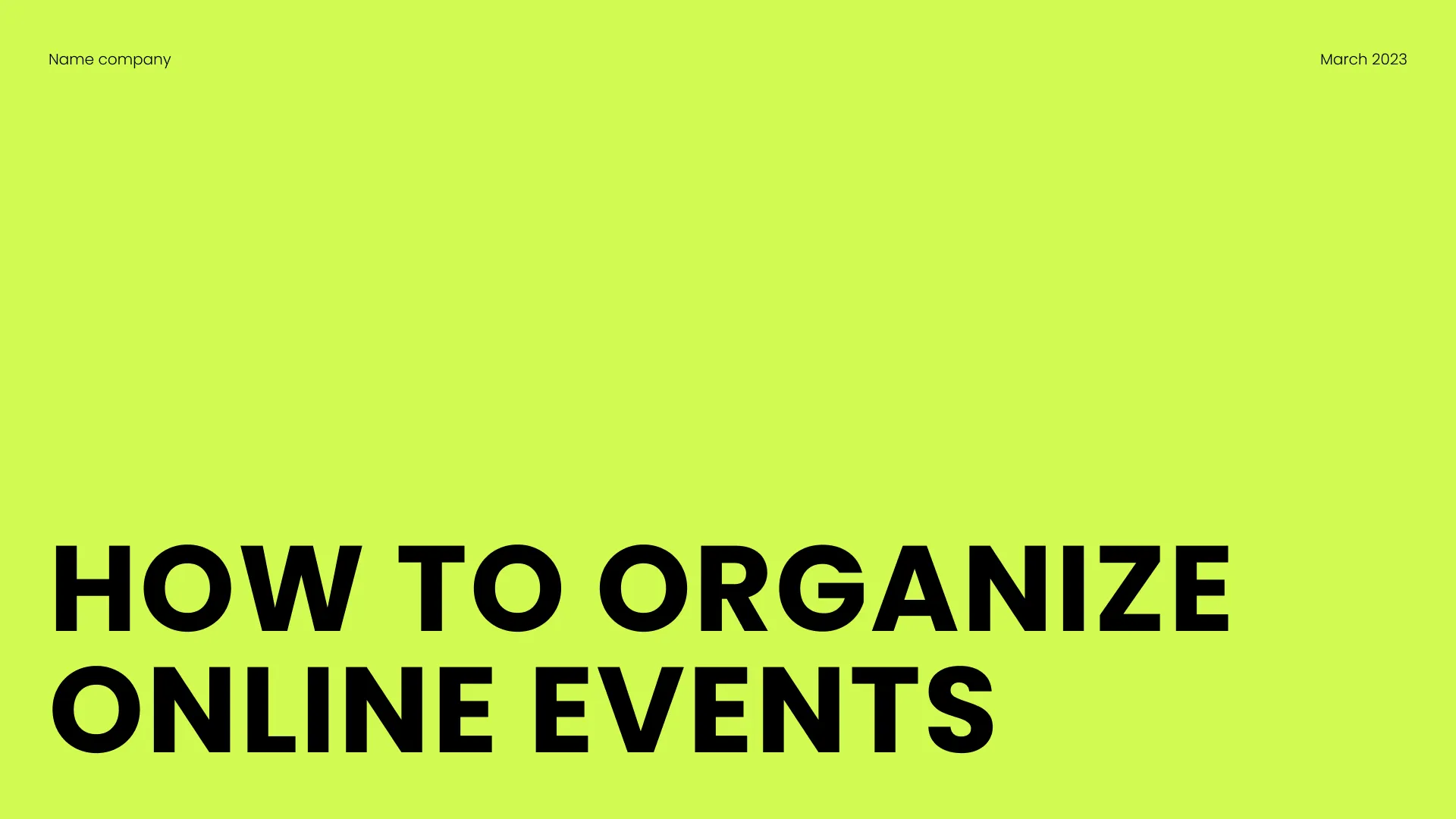
Organize Online Events
Engage your audience with this bold and colorful webinar video template.