
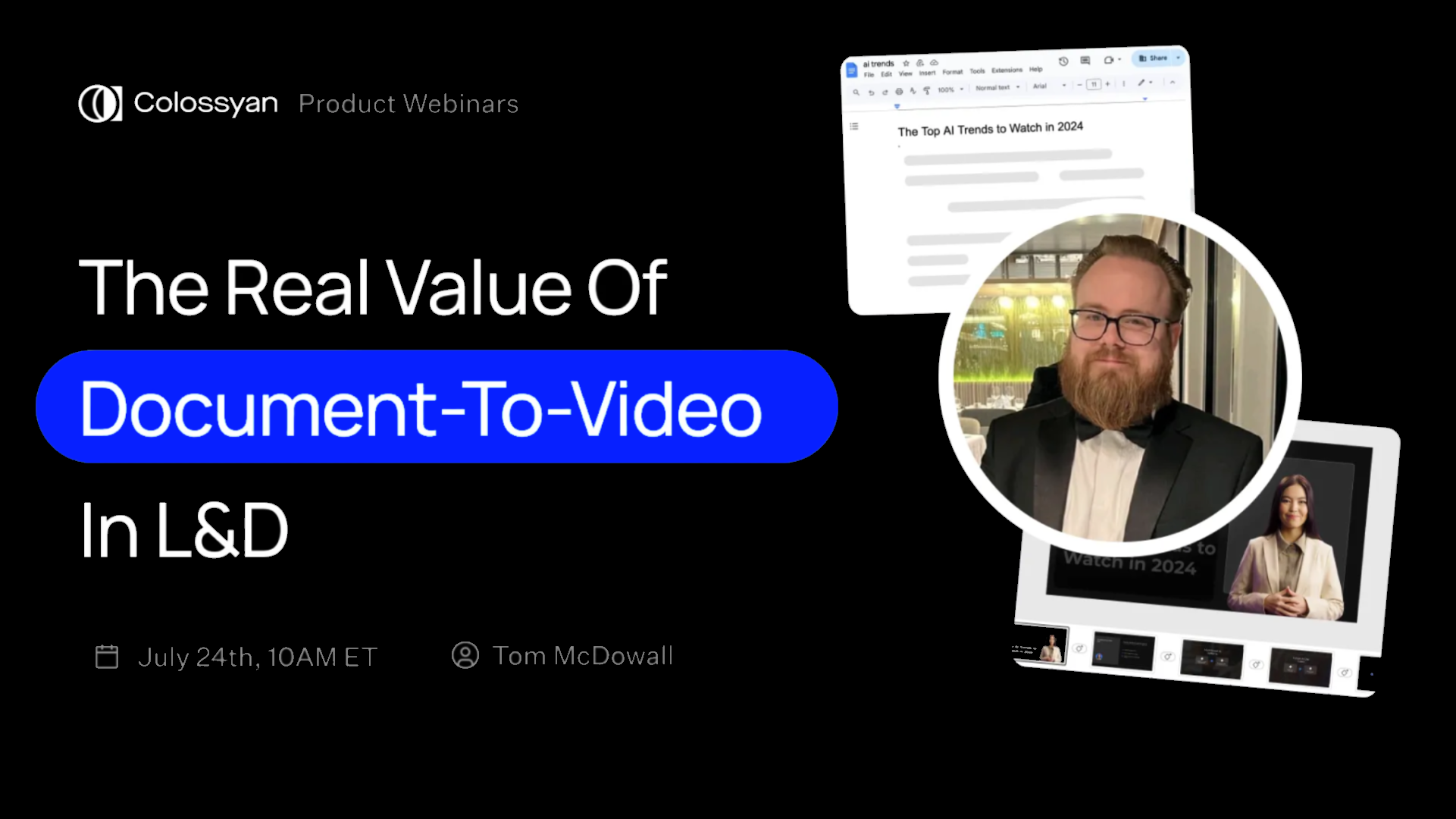
The Real Value Of Document-To-Video In L&D
Learn how to turn any document, presentation, or prompt into a video in seconds using AI and pre-designed templates in this webinar recap.

Looking for an efficient way to produce video content?
If you answered "yes," you won't want to miss the recap of our recent webinar.
In this session, we introduced Colossyan's latest update, allowing users to transform any document, presentation, or prompt into a video in seconds using AI and pre-designed templates.
What this session covers
Tom McDowall, a learning ambassador at Colossyan, and Dave Gillham, the product manager responsible for the document-to-video feature at the time, explain what it does and why an L&D team might want it. The session was recorded in July 2024, so feature details and roadmap items are as described then.
Tom frames the case from an L&D practitioner’s point of view. His first reaction to “upload a document and get a course” was concern, but he argues the value is in taking on the requests that arrive as an attached file and a “can you jazz this up?” It also frees time for work such as data analysis, coaching and facilitation. Dave explains how the feature works: it accepts a PowerPoint, PDF, Word or text file, writes a script, spreads it over scenes, adds titles and bullets, swaps in relevant stock media and places animation markers so elements appear in time with the narration.
Dave then runs a live flow from a plain Word document, covers best practices, and runs polls on what to improve. The Q&A covers templates, brand kits, images, music and translation.
Key takeaways
- Tom sees three L&D pressure points the feature addresses: limited time, content overload and the blank page. He calls the result a first draft, quick to produce, to react to and improve.
- Rather than refusing ad hoc requests, Tom suggests L&D can say yes by generating a draft quickly, and eventually give requesters access to the tool so they can do it themselves.
- Dave stresses that the output is a draft. Creators are expected to edit scripts, swap images that do not fit and make the video their own.
- The detail you put in the video-details prompt matters. Dave recommends a full paragraph describing the video you want, and a tone can be specified too. He mentions that a template and tone shape the script style.
- At that time, document-to-video used eight templates, would not reuse images from the source document, and could not apply a brand kit. For a specific image, export it from the document and replace the one the tool chose. The separate PowerPoint import does bring in slide images.
- Dave says the AI assistant in the script bar can shorten or improve a highlighted section of script.
- Dave listed what was planned: a storyboard view to edit scripts before the draft, regenerating individual scenes, more context-aware media, brand kit support, uploading your own script, and custom templates. Poll results ranked adding your own templates first.
- In the Q&A, answers covered adding music at scene level or across a video, five-click translation into language variants, and a multilingual video using branching.
Who should watch
L&D teams that field a steady stream of “turn this deck into a video” requests will find a practical stance on handling them here, along with a concrete walkthrough. It is also useful for creators evaluating how much editing an AI-generated first draft needs.